


 All CategoriesAll CategoriesAll Categories
Shipped by Newegg

Make informed decisions with expert advice. Learn More


Warranty Notice:
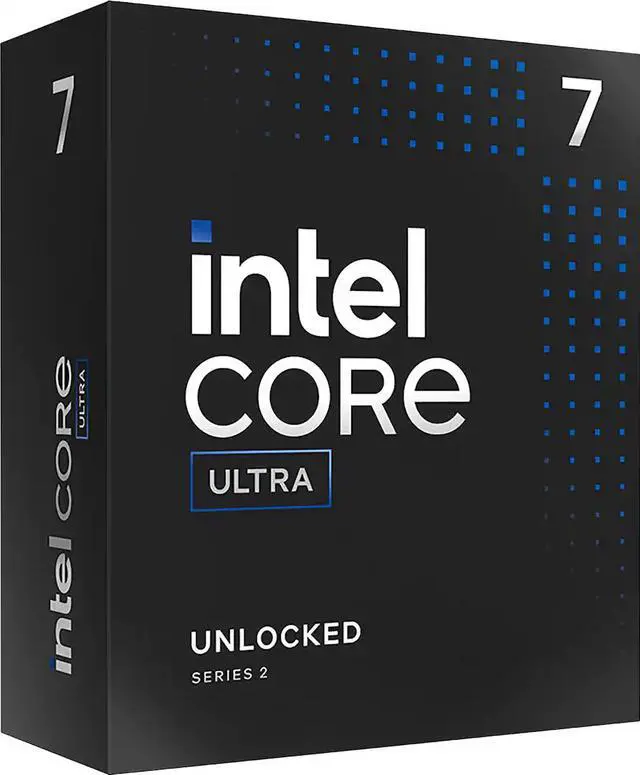
This product does not include manufacturer warranty when purchased or used outside of its designated sales region. By purchasing internationally, you acknowledge that warranty support from the manufacturer will not be available.The Intel Core Ultra 7 265F is a 20-core desktop processor with 36MB L2 cache and 30MB L3 cache, suited to LGA 1851 PC builders seeking a high-core-count CPU for multitasking and demanding desktop workloads; it requires a separate graphics solution.
| Attribute | Value |
|---|---|
| Best For | Desktop systems requiring a 20-core processor |
| Cores And Threads | 20 cores |
| Clock Speeds | 2.4 GHz operating frequency |
| Cache And TDP | 36 MB L2 cache and 30 MB L3 cache |
| Socket And Platform | LGA 1851 socket; Core Ultra 7 Series 2 |
| Model Identifiers | Intel Core Ultra 7 265F; model BX80768265F |
Q: Should I get the Core Ultra 7 265F or the Core Ultra 7 265K?
A: Choose the 265F if you plan to use a discrete graphics card and prefer a 65 W base-power, locked processor. Choose the 265K if you want an integrated GPU for display or troubleshooting, CPU overclocking, and higher listed turbo limits; it has the same 20-core, 20-thread configuration but a 125 W base power rating. The 265F has no processor graphics, so it requires a separate graphics card.
Q: Core Ultra 7 265F or Ryzen 7 9700X for a new PC?
A: Consider the 265F for workloads that can use its 20 cores and 20 threads, such as heavily parallel content creation, and when you will install a discrete graphics card. The Ryzen 7 9700X has 8 cores and 16 threads, built-in Radeon graphics, and a 65 W TDP, making it a practical option if you want basic display output without a graphics card. Compare benchmarks for your specific apps and games before choosing; results from the 265K should not be treated as direct 265F test results.
Q: Is the Core Ultra 7 265F a worthwhile upgrade from the Core i7-14700F?
A: The 265F is a newer-platform option with 20 cores and 20 threads, while the i7-14700F has 20 cores and 28 threads. PassMark’s submitted benchmark results show the 265F ahead in its aggregate CPU Mark and single-thread figures, but those results are not a guarantee for every workload. For an existing 14700F PC, compare application-specific performance and the cost of changing platforms; for a new build, the 265F is worth considering when its newer platform and tested workload performance fit your needs.
Q: Should I choose the Core Ultra 7 265F or the cheaper Core Ultra 5 245K?
A: Choose the 265F when your work can benefit from its 20 cores and 20 threads and you already plan to use a discrete graphics card. The 245K has 14 cores and 14 threads, but includes Intel Graphics and supports overclocking. Compare total platform cost and benchmarks for your actual workloads: the 265F prioritizes more CPU cores, while the 245K offers integrated graphics and an unlocked design.
Q: Does the Core Ultra 7 265F need a separate graphics card?
A: Yes. The Core Ultra 7 265F has no integrated graphics, so a desktop build needs a discrete graphics card to provide display output.
Q: Which motherboards are compatible with this processor?
A: It uses the LGA 1851 socket and is listed as compatible with Intel 800-series chipset motherboards. Check the motherboard’s CPU support list and BIOS requirements before buying.
Q: What kind of work is this 20-core processor suitable for?
A: Its 20 cores and 20 threads make it a candidate for multitasking and workloads that can use multiple CPU cores. It is a desktop processor, not a travel or laptop device; gaming builds also need a separate graphics card.
Q: What memory does the Core Ultra 7 265F support?
A: The listed memory support is DDR5, up to 6400 MT/s. Confirm the motherboard’s memory support and compatibility list when choosing RAM.
Q: Do I need a separate graphics card with the Core Ultra 7 265F?
A: Yes. A Reddit discussion notes that the 265F does not have integrated graphics, so plan on a discrete GPU for display output. That also means it cannot use Intel’s integrated graphics for tasks such as Plex transcoding.
Q: Is the Core Ultra 7 265F worth buying for a gaming PC?
A: It may suit a gaming build when paired with a discrete graphics card, but value depends on the price of the whole system and the GPU. Reddit discussions compare complete PCs and note that gaming performance can depend more on the graphics card at higher resolutions; the processor alone does not establish whether a build is a good deal.
Q: Should I choose the 265F over a more expensive Core Ultra 9 for gaming?
A: A Reddit comparison of prebuilt systems favored the less expensive 265F option for gaming when both systems had the same RTX 5070, because the discussion expected little gaming benefit from paying extra for the Core Ultra 9 at 1440p and above. Compare the actual system prices and components before deciding.