


 All CategoriesAll CategoriesAll Categories
Shipped by Newegg




Warranty Notice:
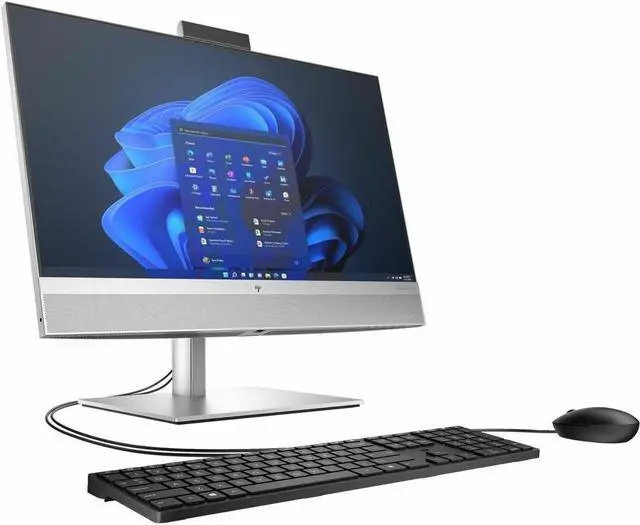
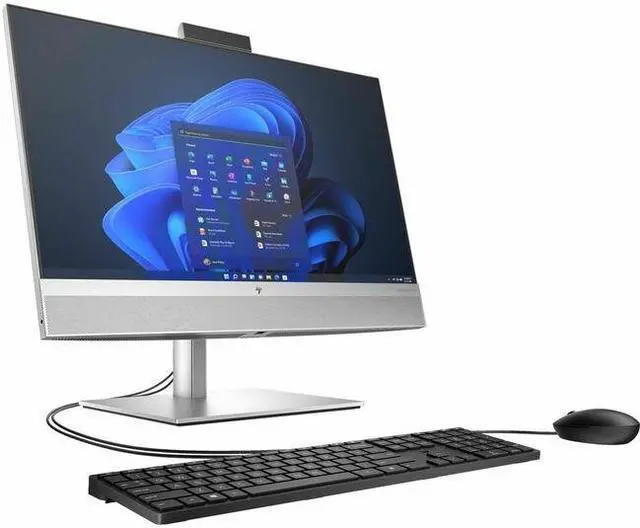
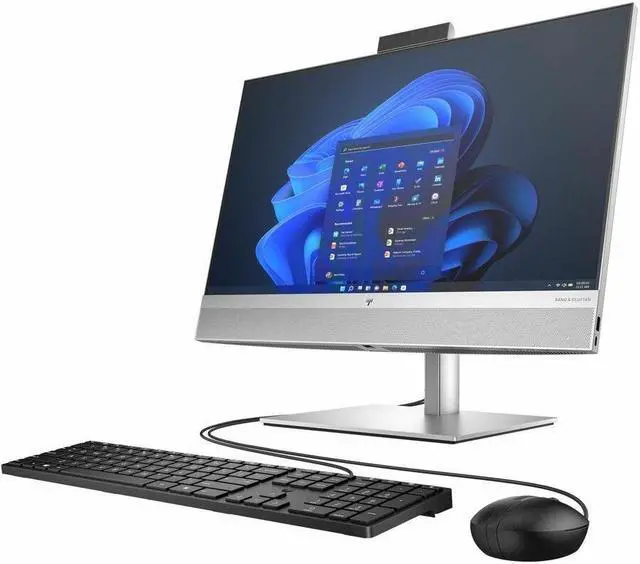
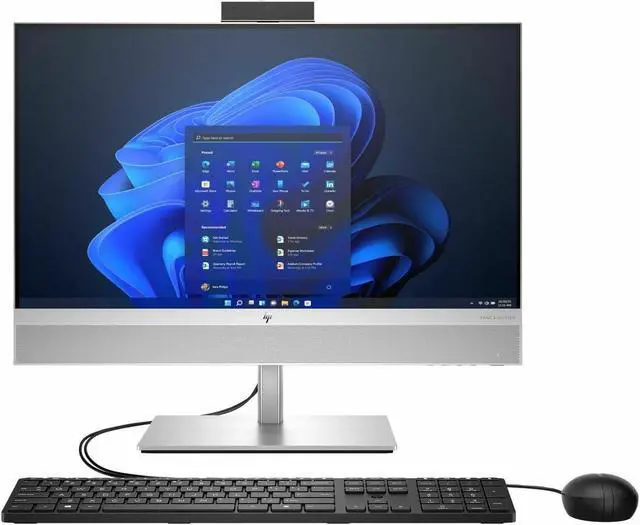
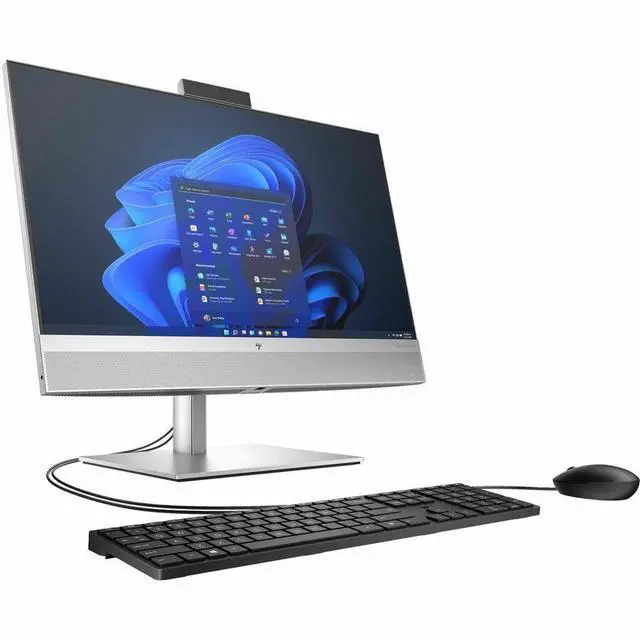
This product does not include manufacturer warranty when purchased or used outside of its designated sales region. By purchasing internationally, you acknowledge that warranty support from the manufacturer will not be available.The HP EliteOne 840 is a 23.8-inch touchscreen all-in-one PC with an Intel Core i5-14500 processor, 16GB of memory, and 512GB of storage, suited to business and office users who want a desktop with a keyboard and mouse included.
| Attribute | Value |
|---|---|
| Best For | Business, mainstream, and everyday work at a desk, with an all-in-one computer and included wired keyboard and mouse |
| Processor And Core Count | Intel Core i5-14500 with 14 processor cores, listed at 4.8 GHz and up to 5 GHz |
| Display | No screen |
| Memory Configuration | 16 GB DDR5 memory at 4800 MHz; supports up to 128 GB |
| Graphics | Integrated Intel UHD Graphics with shared graphics memory |
| Storage | 512 GB SSD |
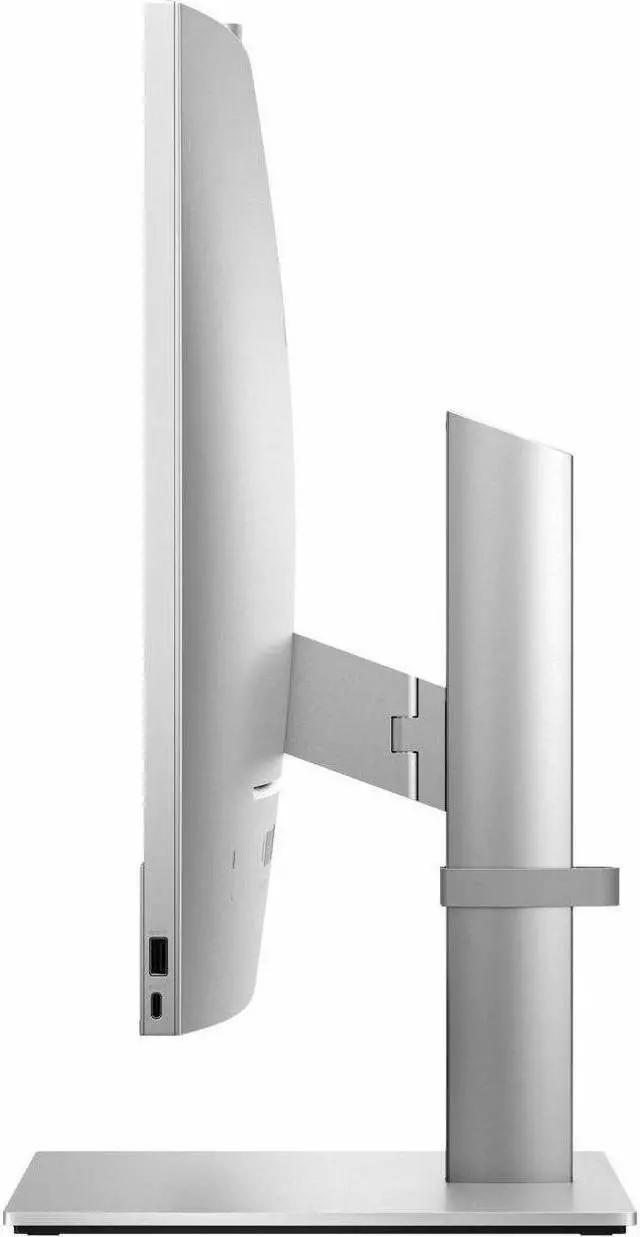
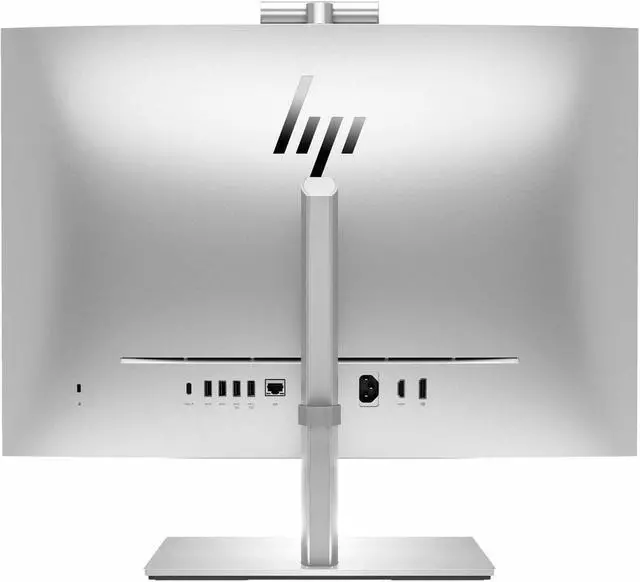
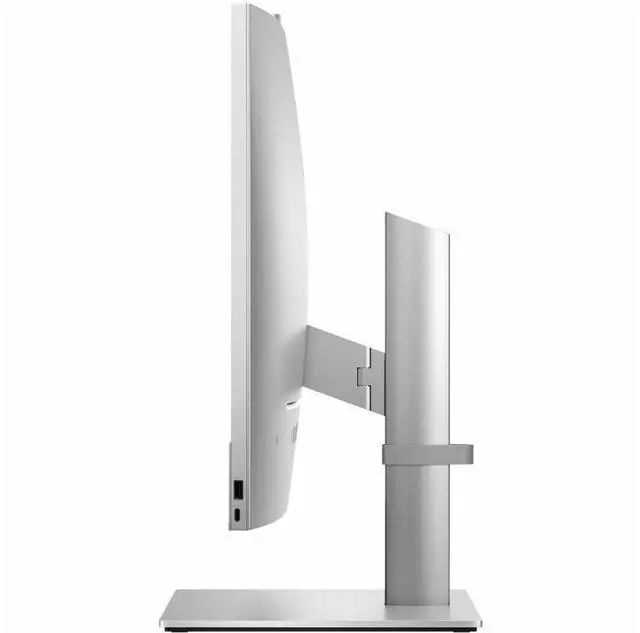
| Ports And Connectivity | 7 USB ports, one HDMI port, DisplayPort video output, and no Thunderbolt ports |
| Wireless Networking | Wi-Fi 802.11ax and Bluetooth |
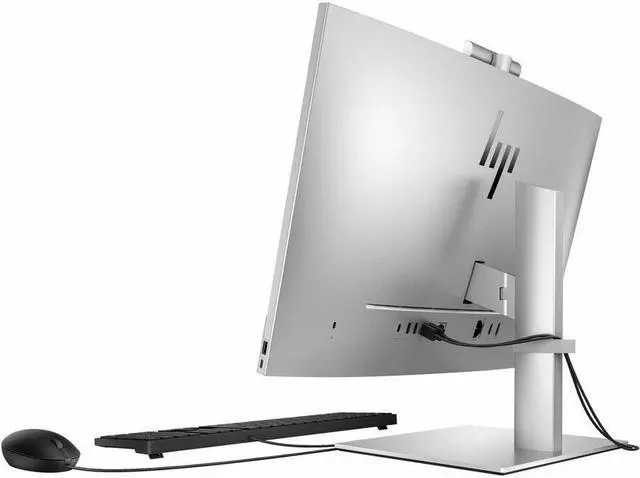
| Included Peripherals | HP Wired Desktop 320K keyboard with QWERTY layout and HP 125 wired mouse |
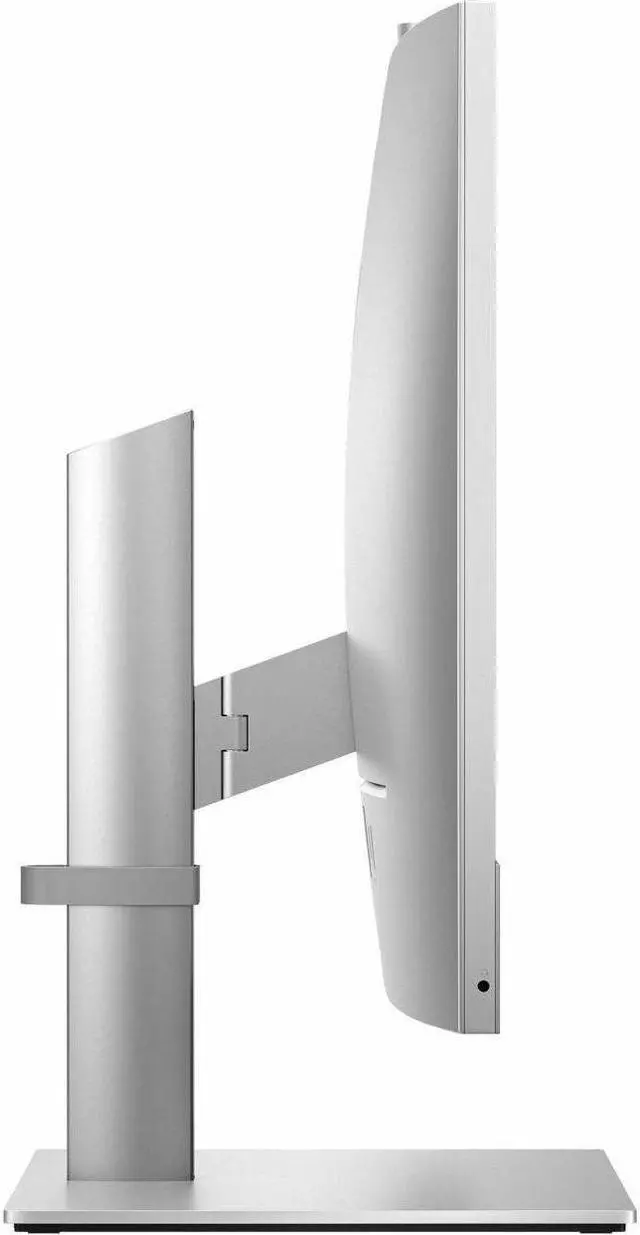
| Physical Details | Silver; 20.41 lb; 24.75 × 7.1 × 26.25 inches |
| Operating System And Certification | Windows 11 Pro; Energy Star compliant |
| Model Identifiers | HP EliteOne 840 G9; model A12H4UT#ABA |
Q: HP EliteOne 840 vs Dell OptiPlex 7420 AIO: which should I choose?
A: Choose this HP EliteOne 840 if you want the listed 23.8-inch touchscreen with an Intel Core i5-14500, 16GB RAM, and 512GB SSD. Dell also offers OptiPlex 7420 configurations with the i5-14500, including non-touch models, so compare the exact Dell configuration if touch input matters. The key distinction is the chosen screen and configuration, not a confirmed performance advantage.
Q: HP EliteOne 840 or Lenovo ThinkCentre M90a Gen 5 for a business desk?
A: This HP is the clearer fit if you specifically want a touchscreen: the listed configuration combines touch with a Core i5-14500, 16GB RAM, and 512GB SSD. Lenovo’s M90a Gen 5 is a comparable business all-in-one, but its listed configurations vary; Lenovo’s PSREF entry for one i5-14500, 16GB, 512GB configuration specifies a non-touch display. Check the exact Lenovo SKU before choosing if touch is important.
Q: Should I get this EliteOne 840 with an i5 or pay more for an i7 configuration?
A: The i5-14500 configuration is a sensible choice for everyday business work such as office apps, web tasks, and video meetings. Consider an i7-14700 EliteOne configuration if your work regularly involves heavier CPU-intensive tasks or sustained multitasking; the processor is a higher tier, but the benefit depends on the workload. Compare RAM and storage too, since configurations differ.
Q: Is the EliteOne 840 a better choice than a laptop if I need to move my computer?
A: Choose the EliteOne 840 for a fixed workspace where you want a built-in 23.8-inch touchscreen and desktop setup. Choose a laptop if you need to carry your computer between rooms or locations; the EliteOne is an all-in-one desktop, not a portable computer. Its integrated screen reduces the need to buy a separate monitor, but it is designed to stay at a desk.
Q: Is this all-in-one suitable for everyday office work?
A: Yes. The listed Core i5-14500 processor, 16GB of memory, and 512GB of storage suit common work such as documents, web browsing, email, and multitasking. The listing does not establish suitability for specialized or especially demanding workloads.
Q: Does it come with a keyboard and mouse?
A: Yes. The supplied product information lists an HP Wired Desktop 320K Keyboard and an HP 125 Wired Mouse.
Q: Can I use it for video meetings?
A: It can serve as a work computer for video meetings, but the provided product details do not confirm a built-in webcam or microphone. Check the listing or seller before relying on it for calls; an external webcam and microphone may be needed.
Q: Is it practical to take to work or travel with?
A: It is better suited to a fixed desk than frequent travel. It is an all-in-one desktop, not a laptop, and the provided specifications do not list a battery; plan to use it at a powered workstation.
Q: Does this model definitely have a touchscreen?
A: The product title describes a 23.8-inch touchscreen, but the supplied specifications also say “Screen Size: No Screen.” Because those details conflict, confirm the display configuration with the seller before purchasing.
Q: Can the HP EliteOne 840 be VESA-mounted?
A: VESA mounting is not confirmed for every configuration. In a Reddit discussion about the EliteOne 840 G9, users were unsure which mount or adapter was compatible, and replies did not establish a clear answer for every unit. Confirm compatibility for the exact A12H4UTABA SKU with the seller before buying a mount.
Q: Can the EliteOne 840’s memory or SSD be replaced?
A: HP’s service video for the EliteOne 840 G9 demonstrates removing and replacing memory modules and the M.2 SSD. It does not establish the upgrade limits or compatibility for this exact configuration, so check the A12H4UTABA service information and warranty before making changes.


