


 All CategoriesAll CategoriesAll Categories
Shipped by Newegg




Warranty Notice:
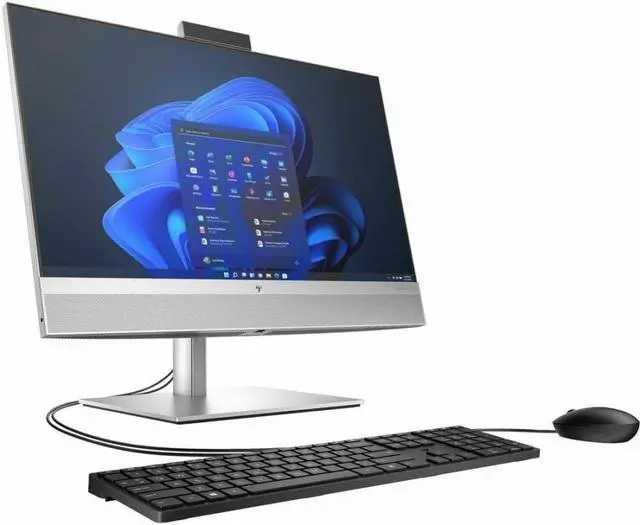
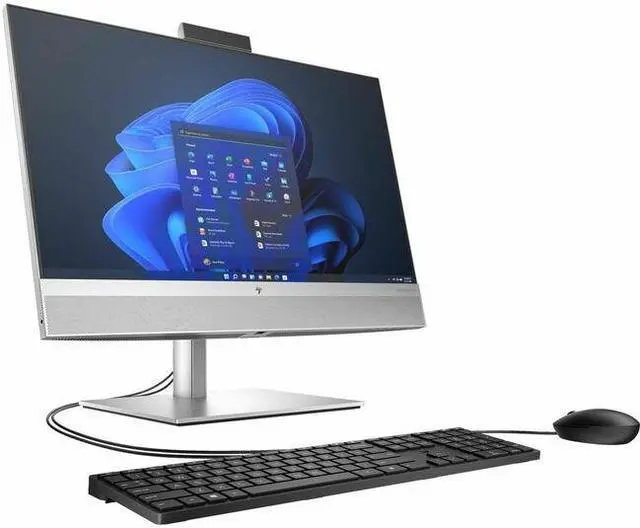
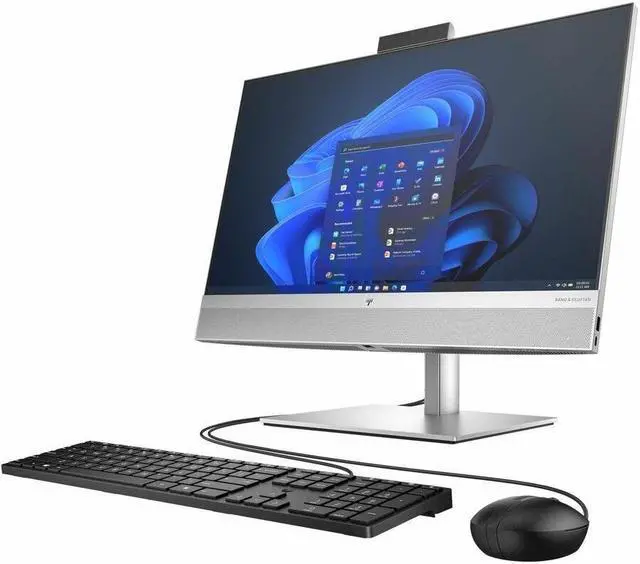
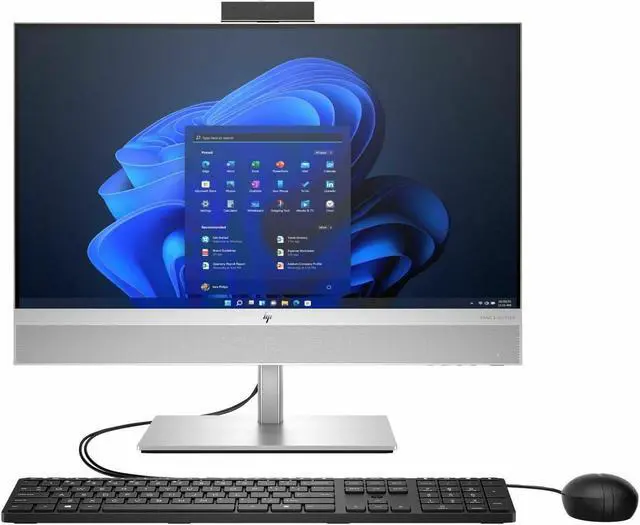
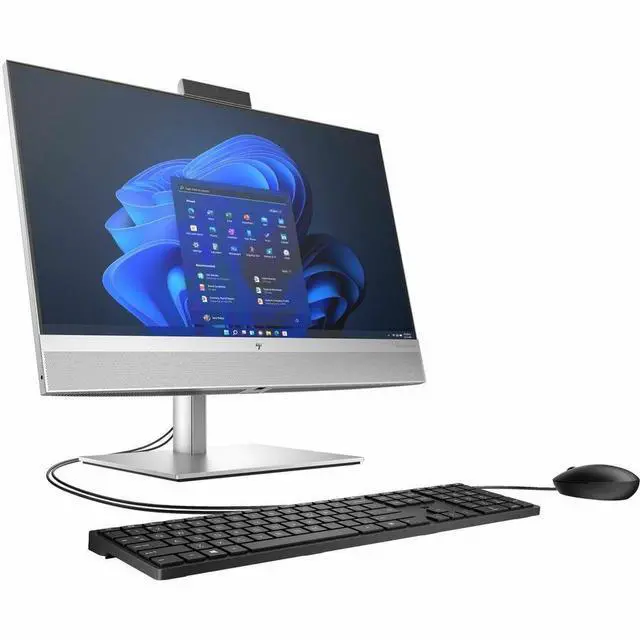
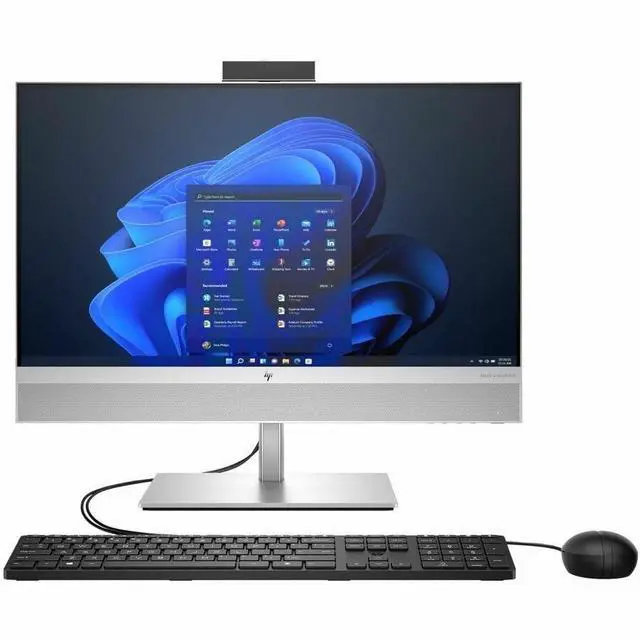
This product does not include manufacturer warranty when purchased or used outside of its designated sales region. By purchasing internationally, you acknowledge that warranty support from the manufacturer will not be available.The HP EliteOne 840 G9 is a 23.8-inch Full HD all-in-one PC with an Intel Core i5-14500, 16GB RAM, 512GB storage, and Windows 11 Pro, suited to business users who want a single-screen desktop for everyday office work.
| Attribute | Value |
|---|---|
| Best For | Business, mainstream work, and everyday use in a space-saving all-in-one setup |
| Processor | Intel Core i5-14500, 14th Gen, with one processor |
| Graphics | Integrated Intel UHD Graphics 770 with shared graphics memory |
| Display | 23.8-inch LED display with 1920 × 1080 resolution and a 16:9 aspect ratio |
| Memory | 16GB DDR5 memory at 4800MHz; maximum listed memory is 64GB |
| Storage | 512GB SSD storage |
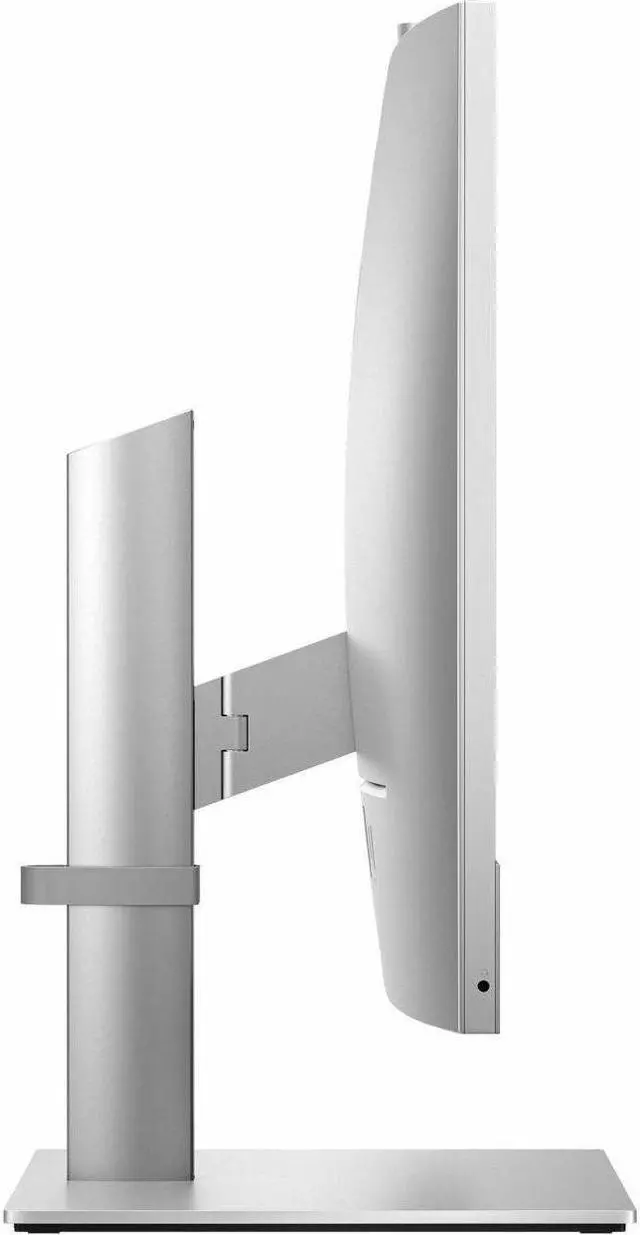
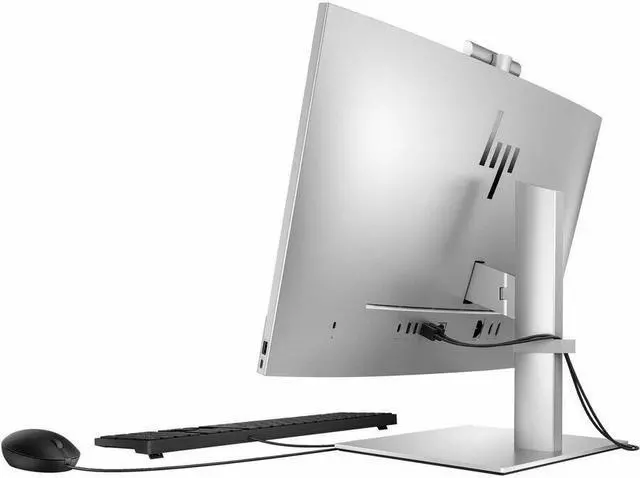
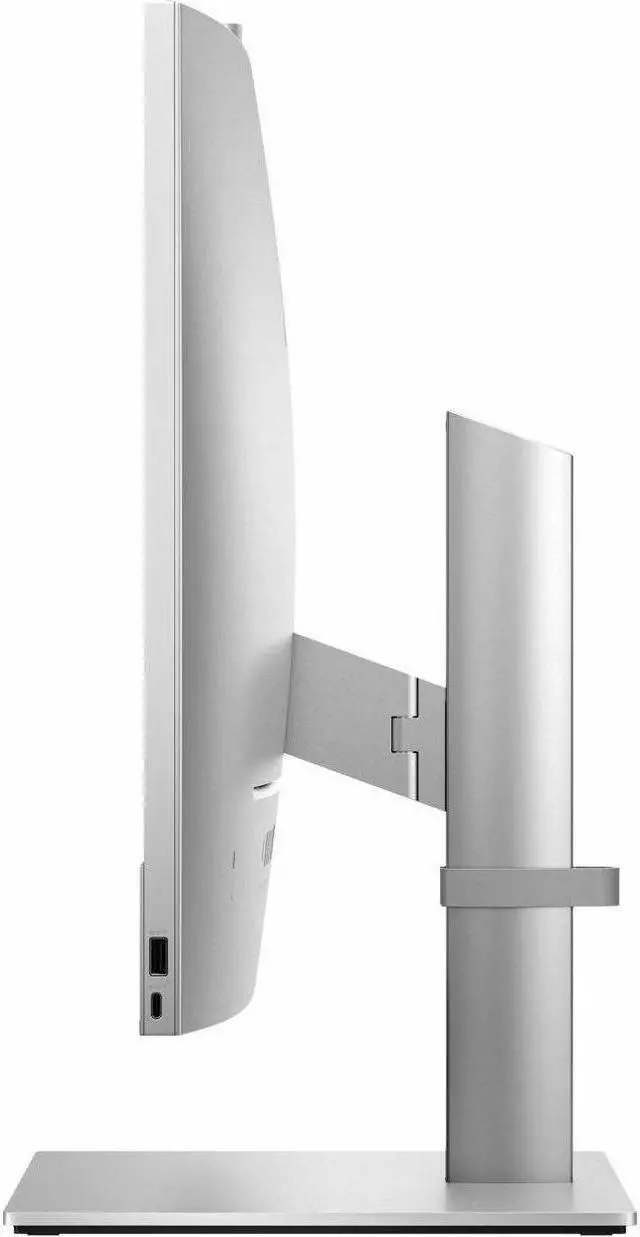
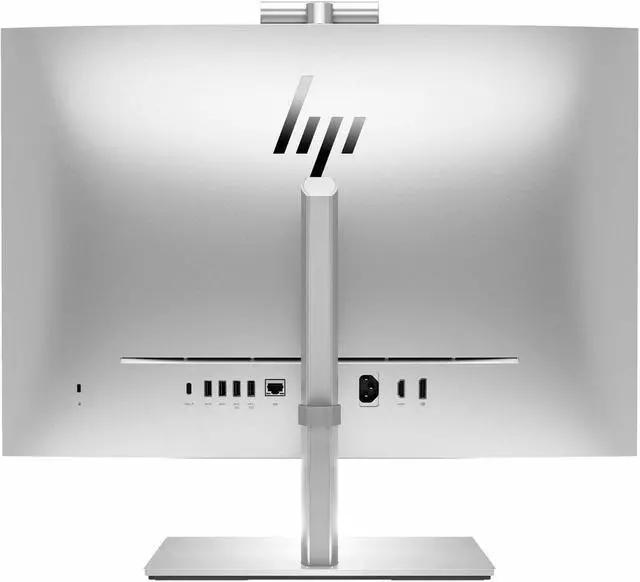
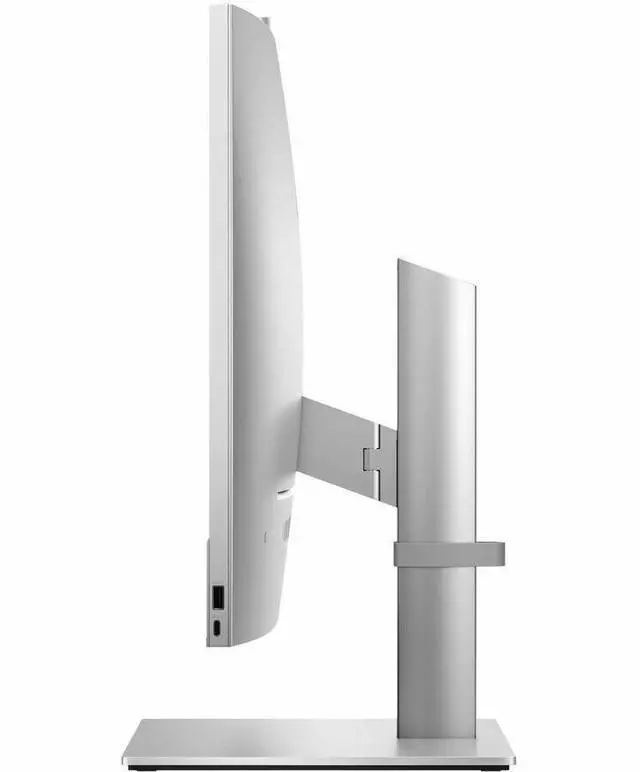
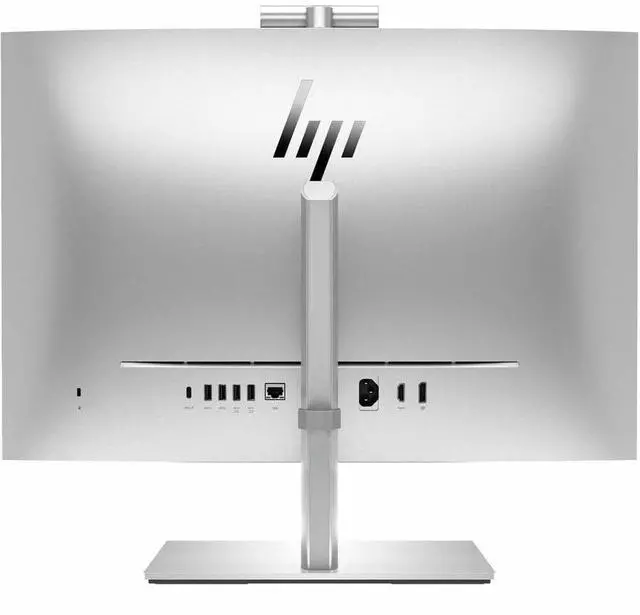
| Ports And Video Output | Seven USB ports, including USB-C; one HDMI port and DisplayPort video output |
| Networking | Wi-Fi 6 (802.11ax), Bluetooth, and Ethernet connectivity |
| Operating System | Windows 11 Pro |
| Included Peripherals | HP wired QWERTY keyboard and HP wired mouse |
| Color And Compliance | Silver; Energy Star compliant |
| Model Identifiers | HP EliteOne 840 G9; model A12H1UT#ABA |
Q: HP EliteOne 840 G9 vs Dell OptiPlex 7420 AIO: which suits a business office better?
A: Choose the HP when the included Wolf Pro Security Edition and HP device-management tools fit your IT setup. Choose the Dell when your organization already standardizes on OptiPlex. Both models can be configured with a 14th-generation Core i5-14500 and a 23.8-inch FHD display, so compare the exact processor, display, and security configuration before buying.
Q: Should I get this HP EliteOne 840 G9 or a Lenovo ThinkCentre neo 50a Gen 5?
A: Choose this EliteOne if HP’s business security and management features or memory expansion up to 64GB are priorities. Choose the ThinkCentre neo 50a Gen 5 SKU 12SD0087US if its listed 23.8-inch touch display with 100Hz refresh rate, 32GB memory, and 1TB SSD better match your needs. Specifications vary by configuration, so check the exact SKU.
Q: Is the EliteOne 840 G9 with the i5-14500 enough, or should I choose an i7 version?
A: The listed i5-14500 configuration has 14 cores and 20 threads, making it a suitable choice for typical office work and multitasking. Consider an EliteOne G9 configured with the i7-14700 if your workload regularly benefits from more CPU resources; that processor has 20 cores and 28 threads. Both processor options use integrated Intel UHD 770 graphics in the cited configurations, so the i7 upgrade is primarily a CPU choice, not a dedicated-graphics upgrade.
Q: Is this all-in-one suitable for office work and video meetings?
A: Yes. Its Core i5-14500 processor, 16GB of RAM, 512GB SSD, 23.8-inch Full HD display, and Windows 11 Pro configuration suit typical office tasks such as documents, web work, and meetings. Best Buy’s Q&A for this model confirms it has a built-in webcam.
Q: Does this model have a built-in webcam?
A: Yes. Best Buy’s product Q&A for the matching EliteOne 840 configuration confirms that it includes a built-in webcam.
Q: Can I upgrade the memory later?
A: Best Buy’s HP Team response for the matching EliteOne 840 configuration says its memory is not expandable. It comes with 16GB of RAM, so buyers who expect to need more should verify the exact configuration before purchasing.
Q: Is this a good computer to take on business trips?
A: It is designed as a desktop all-in-one, not a travel computer. Its integrated screen, stand, and desktop setup are better suited to a fixed workspace than frequent travel.
Q: Is the HP EliteOne 840 G9 suitable for an office workstation?
A: Its listed configuration—Core i5-14500, 16GB RAM, 512GB storage, Windows 11 Pro, and a 23.8-inch display—is aimed at business and mainstream work. It may suit typical office tasks; assess your specific applications and any mounting requirements before buying.
Q: Can I use the EliteOne 840 G9 with multiple external monitors?
A: A Reddit owner describes planning a triple-monitor setup and identifies DisplayPort 1.4 and USB-C with DisplayPort Alt Mode on their unit. The post asks whether both outputs can drive external displays but does not confirm a successful setup, so check the exact configuration and display requirements before relying on it.
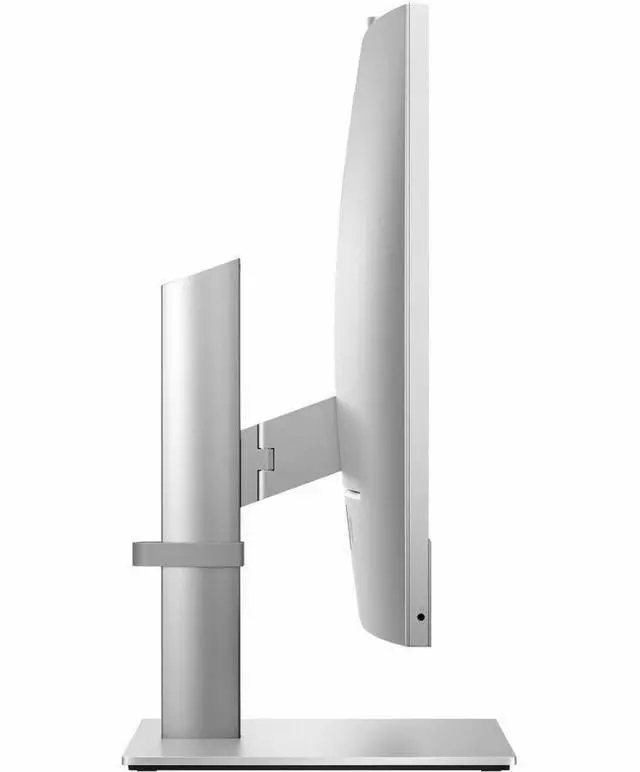
Q: Can the EliteOne 840 G9 be mounted on a VESA arm?
A: Do not assume the unit includes a VESA mount. Reddit discussion describes uncertainty about compatible mounting options and mentions a possible VESA part, but does not establish that every configuration supports it. Confirm the included stand or mount hardware and compatibility for the exact SKU before purchase.


