


 All CategoriesAll CategoriesAll Categories
Shipped by Newegg

Make informed decisions with expert advice. Learn More



Bring your ThinkVision Monitors under the same trusted Premier Support coverage* ensuring your entire setup is backed by 24/7 expert service and faster resolutions, with priority Advanced Exchange if your monitor needs replacement.
With the same dedicated, award-winning support team, adding Premier Support for Monitors means fewer support gaps, less downtime, and a seamless experience across your devices.
Upgrade your service coverage today and keep your business moving without interruptions. Thats the Premier Difference
*Premier Support for Monitors is available in select markets.
|Warranty Notice:
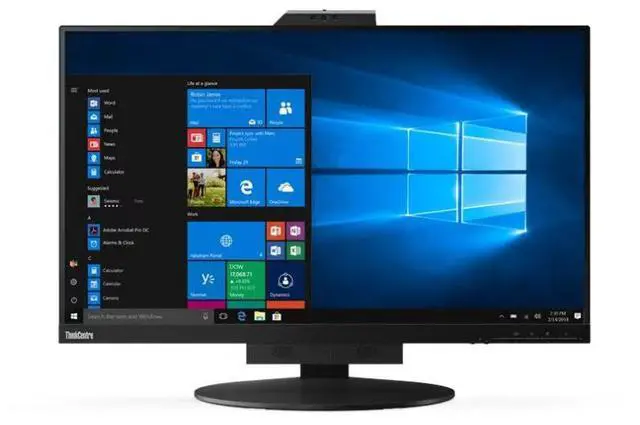
This product does not include manufacturer warranty when purchased or used outside of its designated sales region. By purchasing internationally, you acknowledge that warranty support from the manufacturer will not be available.The Lenovo ThinkVision TIO27 is a 27-inch QHD monitor with an IPS, three-side borderless display and VoIP support, suited to office users who want a spacious screen for work and video calls.
| Attribute | Value |
|---|---|
| Best For | Desktop setups using a ThinkCentre Tiny modular all-in-one configuration, with a QHD display and built-in webcam |
| Panel And Resolution | 27-inch matte IPS LED panel with QHD resolution (2560 × 1440), 16:9 aspect ratio, 99% sRGB gamut, 1,000:1 contrast ratio, 178° viewing angle, and 0.2331 mm pixel pitch; brightness is listed as 1199.1 with no unit specified |
| Refresh Rate And Response | 60 Hz refresh rate, 4 ms response time, and FreeSync adaptive sync |
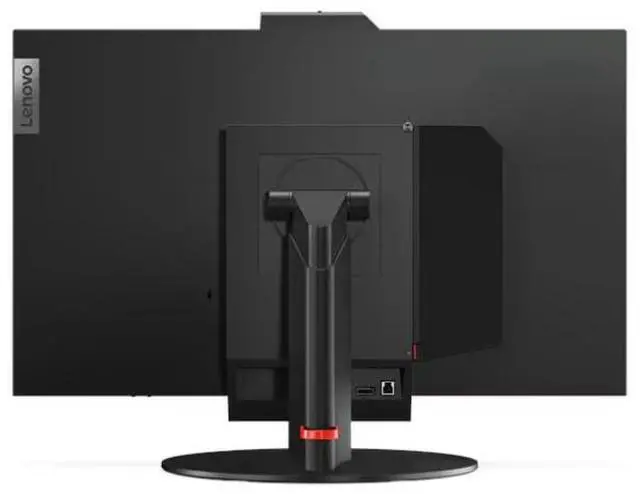
| Ports And Connectivity | HDMI, DisplayPort, and USB connectivity, with 1 HDMI port and 4 USB ports total; no Thunderbolt ports |
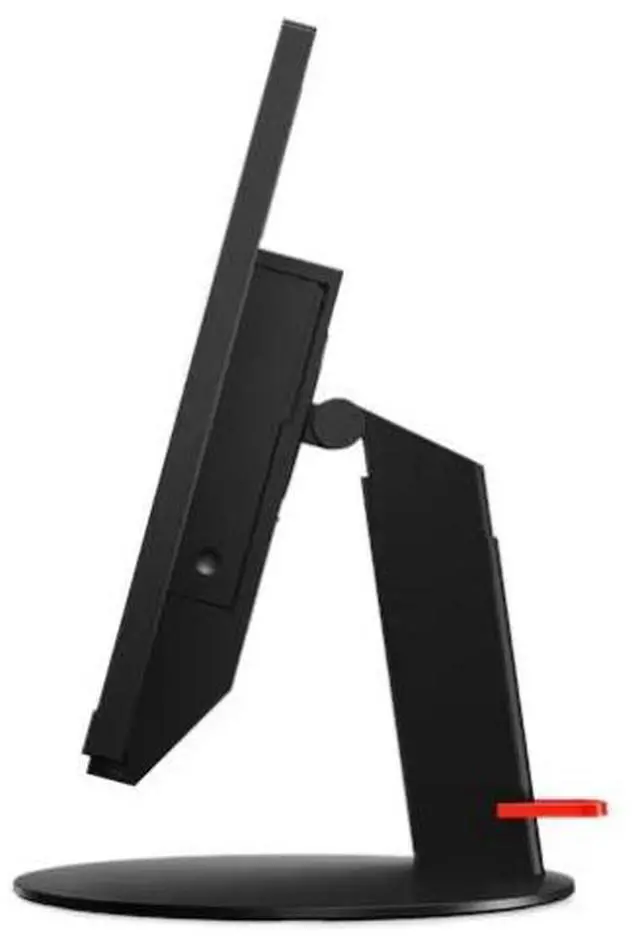
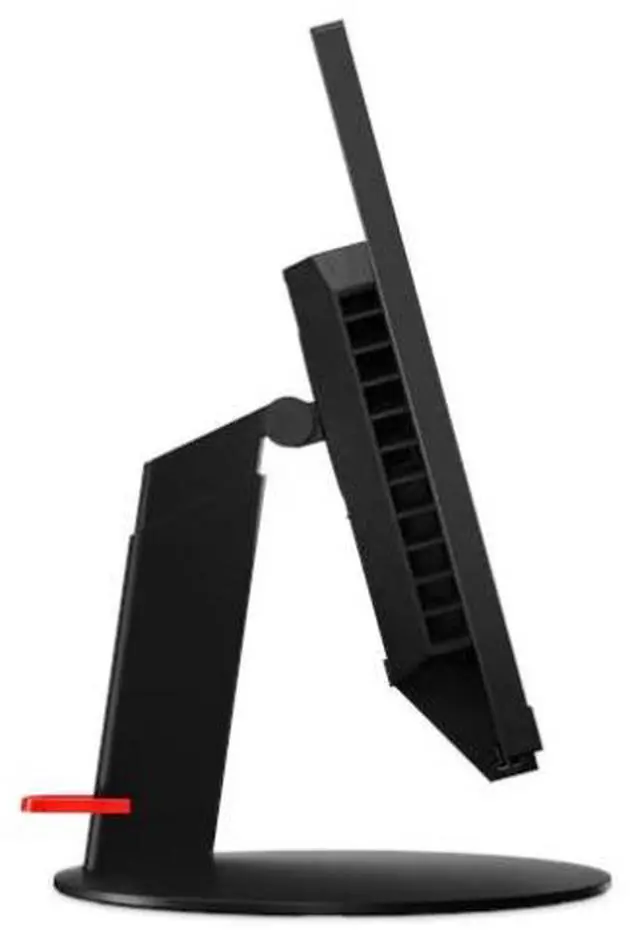
| Stand And Ergonomics | Height, tilt, and swivel adjustment; 3-side NearEdgeless design, anti-glare screen, flicker-free and low-blue-light features, eye comfort certification, and Kensington lock |
| Webcam And Audio | Built-in webcam and microphone input for desktop video calls |
| Dimensions And Weight | 24.2 × 16.3 × 2.9 inches; 10.8 lb |
| Model Identifiers | Lenovo ThinkVision; model and part number 11JHRAR1UZ; also identified as Tiny-In-One 27 and ThinkCentre |
Q: Should I get the Lenovo TIO27 or ThinkCentre Tiny-In-One 24 Gen 5?
A: Choose the TIO27 for a larger 27-inch QHD workspace with a built-in IR/RGB camera, microphones, and speakers. Choose the Tiny-In-One 24 Gen 5 for a 23.8-inch Full HD display in a more compact size; selected configurations also offer 10-point touch.
Q: Lenovo TIO27 or ThinkVision P27Q-40 for a Tiny PC setup?
A: Choose the TIO27 when you want a Lenovo Tiny PC to slot into the monitor for a modular all-in-one setup, with a camera, microphones, and speakers built in. Choose the ThinkVision P27Q-40 when you want a standard 27-inch QHD monitor with a 24–120Hz refresh-rate range, wider color coverage, and an integrated USB hub.
Q: Is the TIO27 or Tiny-In-One 24 Gen 5 better for a smaller desk?
A: The ThinkCentre Tiny-In-One 24 Gen 5 is the more compact choice, with a 23.8-inch Full HD screen. Choose the TIO27 when you prefer a 27-inch QHD display and want more on-screen workspace while keeping the Lenovo Tiny-in-One setup.
Q: Is this monitor suitable for office work and video meetings?
A: Yes. Its 27-inch QHD IPS screen is suited to everyday office work, and Lenovo’s specification reference lists an integrated camera, dual microphones, and stereo speakers for video calls. Check the seller’s listing to confirm those features for the exact unit, since retailer specifications can differ.
Q: Can I connect it to a laptop without a Tiny PC?
A: Yes. It can be used as an external monitor with a computer that supports HDMI or DisplayPort video output. It does not list USB-C video input; its USB ports require a Tiny PC or a USB connection to the computer.
Q: Does it include a computer, or do I need to buy one separately?
A: It is a monitor, not a complete computer. A compatible Tiny PC can be installed for an all-in-one-style setup, or you can connect another computer through HDMI or DisplayPort; the product information does not say a Tiny PC is included.
Q: Is this monitor a good choice for travel?
A: Generally, no. It is a 27-inch desktop monitor with a detachable stand and a separate power adapter, rather than a compact portable display. It is better suited to a fixed desk setup.
Q: Will the built-in camera work when I connect the TIO27 to a regular PC?
A: The listing says the monitor supports VoIP, but that does not confirm camera setup requirements. A TIO27 owner reported that Windows did not detect the camera; Lenovo support suggested installing the camera driver, and the user did not confirm a fix. If the camera is important, verify the required connections and drivers for your PC and operating system before buying.
Q: Does the TIO27 keep brightness constant?
A: One user of a ThinkCentre Tiny-in-One 27 reported that brightness changed with on-screen content and when switching users. The discussion did not establish a reliable way to disable this behavior, so consider it a possible issue if stable brightness is essential.
Q: Is the TIO27 a good choice if I want to upgrade the PC separately from the monitor?
A: Its modular TIO-plus-Tiny design is intended to pair the monitor with a Lenovo Tiny PC, letting the display and computer remain separate components. A Reddit discussion about a related TIO27 model asked about fitting an M90q and heat, but did not confirm the result; check compatibility and thermal requirements for your exact Tiny PC before purchase.