


 All CategoriesAll CategoriesAll Categories
Shipped by Newegg





Warranty Notice:
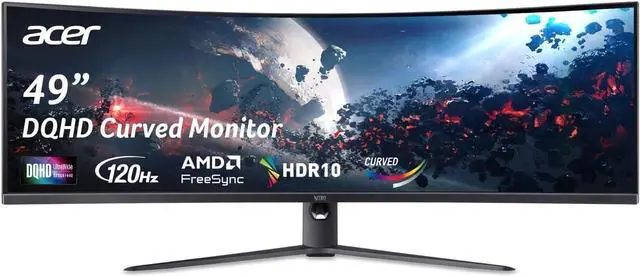
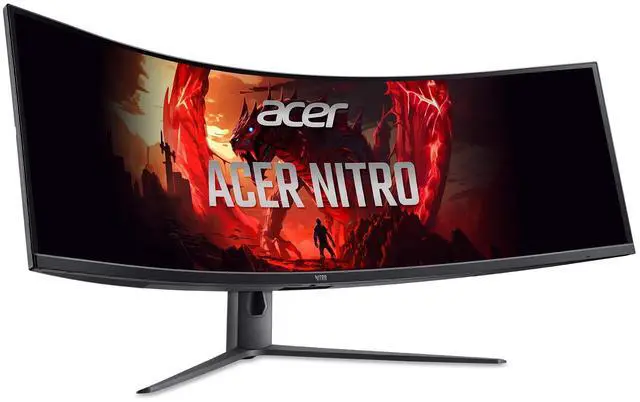
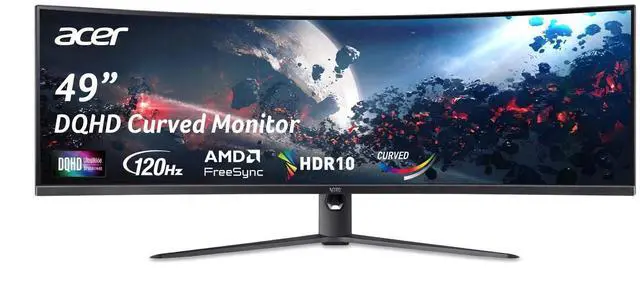
This product does not include manufacturer warranty when purchased or used outside of its designated sales region. By purchasing internationally, you acknowledge that warranty support from the manufacturer will not be available.The Acer Nitro EI491CUR J0 is a 49-inch, 32:9 widescreen gaming monitor with a 3 ms response time, suited to gamers who want an expansive display for compatible games and a wide field of view.
| Attribute | Value |
|---|---|
| Best For | Gaming, desktop, and business use |
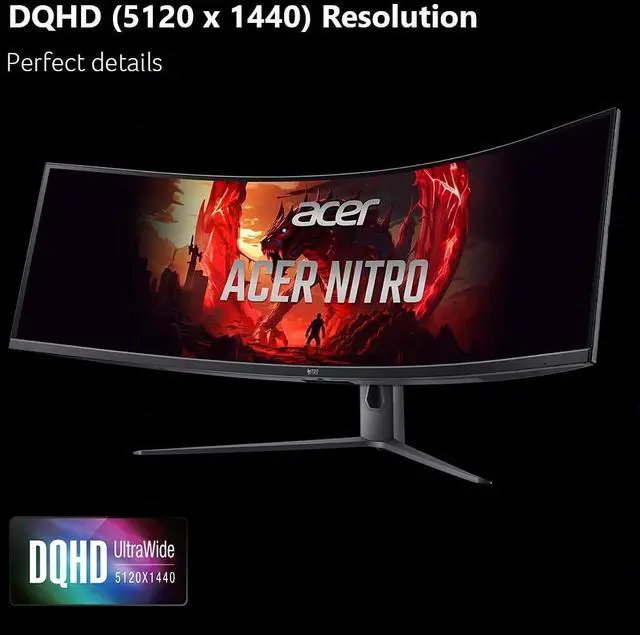
| Panel And Resolution | 49-inch curved VA LCD with a matte screen, 32:9 aspect ratio, and 5120 × 1440 resolution |
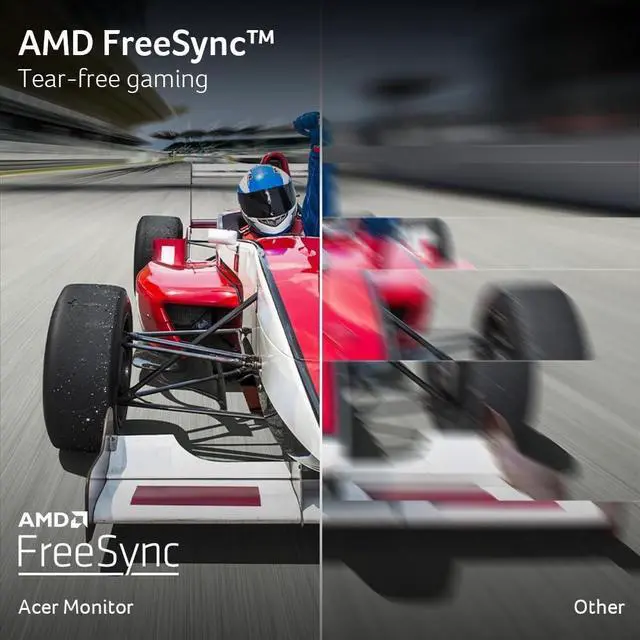
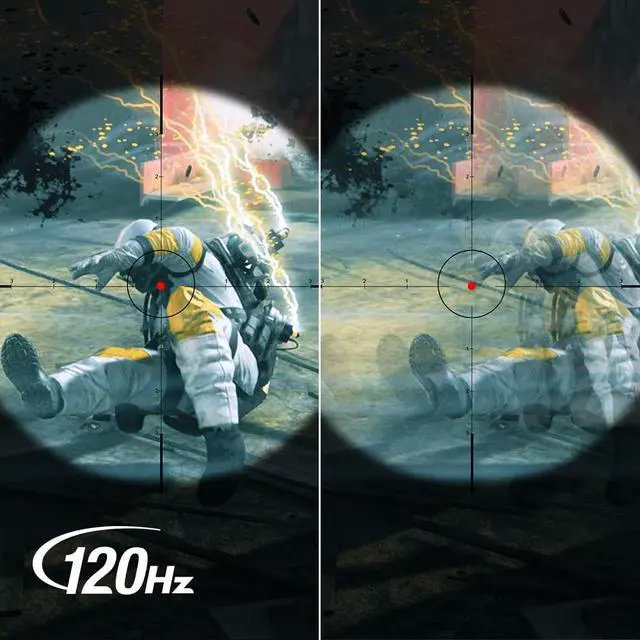
| Refresh Rate And Response | 120 Hz refresh rate, 3 ms response time, and AMD FreeSync adaptive sync |
| Brightness And Contrast | 1027.8 brightness and 100,000,000:1 contrast ratio |
| Ports And Connectivity | 2 HDMI 2.0 ports, 1 DisplayPort 1.4, and headphone/audio line out |
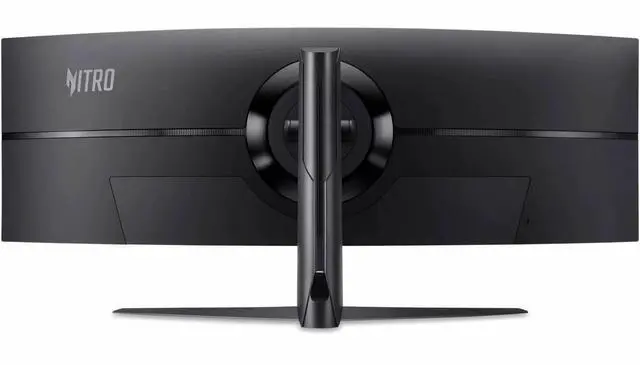
| Stand And Ergonomics | Height and tilt adjustment; compatible with a 100 × 100 mm VESA mount |
| Physical Details | Black; 20.5 lb item weight; 45.3 in wide, 22.5 in deep, and 15.6 in high |
| Model Identifiers | Acer Nitro EI491CUR J0, part number UM.SE1AA.001 |
Q: Acer Nitro EI491CUR J0 or Samsung Odyssey G9 G95C for gaming?
A: Choose the Acer if 5120 × 1440 resolution and up to 120Hz over DisplayPort meet your needs. Choose the Samsung G95C if you want a higher 240Hz refresh rate, a tighter 1000R curve, and its DisplayHDR 1000 specification. Both are 49-inch, 32:9 monitors with 5120 × 1440 resolution.
Q: Acer Nitro EI491CUR J0 or Samsung Odyssey OLED G9?
A: Choose the Acer if you want a 49-inch 5120 × 1440 screen with up to 120Hz over DisplayPort. Choose the OLED G9 if OLED contrast, a 240Hz refresh rate, and a 0.03ms rated response time are higher priorities. Both use a 32:9 aspect ratio, but the Samsung has an OLED panel and the Acer is rated at 300 nits.
Q: Is the Acer Nitro EI491CUR J0 a worthwhile upgrade from the Acer EI491CR?
A: Choose the EI491CUR J0 if you want more resolution for text, games, and multitasking: it is 5120 × 1440, compared with the EI491CR’s 3840 × 1080. The EI491CR may suit buyers who prioritize its up-to-144Hz overclocked refresh rate; the J0 supports up to 120Hz at full resolution over DisplayPort.
Q: Is this monitor suitable for gaming, and what refresh rate can I get?
A: It is a 49-inch, 32:9 gaming monitor with a 5120 × 1440 resolution. Acer lists support for up to 120 Hz over DisplayPort 1.4 and up to 60 Hz over HDMI. To use 120 Hz at the full resolution, confirm that your computer’s graphics hardware and DisplayPort connection support it; game support for the ultrawide aspect ratio can also vary.
Q: Is a 49-inch 32:9 screen useful for work and multitasking?
A: It can suit people who want a wide workspace for arranging several windows side by side. This model has a 5120 × 1440 resolution and 32:9 aspect ratio. Its listed specifications do not confirm a built-in split-screen or picture-by-picture feature, so check that capability separately if you need the monitor to display multiple video inputs at once.
Q: Will this monitor fit on a typical desk?
A: Check your desk space before buying: the monitor is about 45.3 inches wide, and Acer lists its depth with the stand as about 22.5 inches. It weighs about 26 pounds with the stand, so plan for a stable desk and enough room for the stand and viewing distance.
Q: What connections does it offer, and which should I use for the highest refresh rate?
A: It has two HDMI 2.0 ports and one DisplayPort 1.4 port. Acer lists up to 120 Hz at 5120 × 1440 through DisplayPort, while HDMI is listed for up to 60 Hz at that resolution. The included package information lists a DisplayPort cable.
Q: Can this 49-inch 32:9 monitor replace two monitors for work?
A: Its 32:9 aspect ratio provides a very wide workspace, which may suit people who want multiple windows side by side on one screen. Reddit users have discussed 49-inch Acer monitors for productivity, but those posts cover other EI491-series variants; the supplied specifications do not confirm this model’s resolution or split-screen features.
Q: Is a 49-inch 32:9 Acer a good choice for gaming?
A: It may suit games that support very wide displays, but Reddit discussions about related Acer 49-inch models note that ultrawide support varies by game. The product data provided here does not list resolution or refresh rate, so check those specifications and your PC’s ability to drive the display before buying.
Q: Can a laptop run this monitor alongside its built-in display?
A: The listed monitor connections are HDMI 2.0 and DisplayPort 1.4, but the product data does not specify this model’s resolution or supported refresh rates. A Reddit user raised this question about the related EI491CUR S; confirm your laptop’s video-output capabilities and the monitor’s full display specifications before relying on a dual-display setup.

