


 All CategoriesAll CategoriesAll Categories
Shipped by Newegg




Warranty Notice:
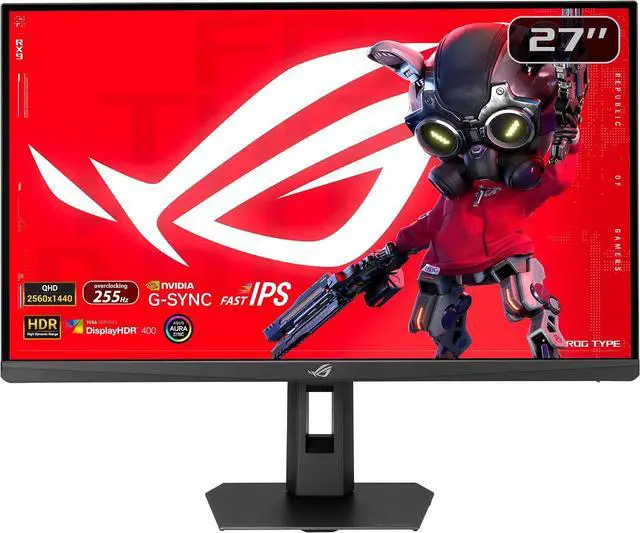
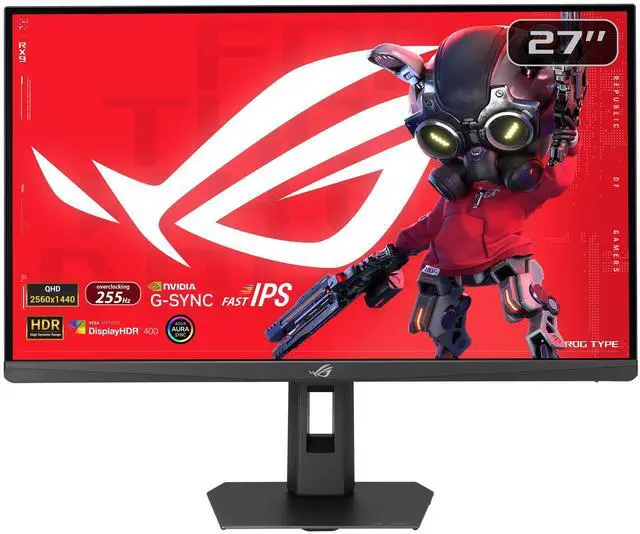
This product does not include manufacturer warranty when purchased or used outside of its designated sales region. By purchasing internationally, you acknowledge that warranty support from the manufacturer will not be available.The ASUS ROG Strix XG27ACMES is a 27-inch QHD gaming monitor with a 300Hz refresh rate, Fast IPS panel, and 1ms GTG response time, suited to competitive gamers who prioritize smooth, responsive gameplay.
| Attribute | Value |
|---|---|
| Best For | Competitive gaming, home or business entertainment, and photo or video editing |
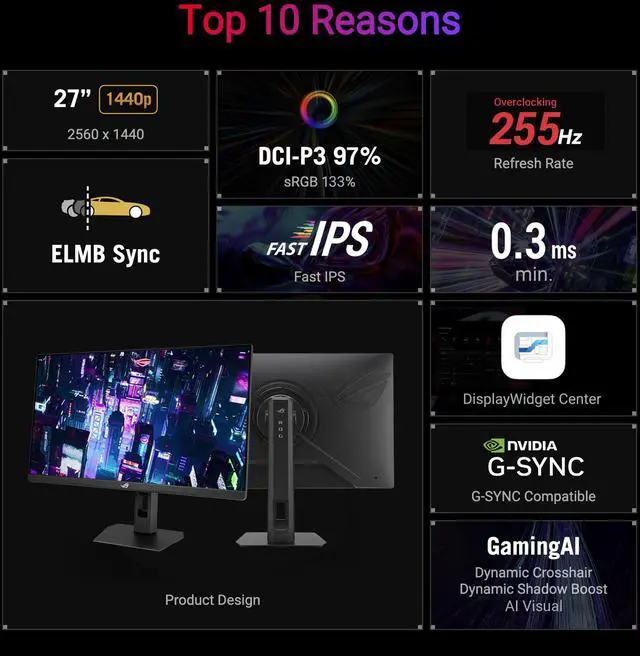
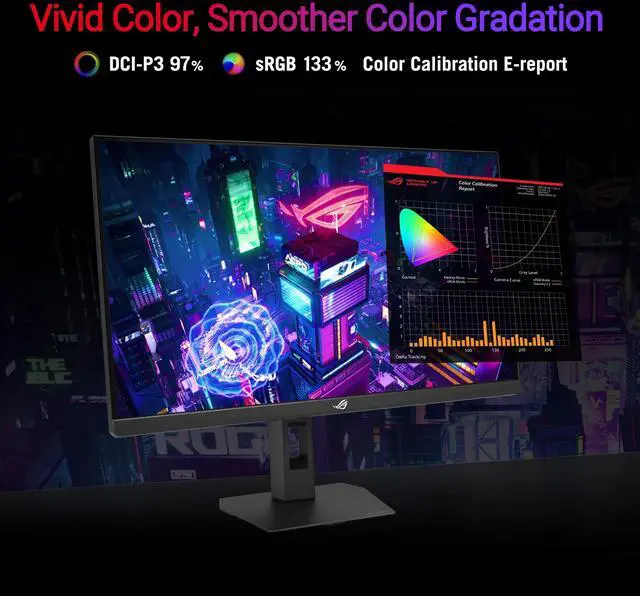
| Panel And Resolution | 27-inch flat LED LCD with a matte screen, QHD 2560 × 1440 resolution, 16:9 aspect ratio, 178° viewing angle, 400 cd/m² brightness, 1300:1 contrast ratio, and 133% sRGB color gamut |
| Refresh Rate And Response | 255 Hz refresh rate and 0.3 ms response time, with AMD FreeSync Premium and G-SYNC Compatible adaptive sync |
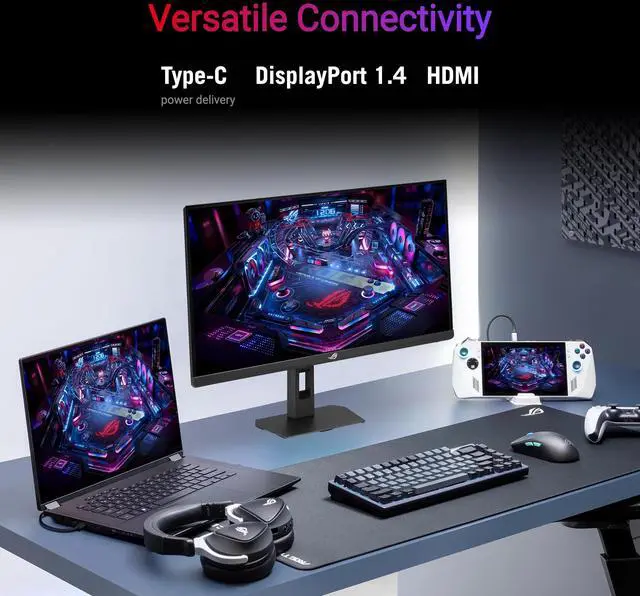
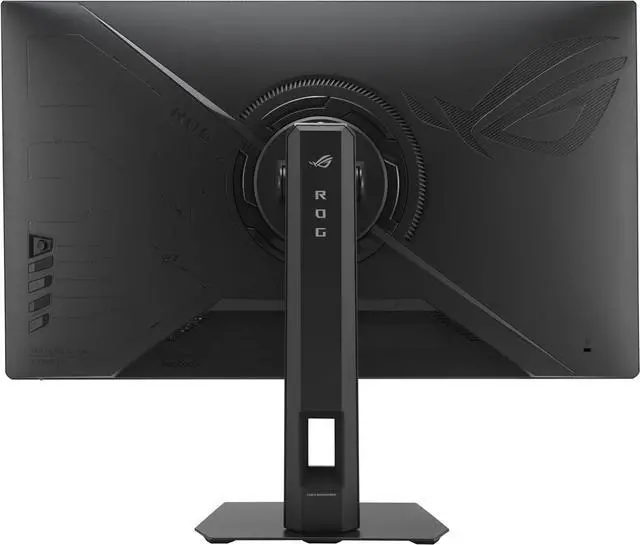
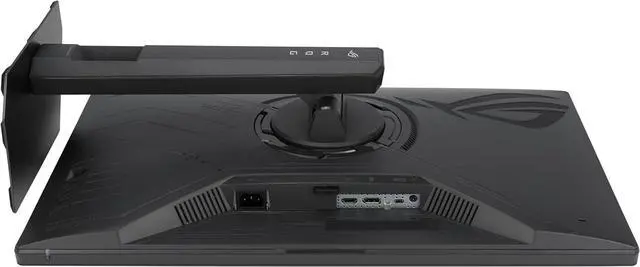
| Ports And Connectivity | USB-C with DisplayPort Alt Mode and 15 W power delivery, one DisplayPort 1.4 (HBR3), one HDMI 2.1, one USB port, and an earphone jack; no USB 2.0, USB 3.0, or Thunderbolt ports |
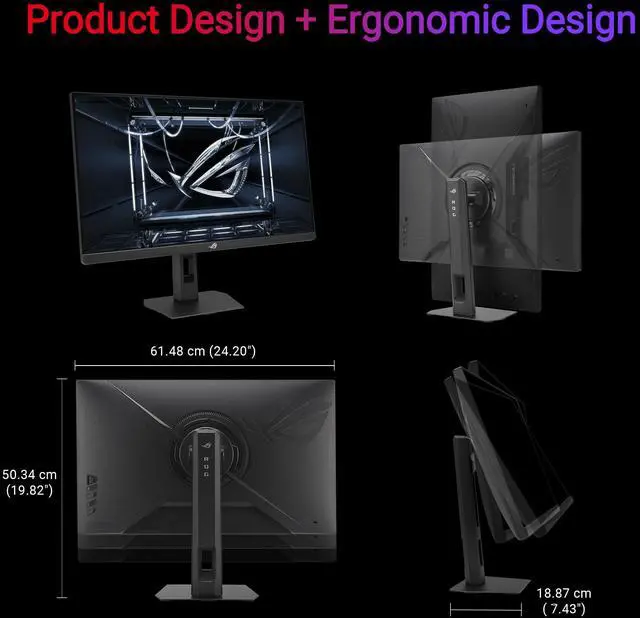
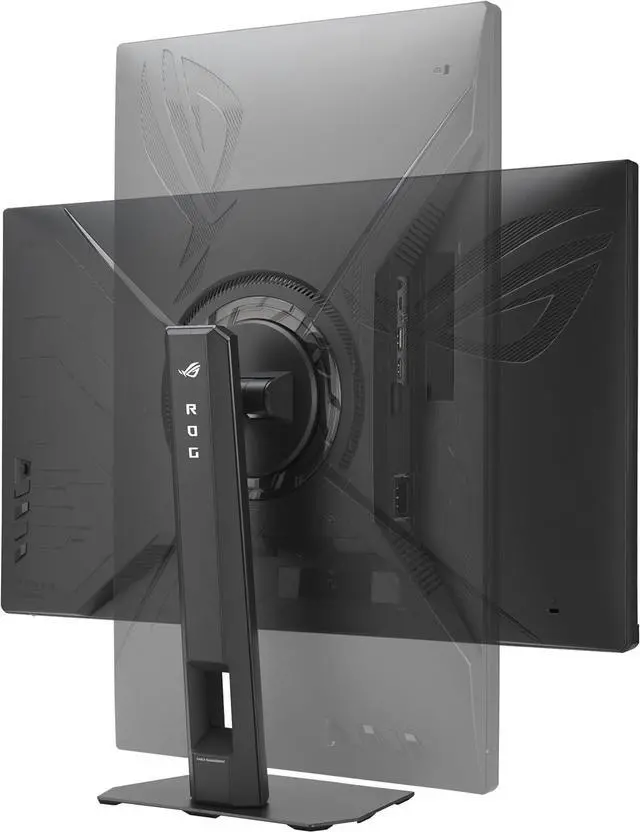
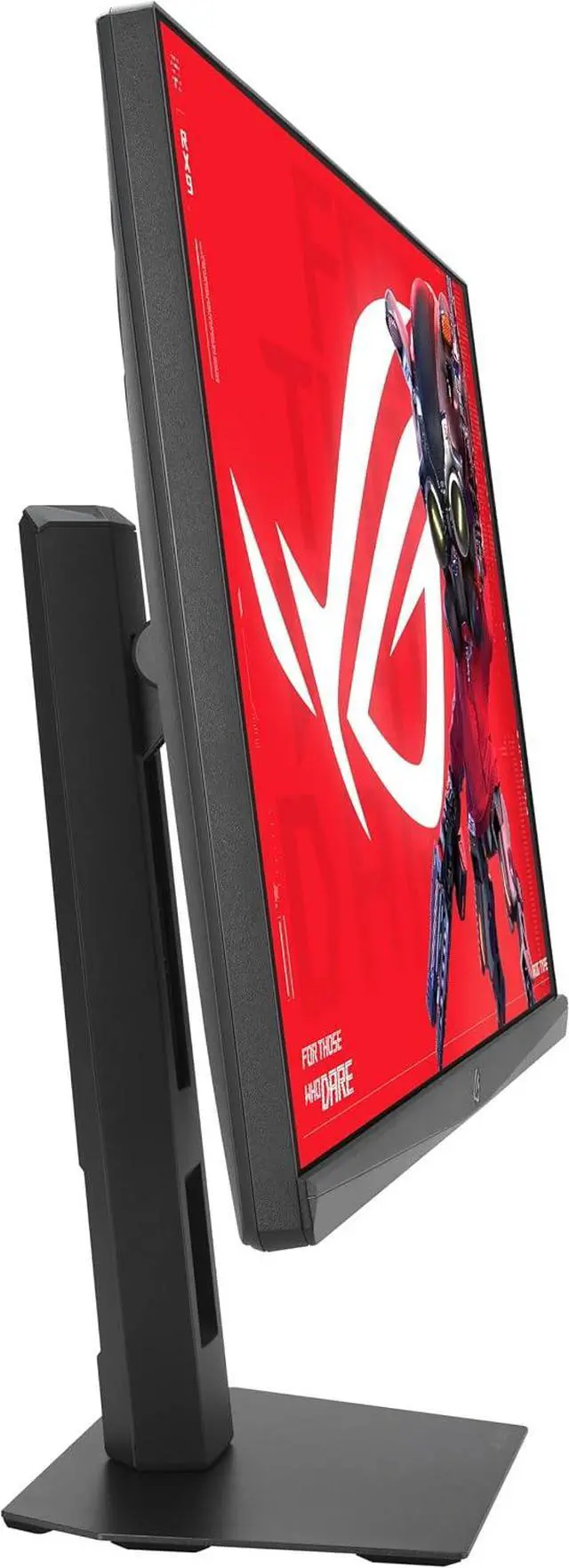
| Stand And Ergonomics | Height adjusts by 0–110 mm, with pivot, swivel, and tilt; compatible with 100 × 100 mm VESA mounting |
| Image And Eye-Care Features | VESA DisplayHDR 400, flicker-free operation, blue-light filter, and anti-glare screen |
| Physical Dimensions And Weight | 24.2 × 19.82 × 7.43 inches with stand; 24.2 × 14.45 × 2.48 inches without stand; weighs 13.14 lb |
| Power | 15 W power consumption |
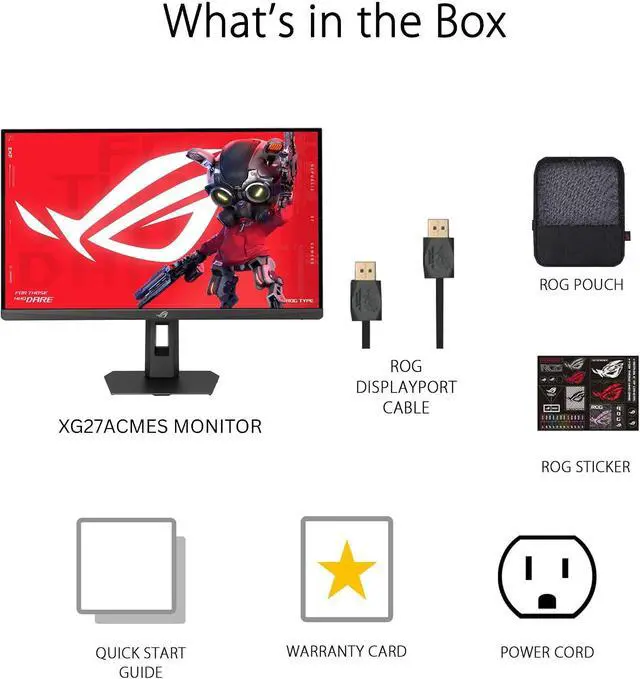
| Included Components | DisplayPort cable, power cord, quick-start guide, ROG pouch, ROG sticker, and warranty card |
| Model Identifiers | ASUS XG27ACMES |
Q: ASUS XG27ACMES or TUF VG27AQML5A: which is better for 1440p esports?
A: Choose the TUF VG27AQML5A if you specifically want a 300Hz refresh rate. Choose the ROG Strix XG27ACMES if USB-C with DisplayPort Alt Mode and 15W power delivery better fits your setup. Note that ASUS lists the XG27ACMES at up to 255Hz with overclocking, not 300Hz as stated in the Newegg title.
Q: Is the XG27ACMES worth choosing over the ASUS XG27ACS?
A: Choose the XG27ACMES if you want a higher refresh ceiling: ASUS specifies up to 255Hz with overclocking, compared with 180Hz for the XG27ACS. The XG27ACS is a practical alternative if 180Hz is enough for your games and you prefer to prioritize overall budget; compare current prices before deciding.
Q: Can the XG27ACMES charge a laptop over USB-C, or is it mainly for gaming?
A: It supports USB-C video through DisplayPort Alt Mode and provides up to 15W of power delivery. That can simplify connecting a compatible laptop, but the 15W rating is limited; choose a monitor with higher USB-C power delivery if you need it to charge a laptop during use. Its 1440p Fast IPS panel and high refresh rate favor gaming performance.
Q: Who is this monitor best suited for?
A: It is best suited for PC gamers who want a 27-inch QHD display with a fast IPS panel, a high refresh rate, and adaptive-sync features. Its speed-focused features make it especially relevant for competitive games; its 2560 × 1440 resolution also supports general desktop use.
Q: Can I use it for office work as well as gaming?
A: Yes. The 27-inch QHD Fast IPS display can serve for everyday computer and office tasks as well as gaming. Its listed features prioritize gaming, so check the connectivity and ergonomic features you need for your work setup before buying.
Q: Can USB-C power my laptop while displaying its screen?
A: The product information lists USB-C connectivity, but does not specify its video-input support or charging wattage. Do not assume it can power your laptop; check the monitor’s detailed USB-C specifications and your laptop’s power requirements first.
Q: Can I mount it on a monitor arm?
A: Yes. The provided product information says it is VESA-mount compatible, so it can be used with a compatible monitor arm or wall mount. Check the mount’s VESA pattern and weight capacity against the monitor’s specifications.
Q: Is the XG27ACMES a worthwhile upgrade from a 180Hz 1440p monitor?
A: It may suit you if your PC regularly delivers frame rates above 180 fps and you want the higher refresh ceiling. If your games rarely exceed your current monitor’s refresh rate, the upgrade may be less noticeable. The supplied listing specifies up to 300Hz; Reddit discussions also raise whether the refresh-rate difference is worth paying extra for.
Q: Is IPS glow or backlight bleed a concern for dark-room gaming?
A: It can be a trade-off: Reddit owners and prospective buyers discuss visible IPS glow or backlight bleed, but reports vary by unit and viewing conditions. If you play mostly in a dark room, check the panel soon after purchase and use the retailer’s return policy if the glow is distracting.
Q: Can it work for productivity as well as gaming?
A: It can serve both uses: the supplied product information lists a 27-inch, 2560 × 1440 Fast IPS panel, and Reddit shoppers discuss using it for productivity alongside gaming. The discussions do not establish professional color accuracy, so verify calibration needs separately if color-critical work is important.
Q: Is its HDR a reason to choose it?
A: The supplied product information confirms HDR support, but does not specify brightness or local dimming performance. Reddit discussions question whether HDR on this model is useful, so the available information is not enough to recommend it primarily for HDR; compare measured HDR performance if that feature matters to you.


