


 All CategoriesAll CategoriesAll Categories
Shipped by Newegg

Make informed decisions with expert advice. Learn More



Warranty Notice:
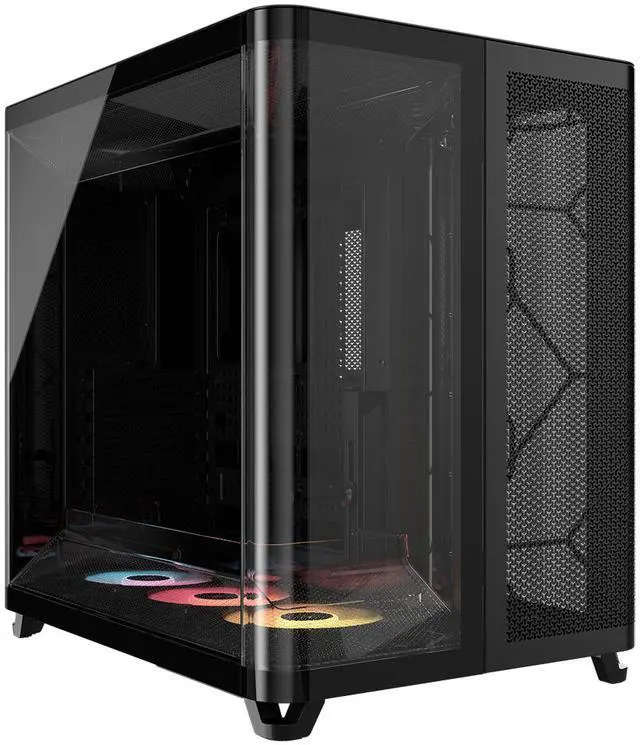
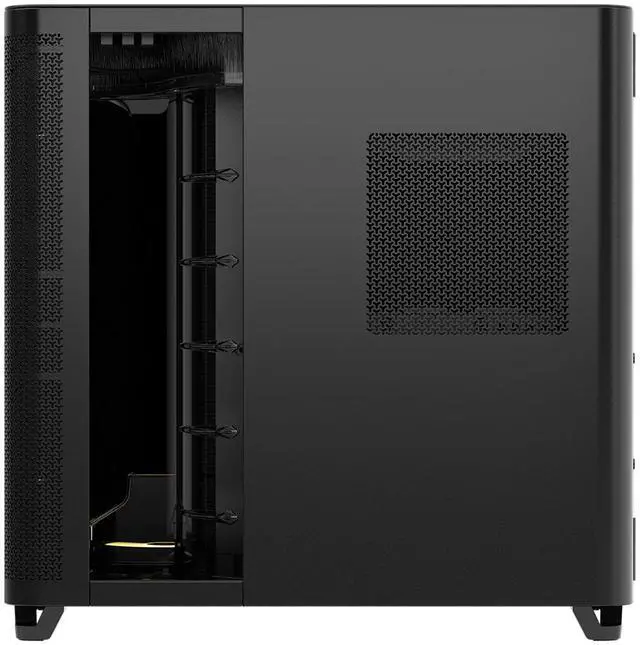
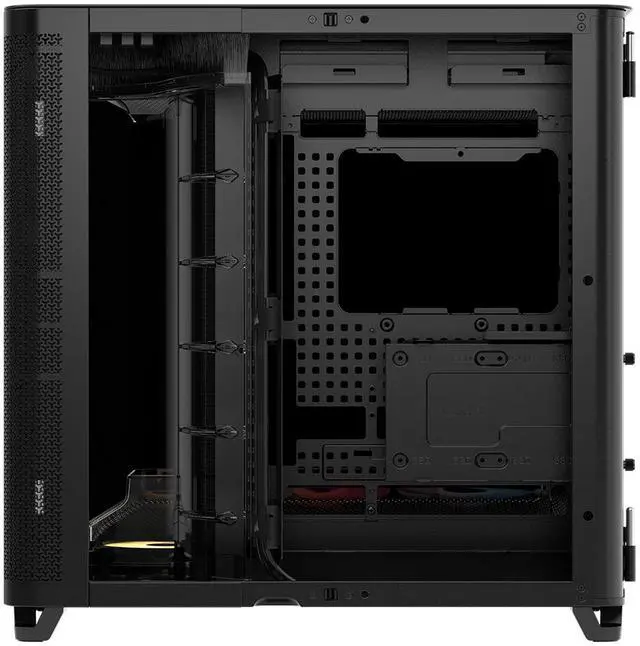
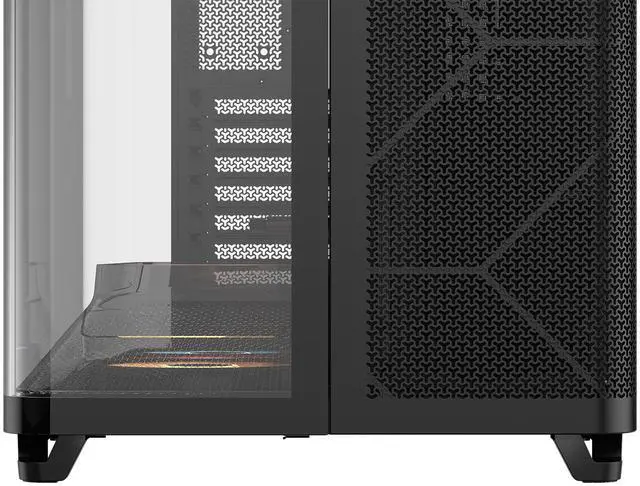
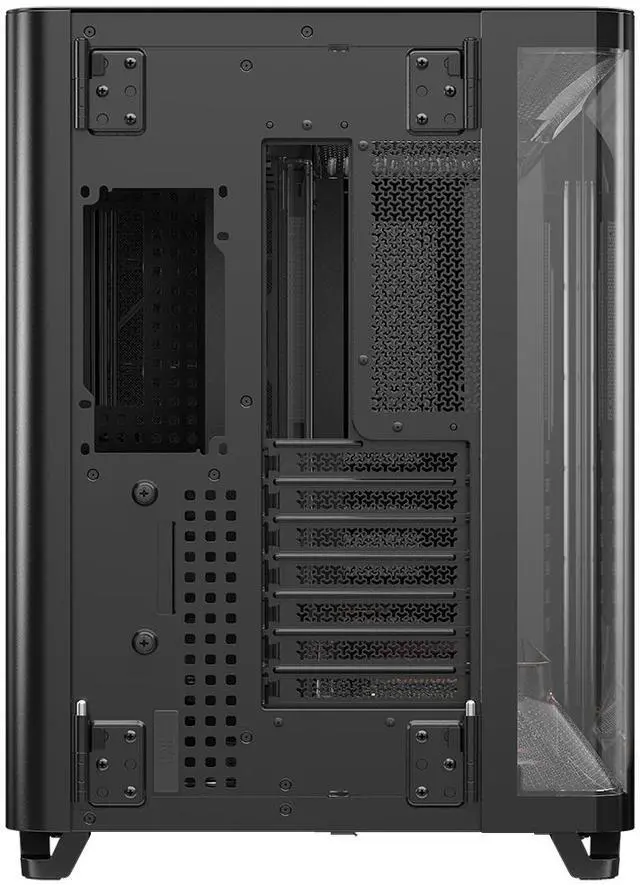
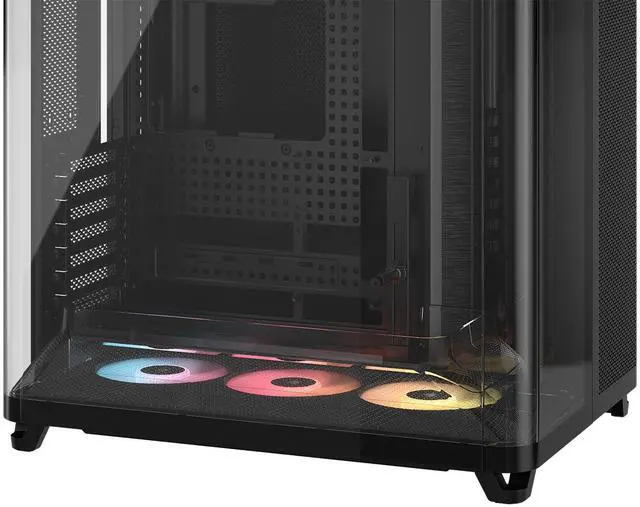
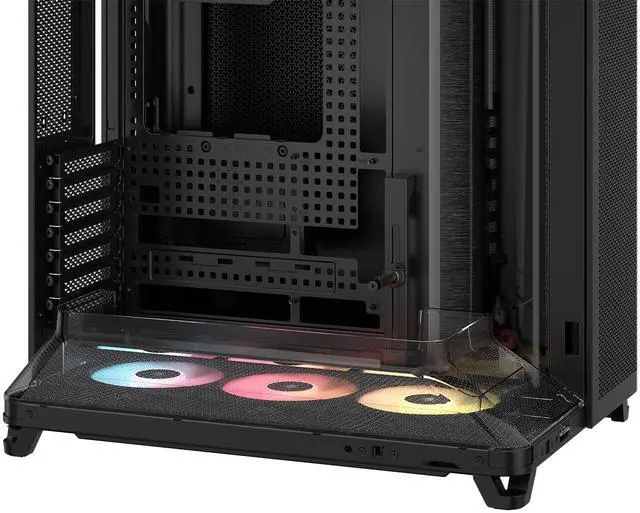
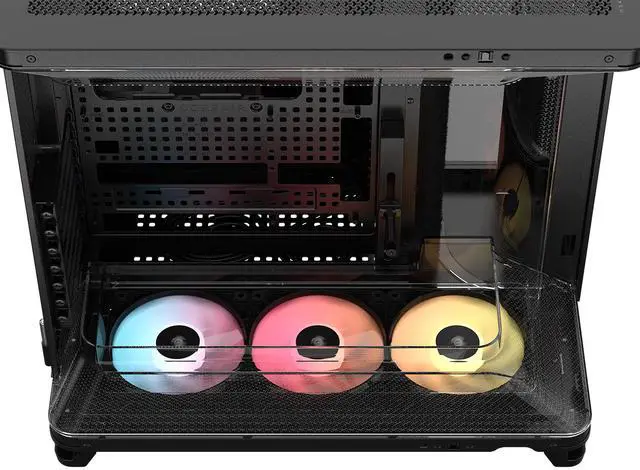
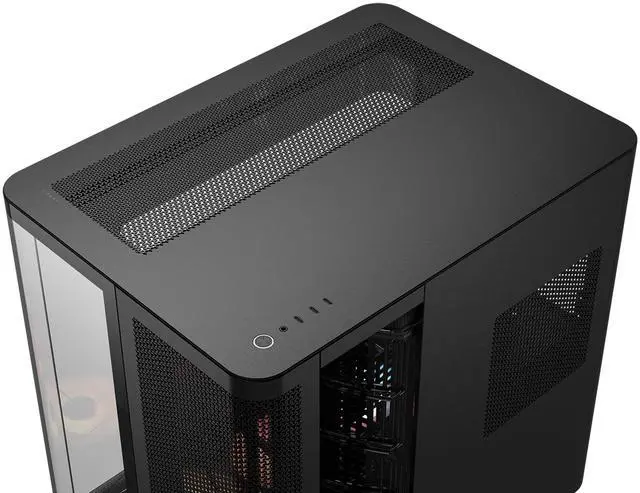
This product does not include manufacturer warranty when purchased or used outside of its designated sales region. By purchasing internationally, you acknowledge that warranty support from the manufacturer will not be available.The Corsair AIR 5400 RS-R ARGB is a mid-tower PC case built for high-airflow gaming and showcase builds, especially for users who want strong cooling, reverse-connection motherboard support, and a clean glass-forward presentation with pre-installed reverse-rotor ARGB fans.
| Attribute | Value |
|---|---|
| Best For | PC builders who want a mid-tower case that fits E-ATX/ATX/Micro‑ATX/Mini‑ITX systems and long graphics cards, and that supports multiple fan/radiator mounts for air-cooled high-performance builds |
| Model Identifiers | Corsair AIR 5400 RS-R ARGB — model CC-9011318-WW |
| Case Type & Materials | Mid-tower chassis with a steel frame and tempered glass, plastic and acrylic panels; color: Black |
| Motherboard & Compatibility | Supports E-ATX, ATX, Micro ATX and Mini ITX motherboards; compatible with standard PSUs and common storage drives |
| Cooling & Fans | Air-cooled design with mounting for bottom 3×120mm, front 3×120mm, rear 1×120mm and top 3×120mm fans; external data lists built-in fans and RGB lighting |
| Drive Bays & Storage | Internal support for 1× 3.5-inch drive and 2× 2.5-inch drives |
| Clearance And Component Fit | Accommodates GPUs up to 430 mm, CPU coolers up to 180 mm, and PSUs up to 200 mm |
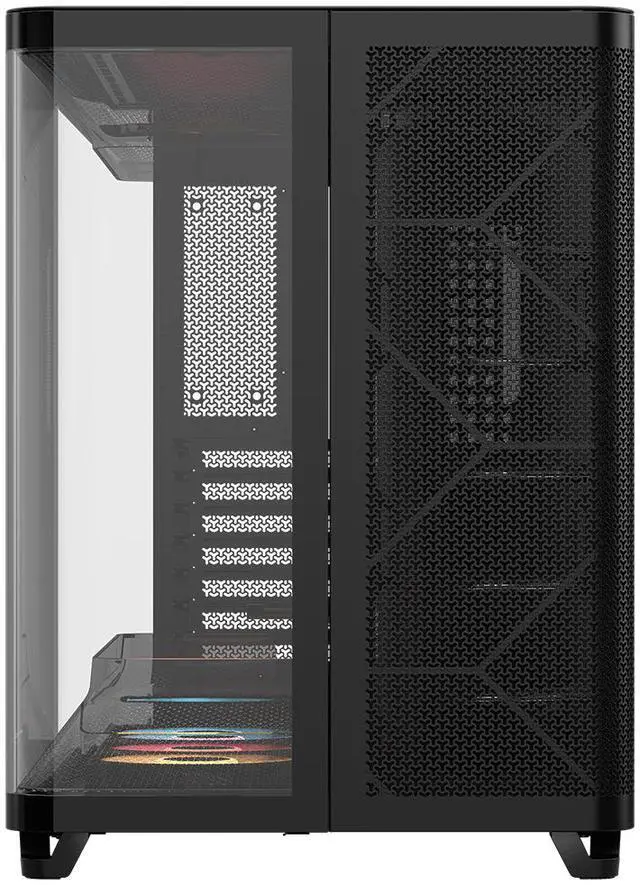
| Expansion & Slots | 7 expansion slots for add-in cards |
| Front I/O & USB | Includes 2 USB 3.0 ports (total) |
| Dust Filters | Bottom dust filter(s) included |
| Power Supply Mounting | Bottom-mounted power supply (supports PSUs up to 200 mm length) |
| Physical Dimensions & Weight | Chassis approx 18.50 in (D) × 13.39 in (W) × 18.39 in (H); item weight 13.92 kg; package weight 16.647 kg; package dimensions 47.371 × 56.896 × 61.595 cm |
| Special Features & Lighting | ARGB/RGB lighting support and built-in fan features reported by external attributes |
Q: Should I buy the Corsair AIR 5400 RS-R ARGB or the Corsair 4000D Airflow for a high-end gaming build?
A: Choose the Corsair AIR 5400 RS-R ARGB if your priority is cleaner presentation for a premium build, stronger radiator flexibility, and easier use with reverse-connector motherboards. The AIR 5400 uses a triple-chamber layout, supports an isolated 360mm radiator chamber, includes three reverse-rotor ARGB fans, and offers much more front I/O with three USB-C ports. Choose the 4000D Airflow if you want a simpler, more compact case with conventional airflow and lower build complexity. The 4000D remains practical, but it does not support reverse-connector motherboards and has less internal flexibility for showcase-oriented cooling setups.
Q: Is the Corsair AIR 5400 RS-R ARGB worth it over the Corsair 3500X RS-R ARGB?
A: Buy the AIR 5400 RS-R ARGB if you want more thermal headroom for large GPUs and multi-radiator or showcase cooling layouts. Reviews and hands-on testing consistently position the AIR 5400 as the more specialized airflow-and-display case, while the 3500X is the easier value choice for mainstream ATX builds. The 3500X already supports reverse-connector motherboards and dual-360mm radiator mounting, so it is often the better fit when you want the reverse-cable look at a lower tier. The AIR 5400 makes more sense when you specifically want the triple-chamber layout, separate radiator zone, and more open presentation around flagship parts.
Q: Should I choose the Corsair AIR 5400 RS-R ARGB or the Corsair 6500X for a showcase PC?
A: Choose the AIR 5400 RS-R ARGB if you want Corsair's more experimental cooling-first layout with a dedicated third chamber for a 360mm radiator. Choose the 6500X if you prefer a more familiar dual-chamber showcase case with broad customization and simpler planning. Both support reverse-connector motherboards and both target clean cable-hidden builds, but the AIR 5400 is the better fit when cooling layout is part of the buying decision, while the 6500X is the better fit when you want a premium dual-chamber design without moving to a triple-chamber format.
Q: Is the Corsair AIR 5400 RS-R ARGB better for liquid cooling than for a large air cooler build?
A: The AIR 5400 RS-R ARGB is the stronger match for liquid-cooling-focused builds, especially if you want to use its isolated 360mm radiator chamber as intended. Official positioning and reviews both emphasize that layout as a core reason to buy the case. It can still support large tower air coolers up to 180mm, so it is not limited to AIO use, but the clearest reason to choose this case over a standard mid-tower is its radiator-first architecture and airflow duct design. If you are planning a simple air-cooled build, a more conventional airflow case may be the more straightforward choice.
Q: Is this case a good choice if I want a clean, cable-hidden build with a reverse-connector motherboard?
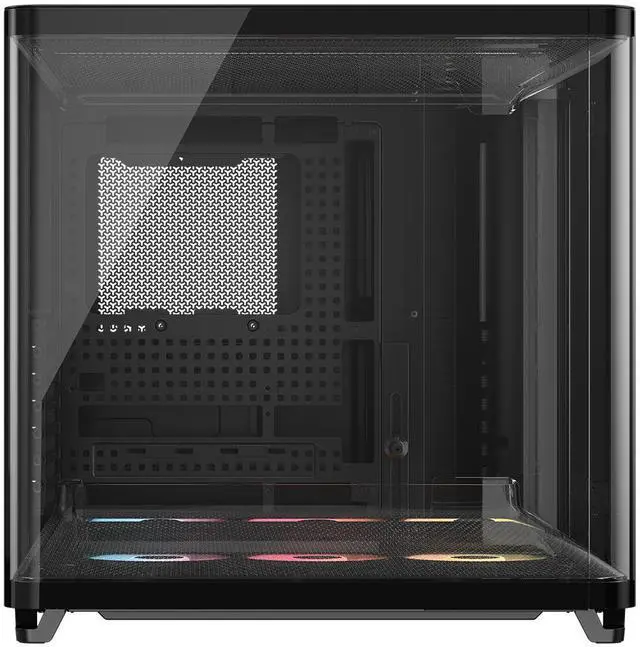
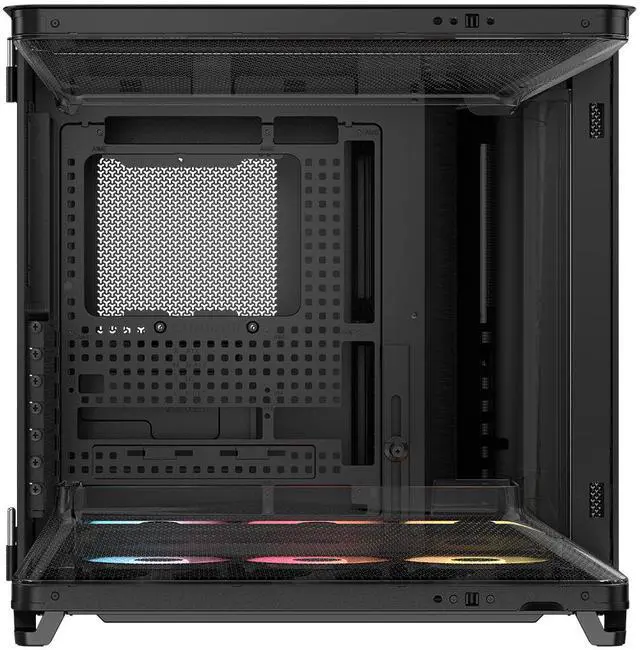
A: Yes, this case is a strong fit for that use case. It is specifically designed to support reverse-connection motherboards from ASUS, MSI, and Gigabyte, and its triple-chamber layout plus RapidRoute 2.0 cable management are aimed at keeping the main glass-view area cleaner. It makes the most sense for buyers prioritizing display aesthetics and cable concealment over a more conventional single-chamber layout.
Q: Will this case fit large GPUs and big air coolers?
A: For most builds, yes. The listed maximum GPU length is 430 mm and the maximum CPU cooler height is 180 mm, which is generous for current high-end graphics cards and large tower air coolers. Buyers should still confirm the exact dimensions of their GPU, front or bottom fan setup, and any radiator placement, because cooling hardware can reduce practical clearance.
Q: Is this case better for airflow or for showing off the build?
A: It is built to do both, but it leans toward buyers who want a showcase case without giving up strong cooling potential. The wraparound glass and reverse-rotor ARGB fans favor visibility, while the triple-chamber layout, Venturi-style airflow ducts, and support for many fan positions target thermal performance. The trade-off is that this type of panoramic case is usually larger and more build-specific than a simpler airflow tower.
Q: Is this case a good option for a 360 mm radiator build?
A: Yes, it is well suited to liquid-cooling-focused builds, especially if you want to isolate a 360 mm radiator in its own chamber. That layout can help with organization and thermal planning. The main trade-off is that this case is more appealing to builders who already know their cooling layout, since multi-chamber cases reward planning more than entry-level simplicity.
Q: Who is this case best suited for, and who should skip it?
A: This case is best for enthusiasts building a visually clean, high-airflow system with a large GPU, strong cooling, and possibly a reverse-connector motherboard. It is less ideal for buyers who want maximum drive capacity, a very compact footprint, or the simplest budget build path. With only 1 x 3.5-inch and 2 x 2.5-inch drive mounts listed, it favors modern showcase builds over storage-heavy builds.
Q: Who is the Corsair AIR 5400 RS-R best suited for?
A: It is best suited for builders who prioritize airflow, clean cable routing, and a showcase-style build, especially if they plan to use a 360mm CPU radiator and want support for reverse-connector motherboards. It is less ideal for buyers who want a compact mid-tower or need lots of internal drive space.
Q: Is the AIR 5400 RS-R worth buying for cooling-focused builds?
A: Yes, if your main goal is strong airflow and thermal separation. Repeated Reddit and YouTube discussion centers on the triple-chamber layout improving cooling and making the build cleaner. The trade-off is size and layout specialization: you are paying for an airflow-first design rather than a conventional mid-tower layout.
Q: What are the main trade-offs of the AIR 5400 RS-R compared with a standard mid-tower?
A: The main trade-offs are footprint, layout constraints, and storage flexibility. Community discussion repeatedly points to the case being wider than a typical mid-tower, while the product itself only includes support for one 3.5-inch drive and two 2.5-inch drives. It makes sense for modern, airflow-focused builds, but not for space-sensitive setups or storage-heavy systems.
Q: Is the AIR 5400 RS-R a good choice for reverse-connector motherboards like ASUS BTF, MSI Project Zero, or Gigabyte Project Stealth?
A: Yes. This is one of the clearer reasons to choose it. Reddit discussion around the AIR 5400 repeatedly mentions reverse-motherboard and hidden-cable builds, and the case is specifically positioned around support for reverse-connector designs. It is a better fit than a conventional case if clean cable presentation is a priority.
Q: Should you buy the AIR 5400 RS-R if you prefer air cooling over a 360mm AIO?
A: Only if you still want the case for its cable management, GPU clearance, and reverse-connector support. Community discussion often frames the AIR 5400 around its dedicated radiator chamber, so its layout is most compelling for builders planning a 360mm CPU liquid cooler. For simpler air-cooled builds, a more conventional case may be a more efficient use of space.


