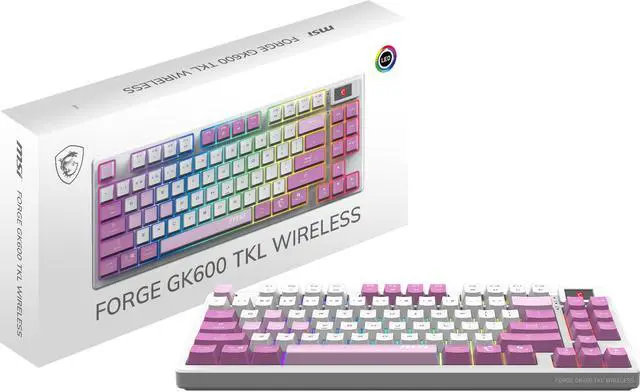
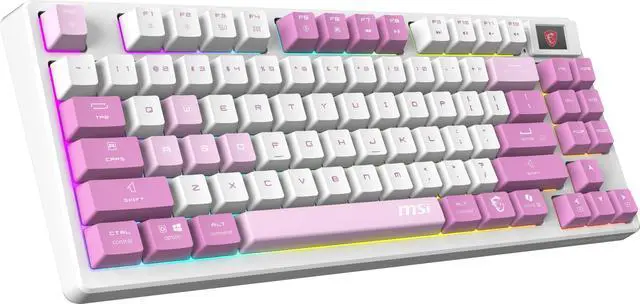
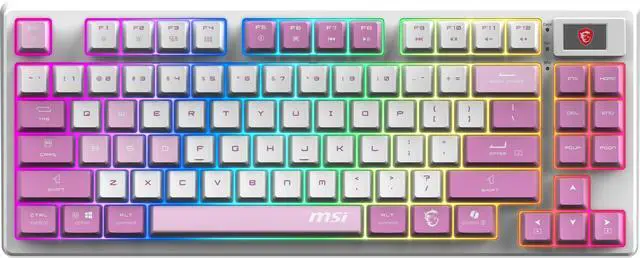
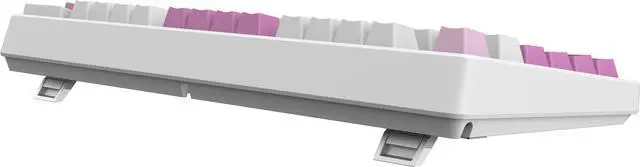
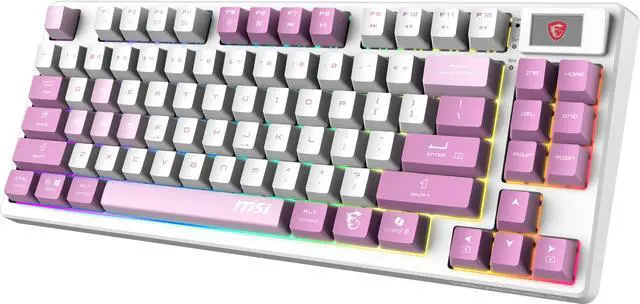
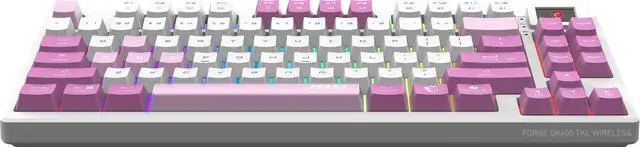
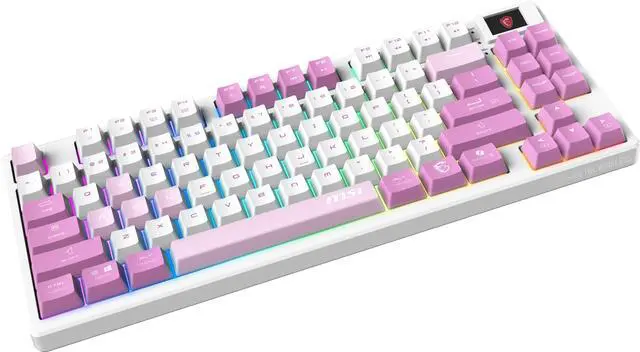
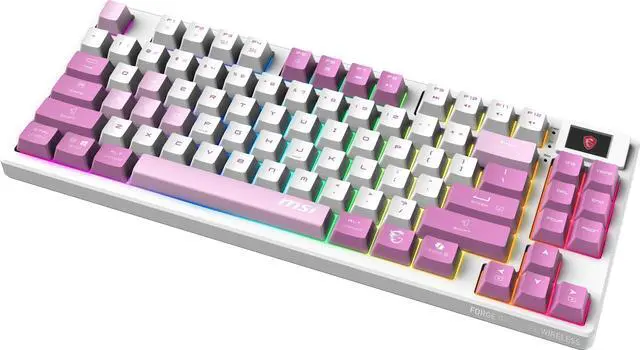
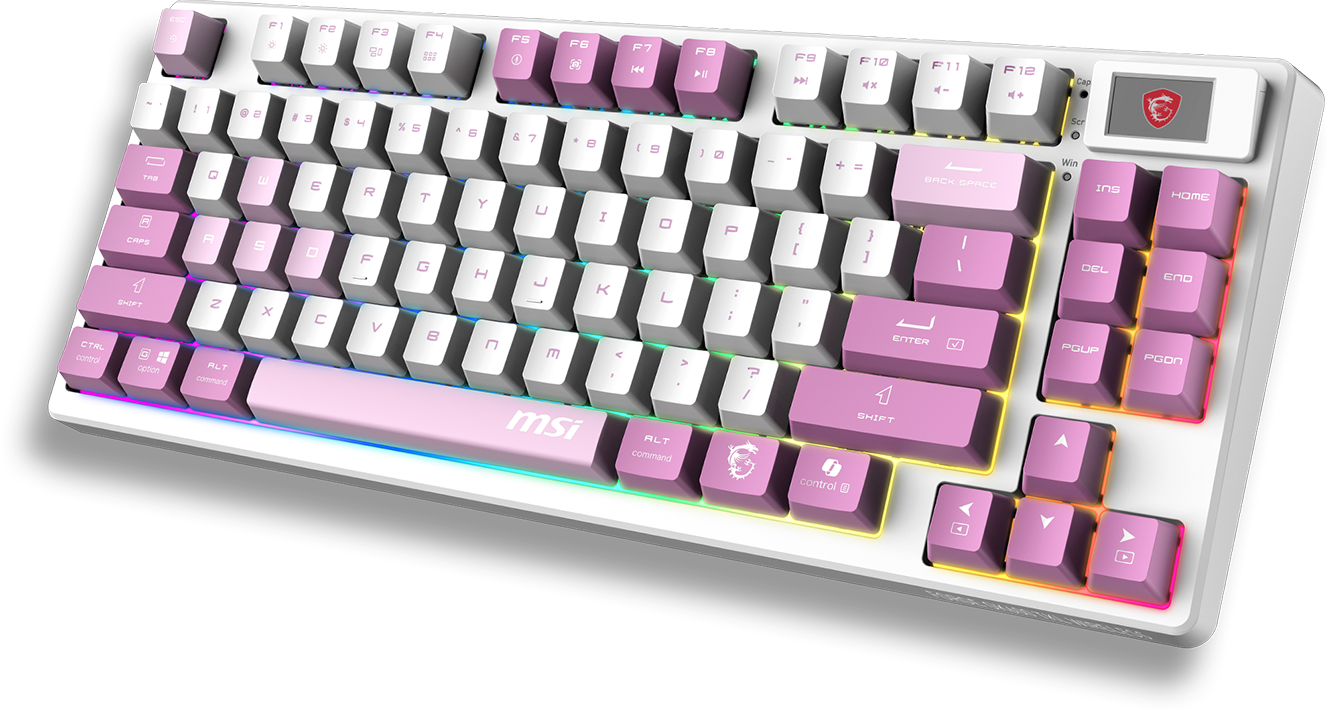
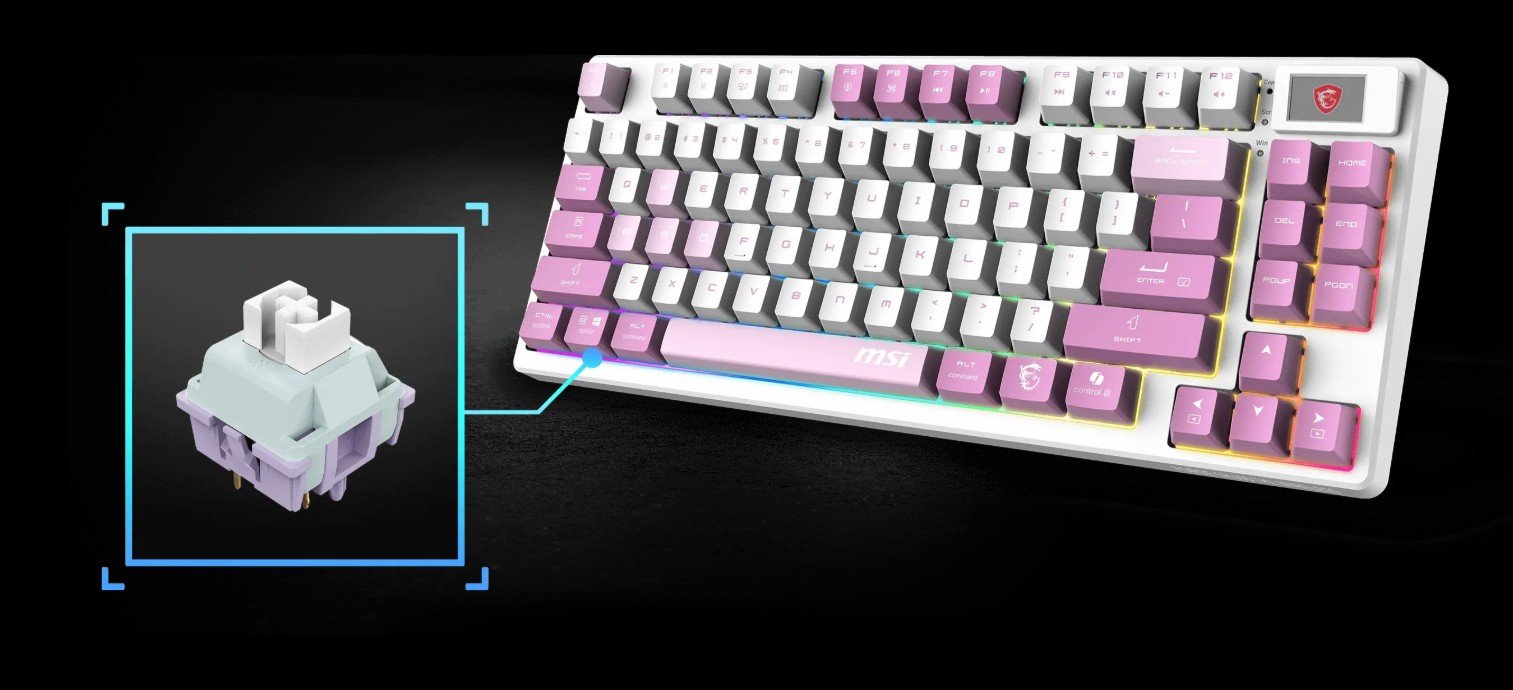
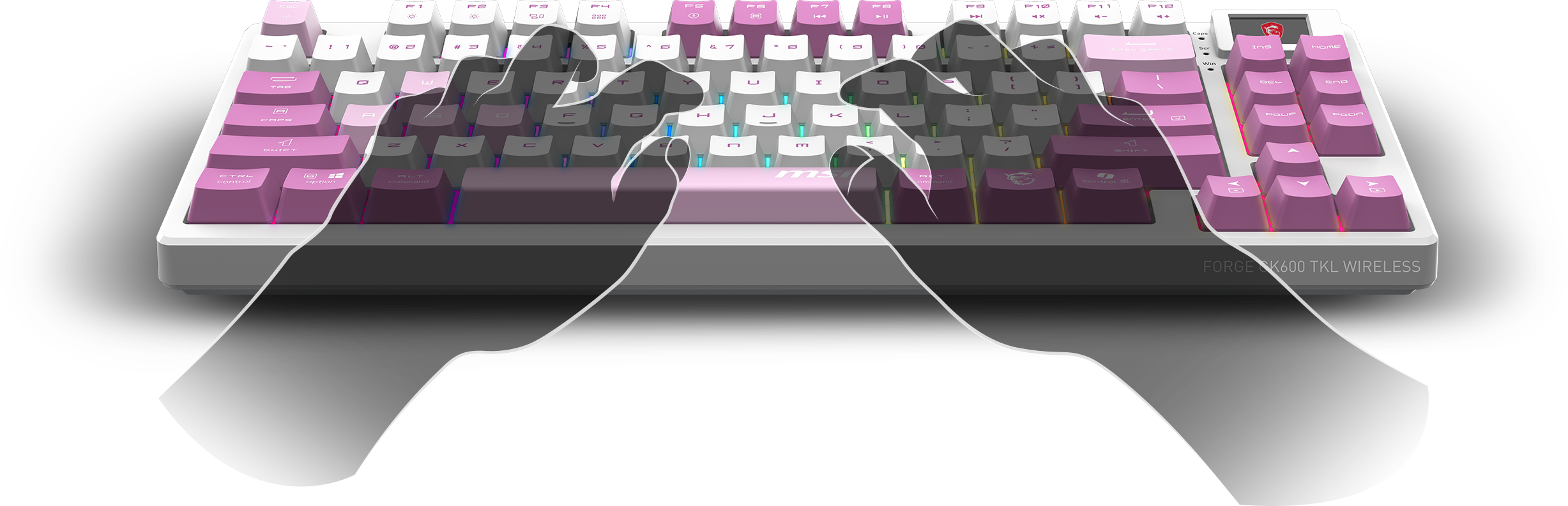
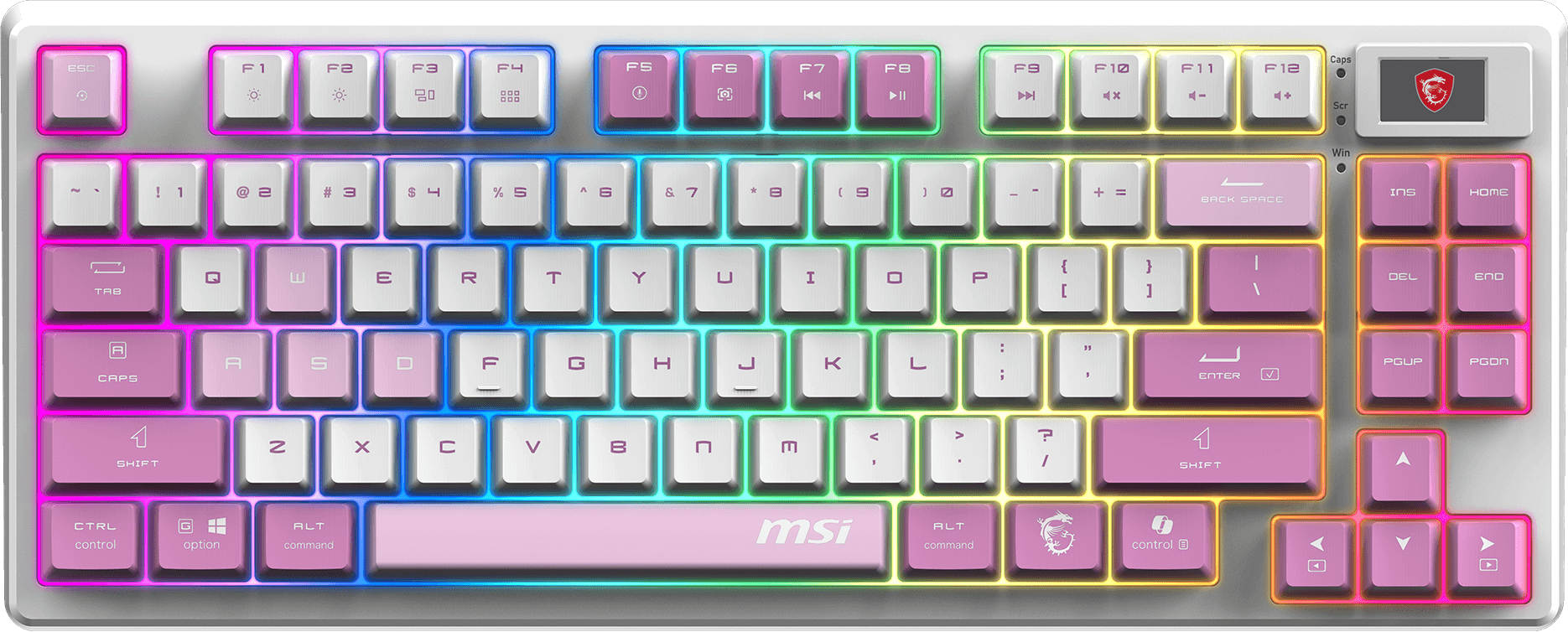
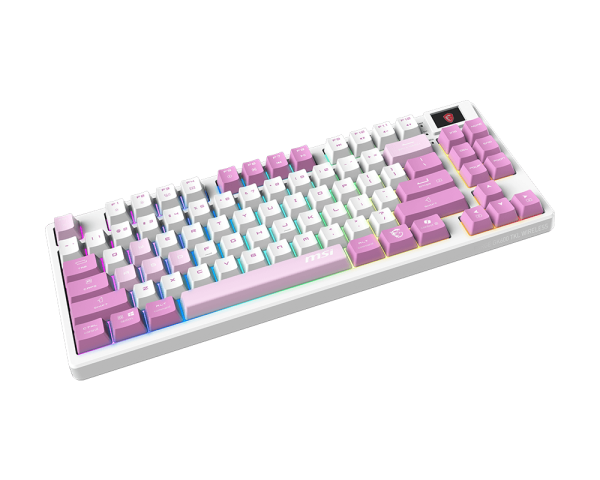
The MSI Forge GK600 TKL Wireless VIOLET is a tenkeyless mechanical gaming keyboard with Kailh Red linear switches, hot-swappable sockets, PBT keycaps, RGB lighting, and USB, 2.4GHz, and Bluetooth connectivity, making it a strong fit for gamers and desktop users who want a compact wireless setup with smooth keypresses.
Recommended For
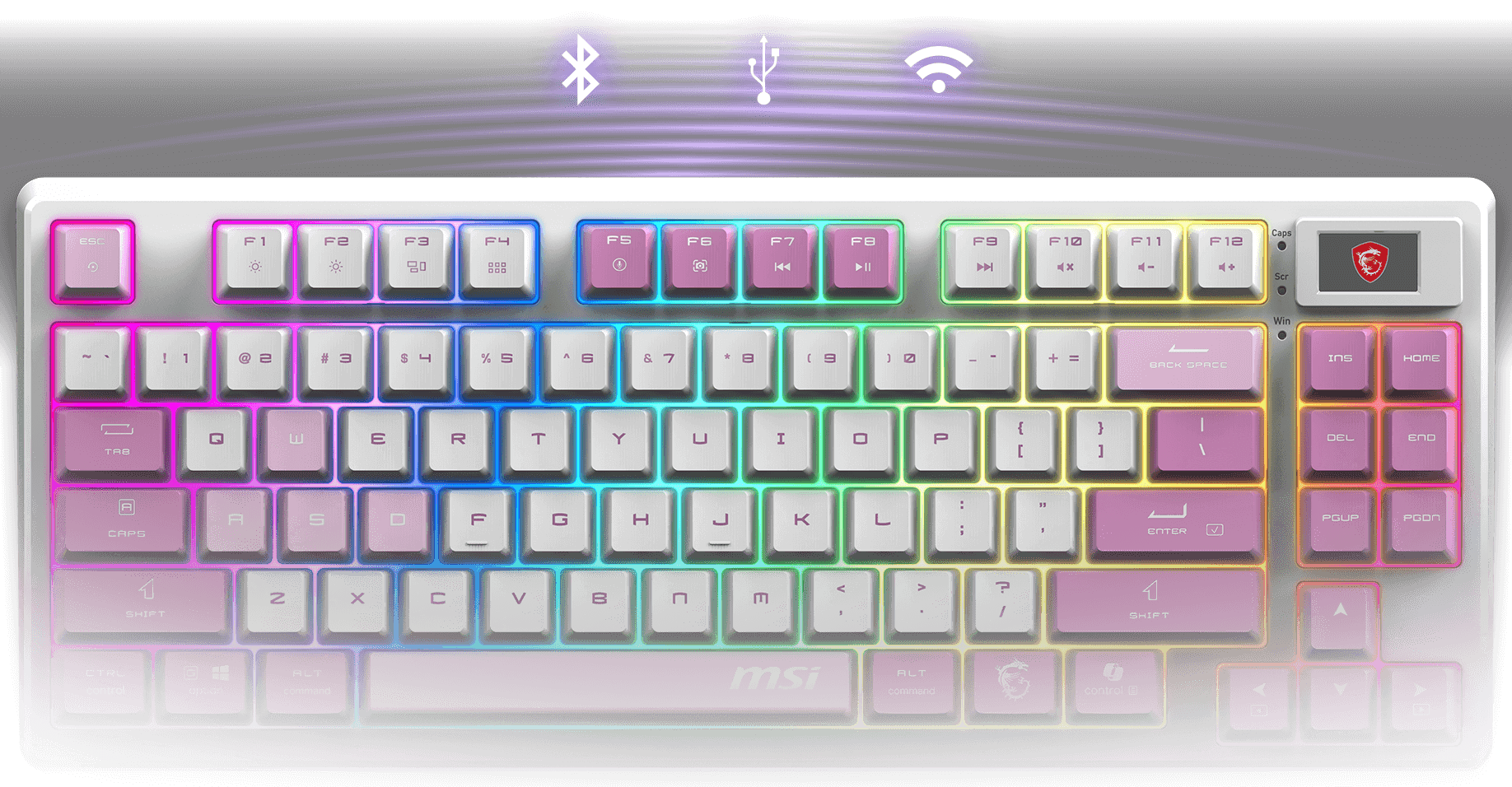
- Users who switch between a gaming PC, laptop, or tablet and want one keyboard for all of them. Official materials and reviews highlight the tri-mode connection setup as a core reason to choose this model.
- Desk gamers who want a smaller TKL layout without giving up wireless options. Reviews consistently position the GK600 as a compact tri-mode board that suits gaming setups where mouse space and cleaner cable management matter.
Real-World Use Scenarios
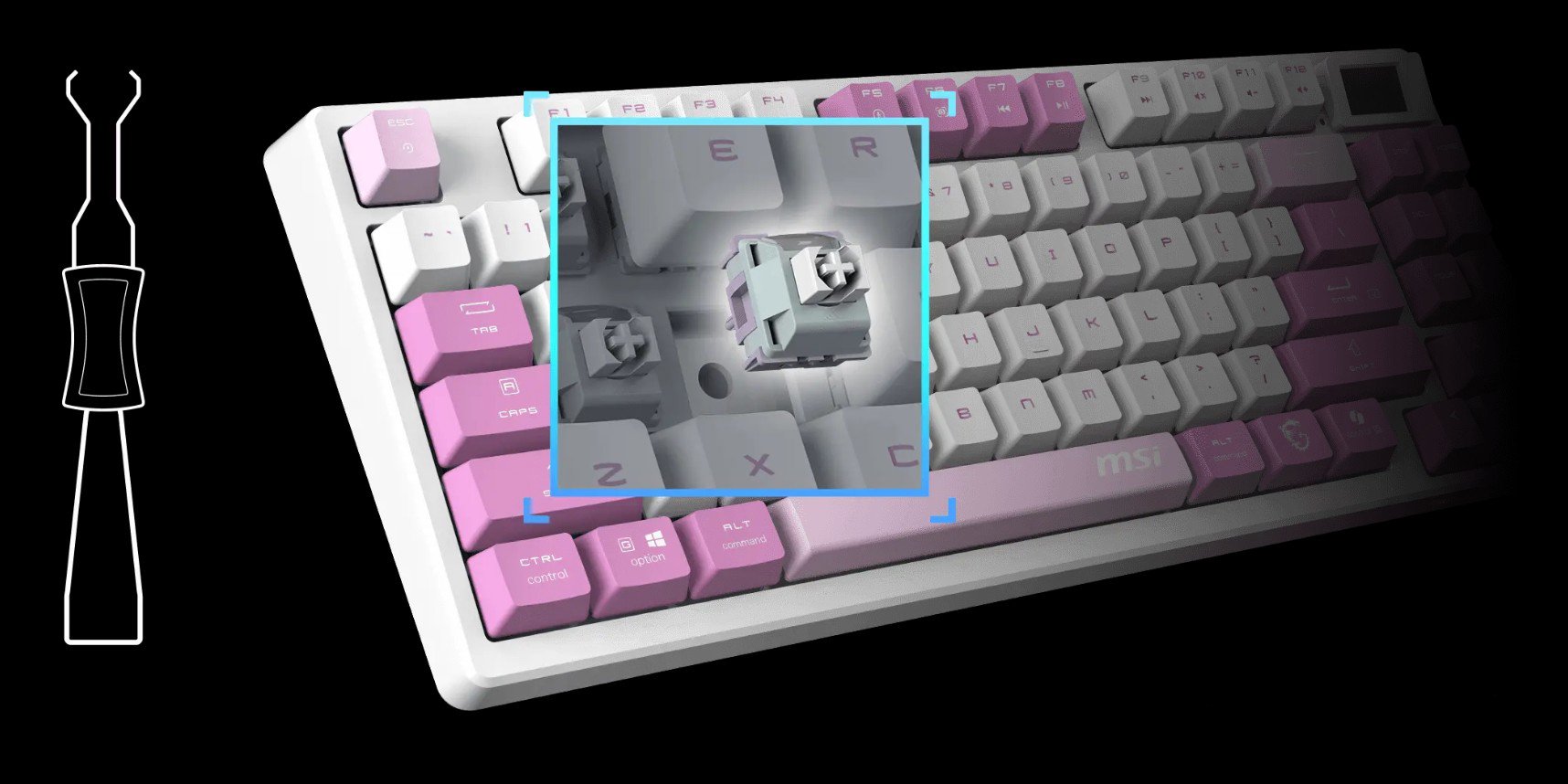
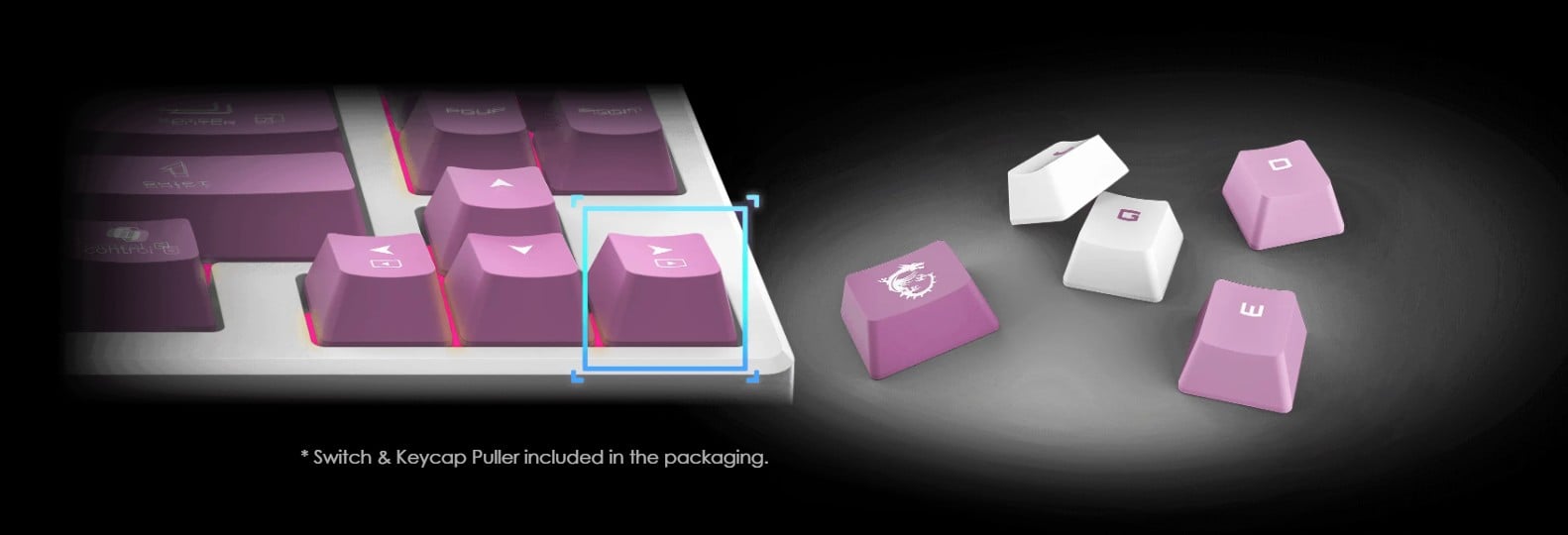
- Keeping the keyboard for long-term daily use, the hot-swappable design makes it practical for replacing a failed switch or changing the feel later, which is useful for first-time mechanical keyboard buyers who may want to experiment without replacing the whole board.
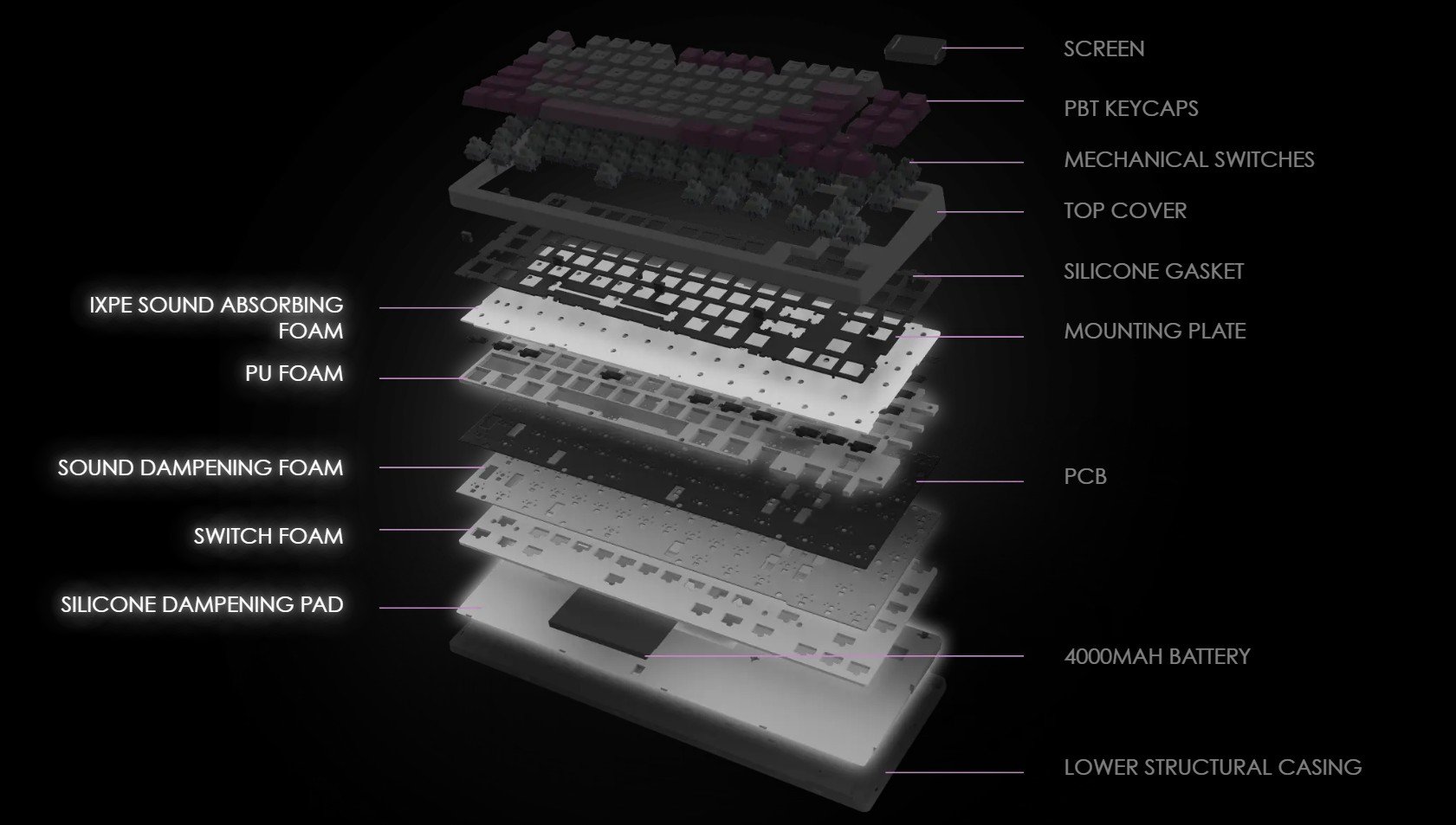
- Typing for work or school in shared spaces, users can expect a quieter mechanical experience than many louder gaming boards, helped by the board's dampening design and linear switches, though it still sounds mechanical rather than silent.
- Using one keyboard across a desktop, laptop, and tablet, the tri-mode connection setup fits real multi-device use, so users can switch between work and gaming setups without re-cabling the desk.
- Playing competitive shooters on a smaller desk, the TKL layout leaves more room for low-sensitivity mouse movement, and reviewers consistently describe the board as responsive enough for everyday gaming over 2.4GHz or wired mode.
Spec Summary
| Attribute | Value |
|---|
| Best For | Compact tenkeyless (TKL) mechanical keyboard for PC gaming and general typing; suited for users who want linear (Kailh Red) hot‑swappable switches and RGB lighting with wired and wireless connection options |
|---|
| Switches And Hot-Swap | Kailh Red linear mechanical switches with a hot‑swappable socket design |
|---|
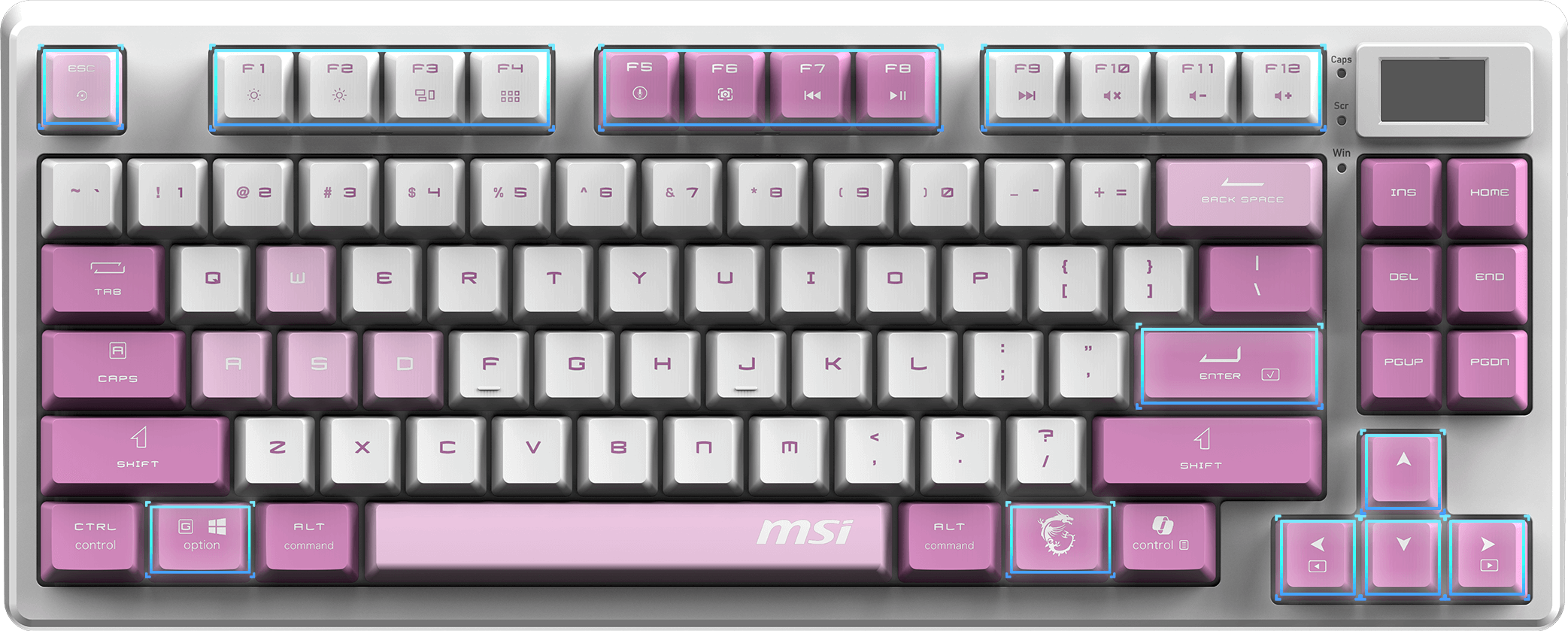
| Layout And Physical | Tenkeyless (TKL) QWERTY layout, ambidextrous orientation, no palm rest; violet purple plastic body |
|---|
| Keycaps And Materials | PBT keycaps on a plastic body |
|---|
| Backlighting And Lighting | RGB backlighting with a 'Rainbow' theme listed |
|---|
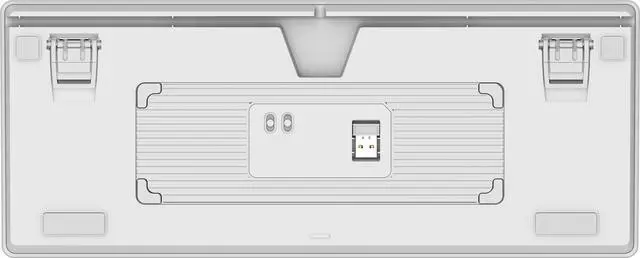
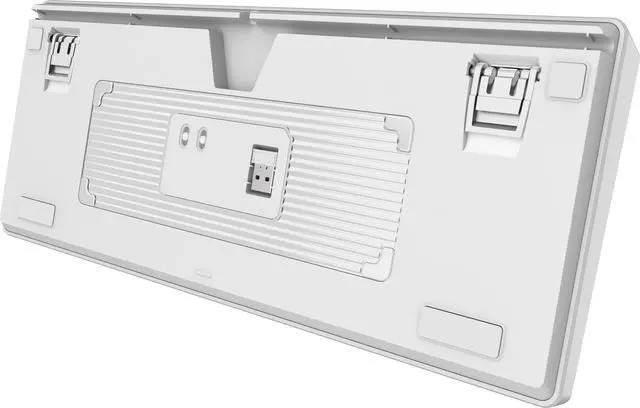
| Connectivity | USB 2.0 wired plus 2.4 GHz wireless and Bluetooth connectivity |
|---|
| Ports And I/O | USB 2.0 interface for wired connection |
|---|
| Power And Battery | Described as battery powered: external data lists 1 nonstandard battery / 1 lithium‑ion cell (battery weight 28 g); battery is listed as not included and not installed; contains battery/cell; lithium energy content reported as 0 mAh; 'Battery Contains free Unabsorbed Liquid' flagged; external data also lists 'Are Batteries Required: false' |
|---|
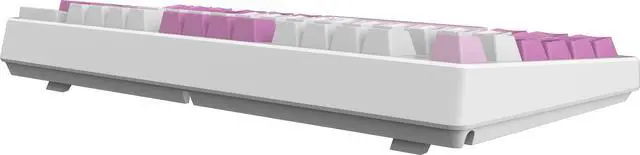
| Dimensions And Weight | Item dimensions 2.3 x 15.5 x 7.8 inches; item weight 2.6 pounds; package weight 1.238 kilograms; package dimensions 6.096 L x 19.7104 W x 39.0906 H centimeters |
|---|
| Compatibility And Platform | Designed for PC; listed as compatible with laptops |
|---|
| Additional Features | Hot‑swappable switch design |
|---|
| Model Identifiers | Model FORGEGK600V / FORGE GK600 TKL W VIOLET US (style); Brand MSI Computer / Manufacturer MSI; Edition: FORGE |
|---|
| Packaging And Count | Sold as a single unit (1 item / 1 pack / unit count 1) |
|---|
Reference Q&A
Q: MSI Forge GK600 TKL Wireless vs Razer BlackWidow V4 75%: which one makes more sense?
A: Choose the MSI Forge GK600 TKL Wireless if you want wireless flexibility, a traditional TKL layout, and lower-cost entry into hot-swappable mechanical keyboards. Choose the Razer BlackWidow V4 75% if you prefer a more compact 75% layout and are buying primarily for a premium wired gaming setup with stronger brand ecosystem integration. The key trade-off is that MSI leans toward practical wireless versatility, while the Razer model is more about enthusiast-style wired features in a tighter layout.
Q: Should I upgrade from a wired TKL keyboard to the MSI Forge GK600 TKL Wireless?
A: Upgrade to the MSI Forge GK600 TKL Wireless if your main goal is adding flexibility without changing to a smaller layout. Its tri-mode connection, hot-swappable design, PBT keycaps, and compact TKL footprint make it a meaningful step up from a basic wired TKL. If your current wired keyboard already has enthusiast features such as aluminum construction, advanced remapping, or premium stabilizers, the change is more about convenience and cleaner desk setup than a major typing upgrade.
Q: Is the MSI Forge GK600 TKL Wireless a better buy than a cheaper RK R75-style wireless keyboard?
A: The MSI Forge GK600 TKL Wireless is the safer choice if you want a mainstream gaming-brand keyboard with a standard TKL layout, hot-swappable switches, and tri-mode connectivity without moving into enthusiast setup territory. A cheaper RK R75-style board can be attractive if you want a more compact 75% layout and QMK/VIA-style customization, but that layout changes key placement and usually appeals more to buyers already comfortable with enthusiast-style keyboards. MSI is the better fit when you want a familiar TKL gaming layout and a straightforward out-of-box experience.
Q: Should I buy the MSI Forge GK600 TKL Wireless or a Keychron Q3 Max?
A: Choose the MSI Forge GK600 TKL Wireless if you want a lighter, simpler TKL wireless gaming keyboard with hot-swap support and tri-mode connectivity at a lower typical price. Choose the Keychron Q3 Max if you want a more premium aluminum build, broader enthusiast customization through QMK/VIA, and a more workstation-oriented feel. The MSI model fits buyers who prioritize value, gaming-focused wireless use, and a quieter prebuilt setup, while the Keychron makes more sense for users who want a heavier custom-style board and deeper remapping options.
Q: Who is this keyboard most suitable for?
A: It is best suited to buyers who want a compact wireless mechanical keyboard with some customization headroom. The strongest fit is for gamers, mixed-use PC users, and hobbyists who value hot-swappable 5-pin switches, durable PBT keycaps, and multi-device connectivity. It is a weaker fit for buyers who want a low-profile keyboard, a built-in palm rest, or a full-size layout with numpad.
Q: Is this keyboard good for office work, meetings, and note-taking?
A: It can work well for office use if you prefer a mechanical keyboard and do not need a numpad. The linear switches should feel smooth and are typically quieter than clicky switches, while the sound-dampening design and adjustable lighting make it easier to use in mixed work-and-play setups. It is less suitable if your priority is the quietest possible keyboard for shared offices or if you rely on dedicated office shortcuts and a number pad.
Q: Is it worth buying for travel, shared desks, or smaller setups?
A: Usually yes, if portability and desk space matter more than having a full-size layout. Its TKL design is easier to pack than a full keyboard and leaves more room for mouse movement, which is a common reason shoppers choose compact wireless gaming keyboards. The main compromise is losing the number pad and some convenience for finance-heavy or spreadsheet-heavy work.
Q: Is this a good wireless TKL keyboard for both gaming and everyday work?
A: Yes, if you want one keyboard for gaming and general desk use. The MSI Forge GK600 TKL Wireless offers three connection modes (2.4 GHz, Bluetooth, and wired USB-C), a compact TKL layout that saves desk space, and linear mechanical switches that suit fast gaming and smooth typing. The trade-off is that TKL removes the numpad, so it is less ideal for heavy spreadsheet or data-entry work.
Q: What are the main trade-offs of choosing the MSI Forge GK600 TKL Wireless over other keyboards around the same price?
A: The main trade-offs are value and polish. The keyboard offers useful hardware features like hot-swap support, PBT keycaps, RGB, and USB plus Bluetooth plus 2.4 GHz connectivity, but community discussion shows some hesitation about software behavior, battery reporting, lighting quality, and whether the overall package beats keyboard-focused brands at similar prices.
Q: Is the MSI Forge GK600 TKL Wireless good for office work, note-taking, or mixed work-and-gaming use?
A: Yes, if you prefer a compact mechanical keyboard and do not rely on a numpad. Its linear Kailh Red switches and TKL layout make it workable for mixed typing and gaming, but people doing heavy data entry may prefer a full-size layout, and buyers expecting a strictly work-focused keyboard may want something with a more office-oriented feature set.
Q: Who is the MSI Forge GK600 TKL Wireless best suited for?
A: It is best suited for users who want a smaller desk footprint, wireless flexibility, and a smooth linear typing feel without needing a numpad or palm rest. It fits gaming, shared desk setups, and portable use better than spreadsheet-heavy work, because the TKL layout saves space but removes dedicated number entry keys.
Q: Is the MSI Forge GK600 TKL Wireless a good buy if I want a compact wireless mechanical keyboard for gaming and everyday use?
A: It is a reasonable fit if you want a tenkeyless wireless keyboard with linear switches, hot-swap support, PBT keycaps, and three connection modes. The main trade-off is that discussion around this model often compares it against stronger-value keyboard brands, so it makes more sense for buyers who specifically want its layout, wireless options, and MSI styling than for shoppers chasing maximum customization or lowest price.
Q: What type of mechanical switches does the MSI Forge GK600 TKL Wireless Keyboard use?
A: The MSI Forge GK600 TKL Wireless Keyboard uses mechanical linear switches, which provide a smooth and responsive keystroke.
Q: How long does the battery last on the MSI Forge GK600 TKL Wireless Keyboard when backlighting is turned off?
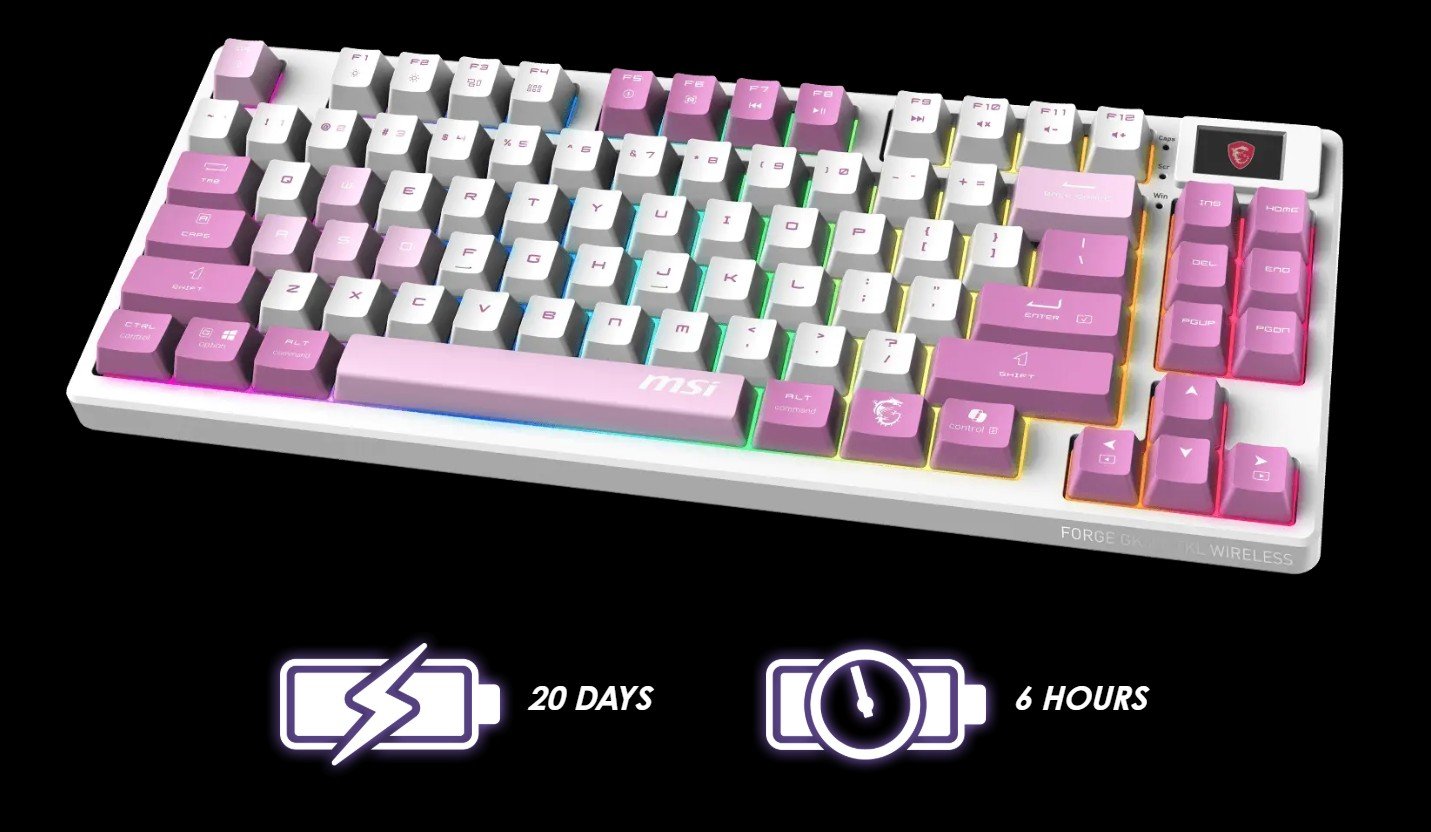
A: The battery can last up to 20 days with backlighting turned off, and it fully recharges in about 6 hours via USB Gen 3.
Q: Should I buy the MSI Forge GK600 TKL Wireless or a Keychron Q3 Max?
A: Choose the MSI Forge GK600 TKL Wireless if you want a lighter, simpler TKL wireless gaming keyboard with hot-swap support and tri-mode connectivity at a lower typical price. Choose the Keychron Q3 Max if you want a more premium aluminum build, broader enthusiast customization through QMK/VIA, and a more workstation-oriented feel. The MSI model fits buyers who prioritize value, gaming-focused wireless use, and a quieter prebuilt setup, while the Keychron makes more sense for users who want a heavier custom-style board and deeper remapping options.
Q: Should I upgrade from a wired TKL keyboard to the MSI Forge GK600 TKL Wireless?
A: Upgrade to the MSI Forge GK600 TKL Wireless if your main goal is adding flexibility without changing to a smaller layout. Its tri-mode connection, hot-swappable design, PBT keycaps, and compact TKL footprint make it a meaningful step up from a basic wired TKL. If your current wired keyboard already has enthusiast features such as aluminum construction, advanced remapping, or premium stabilizers, the change is more about convenience and cleaner desk setup than a major typing upgrade.
Q: Is the MSI Forge GK600 TKL Wireless a better buy than a cheaper RK R75-style wireless keyboard?
A: The MSI Forge GK600 TKL Wireless is the safer choice if you want a mainstream gaming-brand keyboard with a standard TKL layout, hot-swappable switches, and tri-mode connectivity without moving into enthusiast setup territory. A cheaper RK R75-style board can be attractive if you want a more compact 75% layout and QMK/VIA-style customization, but that layout changes key placement and usually appeals more to buyers already comfortable with enthusiast-style keyboards. MSI is the better fit when you want a familiar TKL gaming layout and a straightforward out-of-box experience.
Q: MSI Forge GK600 TKL Wireless vs Razer BlackWidow V4 75%: which one makes more sense?
A: Choose the MSI Forge GK600 TKL Wireless if you want wireless flexibility, a traditional TKL layout, and lower-cost entry into hot-swappable mechanical keyboards. Choose the Razer BlackWidow V4 75% if you prefer a more compact 75% layout and are buying primarily for a premium wired gaming setup with stronger brand ecosystem integration. The key trade-off is that MSI leans toward practical wireless versatility, while the Razer model is more about enthusiast-style wired features in a tighter layout.



 All Categories