


 All Categories


DisplayHDR True Black 500
DCI-P3 99%

 All Categories
Shipped by Newegg




Warranty Notice:
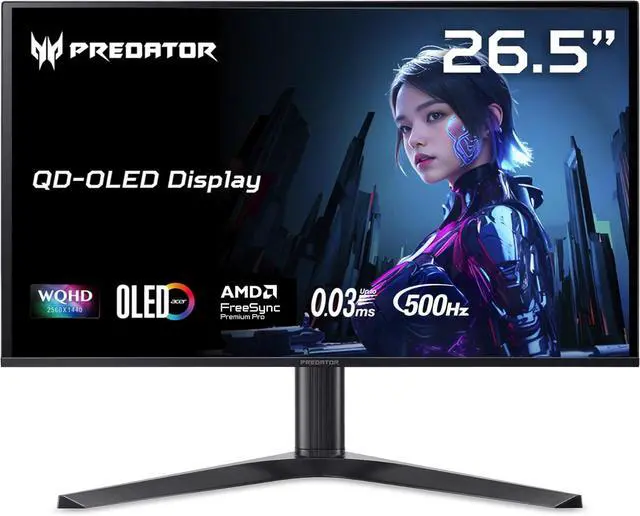
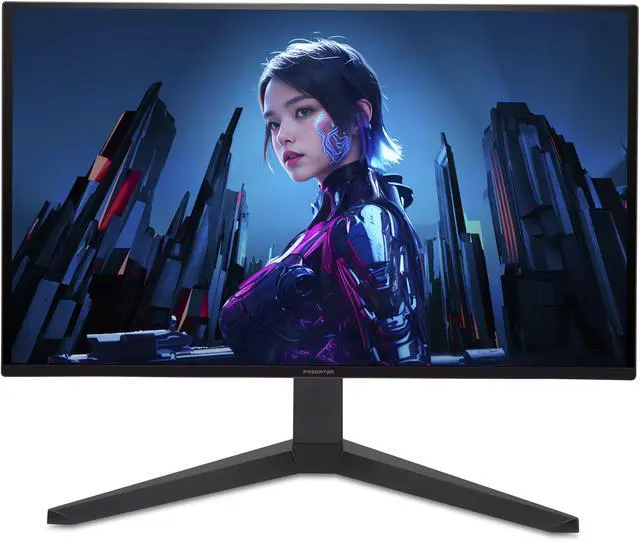
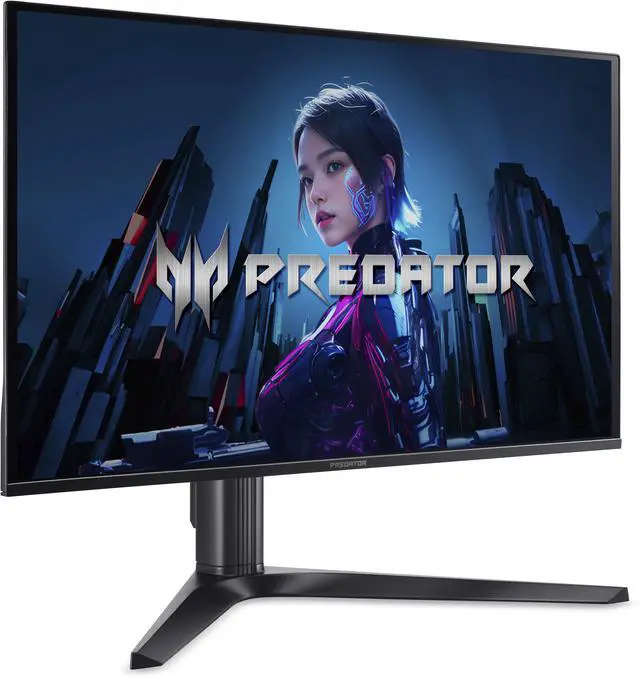
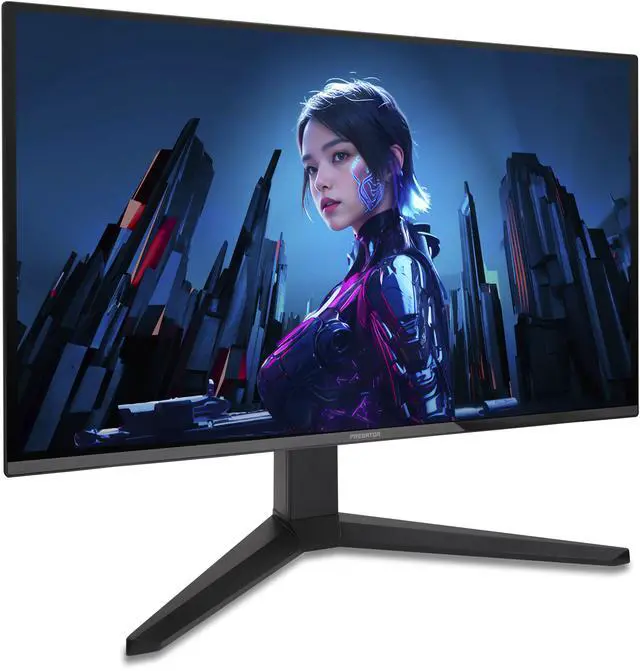
This product does not include manufacturer warranty when purchased or used outside of its designated sales region. By purchasing internationally, you acknowledge that warranty support from the manufacturer will not be available.The Acer Predator X27U F5 is a 27-inch-class QHD OLED gaming monitor with a 500Hz refresh rate, 0.03ms response time, and FreeSync Premium Pro, suited to competitive PC gamers prioritizing exceptionally fast motion at 2560 × 1440 resolution.
| Attribute | Value |
|---|---|
| Best For | Gaming, especially fast-paced play, with a 500 Hz OLED display, 0.03 ms response time, and FreeSync Premium Pro adaptive sync |
| Panel And Resolution | 27-inch-class flat OLED display with 2560 × 1440 resolution, 16:9 aspect ratio, 1,500,000:1 contrast ratio, 1000 cd/m² brightness, 99% DCI-P3 gamut, 1.07 billion colors, and 178° horizontal and vertical viewing angles |
| Refresh Rate And Response | 500 Hz refresh rate, 0.03 ms response time, and FreeSync Premium Pro adaptive sync |
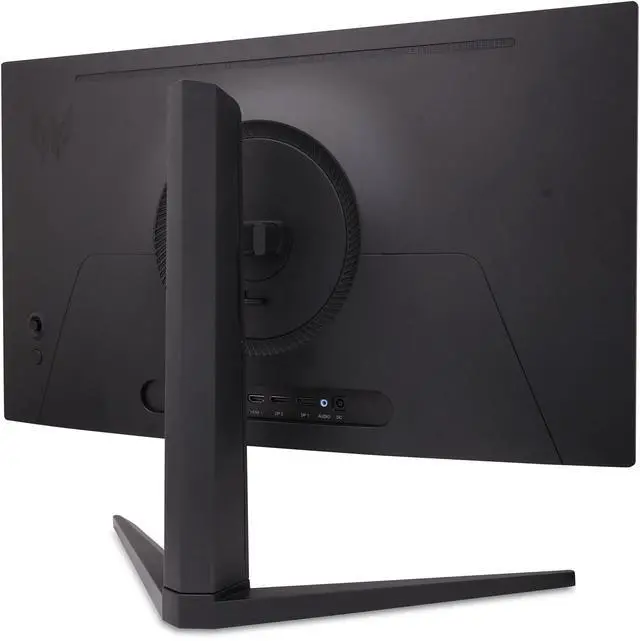
| Ports And Connectivity | 2 × HDMI 2.1, 2 × DisplayPort 1.4, and 1 × USB-C with DisplayPort Alternate Mode |
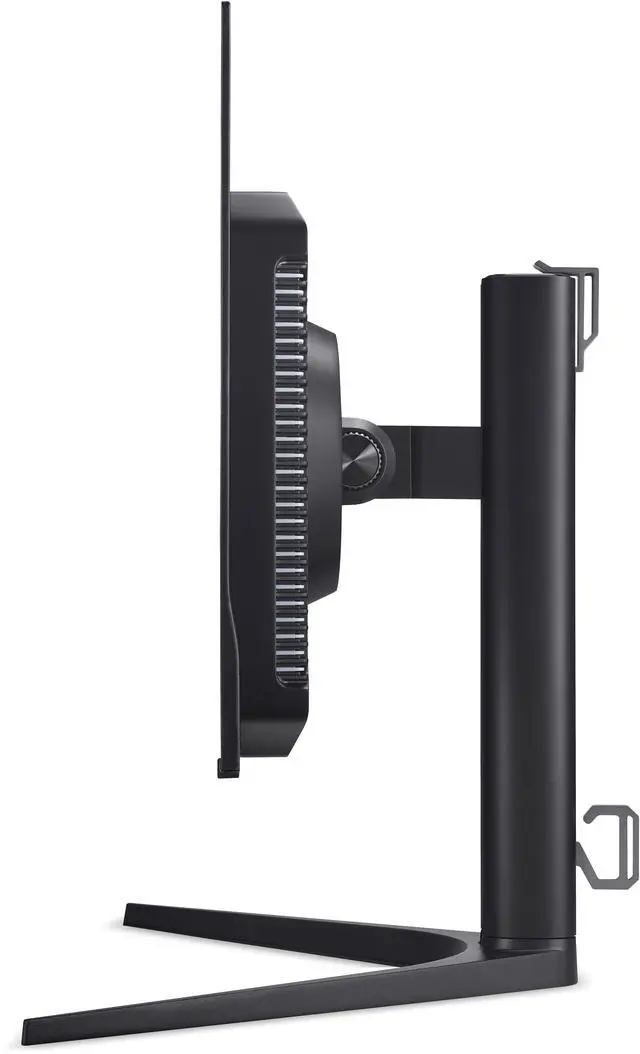
| Stand And Ergonomics | Height-, pivot-, swivel-, and tilt-adjustable stand; 75 × 75 mm VESA mounting compatibility |
| Audio And Camera | Built-in 2 × 5 W speakers; no built-in webcam |
| Physical Design | Black cabinet; listed weight 12.21 lb |
| Touch Input | Touchscreen input |
| Model Identifiers | Acer Predator series, model X27U F5bmiippruzx; part number UM.GXXAA.501 |
Q: Acer Predator X27U F5 or ASUS ROG Swift OLED PG27AQDP: which should I choose?
A: Choose the Acer if you want the higher refresh rate—500Hz versus 480Hz—and value its USB-C and multiple video inputs. Choose the ASUS if its WOLED panel, OLED Care+ features, heatsink design, or built-in gaming tools are a better fit. Both are 26.5-inch QHD OLED monitors with a rated 0.03ms response time, so the choice is mainly about features and the small refresh-rate difference.
Q: Is the Acer Predator X27U F5 worth choosing over a 240Hz QHD OLED?
A: Choose the X27U F5 if you play fast competitive games and your PC can regularly deliver frame rates high enough to benefit from refresh rates above 240Hz. A 240Hz QHD OLED is a more practical fit if your games rarely exceed 240 frames per second or you would rather prioritize a lower-tier configuration. The Acer’s main advantage is its 500Hz refresh rate; its resolution remains 2560 × 1440.
Q: How does the X27U F5 compare with the older 240Hz Acer Predator X27U?
A: Both target QHD OLED gaming, but the X27U F5 raises the maximum refresh rate from 240Hz to 500Hz. Choose the F5 if your games and PC can make use of the extra refresh headroom; choose the 240Hz X27U if that speed is not a priority. The F5 is the performance-focused option, while the older model can suit buyers who want QHD OLED without targeting 500Hz.
Q: Should I get the 1440p 500Hz X27U F5 or a 4K gaming monitor?
A: Choose the X27U F5 if high refresh rates in competitive games matter more than maximum resolution. Choose a 4K gaming monitor if finer image detail and desktop text sharpness matter more than 500Hz. The X27U F5 is a 2560 × 1440 display, so it does not provide 4K resolution.
Q: Who is this monitor best suited for?
A: It is best suited for PC gamers who prioritize very high refresh rates and fast response: it has a 2560 × 1440 OLED panel, up to 500Hz refresh rate, 0.03ms response time, and FreeSync Premium Pro. To benefit from 500Hz, the connected computer and game must be able to output very high frame rates.
Q: Can I use it for office work as well as gaming?
A: Yes. Its 27-inch QHD screen and adjustable stand can suit everyday computer work as well as gaming. Because it is OLED, consider that long periods of static desktop content may raise image-retention concerns; the listing does not specify this model’s burn-in protections. It has no built-in webcam.
Q: Does this OLED monitor have a burn-in risk?
A: OLED displays can be susceptible to permanent image retention with prolonged display of static content. The product information provided does not specify this monitor’s burn-in prevention features or warranty coverage, so check Acer’s terms for those details before buying if you expect long daily sessions with fixed desktop elements.
Q: Can I connect a game console to it?
A: It has two HDMI 2.1 ports for connecting HDMI devices, including a game console. The console, game, and connection determine the resolution and refresh rate you can use; the monitor’s 500Hz maximum should not be assumed for console gaming.
Q: Is the X27U F5 a good fit for competitive FPS gaming?
A: It is aimed at players who prioritize high refresh rates: the monitor combines 2560 × 1440 resolution with a 500Hz refresh rate and a listed 0.03ms response time. A Reddit owner upgrading from a 540Hz TN monitor described the speed positively, but the benefit depends on your games and setup.
Q: Is 500Hz worth upgrading to from a 240Hz or 360Hz monitor?
A: Not automatically. Reddit discussions show that the perceived improvement varies: one X27U F5 owner said the 500Hz feature did not provide as much in-game advantage as expected. It is most relevant if you prioritize very high refresh rates; otherwise, your current monitor may be sufficient.
Q: Is the X27U F5 suitable for work as well as gaming?
A: It has a 2560 × 1440 display and USB-C with DisplayPort Alt Mode. In a Reddit discussion, an owner said they used the monitor for freelance work, including After Effects and Premiere, without discomfort, while noting text fringing as a concern. Text clarity is subjective, so consider testing it if office or creative work is a major use.
Q: Does the 24.5-inch screen mode still run at 500Hz?
A: A Reddit owner reported that the smaller bordered screen modes, including 24.5 inches, are limited to 360Hz on this monitor. Choose it for the full 500Hz at its native screen size, not for 500Hz in the smaller mode.
Q: Does the monitor show recurring OLED screen-care prompts?
A: One Reddit owner reported seeing a screen-clean prompt about every four hours and described it as small and dismissible. Treat this as an individual owner report; the discussion does not establish whether the prompt frequency varies by settings or firmware.