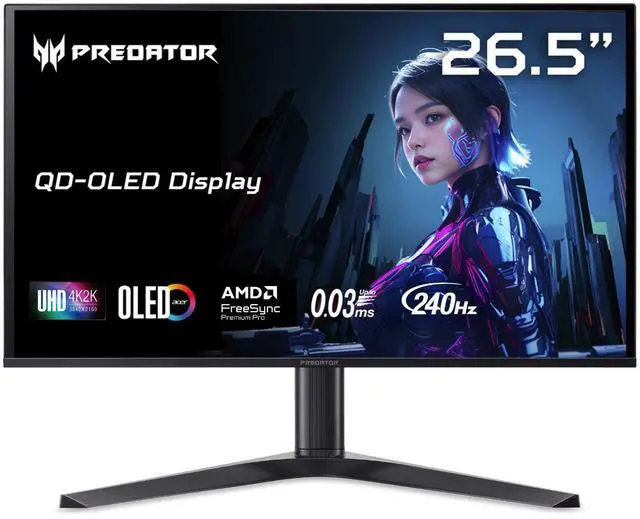
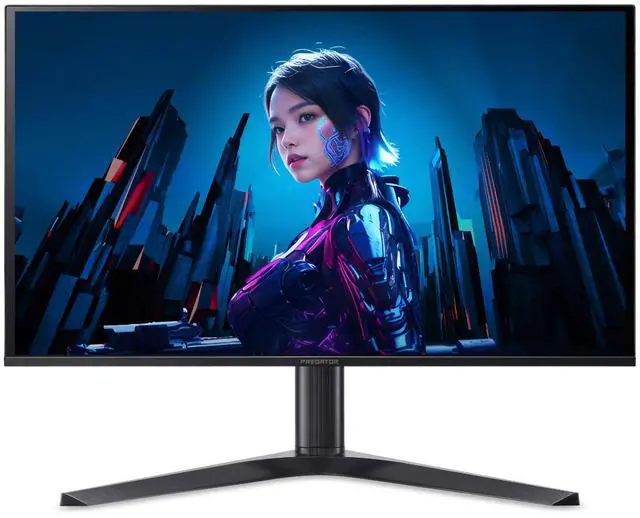
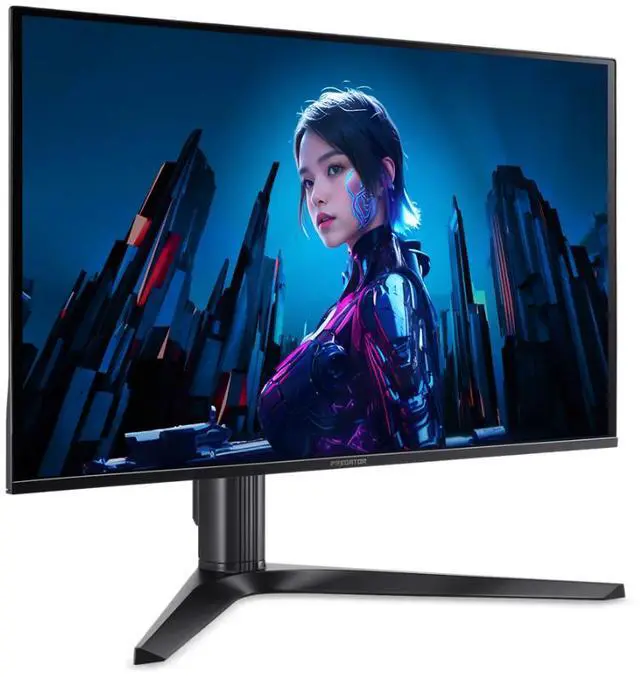
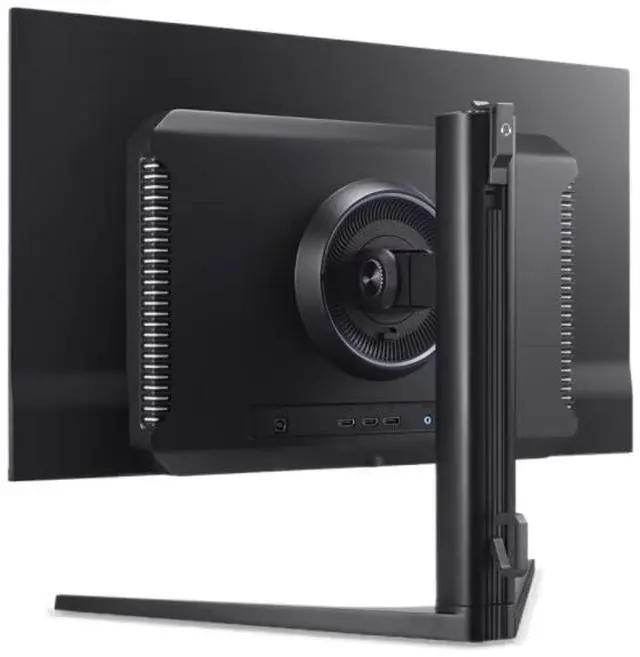
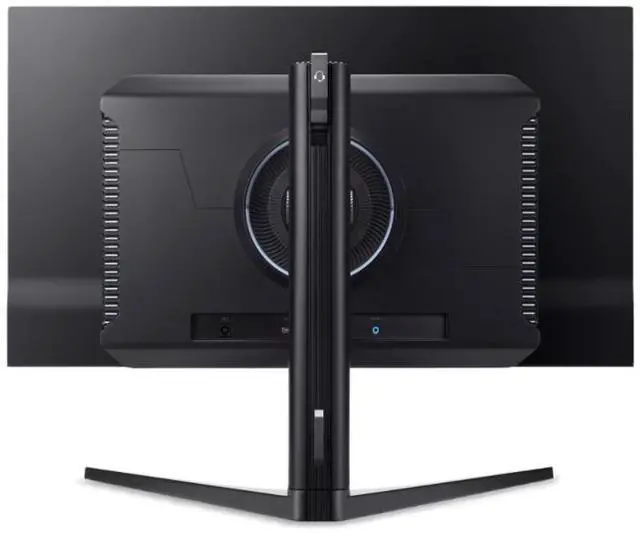
The Acer Predator X27 X1 is a 26.5-inch 4K QD-OLED gaming monitor with a 240Hz refresh rate, 0.03ms response time, and FreeSync Premium Pro and G-Sync Compatible support, suited to PC gamers seeking fast, high-resolution play.
Recommended For
- PC gamers with a graphics card capable of driving demanding games at high frame rates who want sharp 4K detail, smooth 240Hz motion, and OLED contrast on a 27-inch screen.
- Players who switch among a gaming PC, console, and laptop, and want several video inputs plus USB-C DisplayPort with up to 65W power delivery.
- Gamers and movie viewers who prioritize deep blacks, saturated color, and bright HDR highlights for games and video in a room where lighting is reasonably controlled.
- People who use one screen for gaming and everyday desktop work and value crisp text, accurate color, and adjustable height, tilt, swivel, and pivot.
Real-World Use Scenarios
- When playing fast PC games, the X27 X1 can make quick turns and moving targets look smoother and clearer; reaching very high frame rates at 4K depends on having a graphics card capable of driving them.
- For visually detailed PC games and HDR movies, the OLED panel produces deep blacks, saturated color, and bright highlights in HDR; those highlights stand out best when the room lighting is controlled.
- At a desk shared by a gaming PC, console, or laptop, users can keep multiple devices connected and switch inputs instead of repeatedly unplugging video cables; a compatible laptop can also use USB-C for display, data, and charging.
- For everyday desktop work between gaming sessions, 4K resolution keeps small text and interface details sharp at a typical desk distance, while the adjustable stand helps users set a comfortable viewing position.
- For casual videos, podcasts, or games where audio is not the main focus, the built-in speakers provide convenient sound without a separate speaker setup; a headset or external speakers are better suited to immersive listening.
Spec Summary
| Attribute | Value |
|---|
| Best For | Gaming, desktop, and business use, with a 4K OLED display and 240Hz refresh rate |
|---|
| Panel And Resolution | 26.5-inch flat OLED panel with 3840 × 2160 resolution, 16:9 aspect ratio, anti-glare matte finish, 178° horizontal and vertical viewing angles, 0.229mm pixel pitch, 1.07 billion colors, 100,000,000:1 contrast ratio, and 250 cd/m² brightness; supports DisplayHDR True Black 400, Quantum Dot, DCI-P3 99% color gamut, and Delta E <2 |
|---|
| Refresh Rate And Response | 240Hz refresh rate, 0.03ms response time, and AMD FreeSync Premium Pro and NVIDIA G-Sync Compatible adaptive sync |
|---|
| Ports And Connectivity | Two HDMI 2.1 ports, two DisplayPort 1.4 ports, one USB-C port with DisplayPort Alternate Mode, one USB 2.0 Type-B port, and two USB 3.2 Gen 2 Type-A ports |
|---|
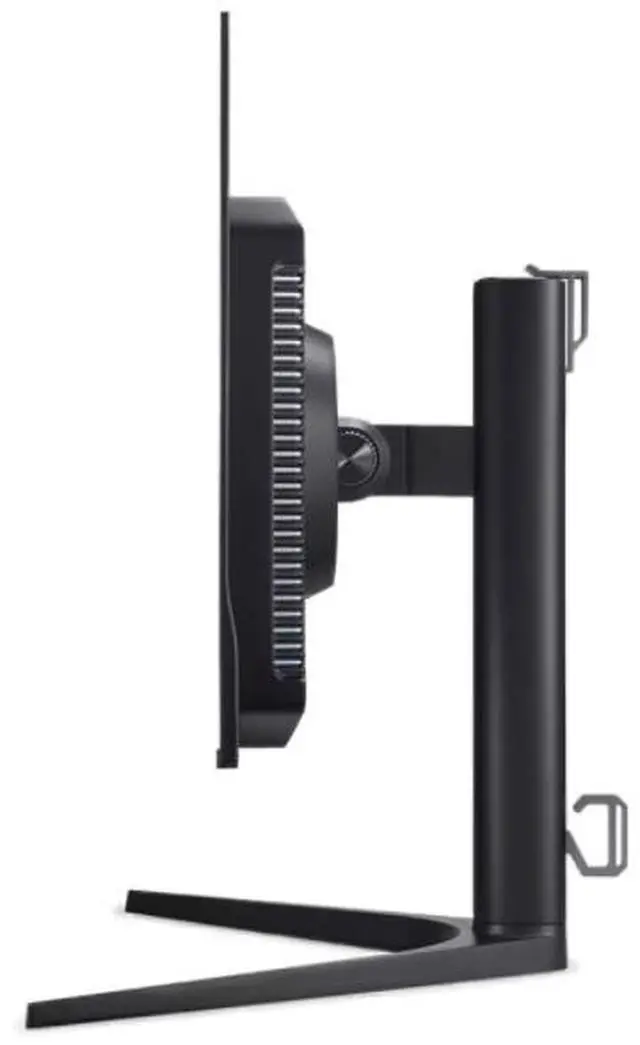
| Stand And Mounting | Stand adjusts for height, pivot, swivel, and tilt; VESA mounting compatibility is 75 × 75mm |
|---|
| Audio | Two built-in 5W speakers |
|---|
| Power | Consumes under 200W in normal operation and under 1W in power-save mode; accepts 100–240VAC at 50/60Hz |
|---|
| Dimensions And Weight | 24.04 × 12.32 inches, with adjustable height from 16.77 to 21.5 inches; weighs 12.21 lb |
|---|
| Color And Included Components | Black; package includes the display, stand, adapter, power cord, and HDMI cable |
|---|
| Model Identifiers | Acer Predator, model X27 X1bmiippruzx; part number UM.GXXAA.109 |
|---|
Reference Q&A
Q: Acer Predator X27 X1 vs ASUS ROG Swift PG27UCDM: which should I choose?
A: Choose the Acer if you want a 27-inch 4K QD-OLED with several video inputs, including two HDMI 2.1 ports, two DisplayPort 1.4 ports, and USB-C with 65W power delivery. Both are 4K 240Hz QD-OLED monitors; the ASUS adds features such as DisplayPort 2.1 and Dolby Vision, so it may suit buyers who specifically need those features.
Q: Should I get the Acer Predator X27 X1 or the 32-inch Samsung Odyssey OLED G8 G80SD?
A: Choose the Acer for a smaller 26.5-inch screen and a compact 4K 240Hz OLED setup with USB-C video and 65W power delivery. Choose the 32-inch Samsung if you prefer a larger display or want built-in smart-TV apps and a remote; both offer 4K resolution and a 240Hz refresh rate.
Q: Is the Acer Predator X27 X1 worth choosing over the 1440p Acer Predator X27U X1?
A: Choose the X27 X1 for 4K detail and sharper small text while keeping a 240Hz QD-OLED panel. The X27U X1 is a 1440p 240Hz QD-OLED alternative; it can make sense if you prefer its lower-resolution configuration, while the X27 X1 is the fit for buyers prioritizing 4K clarity and broader connectivity, including USB-C.
Q: Acer Predator X27 X1 vs MSI MAG 272UP QD-OLED E16: which has the higher refresh rate?
A: The Acer Predator X27 X1 reaches 240Hz at 4K, while MSI lists the MAG 272UP QD-OLED E16 at up to 165Hz at 4K. Choose the Acer if you want the higher stated refresh rate; the MSI remains a 4K QD-OLED option if 165Hz meets your needs.
Q: Is this monitor suitable for both gaming and everyday work?
A: It can suit mixed gaming and desk use: the 26.5-inch 4K OLED panel supports up to 240Hz for gaming, and USB-C can carry DisplayPort video and provide up to 65W of power for a compatible laptop. Because it is OLED, consider the potential for image retention if your work keeps static elements on screen for long periods; the supplied specifications do not state this model’s burn-in warranty coverage.
Q: Can I connect and charge a laptop through USB-C?
A: Yes, the USB-C port supports DisplayPort video and up to 65W of power, as well as data. Video output requires a laptop with USB-C DisplayPort Alt Mode; whether 65W is enough to charge a particular laptop depends on that laptop’s power requirements.
Q: Does this monitor have built-in speakers?
A: Yes. It has two built-in speakers. The provided specifications list different power ratings for them, so check Acer’s product documentation if speaker output power is important to your setup.
Q: Can I mount it on a monitor arm?
A: Yes. It supports VESA mounting with a 75 × 75 mm pattern. Check that your chosen arm supports the monitor’s weight and mounting pattern.
Q: Is the Acer X27 X1 worth buying over another 4K 240Hz OLED?
A: Its listed 4K QD-OLED resolution and 240Hz refresh rate suit buyers prioritizing detailed, high-refresh gaming. Reddit discussions raise the comparison, but provide too little product-specific owner feedback to establish that it is better than competing models; compare current prices and seek independent reviews before deciding.
Q: Are there enough reviews and owner reports to buy it confidently?
A: Reddit buyers report difficulty finding reviews and detailed information about this specific model, including durability details. The available discussion does not establish a broad track record, so buyers who want extensive independent testing or long-term owner feedback may prefer to wait for more reports.
Q: Is it a good fit for a PS5 Pro?
A: The listed 4K QD-OLED panel and HDMI 2.1 inputs match a buyer seeking a 4K OLED display for a PS5 Pro. The monitor is specified for up to 240Hz, but whether that refresh rate is useful depends on the connected device and game; the Reddit discussion does not provide a detailed console test.
Q: Does the product information confirm which QD-OLED generation it uses?
A: No. The supplied specifications identify the panel as QD-OLED but do not state its generation. Reddit users also ask about the panel generation, so it should not be assumed from the model name alone.



 All Categories