


 All CategoriesAll CategoriesAll Categories
Shipped by Newegg



Warranty Notice:
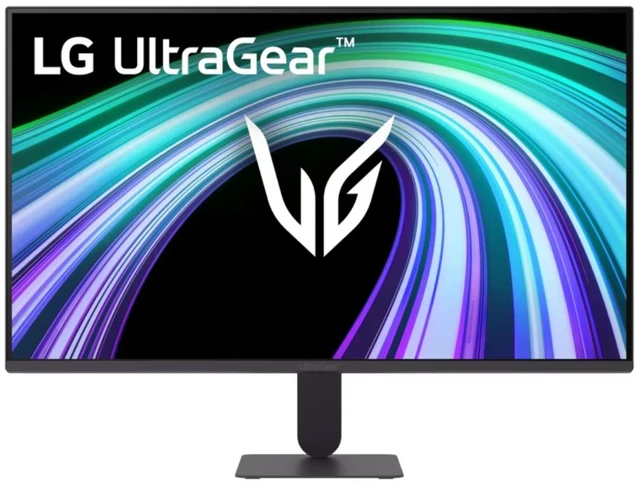
This product does not include manufacturer warranty when purchased or used outside of its designated sales region. By purchasing internationally, you acknowledge that warranty support from the manufacturer will not be available.The LG UltraGear 24G411B-B is a 24-inch Full HD IPS gaming monitor with a native 144Hz refresh rate and 1ms Motion Blur Reduction, suited to PC gamers who want smoother motion and responsive gameplay.
| Attribute | Value |
|---|---|
| Best For | Gaming and fast-motion play |
Q: LG UltraGear 24G411B-B vs 24GS60F-B: is 144Hz or 180Hz the better fit?
A: Both are 24-inch Full HD IPS gaming monitors. Choose the 24G411B-B for its native 144Hz refresh rate and listed G-SYNC compatibility, AMD FreeSync, LG Switch app, and stereo speakers. Choose the 24GS60F-B if you want the higher 180Hz refresh rate; LG also lists G-SYNC compatibility, FreeSync, and a 1ms GtG response time for that model.
Q: Should I choose the LG 24G411B-B or the 24G411A-B?
A: Choose the 24G411B-B if you want 144Hz as its native refresh rate. LG lists the 24G411A-B at 120Hz native, with overclocking up to 144Hz. Both are 24-inch Full HD IPS UltraGear monitors, so the key distinction is the B model’s native 144Hz specification.
Q: LG UltraGear 24G411B-B vs 24GN60R-B: what changes?
A: Both models offer a 24-inch Full HD IPS display and a 144Hz refresh rate. Choose the 24G411B-B if LG’s listed G-SYNC compatibility, AMD FreeSync, HDR10, and LG Switch app are features you want in your monitor. The 24GN60R-B is also a 144Hz IPS option, with LG listing AMD FreeSync Premium and HDR10.
Q: Is this monitor suitable for PC gaming?
A: Yes. Its 1920 × 1080 IPS display, native 144Hz refresh rate, and G-SYNC compatibility and AMD FreeSync support suit smooth, responsive PC gaming. The 1ms figure refers to Motion Blur Reduction, not necessarily the panel’s standard gray-to-gray response time.
Q: Can I use this monitor with a game console?
A: Yes, it has an HDMI input for connecting a compatible console. It is a 1080p, 144Hz monitor; the refresh rate you get depends on the console, game, and connection settings.
Q: Is it suitable for office work and studying as well as gaming?
A: Yes. Its 24-inch Full HD IPS screen is suitable for everyday documents, browsing, and study, and the LG Switch app can organize screen layouts. Its 1080p resolution and tilt adjustment make it a straightforward desktop display rather than a higher-resolution or extensively adjustable work monitor.
Q: Can I mount it on a monitor arm or wall mount?
A: Yes. The product listing specifies a 100 × 100 mm VESA mounting pattern. Check that your arm or wall mount supports that size and the monitor’s weight.
Q: Does it have built-in speakers?
A: No. The product listing specifies a 3.5 mm audio output, not integrated speakers, so plan to use headphones or separate speakers. This differs from the supplied product brief’s speaker claim; verify the exact model specification before buying.
Q: Is the LG UltraGear 24G411B-B a reasonable choice for a first gaming PC?
A: It can suit someone choosing a 24-inch, 1080p monitor with a 144Hz refresh rate. It is not the fit if the priority is a larger 27-inch 1440p screen; that is a different resolution and size trade-off.
Q: Should I choose this over a 27-inch 1440p monitor?
A: Choose this model if you prefer a 24-inch Full HD display and 144Hz. Choose a 27-inch 1440p option if the larger screen and higher resolution matter more; this LG is Full HD, not 1440p.
Q: Could this monitor cause eye strain?
A: A Reddit user reported eye strain after switching to this model, but one report cannot show how common it is or establish the cause. Comfort varies by person, so consider testing it with a return option if you are sensitive to displays.