


 All CategoriesAll CategoriesAll Categories
Shipped by Newegg



Warranty Notice:
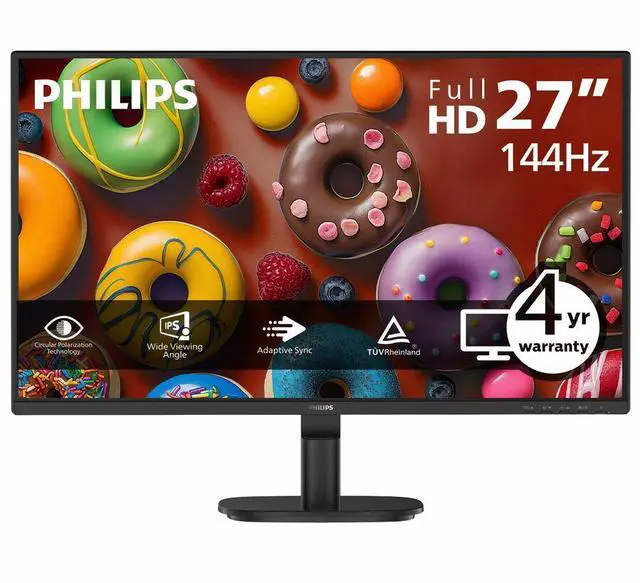
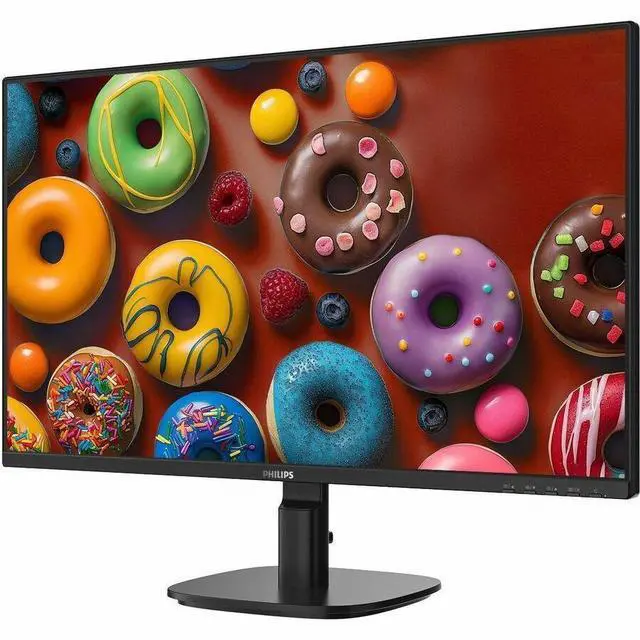
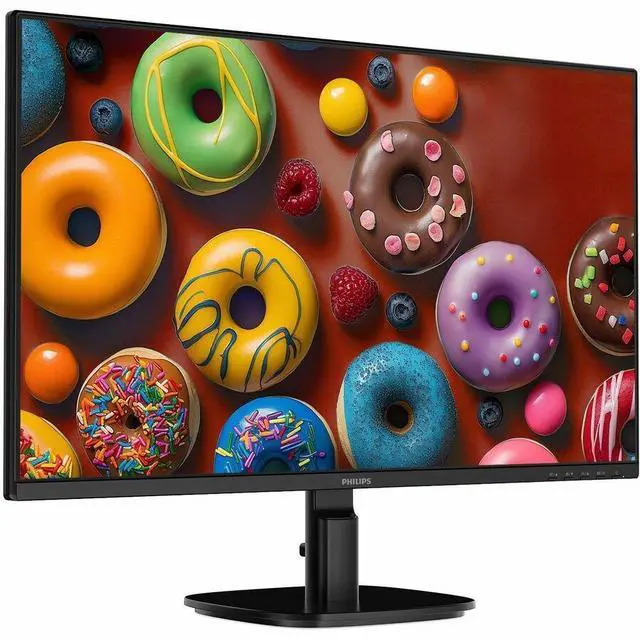
This product does not include manufacturer warranty when purchased or used outside of its designated sales region. By purchasing internationally, you acknowledge that warranty support from the manufacturer will not be available.The Philips 27B2N2200G is a 27-inch Full HD IPS monitor with a 144 Hz refresh rate and Adaptive Sync, suited to gamers and everyday users who want smoother motion at 1080p.
| Attribute | Value |
|---|---|
| Best For | Responsive gaming and everyday desktop viewing, with a 144 Hz IPS display and Adaptive Sync |
| Panel And Resolution | 27-inch-class (27-inch viewable) 16:9 IPS LCD with WLED backlighting, 1920 × 1080 Full HD resolution, 16.7 million colors, and a 178° viewing angle; anti-glare screen |
| Refresh Rate And Response | 144 Hz refresh rate, 4 ms response time, and FreeSync adaptive sync |
| Ports And Connectivity | HDMI (1), VGA, and DisplayPort |
| Stand And Ergonomics | Tilt adjustment and VESA-compatible mounting |
| Integrated Features And Audio | Built-in speakers, flicker-free technology, and SoftBlue technology |
| Design | Textured black, rectangular cabinet |
| Model Identifiers | Philips 27B2N2200G; part number 27B2N2200G |
Q: Philips 27B2N2200G vs. 27B2N2100: which should I choose?
A: Choose the Philips 27B2N2200G for a 144Hz refresh rate and HDMI, DisplayPort, and VGA inputs. The Philips 27B2N2100 is a Full HD IPS alternative with refresh rates up to 100Hz over HDMI. Both are 27-inch Full HD business monitors; the 27B2N2200G is the better fit when 144Hz is a priority.
Q: Should I get the Philips 27B2N2200G or the 27B2N3500J?
A: Choose the Philips 27B2N2200G for Full HD at up to 144Hz. Choose the 27B2N3500J if you prefer Quad HD (2560 × 1440), a 120Hz refresh rate, and a height-adjustable stand. Both are 27-inch IPS monitors with Adaptive Sync, so the main choice is higher refresh at Full HD versus higher resolution and added ergonomic adjustments.
Q: Philips 27B2N2200G vs. 24B2N2200G: is the 27-inch model worth choosing?
A: Choose the Philips 27B2N2200G if you want a larger 27-inch viewing area. Choose the 24B2N2200G for the same Full HD resolution and 144Hz refresh rate in a more compact 23.8-inch size. Both models are IPS business monitors with Adaptive Sync.
Q: Is this monitor suitable for office work and casual gaming?
A: Yes. Its 27-inch IPS screen and Full HD resolution suit everyday office tasks, while the 144 Hz refresh rate and Adaptive Sync support smoother motion in compatible games. The stand tilts but does not list height adjustment, and the monitor has no built-in webcam.
Q: Can I mount this monitor on a monitor arm or wall mount?
A: Yes. The Philips 27B2N2200G is VESA-compatible, so it can be used with a compatible mount. Check the monitor’s VESA pattern and the mount’s supported size before purchasing; the supplied stand supports tilt adjustment.
Q: Does it have built-in speakers, and do I need separate ones?
A: It has built-in speakers, so separate speakers are not required for basic audio. The provided specifications do not state speaker output or sound quality; consider external speakers or headphones if audio performance is important.
Q: Will it connect to my computer or gaming system?
A: It has HDMI, DisplayPort, and VGA inputs. The computer or gaming system must provide a compatible video output and cable; the specifications do not identify port versions or guarantee a particular device’s maximum refresh rate.