


 All CategoriesAll CategoriesAll Categories
Shipped by Newegg







Warranty Notice:
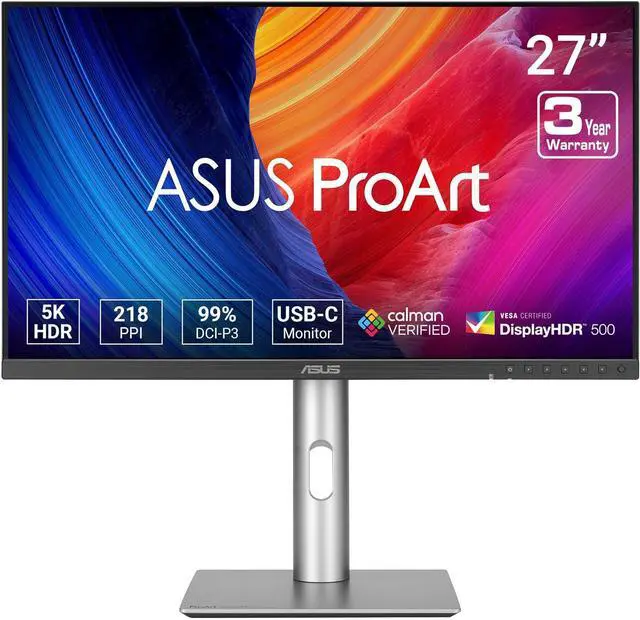
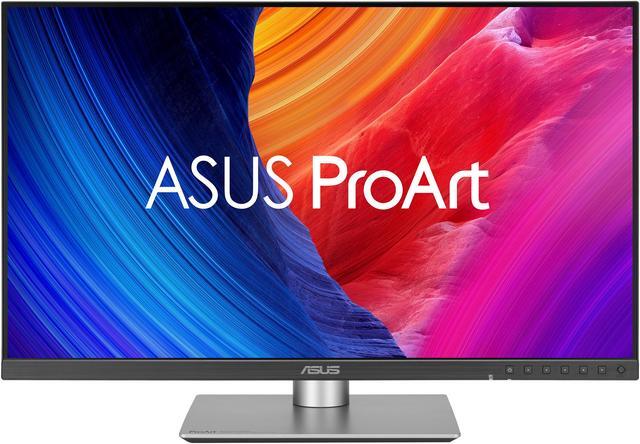
This product does not include manufacturer warranty when purchased or used outside of its designated sales region. By purchasing internationally, you acknowledge that warranty support from the manufacturer will not be available.The ASUS ProArt PA27JCV is a 27-inch 5K IPS monitor for photographers, designers, and other creators who need a detailed workspace and color-focused display, with 99% DCI-P3, 100% sRGB, and factory-calibrated Delta E<2 accuracy.
| Attribute | Value |
|---|---|
| Best For | Business, gaming, and photo/video editing, with a 27-inch 5K display, wide-gamut color, and KVM switching |
| Panel And Image Quality | 27-inch flat IPS LCD with LED backlight, 5120 × 2880 5K resolution, 16:9 aspect ratio, and 178° horizontal and vertical viewing angles; matte, anti-glare, low-reflection screen |
| Color And HDR | 1.07 billion colors; 100% sRGB, 95% Adobe RGB, and 99% DCI-P3 coverage; Delta E <2 color accuracy; HDR10 and VESA DisplayHDR True Black 500 |
| Refresh Rate And Response | 60 Hz refresh rate with 5 ms GTG response time and Adaptive-Sync VRR |
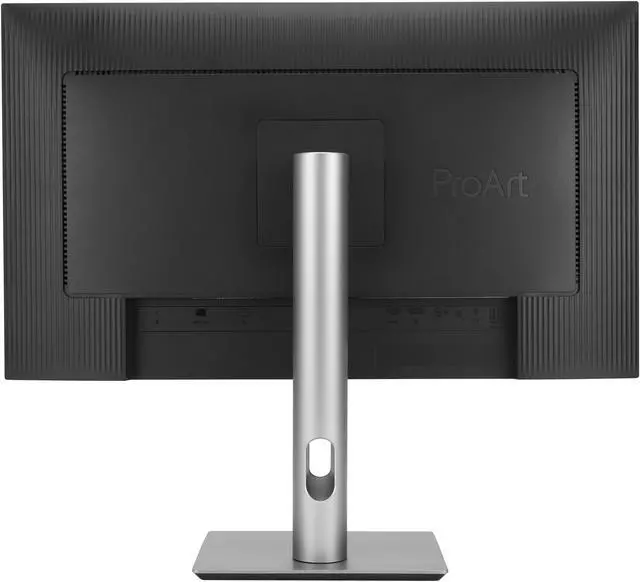
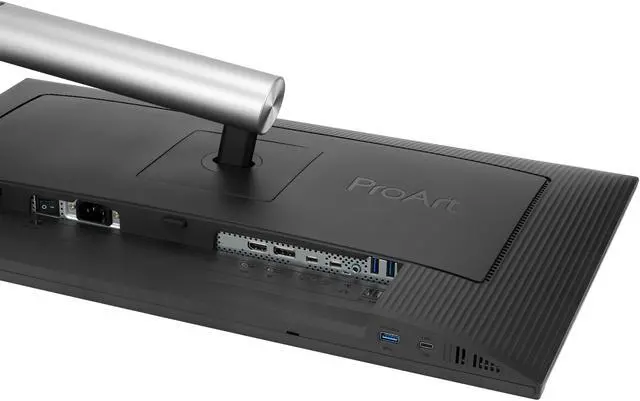
| Ports And Connectivity | DisplayPort 1.4, HDMI 2.1, USB-C with DisplayPort Alt Mode, three USB 3.2 Gen 2 Type-A ports, one USB 3.2 Gen 2 Type-C port, and a headphone connection; HDCP 2.2 support |
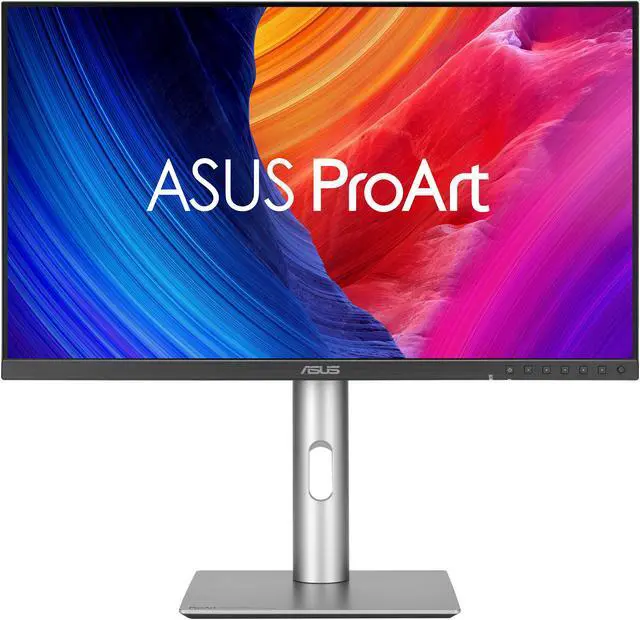
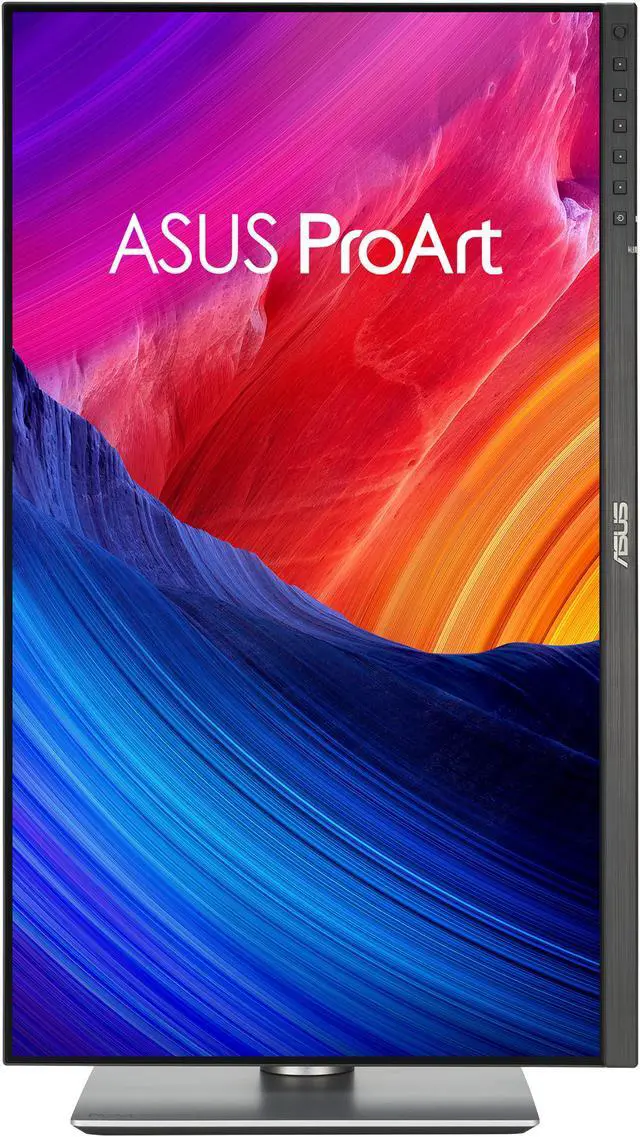
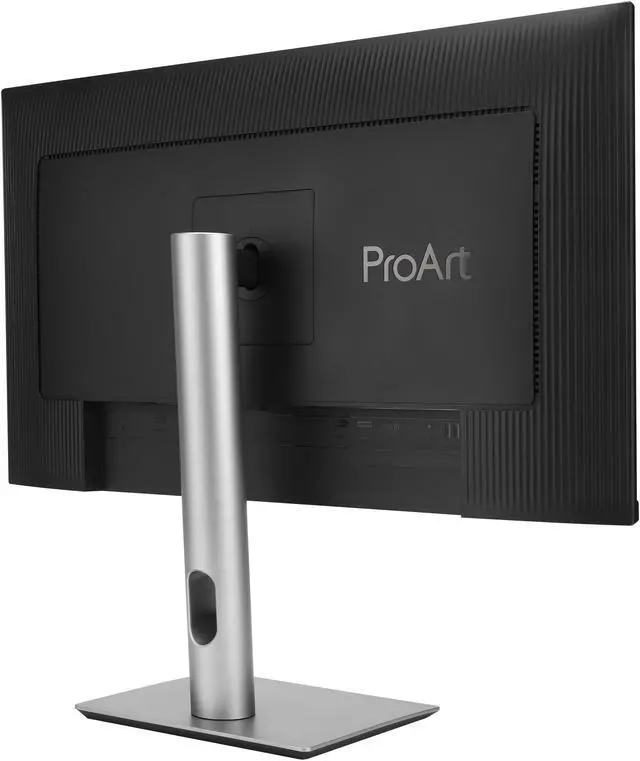
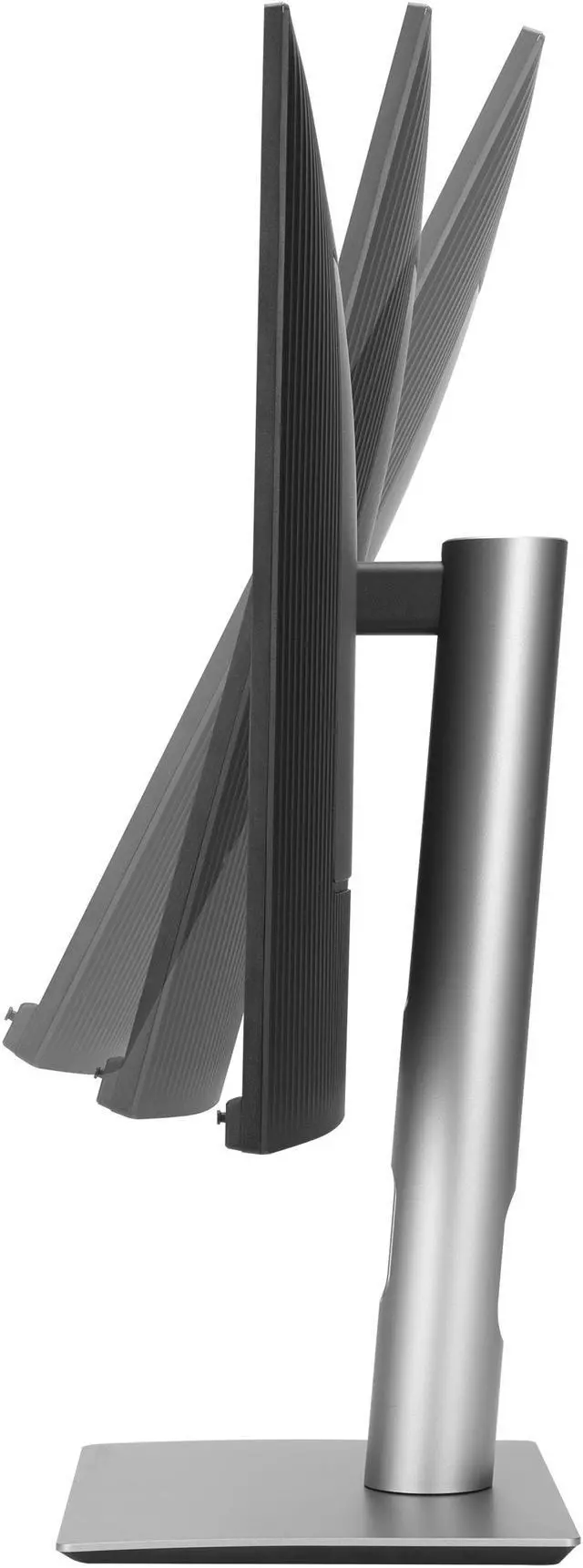
| Stand And Mounting | Height-adjustable stand with 0–130 mm travel, tilt from −5° to +23°, swivel from −30° to +30°, and pivot from −90° to +90°; VESA 100 × 100 mm compatible |
| Monitor Features And Controls | KVM switch, PIP/PBP, ProArt Palette, ProArt Chroma Tune, DisplayWidget Center, QuickFit Plus, Trace Free Technology, Low Blue Light, and five-way joystick with shortcut buttons |
| Audio | Built-in speakers and headphone connection |
| Power | 100–240 VAC, 50/60 Hz input; power consumption under 31.04 W, under 0.5 W in power-saving mode, and 0 W when switched off |
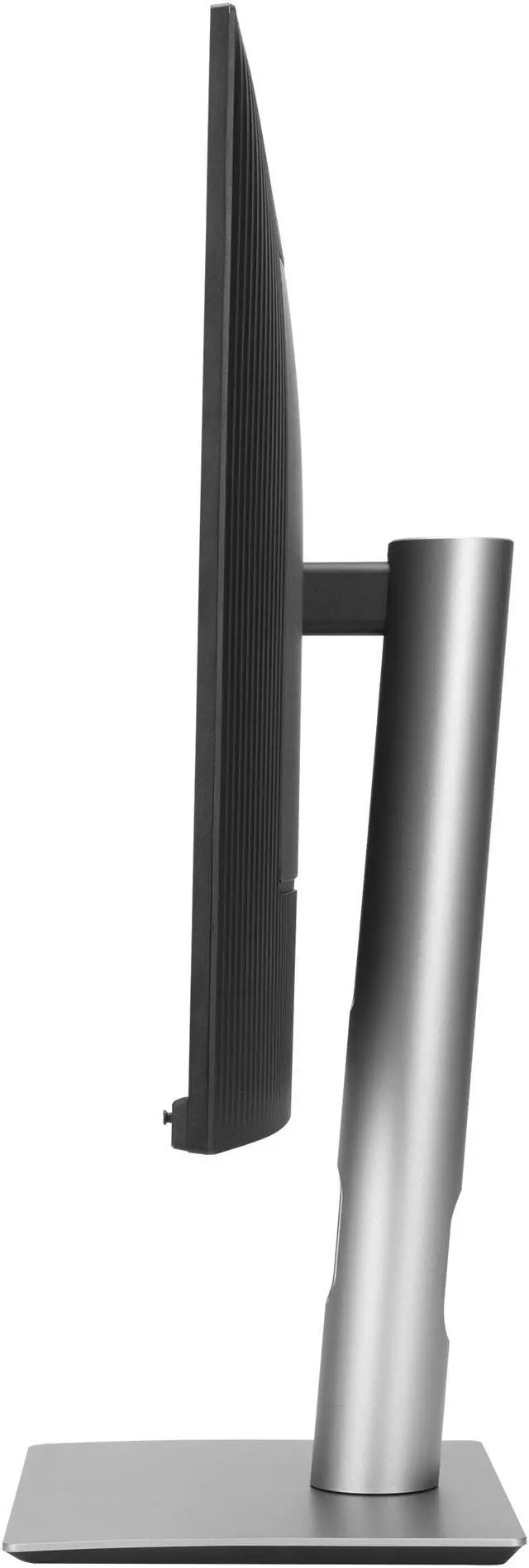
| Physical Design | Black and silver cabinet with low-profile frame; 24.10 × 21.19 × 8.46 inches with stand and 24.10 × 14.29 × 1.74 inches without stand; weighs 13.03 lb with stand and 9.13 lb without stand |
| Model Identifiers | ASUS ProArt PA27JCV |
Q: ASUS ProArt PA27JCV vs PA279CRV: which is better for a 27-inch creative-work setup?
A: Choose the PA27JCV if you want 5K resolution, LuxPixel anti-glare and low-reflection treatment, and an Auto KVM for switching between two computers. Choose the PA279CRV for a 27-inch 4K workflow with factory-calibrated color and 96W USB-C power delivery. Both are 60Hz IPS ProArt monitors with a 99% DCI-P3 rating and Delta E <2 color accuracy.
Q: Should I get the ASUS ProArt PA27JCV or the 32-inch ProArt 6K PA32QCV?
A: Choose the PA27JCV for a 27-inch 5K display with 99% DCI-P3 coverage, USB-C power delivery up to 96W, and Auto KVM. Choose the PA32QCV if you want a larger 31.5-inch 6K canvas, Thunderbolt 4 connectivity with up to 96W power delivery, and VESA DisplayHDR 600. Both offer Calman Verified color accuracy with Delta E <2.
Q: Is the ASUS ProArt PA27JCV a worthwhile step up from the PA279CRV for sharper detail?
A: The PA27JCV is the step-up choice when 5K resolution on a 27-inch screen is a priority: it has 5120 × 2880 pixels, compared with the PA279CRV’s 3840 × 2160. It also adds LuxPixel reflection treatment and Auto KVM. The PA279CRV remains a 27-inch 4K option with 99% DCI-P3 coverage and 96W USB-C power delivery.
Q: Is the PA27JCV suitable for photo, design, or video-editing work?
A: Yes. Its 5K IPS display, 99% DCI-P3 coverage, 100% sRGB coverage, and factory-calibrated Delta E<2 color accuracy make it suitable for color-focused creative work. Confirm that its color-space coverage and 60Hz refresh rate meet your specific production needs.
Q: Can I connect a MacBook or Windows laptop with one USB-C cable?
A: Yes, if the laptop’s USB-C port supports DisplayPort video output. One USB-C connection can carry video and data and provide up to 96W of power to the laptop.
Q: Can I use one keyboard and mouse with two computers?
A: Yes. The built-in Auto KVM is designed to switch control between two connected laptops or PCs using one keyboard and mouse. Setup requires connecting both computers appropriately and plugging the keyboard or mouse receiver into the monitor.
Q: Is this a good choice for high-refresh-rate gaming?
A: It can display games, but its 60Hz refresh rate and 5ms response time make it better suited to creative and general productivity work than to buyers prioritizing high-refresh-rate gaming.
Q: Is the PA27JCV a good 5K alternative to the Apple Studio Display for a Mac?
A: It may suit Mac users who want a 27-inch 5K matte display, USB-C connectivity, and up to 96W laptop charging. It is not a direct match for buyers who prefer a glossy screen or want the Studio Display’s integrated camera and Mac-focused features; reviewers and owners also describe differences in coating and macOS integration.
Q: Is the matte coating noticeable on the PA27JCV?
A: It can be. Reddit users describe visible texture or a grainy, rainbow-like effect, especially on light backgrounds, while others say they are comfortable with the coating. If you are sensitive to screen texture or want a glossy image, compare it in person or buy from a retailer with a suitable return policy.
Q: Is the PA27JCV suitable for color-focused creative work?
A: Its listed 99% DCI-P3 and 100% sRGB coverage, Calman verification, and factory Delta E<2 calibration support creative work. However, user discussions raise concerns about matte-coating appearance, panel uniformity, and some color-mode controls. For color-critical work, check the individual unit and confirm its performance in your actual workflow rather than relying on factory calibration alone.
Q: Can the built-in KVM switch two computers with one keyboard and mouse?
A: Yes, the monitor includes a KVM function, but plan the connections: a second computer using HDMI may also need a separate USB connection to the monitor for its peripherals. Reddit setup discussions report configuration quirks, so check the upstream-port settings and wiring before relying on automatic switching.


