


 All CategoriesAll CategoriesAll Categories
Shipped by Newegg





Warranty Notice:
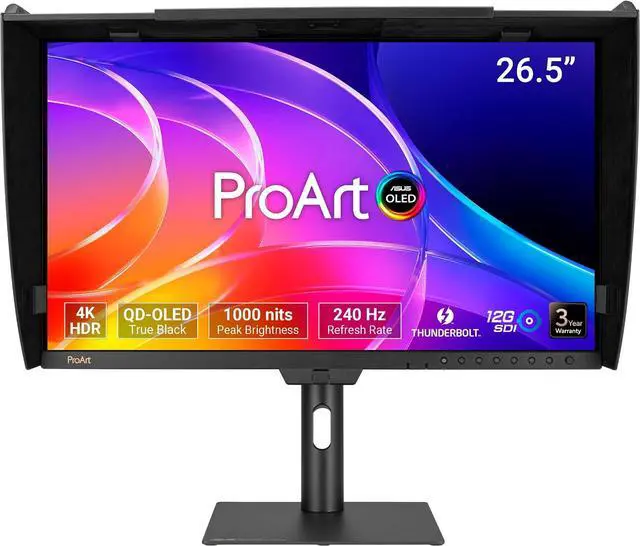
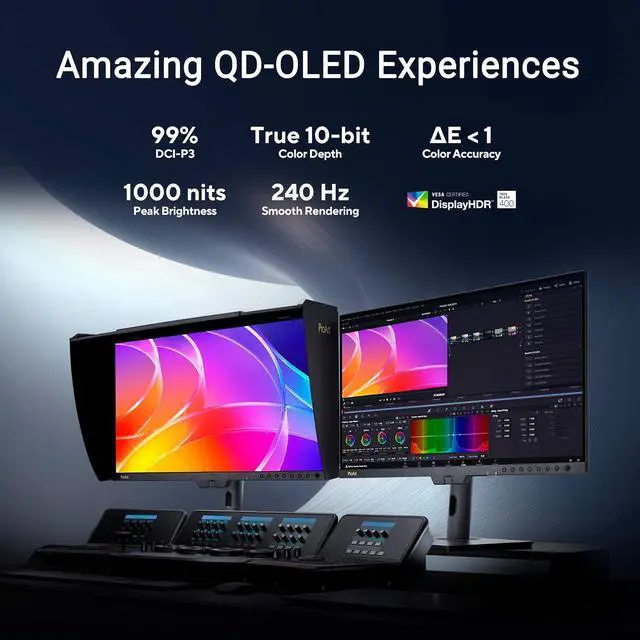
This product does not include manufacturer warranty when purchased or used outside of its designated sales region. By purchasing internationally, you acknowledge that warranty support from the manufacturer will not be available.The ASUS ProArt PA27USD is a 26.5-inch 4K QD-OLED professional monitor for color-critical video and design work, combining 99% DCI-P3 coverage, Delta E<1 accuracy, and built-in self-calibration for creators who need consistent color.
| Attribute | Value |
|---|---|
| Best For | Professional 4K visual work and high-refresh use, with a wide-gamut QD-OLED display |
| Panel And Resolution | 27-inch monitor with a 26.5-inch viewable QD-OLED panel, 3840 × 2160 resolution, 16:9 aspect ratio, 0.155 mm pixel pitch, and 178° horizontal and vertical viewing angles |
| Refresh Rate And Response | 240 Hz refresh rate, 0.1 ms GTG response time, and Adaptive Sync |
| Color And Picture Quality | 1.07 billion display colors, 100% sRGB and 99% DCI-P3 coverage, 250 cd/m² brightness, and 1,500,000:1 contrast ratio |
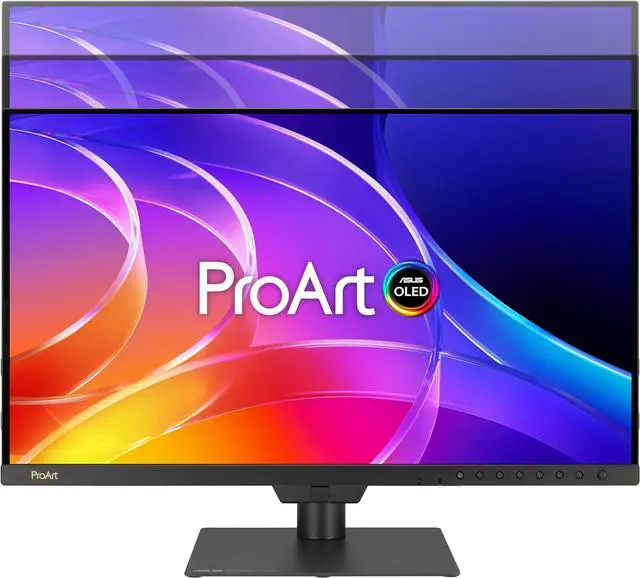
| Screen Finish And Design | Flat screen with an anti-reflection, matte finish and slim bezels |
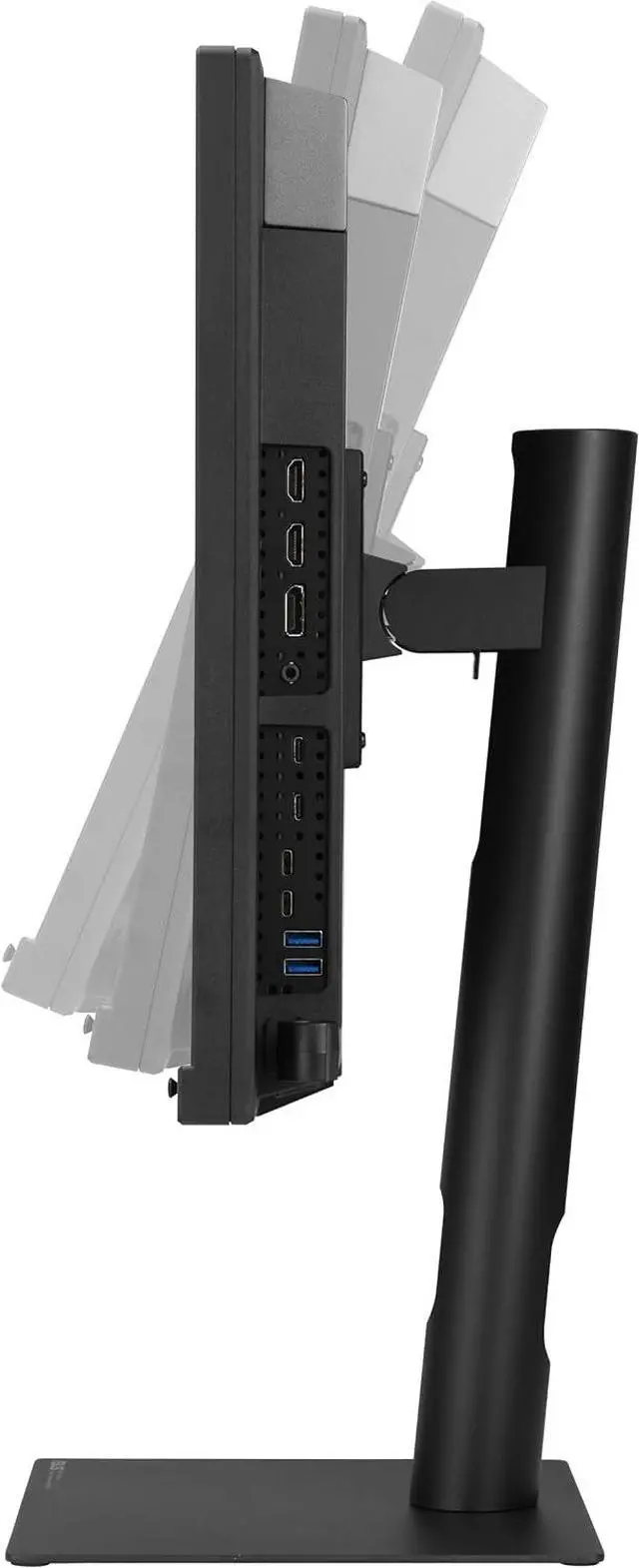
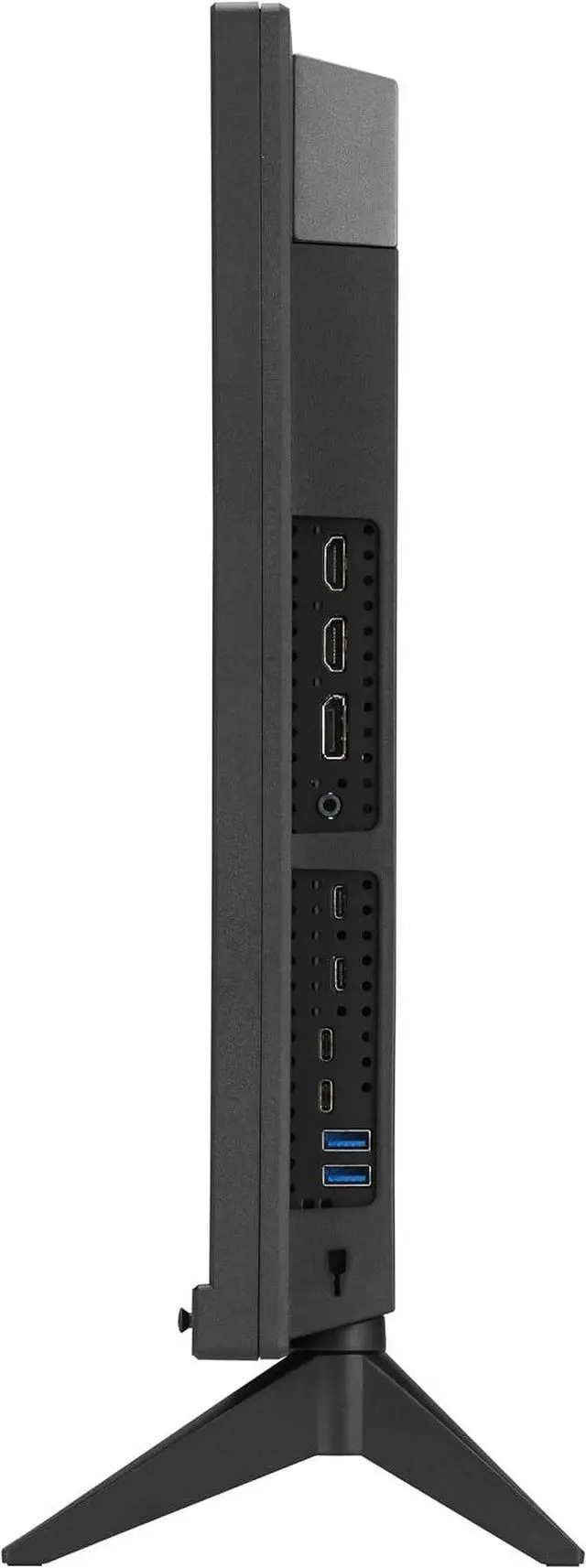
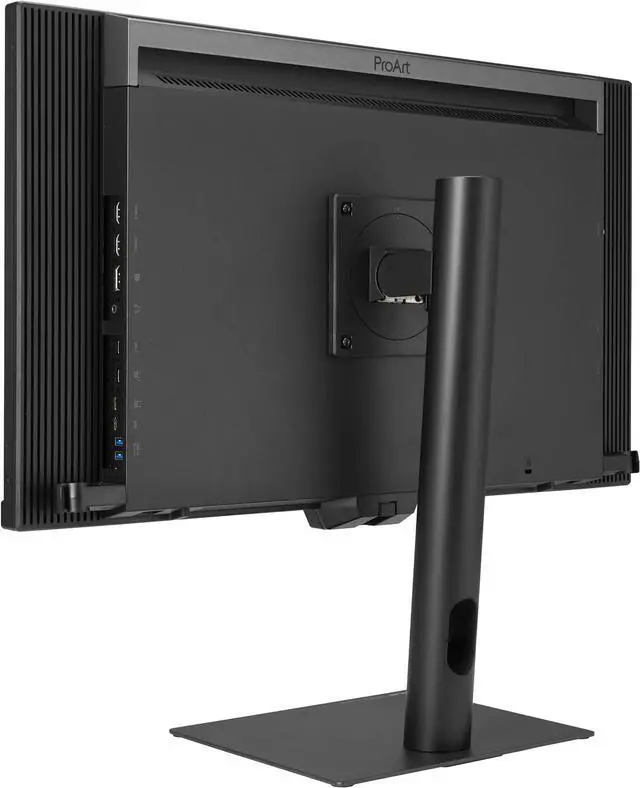
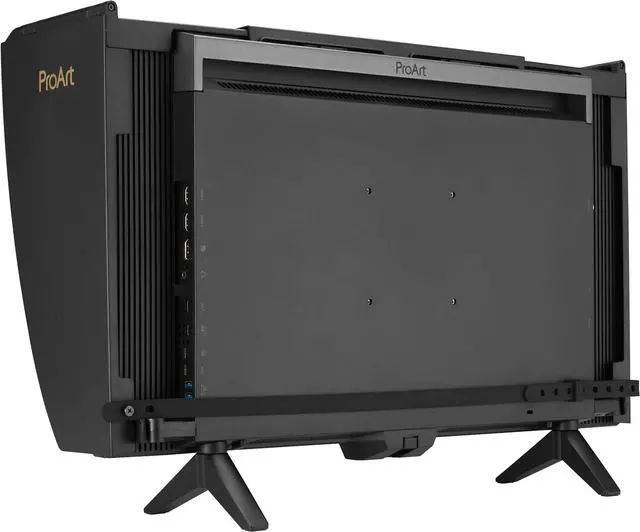
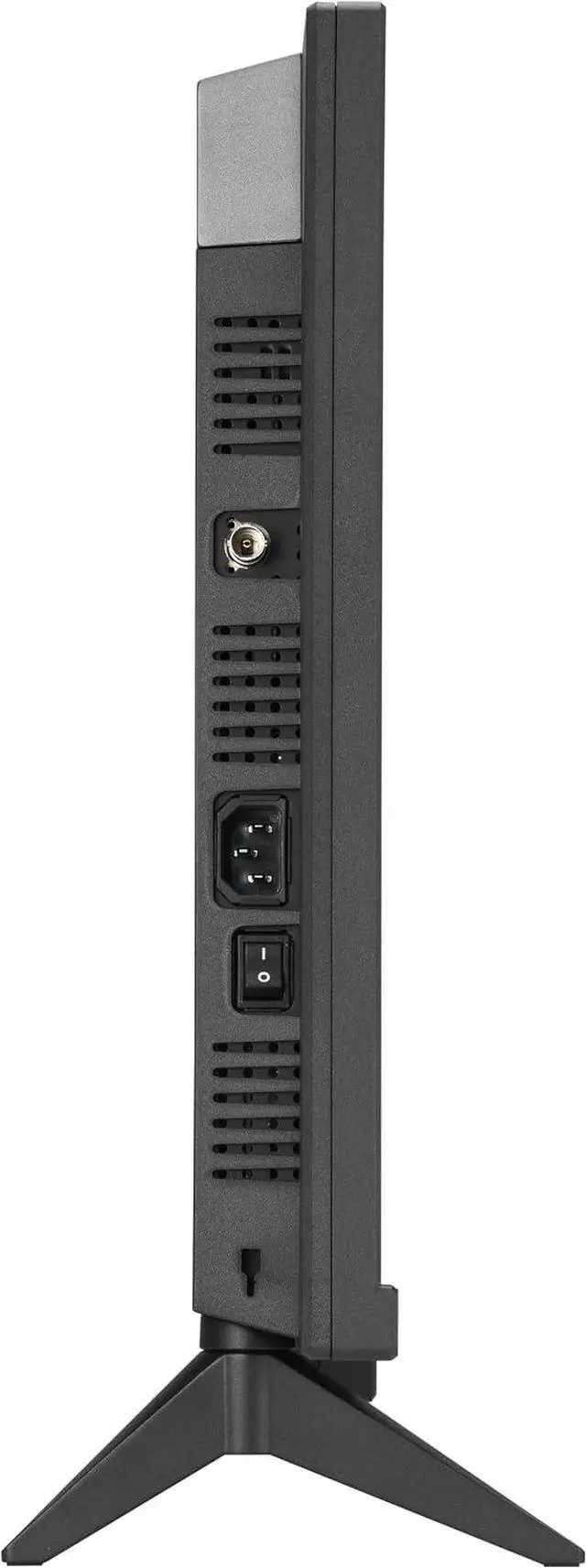
| Ports And Connectivity | 1 × 12G-SDI, 1 × DisplayPort 2.1, 2 × HDMI 2.1, 2 × Thunderbolt 4, 1 × USB-C, 2 × USB 3.2 Gen 2 Type-A, and 1 × headphone output |
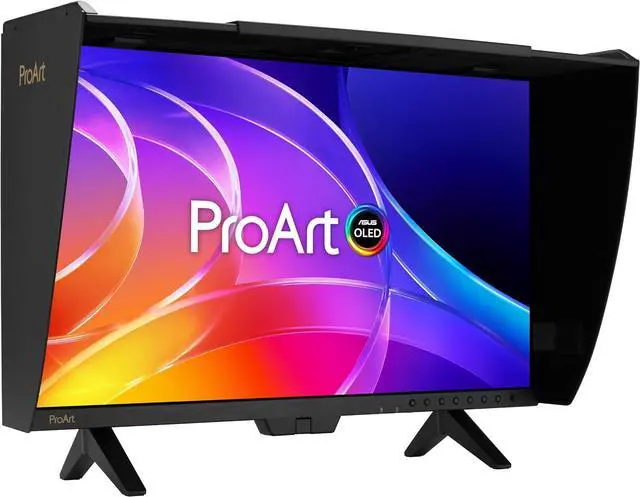
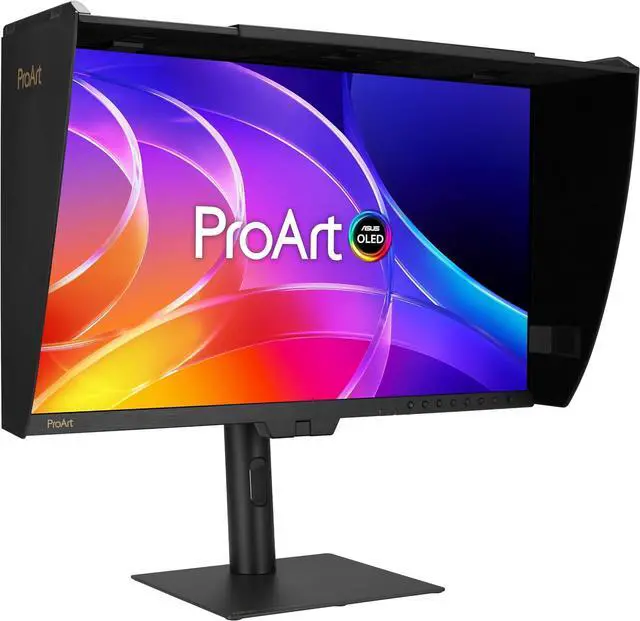
| Stand And Ergonomics | Height, pivot, swivel, and tilt adjustments; includes an ergonomic stand and mini stand |
| Mounting And Compatibility | 100 × 100 mm VESA mounting; listed for wall mounting and compatible with computers and laptops |
| Audio And Webcam | Two built-in 2 W speakers; no built-in webcam |
| Power And Consumption | 100–240 VAC, 50/60 Hz; power consumption under 32 W, power-saving mode under 0.5 W, and 0 W when switched off |
| Dimensions And Weight | With stand: 23.03 × 24.03 × 9.44 inches and 16.53 lb; without stand: 14.91 × 24.03 × 23.46 inches and 10.93 lb |
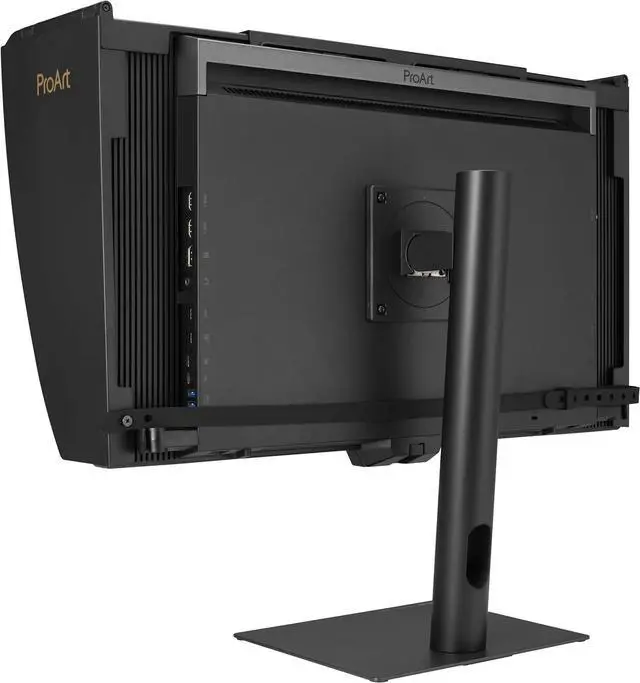
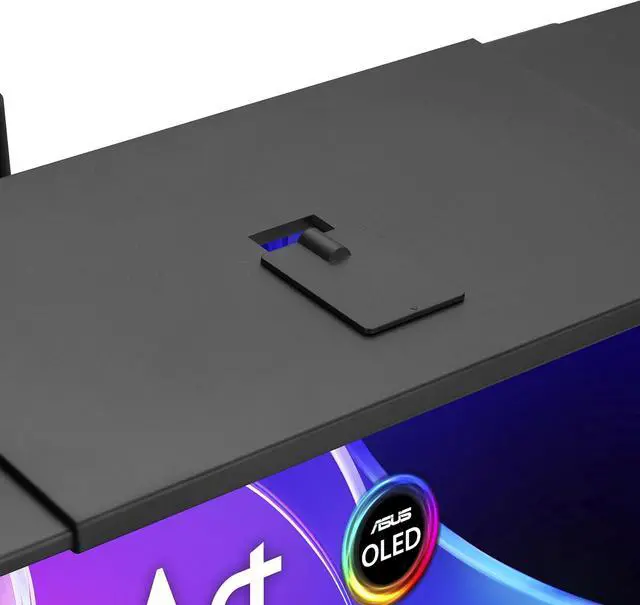
| Included Accessories | Warranty card, USB-C-to-A cable, USB-C cable, Thunderbolt 4 cable, quick-start guide, power cord, monitor hood, mini stand, L-shaped screwdriver, HDMI Ultra High Speed cable, ergonomic stand, DisplayPort 2.1 (DP80) cable, color pre-calibration report, and cable clip |
| Model Identifiers | ASUS ProArt PA27USD; black cabinet |
Q: ASUS ProArt PA27USD vs PA32USD: which is better for on-set video work?
A: Choose the PA27USD for a more compact 26.5-inch 4K QD-OLED setup with one 12G-SDI input, a built-in colorimeter, and two stand options. Choose the 31.5-inch PA32USD when a larger viewing area and two 12G-SDI inputs for 4K/60Hz uncompressed video are priorities. Both models offer 240Hz refresh, 99% DCI-P3, and self-calibration.
Q: ASUS ProArt PA27USD vs PA27JCV: which should I choose for detailed photo and design work?
A: Choose the PA27JCV for its 27-inch 5K resolution and 218 PPI, which provide a high-density workspace for detailed images and text. Choose the PA27USD for 4K QD-OLED, 240Hz refresh, 99% DCI-P3, Delta E < 1 factory color accuracy, and a built-in colorimeter for self-calibration. The choice is primarily between the PA27JCV’s extra pixel density and the PA27USD’s OLED, high-refresh, and calibration features.
Q: ASUS ProArt PA27USD vs PA32UCDM: should I get the 27-inch or 32-inch OLED?
A: Choose the PA27USD for a more compact 26.5-inch production setup with a carry handle, mini stand, 12G-SDI input, and built-in motorized colorimeter. Choose the 31.5-inch PA32UCDM when a larger desktop viewing area is the priority. Both are 4K QD-OLED monitors with 240Hz refresh, 99% DCI-P3 coverage, and Delta E < 1 color accuracy.
Q: Who is this monitor best suited for?
A: It is suited to creative professionals who need a 4K display, wide-gamut color, and hardware calibration, as well as video workflows that use 12G-SDI. Its 240Hz refresh rate and Adaptive Sync also make it suitable for high-refresh-rate gaming. It may be more capability than needed for basic office work.
Q: Is OLED a good choice for long hours of office work?
A: It can work for office tasks, but OLED panels can be susceptible to burn-in from prolonged static content, such as fixed menus or spreadsheets. Because the listed product information does not specify its burn-in protections, consider that trade-off if your screen will show static content for long periods.
Q: Can I connect and charge a laptop through one cable?
A: The monitor has Thunderbolt 4 ports with up to 96W Power Delivery, so a compatible laptop can use a single Thunderbolt connection for video and charging. Check that the laptop supports video over Thunderbolt and that 96W meets its power needs.
Q: Can this monitor be mounted on a monitor arm?
A: Yes. It supports a 100 × 100 mm VESA mount. Check that the arm supports the monitor’s weight of 10.93 lb without its stand and uses the matching VESA pattern.
Q: Is the PA27USD suitable for professional color grading?
A: It is aimed at color-critical production work, with a QD-OLED panel, hardware calibration, and 12G-SDI. For work requiring a trusted reference signal, community discussions caution that a monitor’s built-in features alone may not replace an appropriate signal path and calibration workflow. Treat it as a candidate for grading, not an automatic substitute for a dedicated reference setup.
Q: Is the built-in colorimeter enough, or should I plan for other calibration tools?
A: The integrated colorimeter supports self- and auto-calibration, but discussions among colorists raise questions about calibration performance near black and describe using external probes or software for stricter workflows. If near-black accuracy or reference-grade consistency is essential, verify the monitor against your workflow and budget for additional calibration tools if needed.
Q: Do I need the 12G-SDI input?
A: It is useful if your camera, playback, or production setup uses SDI and you want to feed the monitor directly. If your workflow sends video over HDMI instead, Reddit discussions note that other signal-chain options may work, so SDI may not justify choosing this model on its own.
Q: Is the PA27USD worth considering for gaming as well as creative work?
A: It can serve both uses: the product has a 4K 240Hz panel and Adaptive Sync, while its calibration and SDI features target production workflows. It is most compelling if you will use both the high refresh rate and professional features; for gaming or everyday desktop use alone, many of its specialized features may go unused.


