


 All CategoriesAll CategoriesAll Categories
Shipped by Newegg


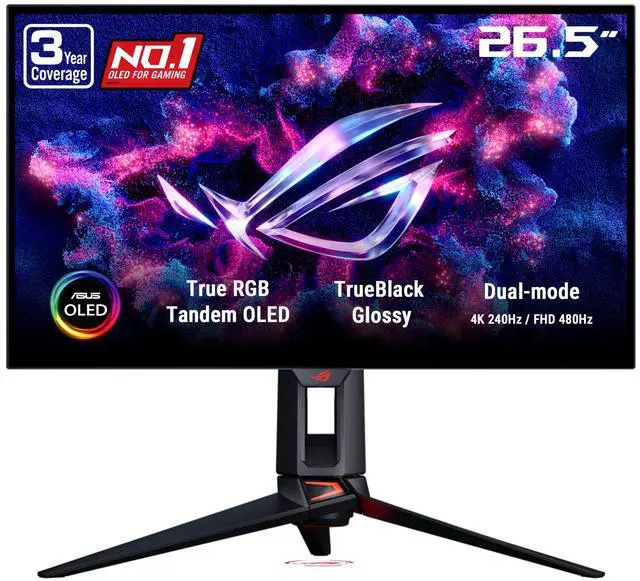
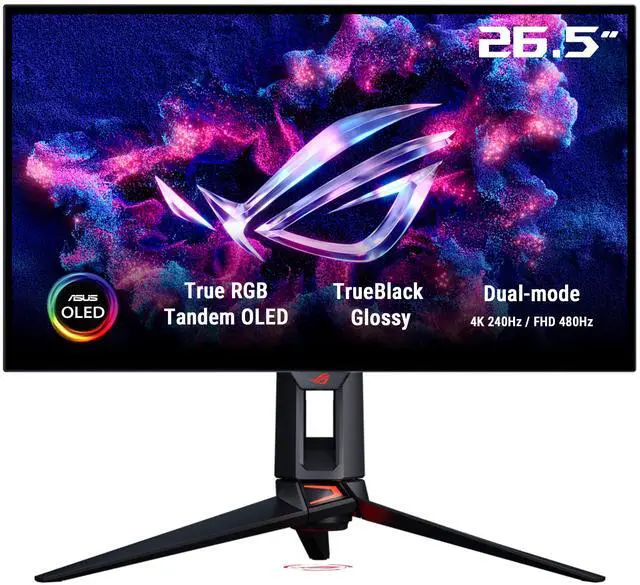
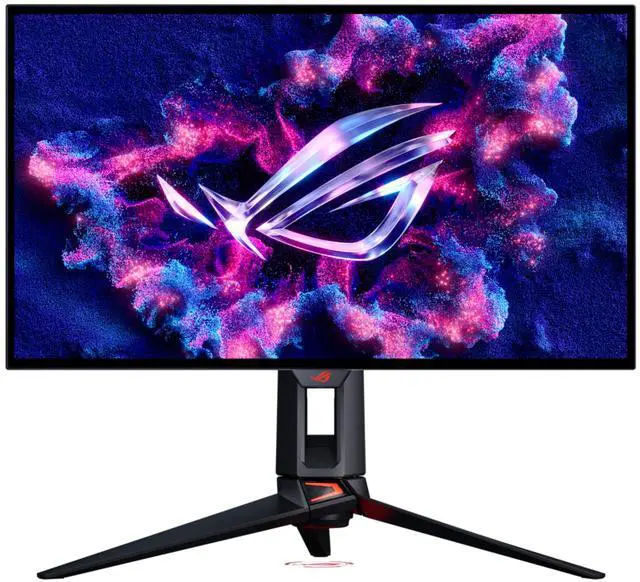


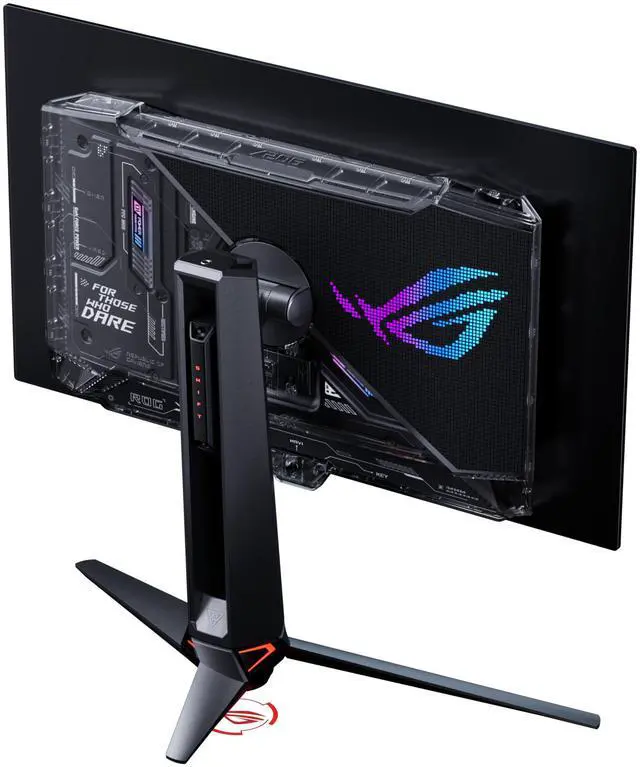
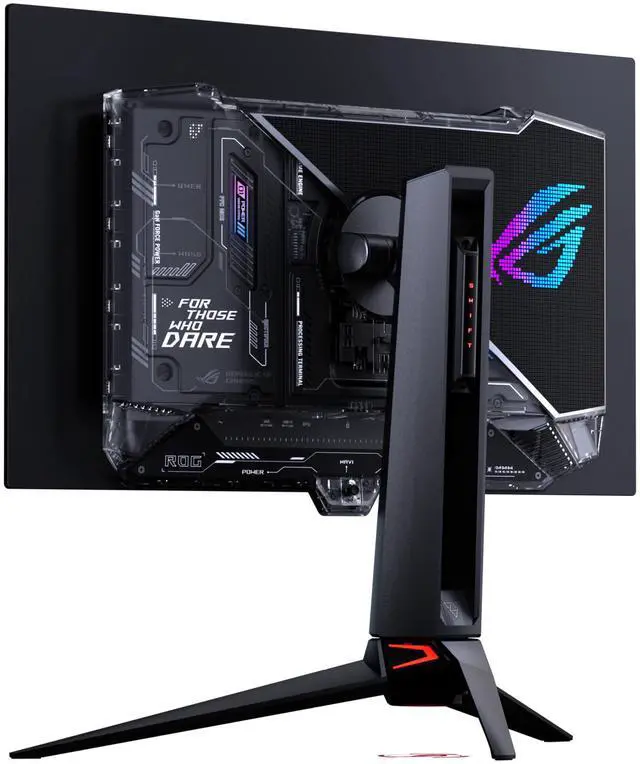
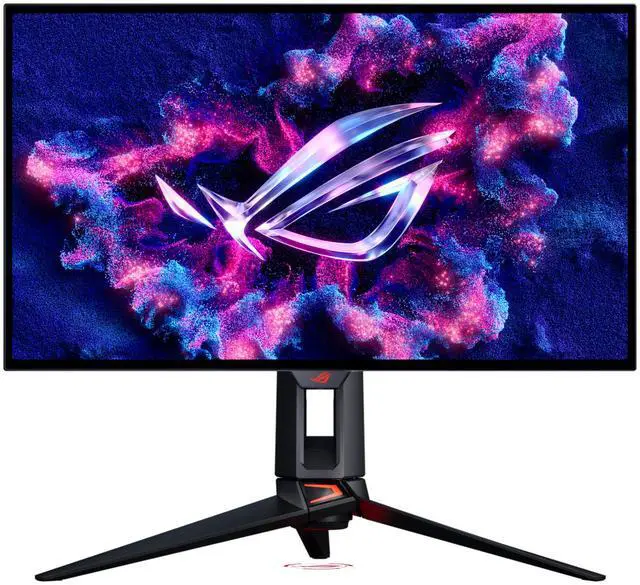
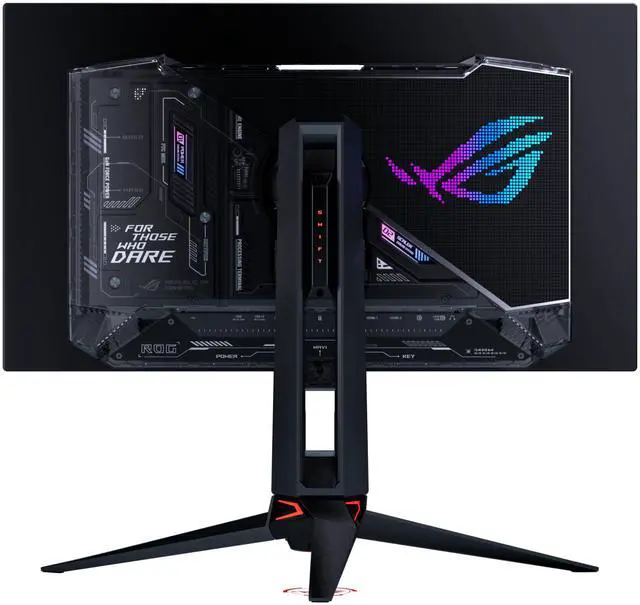


| Brand | ASUS |
|---|---|
| Series | ROG Swift |
| Model | PG27UCWM |
| Cabinet Color | Black |
| Screen Size | 26.5" |
|---|---|
| Widescreen | Yes |
| Panel | OLED |
| Adaptive Sync Technology | FreeSync Premium Pro & G-Sync Compatible |
| Resolution | 3840 x 2160 |
| Viewing Angle | 178° (H) / 178° (V) |
| Aspect Ratio | 16:9 |
| Brightness | 250 cd/m2 |
| Contrast Ratio | 1,500,000:1 |
| Response Time | 0.03 ms |
| Color Gamut | DCI-P3 99%, sRGB 130% |
| Display Colors | 1.073 Billion |
| Monitor Pixel Density | 0.153mm |
| Refresh Rate | 240Hz |
| HDR Standard | HDR10 |
| VESA Certified DisplayHDR | DisplayHDR True Black 400 |
| Curved Surface Screen | Flat Panel |
| HDMI | 2 x HDMI 2.1 |
|---|---|
| DisplayPort | 1 x DisplayPort 2.1 |
| Video Ports | 1 x DisplayPort 2.1 / 1 x USB-C (DP Alternative) / 2 x HDMI 2.1 |
| USB Ports | 3 x USB 3.2 Gen 1 Type-A |
| Headphone | 1 |
| Power Supply | 100 - 240 VAC, 50/60Hz |
|---|---|
| Power Consumption | Power Consumption : <50W Power Saving Mode : <0.5W Power Off Mode : <0.3W |
| Stand Adjustments | Height, Pivot, Swivel, Tilt |
|---|---|
| Built-in Speakers | No |
| Built-in Webcam | No |
| VESA Compatibility - Mountable | 100 x 100mm |
| Dimensions | 21.57" x 23.86" x 10.08" with stand 14.53" x 23.86" x 2.48" without stand |
|---|---|
| Weight | 17.86 lbs. with stand 11.9 lbs. without stand |
| Package Contents | DisplayPort 2.1 (DP80) cable HDMI Ultra High Speed Cable Microfiber cloth Power cord Quick start guide ROG pouch ROG sticker USB 3.2 cable USB-C cable VESA mount kit Warranty Card |
|---|
| First Listed on Newegg | September 01, 2026 |
|---|
Warranty Notice:
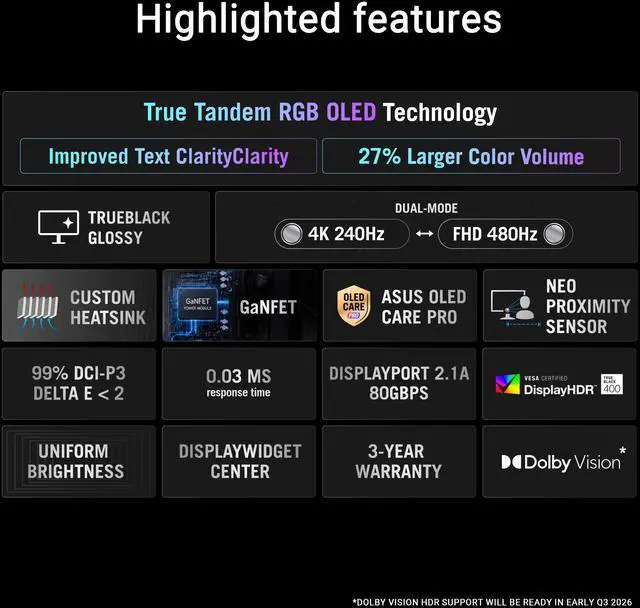
This product does not include manufacturer warranty when purchased or used outside of its designated sales region. By purchasing internationally, you acknowledge that warranty support from the manufacturer will not be available.The ASUS ROG Swift PG27UCWM is a 26.5-inch Tandem RGB OLED gaming monitor with a dual mode that switches between 4K at 240Hz and Full HD at 480Hz, making it suitable for gamers who want detailed visuals for immersive play and higher refresh rates for competitive gaming.
| Attribute | Value |
|---|---|
| Best For | Gaming, home and business use, entertainment, and photo/video editing, with a 4K OLED panel and 240Hz refresh rate |
| Panel And Image Quality | 26.5-inch flat OLED panel with 3840 × 2160 resolution, 16:9 aspect ratio, 178° horizontal and vertical viewing angles, 250 cd/m² brightness, and 1,500,000:1 contrast ratio |
| Refresh Rate And Response | 240Hz refresh rate with 0.03ms response time |
| Color And HDR | 99% DCI-P3 and 130% sRGB color gamut, 1.073 billion display colors, HDR10, and VESA DisplayHDR True Black 400 certification |
| Adaptive Sync | AMD FreeSync Premium Pro and G-SYNC Compatible |
| Ports And Connectivity | 2 HDMI 2.1 ports, 1 DisplayPort 2.1, 1 USB-C port with DisplayPort Alternate Mode, 3 USB 3.2 Gen 1 Type-A ports, and a headphone jack |
| Stand And Mounting | Height, pivot, swivel, and tilt adjustments; VESA 100 × 100mm mount compatibility |
| Power | 100–240 VAC, 50/60Hz; power consumption below 50W, below 0.5W in power-saving mode, and below 0.3W when off |
| Design And Dimensions | Black cabinet; 21.57 × 23.86 × 10.08 inches with stand and 14.53 × 23.86 × 2.48 inches without stand |
| Weight | 17.86 lbs with stand and 11.9 lbs without stand |
| Built-In Features | No built-in speakers or webcam; buttons for human-interface input; eye-care, flicker-free, and blue-light-filter features |
| Included Accessories | DisplayPort 2.1 (DP80) cable, HDMI Ultra High Speed cable, USB 3.2 cable, USB-C cable, power cord, microfiber cloth, ROG pouch, ROG sticker, VESA mount kit, quick start guide, and warranty card |
| Model Identifiers | ASUS ROG Swift, model PG27UCWM |
Q: Should I get the ASUS PG27UCWM or the PG27UCDM?
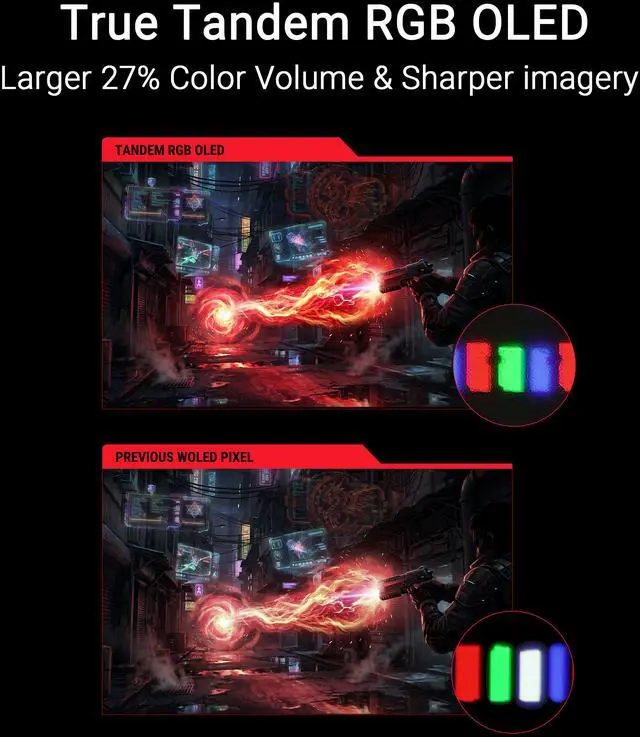
A: Choose the PG27UCWM if you want one monitor that switches between 4K at 240Hz and Full HD at 480Hz, or if its true RGB-stripe OLED layout is a priority for text and desktop clarity. The PG27UCDM is also a 27-inch 4K 240Hz OLED, but uses a QD-OLED panel and does not offer the same 480Hz Full HD dual mode. If you mainly want 4K 240Hz gaming and do not need that alternate mode, compare both on panel preference and price.
Q: ASUS PG27UCWM or LG 27GX790A for competitive gaming?
A: Choose the PG27UCWM if you want 4K gaming at up to 240Hz for general use and the option to switch to Full HD at 480Hz for esports. Choose the LG 27GX790A if you prefer its native QHD resolution at 480Hz and do not need a 4K mode. The main trade-off is the ASUS’s higher-resolution 4K option versus the LG’s native QHD 480Hz format.
Q: Should I choose the 27-inch PG27UCWM or the 32-inch PG32UCWM?
A: Choose the PG27UCWM for a smaller desk footprint and a sharper-looking 4K image at typical desktop viewing distances; its 4K resolution is packed into a smaller screen. Choose the PG32UCWM if a larger image is more important for immersive gaming or viewing from farther away. Both models offer 4K at 240Hz and Full HD at 480Hz, so screen size and pixel density are the main decision points.
Q: Who is this monitor best suited for?
A: It suits PC gamers who want to switch between detailed 4K gaming at up to 240Hz and Full HD gaming at up to 480Hz. Its OLED panel, adaptive-sync support, and 0.03ms response time also make it a fit for users prioritizing fast, high-contrast gameplay. Getting the most from either mode depends on the computer and game supporting the chosen resolution and refresh rate.
Q: Does the warranty cover OLED burn-in?
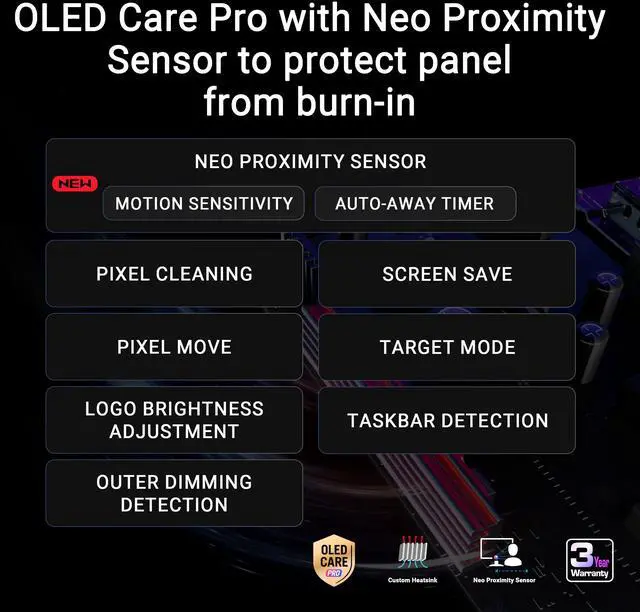
A: The provided product information states that the included three-year ASUS Rapid Replacement warranty covers burn-in. The monitor also has OLED Care Pro features intended to help protect the panel; these protections do not mean burn-in is impossible.
Q: Can I use it with a laptop for work and gaming?
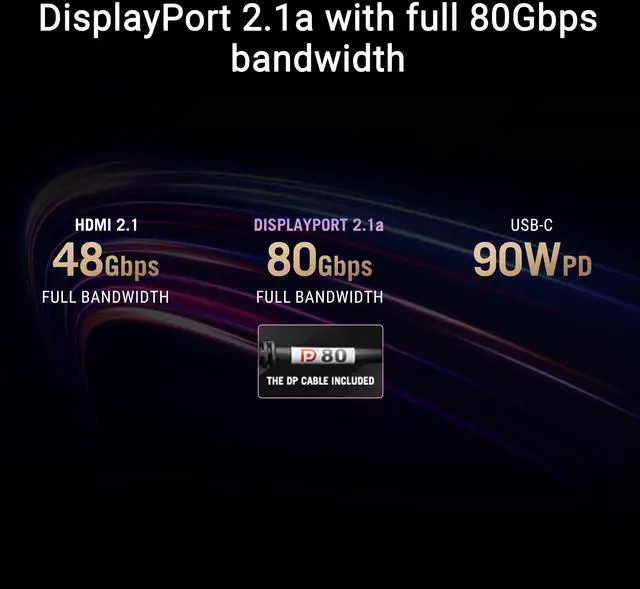
A: Yes. Its USB-C port supports DisplayPort Alt Mode and up to 90W Power Delivery, so a compatible laptop can send video and receive power over USB-C. The monitor has no built-in speakers or webcam, so plan to use separate audio and video-call equipment if needed.
Q: Does it have built-in speakers?
A: No. The PG27UCWM has no built-in speakers, so use headphones or connect external speakers for audio.
Q: Is the PG27UCWM worth buying over a cheaper 27-inch 4K OLED?
A: It is most relevant if you will use its RGB-stripe OLED, 4K 240Hz and Full HD 480Hz modes. Reddit discussions repeatedly question its premium over less expensive alternatives, so if you do not need those specific features, comparing prices or waiting for a discount is reasonable.
Q: Is the PG27UCWM a good choice for both competitive and single-player gaming?
A: It can serve both uses: the listed modes are 4K at 240Hz for high-resolution gaming and Full HD at 480Hz for faster-refresh play. It suits buyers who want both options in one 27-inch monitor; choose another display if you specifically need a smaller esports screen, since this model remains 26.5 inches.
Q: Is the PG27UCWM suitable for work and reading text as well as gaming?
A: It may suit mixed use: the product information lists 4K resolution and RGB-stripe OLED, and users in a Reddit discussion report clear text in their own use. That feedback is subjective, so if you are especially sensitive to OLED text rendering, try to view the monitor or confirm the retailer’s return policy before buying.
Q: Is the PG27UCWM bright enough for HDR, or is brightness a trade-off?
A: Brightness is a reported trade-off, but user experiences differ: some Reddit owners describe the display as too dim, while another says it is adequate in everyday use. The listed specifications include DisplayHDR True Black 400 and 250 cd/m² brightness; buyers who prioritize a very bright HDR image should compare real-world reviews and return options.


