


 All CategoriesAll CategoriesAll Categories
Shipped by Newegg


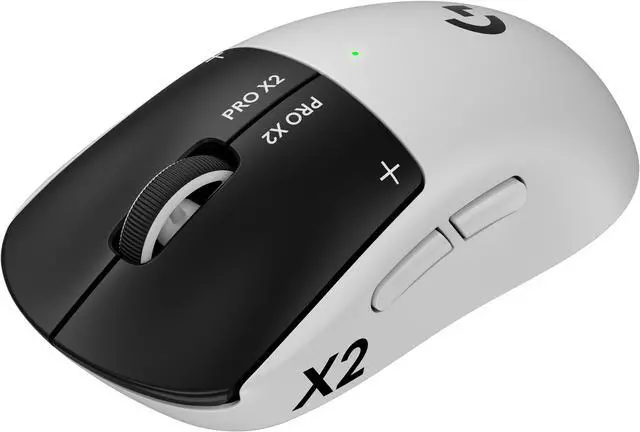
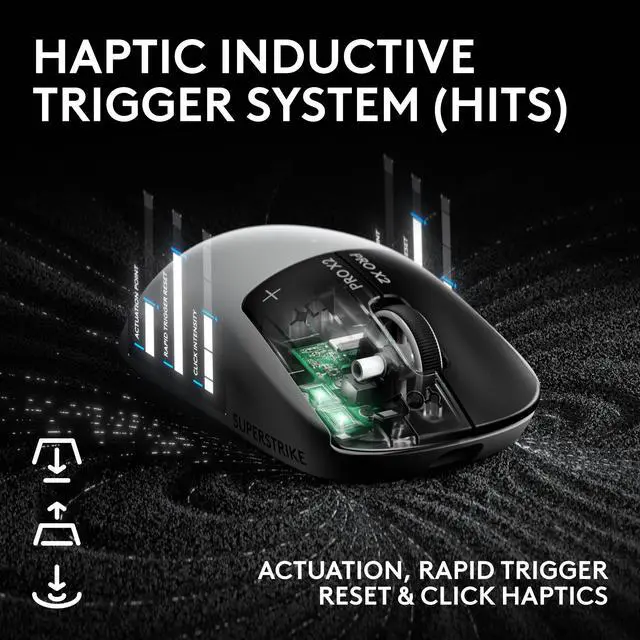
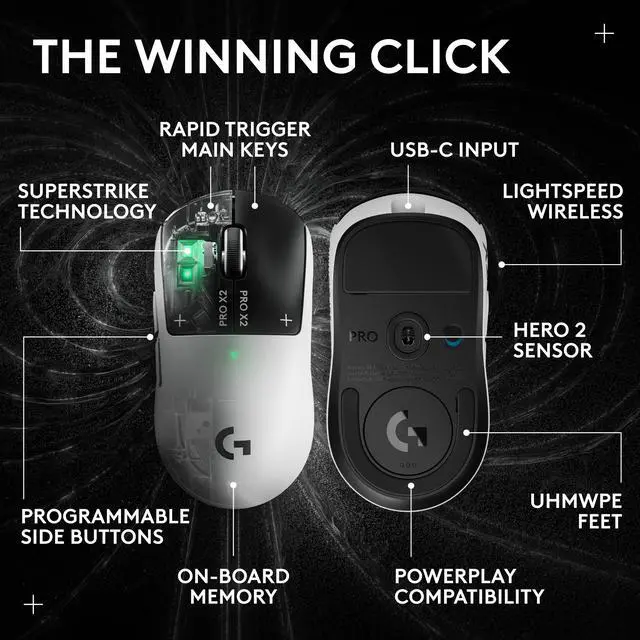
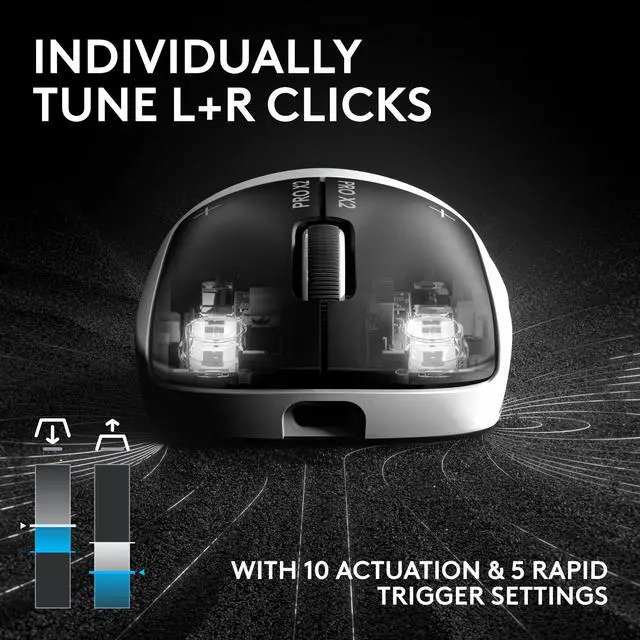
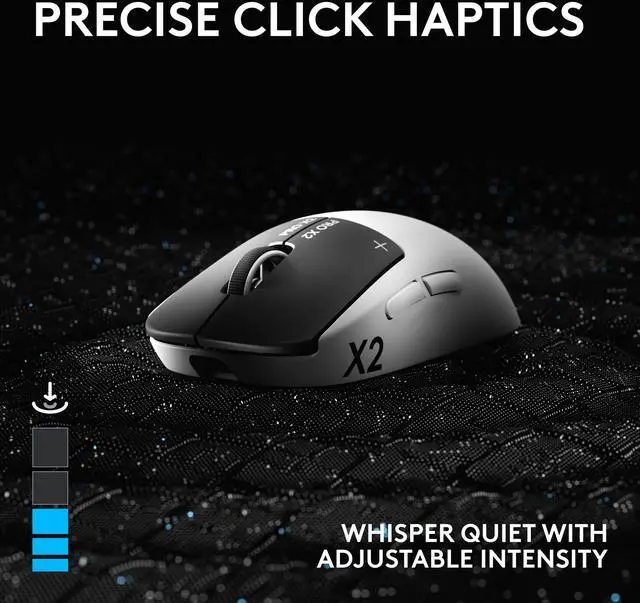
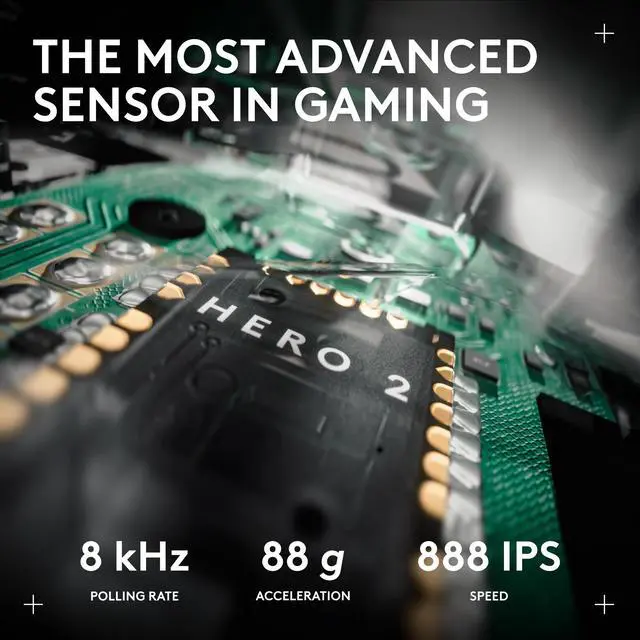
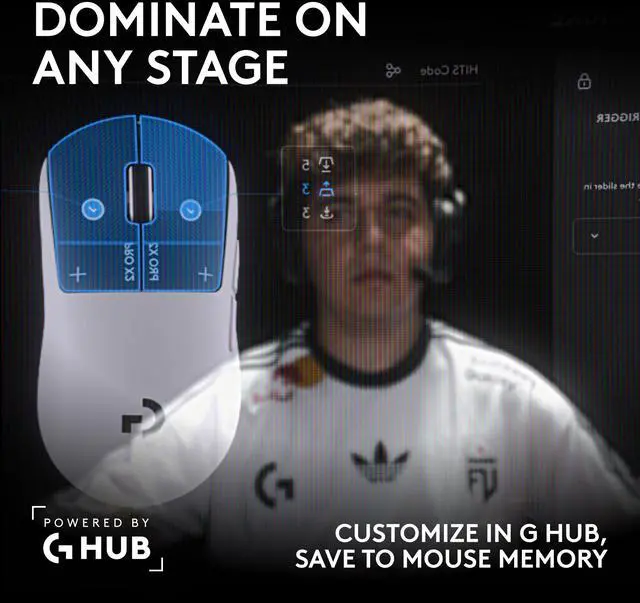
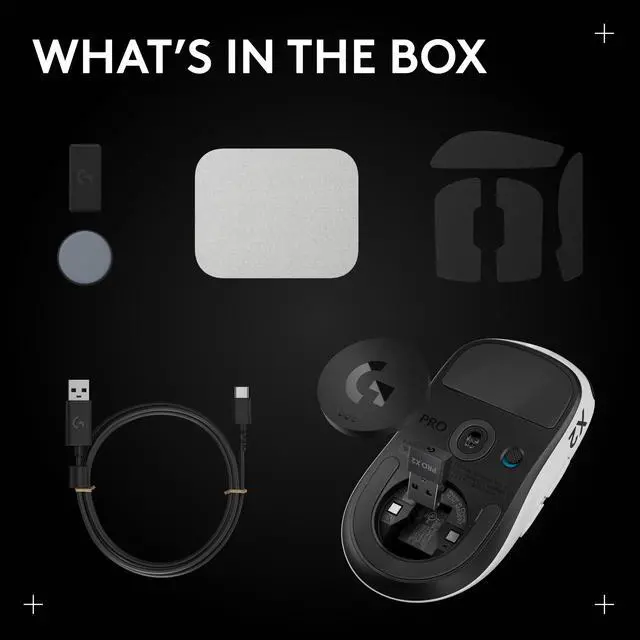
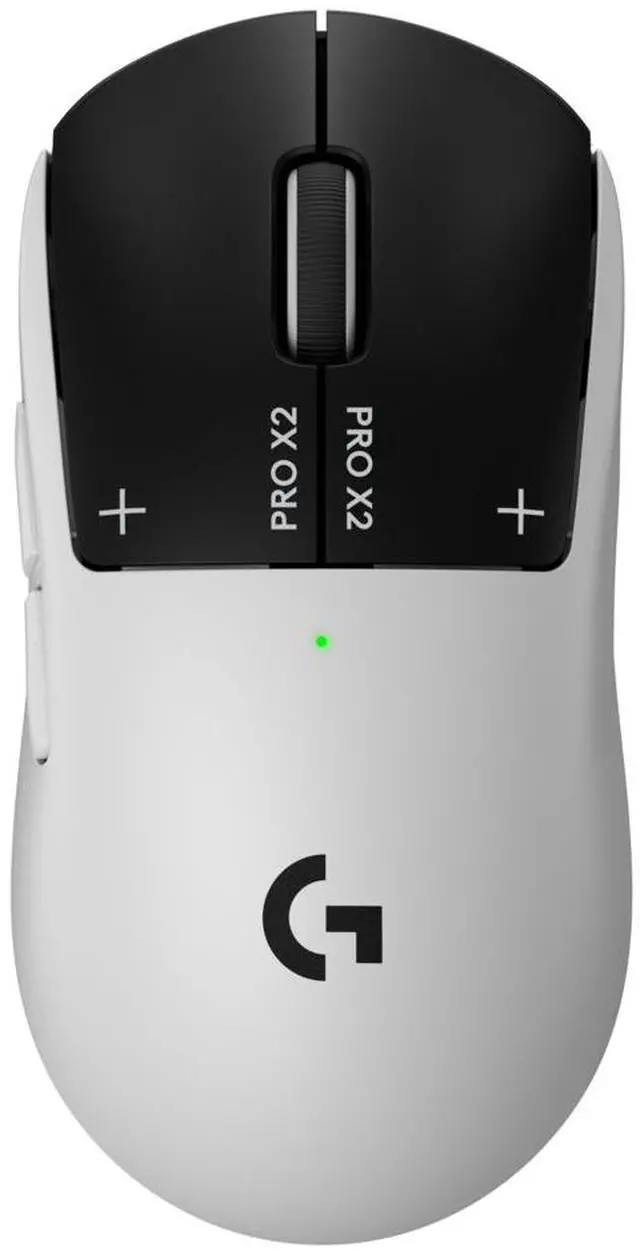
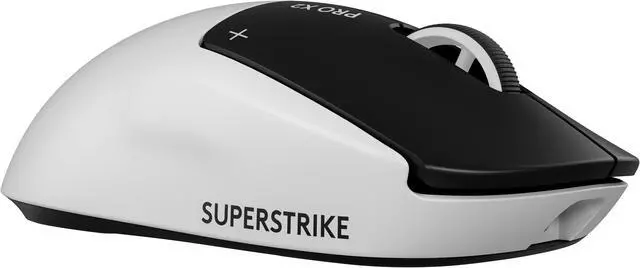
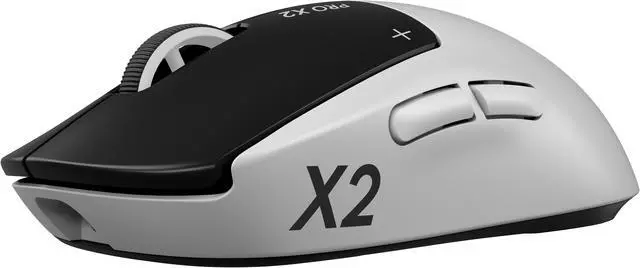
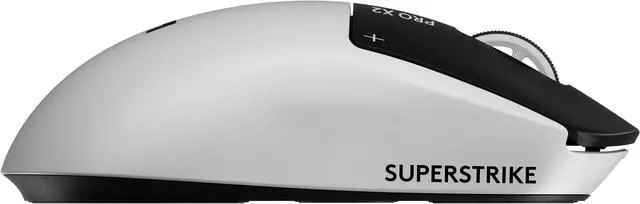
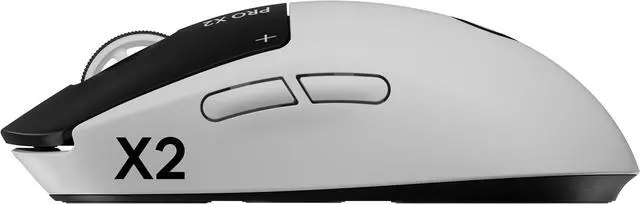
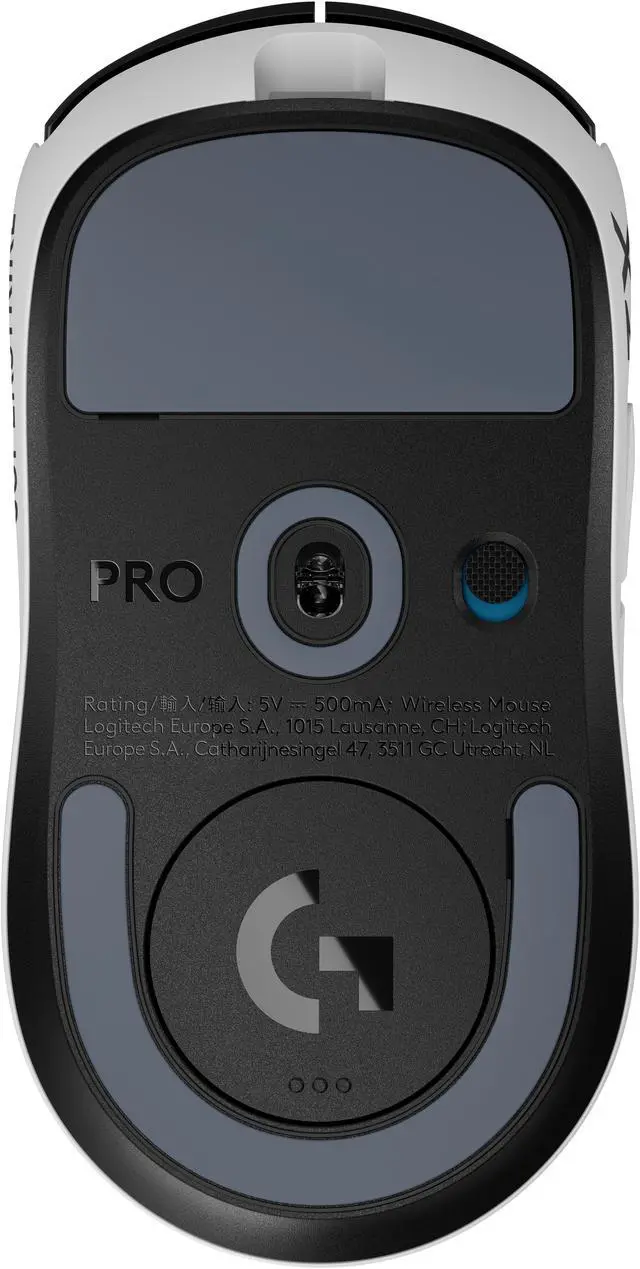
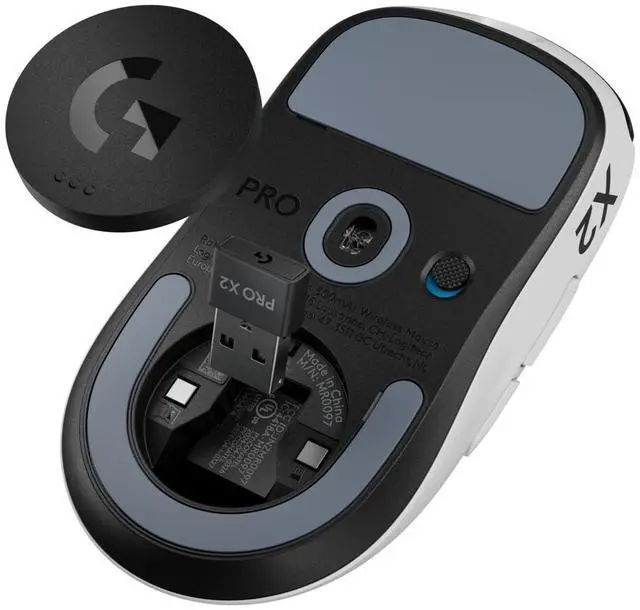
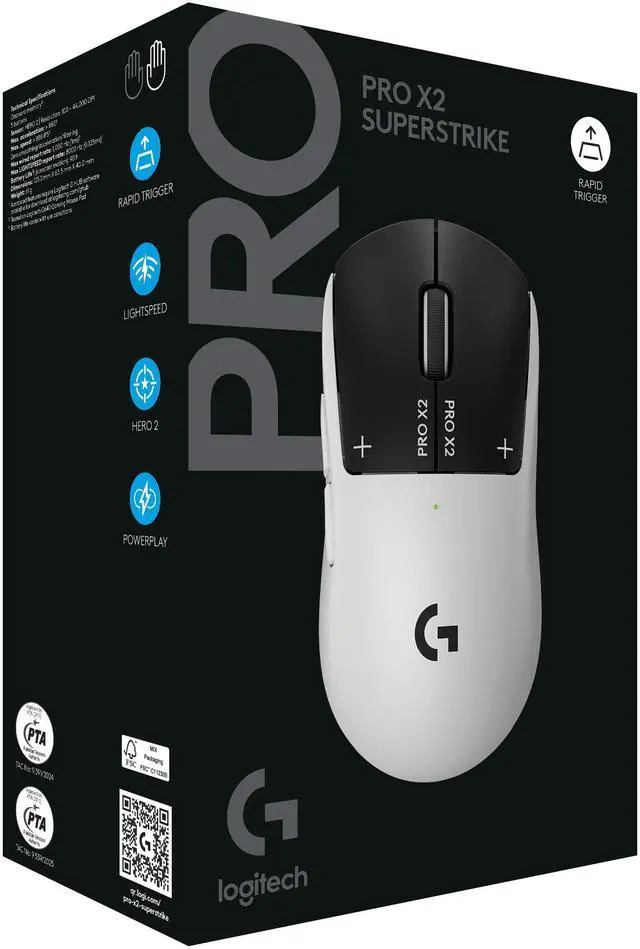



PRO X2 SUPERSTRIKE replaces microswitches with new tech for ultra-low click latency. Customize each main key’s actuation point, rapid trigger setting & click haptics. Your competition won’t know what hit them.
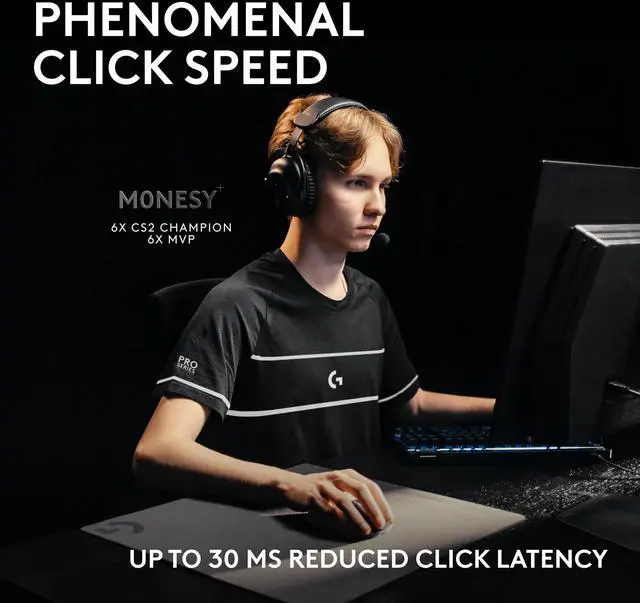
Milliseconds matter when the win is on the line. Our breakthrough Haptic Inductive Trigger System replaces traditional microswitches, reducing click latency by up to 30 ms for phenomenally faster targeting.
Optimize each main key click travel distance with micrometer precision between ten actuation points and five rapid trigger reset values. Save milliseconds with every click compared to all other gaming mice.
Only feel what you need to. Custom hardware syncs with inductive sensing systems to generate tactile feedback on every click. Six intensity options for both main keys offer customized click experiences.
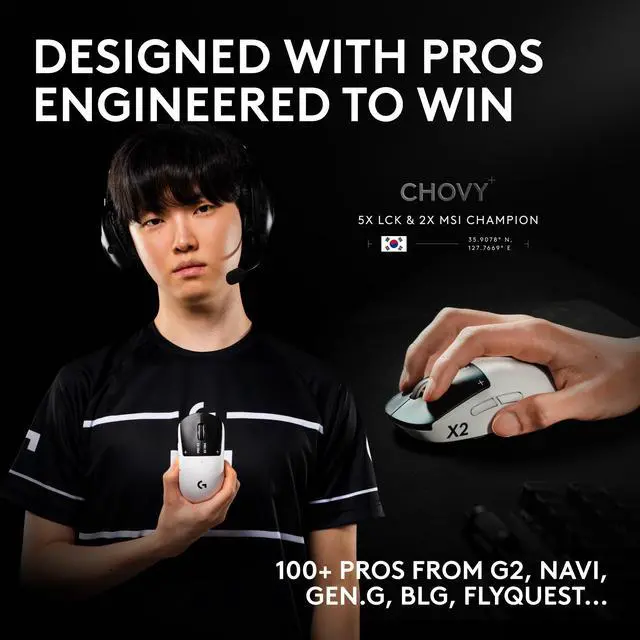
Our gear is developed with over 100 of the world’s greatest esports athletes — from NAVI, G2, GEN.G, FlyQuest RED, and others. G2 won VCT Americas Stage 2 on a SUPERSTRIKE prototype. Just saying.

Warranty Notice:
This product does not include manufacturer warranty when purchased or used outside of its designated sales region. By purchasing internationally, you acknowledge that warranty support from the manufacturer will not be available.The Logitech PRO X2 SUPERSTRIKE LIGHTSPEED is an ultra-light 61 g wireless gaming mouse built for competitive PC and Mac players who want fast clicks, precise tracking, and customizable button feel in esports-style games.
| Attribute | Value |
|---|---|
| Best For | Right-handed claw-grip PC and Mac users who want a lightweight (61 g), rechargeable wireless gaming mouse with long battery life |
| Sensor And Tracking | Laser movement detection with up to 32000 DPI resolution |
| Buttons And Haptics | 5 buttons and a Haptic Inductive Trigger System (HITS) for haptic-enabled main buttons |
| Connectivity | LIGHTSPEED wireless connectivity plus USB connection option |
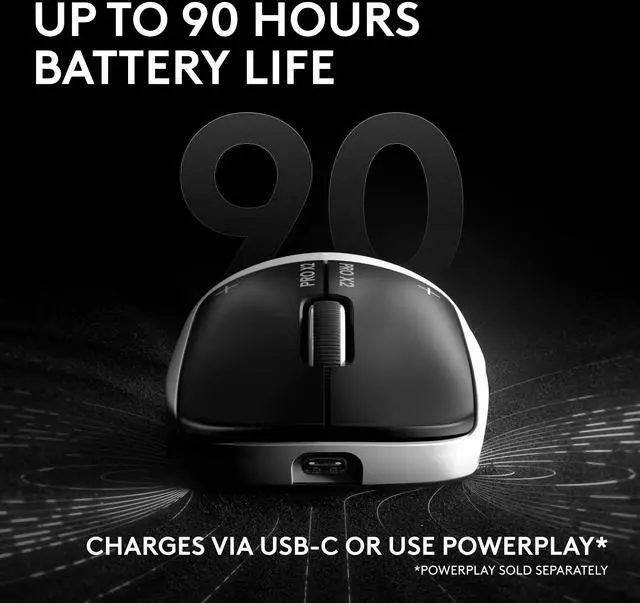
| Battery And Power | Rechargeable lithium‑polymer battery (1 cell) included, rated about 60 hours average life with 1.1 Wh energy content and ~5.3 g battery weight |
| Physical Dimensions And Weight | Mouse weight 61 g; plastic enclosure; color White & Black; package dimensions 6.9088 x 11.5062 x 18.4912 cm; package weight 0.34 kg |
| Ergonomics And Handedness | Right-handed shape designed for claw grip users |
| Compatibility | Compatible with Windows and macOS on PC/Mac systems |
| Additional Features | Wireless, Haptic Inductive Trigger System, lightweight and portable, rechargeable |
| Model Identifiers | Logitech PRO X2 SUPERSTRIKE — Model 910-007700 (Brand/Manufacturer: Logitech) |
| Package And Quantity | Sold as a single unit (1 count / package quantity 1) |
Q: Should I choose the PRO X2 SUPERSTRIKE or a lighter mouse like the Pulsar X2 CrazyLight?
A: Choose the PRO X2 SUPERSTRIKE if you want a more mainstream pro-shape design with a closed-shell build and Logitech's click customization features. Choose an ultralight option like the Pulsar X2 CrazyLight if minimizing mouse weight is your main goal and you are comfortable giving up the SUPERSTRIKE's haptic click system and broader brand ecosystem. This comparison is usually about feature set and build approach, not just grams.
Q: Is the PRO X2 SUPERSTRIKE worth it over the older PRO X SUPERLIGHT?
A: The PRO X2 SUPERSTRIKE makes more sense if you want the newer Logitech platform: USB-C charging, 8 kHz wireless support, HERO 2-class flagship sensor performance, and the new HITS click system. The older PRO X SUPERLIGHT still makes sense if you mainly want the classic shape and low weight at a lower price. This is less about a dramatic shape change and more about whether you want newer click features and newer connectivity.
Q: Is the Logitech PRO X2 SUPERSTRIKE better than the Razer Viper V3 Pro?
A: The better choice depends on what you value. Pick the PRO X2 SUPERSTRIKE if your priority is Logitech's HITS click system with adjustable actuation and rapid trigger-style reset behavior. Pick the Razer Viper V3 Pro if you want a more established flagship option built around a traditional click implementation and a very familiar competitive FPS shape. Most review and community comparisons treat them as close in raw performance, so the decision usually comes down to click technology, shape preference, and price at the time of purchase.
Q: Should I buy the Logitech PRO X2 SUPERSTRIKE or the PRO X SUPERLIGHT 2?
A: Choose the PRO X2 SUPERSTRIKE if you specifically want adjustable click actuation, rapid trigger behavior, and haptic click feedback for competitive shooters. Choose the PRO X SUPERLIGHT 2 if you want a more conventional flagship esports mouse with nearly the same core sensor platform and weight, but without the new click system. In short: SUPERSTRIKE is the better fit for buyers who want to tune click feel and reset behavior; SUPERLIGHT 2 is the safer fit for buyers who want proven simplicity.
Q: Is it a good travel mouse for a laptop setup?
A: It is portable enough for travel because it is lightweight, wireless, and charges over USB-C, but it is still a gaming mouse rather than a compact travel mouse. It makes sense for users who travel with a gaming laptop or want one mouse for both work and play. If your priority is silent clicks, compact size, or effortless switching across multiple devices, a productivity or travel-focused mouse is usually a better fit.
Q: How does it compare with the PRO X SUPERLIGHT 2?
A: Choose this model if you specifically want customizable click feel and trigger behavior. Choose the PRO X SUPERLIGHT 2 if you want a simpler proven lightweight esports mouse without the added click-tuning focus. The overlap is strong: both are very light, wireless, and built for competitive play. The main difference is that the SUPERSTRIKE adds HITS-based adjustable actuation, rapid trigger reset, and haptic click feedback, so it is the more specialized option rather than a universal upgrade for every buyer.
Q: Can it connect to multiple devices, and is it convenient for switching between a work laptop and gaming PC?
A: It supports multi-system use, but it is not the most convenient choice if you switch devices often. Retail Q&A for this model indicates support via LIGHTSPEED or Bluetooth, but switching is not automatic and may require re-pairing or connection management. That means it is workable for a gaming PC plus laptop setup, but less seamless than productivity mice designed around instant multi-device switching.
Q: Is it good for office work, meetings, and general daily use?
A: It can handle office work well as a basic wireless mouse, but it is not optimized for productivity-first use. The shape, low weight, and simple 5-button layout work fine for everyday tasks, yet its core value is gaming speed rather than office features such as multi-device switching convenience, extra productivity buttons, or ergonomic comfort for long spreadsheet-heavy sessions. It makes more sense as a gaming-first mouse that can also do work, not as a work-first mouse.
Q: Is this a good pick for competitive FPS gaming, or is it overkill for most players?
A: This mouse is best suited to competitive FPS players who want the light weight of a Superlight-style mouse but also want tunable main-click behavior. At 61 g with 8 kHz wireless polling, HERO 2-class high-end tracking, and adjustable click actuation/reset via HITS, it offers benefits that matter most in fast aim-heavy games. For most casual players, those extras are useful but not essential, so the main trade-off is paying more for performance tuning that many users will not fully use.
Q: Is the PRO X2 SUPERSTRIKE a safe buy if you want something simple and trouble-free?
A: Not necessarily. It is a more experimental mouse than a standard high-end Logitech model because its main value comes from HITS click tuning and related software settings. Reddit discussion includes early reports about setup friction and isolated wireless/pairing complaints, so buyers who want the simplest possible experience may prefer a more conventional gaming mouse.
Q: Is the PRO X2 SUPERSTRIKE a good replacement for a heavier mouse like the G502 series?
A: It can be a good replacement if you want a much lighter mouse for fast competitive play and can give up extra buttons and the heavier, more feature-rich feel. It is not a like-for-like replacement for users who rely on a wider body, thumb support, or more controls. The switch makes the most sense if low weight and faster-feeling clicks matter more than multi-purpose comfort.
Q: What are the main trade-offs of the PRO X2 SUPERSTRIKE?
A: The main trade-offs are price, a feature set centered on click tuning rather than extra buttons, and a shape/weight balance that may not suit everyone. Community discussion also repeatedly mentions that the mouse can feel front-heavy and that the smooth shell may feel slippery for some users. Buyers should choose it for its click system and lightweight wireless design, not for broad versatility.
Q: Who is the PRO X2 SUPERSTRIKE best for?
A: It is best for FPS and esports-focused users who prefer a light claw-grip mouse and want to tune click actuation, reset, and haptic feel. It is less suitable for buyers who need many buttons, an office-first mouse, or a simple plug-and-play option with no software setup. With 5 buttons and a performance-first design, it is built more for competitive play than general productivity.
Q: Is the Logitech PRO X2 SUPERSTRIKE worth buying over a regular high-end gaming mouse?
A: It makes the most sense for competitive players who specifically want adjustable click feel and actuation behavior in a very light wireless mouse. If you mainly want better aim or a dramatic performance upgrade over other premium gaming mice, the practical difference may be small. It is better viewed as a specialist esports mouse with unusual click customization, not an automatic upgrade for everyone.
Q: What technology does the Logitech PRO X2 SUPERSTRIKE LIGHTSPEED Gaming Mouse use for click latency?
A: It uses ultra-low click-latency technology.
Q: What features enhance the performance of the main mouse keys in this gaming mouse?
A: It features a Haptic Inductive Trigger System (HITS) with tunable actuation and rapid trigger reset points.
Q: Should I choose the PRO X2 SUPERSTRIKE or a lighter mouse like the Pulsar X2 CrazyLight?
A: Choose the PRO X2 SUPERSTRIKE if you want a more mainstream pro-shape design with a closed-shell build and Logitech's click customization features. Choose an ultralight option like the Pulsar X2 CrazyLight if minimizing mouse weight is your main goal and you are comfortable giving up the SUPERSTRIKE's haptic click system and broader brand ecosystem. This comparison is usually about feature set and build approach, not just grams.
Q: Is the PRO X2 SUPERSTRIKE worth it over the older PRO X SUPERLIGHT?
A: The PRO X2 SUPERSTRIKE makes more sense if you want the newer Logitech platform: USB-C charging, 8 kHz wireless support, HERO 2-class flagship sensor performance, and the new HITS click system. The older PRO X SUPERLIGHT still makes sense if you mainly want the classic shape and low weight at a lower price. This is less about a dramatic shape change and more about whether you want newer click features and newer connectivity.
Q: Should I buy the Logitech PRO X2 SUPERSTRIKE or the PRO X SUPERLIGHT 2?
A: Choose the PRO X2 SUPERSTRIKE if you specifically want adjustable click actuation, rapid trigger behavior, and haptic click feedback for competitive shooters. Choose the PRO X SUPERLIGHT 2 if you want a more conventional flagship esports mouse with nearly the same core sensor platform and weight, but without the new click system. In short: SUPERSTRIKE is the better fit for buyers who want to tune click feel and reset behavior; SUPERLIGHT 2 is the safer fit for buyers who want proven simplicity.
Q: Is the Logitech PRO X2 SUPERSTRIKE better than the Razer Viper V3 Pro?
A: The better choice depends on what you value. Pick the PRO X2 SUPERSTRIKE if your priority is Logitech's HITS click system with adjustable actuation and rapid trigger-style reset behavior. Pick the Razer Viper V3 Pro if you want a more established flagship option built around a traditional click implementation and a very familiar competitive FPS shape. Most review and community comparisons treat them as close in raw performance, so the decision usually comes down to click technology, shape preference, and price at the time of purchase.
Q: Is the PRO X2 SUPERSTRIKE a good replacement for a heavier mouse like the G502 series?
A: It can be a good replacement if you want a much lighter mouse for fast competitive play and can give up extra buttons and the heavier, more feature-rich feel. It is not a like-for-like replacement for users who rely on a wider body, thumb support, or more controls. The switch makes the most sense if low weight and faster-feeling clicks matter more than multi-purpose comfort.
Q: What are the main trade-offs of the PRO X2 SUPERSTRIKE?
A: The main trade-offs are price, a feature set centered on click tuning rather than extra buttons, and a shape/weight balance that may not suit everyone. Community discussion also repeatedly mentions that the mouse can feel front-heavy and that the smooth shell may feel slippery for some users. Buyers should choose it for its click system and lightweight wireless design, not for broad versatility.
Q: Is the Logitech PRO X2 SUPERSTRIKE worth buying over a regular high-end gaming mouse?
A: It makes the most sense for competitive players who specifically want adjustable click feel and actuation behavior in a very light wireless mouse. If you mainly want better aim or a dramatic performance upgrade over other premium gaming mice, the practical difference may be small. It is better viewed as a specialist esports mouse with unusual click customization, not an automatic upgrade for everyone.
Q: Is the PRO X2 SUPERSTRIKE a safe buy if you want something simple and trouble-free?
A: Not necessarily. It is a more experimental mouse than a standard high-end Logitech model because its main value comes from HITS click tuning and related software settings. Reddit discussion includes early reports about setup friction and isolated wireless/pairing complaints, so buyers who want the simplest possible experience may prefer a more conventional gaming mouse.
Q: Who is the PRO X2 SUPERSTRIKE best for?
A: It is best for FPS and esports-focused users who prefer a light claw-grip mouse and want to tune click actuation, reset, and haptic feel. It is less suitable for buyers who need many buttons, an office-first mouse, or a simple plug-and-play option with no software setup. With 5 buttons and a performance-first design, it is built more for competitive play than general productivity.
Q: Is it a good travel mouse for a laptop setup?
A: It is portable enough for travel because it is lightweight, wireless, and charges over USB-C, but it is still a gaming mouse rather than a compact travel mouse. It makes sense for users who travel with a gaming laptop or want one mouse for both work and play. If your priority is silent clicks, compact size, or effortless switching across multiple devices, a productivity or travel-focused mouse is usually a better fit.


