


 All CategoriesAll CategoriesAll Categories
Shipped by Newegg




Warranty Notice:
This product does not include manufacturer warranty when purchased or used outside of its designated sales region. By purchasing internationally, you acknowledge that warranty support from the manufacturer will not be available.Q: Should I choose this Acer Aspire or an all-in-one PC for a simple family workspace?
A: Choose this Acer Aspire when you want more flexibility over monitor choice and easier component upgrades over time. Choose an all-in-one when a cleaner single-device setup matters more than upgrade access. For the same kind of web, school, and office work, the difference is usually less about raw processor speed and more about whether you prefer a modular tower setup or a simplified space-saving design.
Q: How does this Acer Aspire compare with a mini PC if I care about desk space?
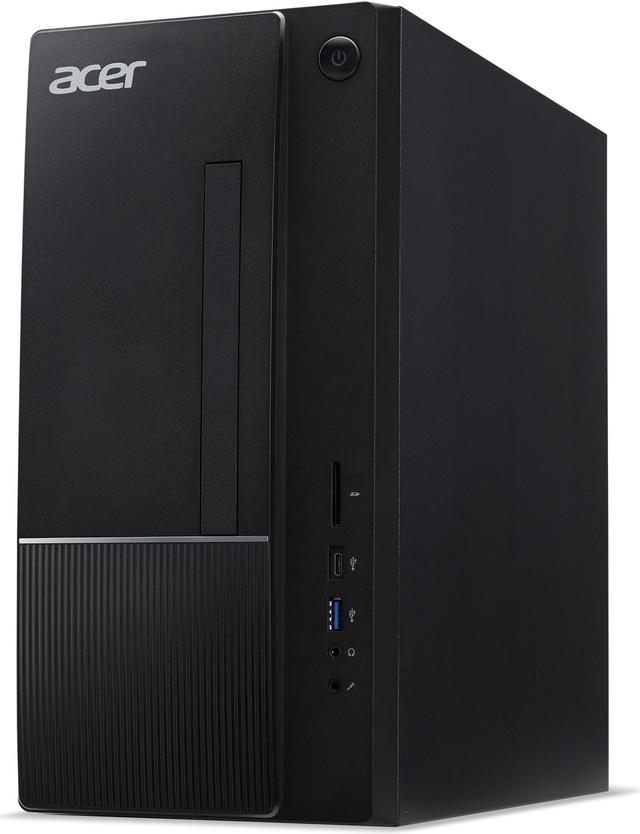
A: Choose a mini PC if minimizing size, cable clutter, and power draw is the top priority. Choose the Acer Aspire tower if you want a more conventional desktop layout with easier access to ports, a standard internal upgrade path for RAM and storage, and room for more future changes than most mini PCs allow. For everyday office tasks, both categories can work well, but the Acer makes more sense when long-term serviceability and expansion matter more than footprint.
Q: Should I buy this Acer Aspire or move up to a Core i7 desktop?
A: Buy this Acer Aspire if your main use is office work, schoolwork, streaming, web apps, and general household productivity. The Core i5-14400 is already positioned as a mainstream desktop CPU with strong everyday performance, while Core i7 models such as the i7-14700 mainly add value for sustained multithreaded workloads like heavier content creation, code compilation, or more demanding productivity stacks. The move to Core i7 makes more sense when your software can use the extra cores regularly. If the system still uses integrated graphics, a CPU upgrade alone will not meaningfully change gaming capability compared with moving to a desktop that also includes a discrete GPU.
Q: Is this Acer Aspire a better buy than the same class of desktop with 16GB RAM?
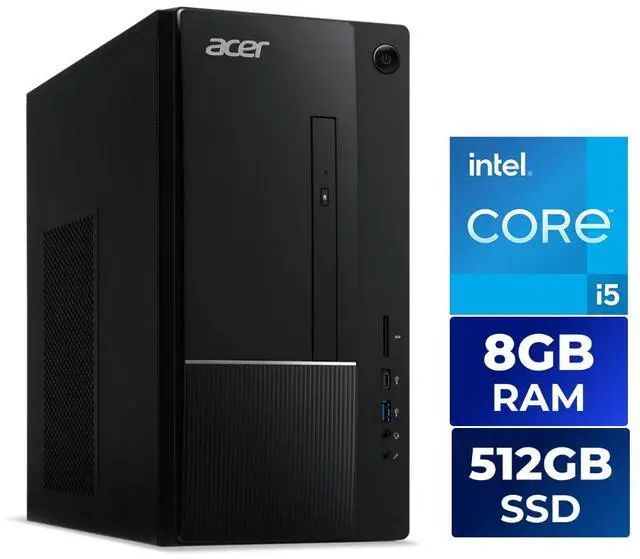
A: This Acer Aspire is the better fit when CPU value matters more than out-of-box memory capacity and you are comfortable adding RAM later. The TC-1775-UR11 ships with one 8GB DDR5 module and one open slot, so it is easier to view as a strong processor base system than as a finished multitasking configuration. A similar desktop with 16GB RAM is the better choice if you want smoother multitasking immediately and do not want to upgrade after purchase. In practice, the main trade-off is not the i5 processor but the starting memory capacity.
Q: Should I choose the Acer Aspire TC-1775-UR11 or a cheaper Core i3 desktop for home office use?
A: Choose the Acer Aspire TC-1775-UR11 if you expect heavier multitasking, longer system life, or occasional CPU-heavy work like large spreadsheets, light photo editing, or running many browser tabs. Its Core i5-14400 has 10 cores and 16 threads, while typical Core i3-14100 desktops use 4 cores and 8 threads, so the i5 configuration has more headroom for mixed workloads. A Core i3 tower is the more practical choice only when the workload is limited to basic web, email, documents, and video calls and the lower price matters more than multitasking capacity. For either option, 16GB RAM is a more comfortable target than 8GB for current Windows multitasking.