


 All CategoriesAll CategoriesAll Categories
Shipped by Newegg

Make informed decisions with expert advice. Learn More

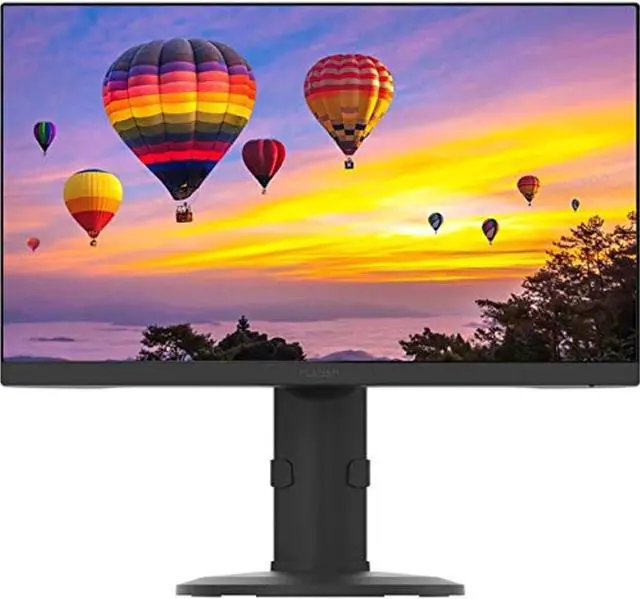
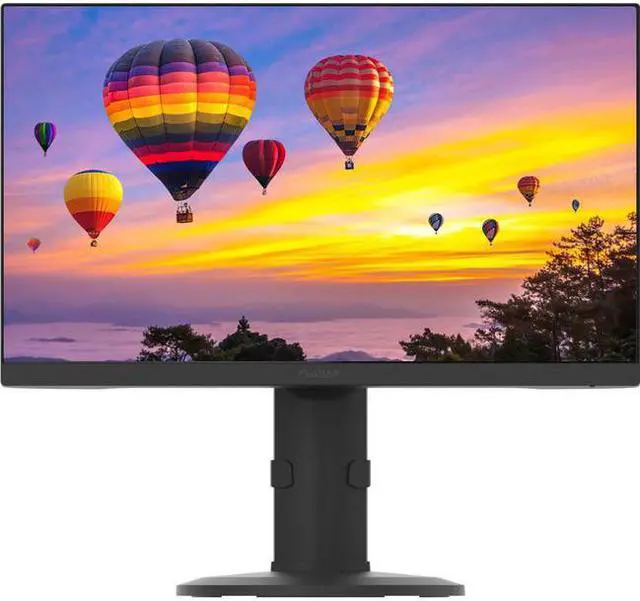
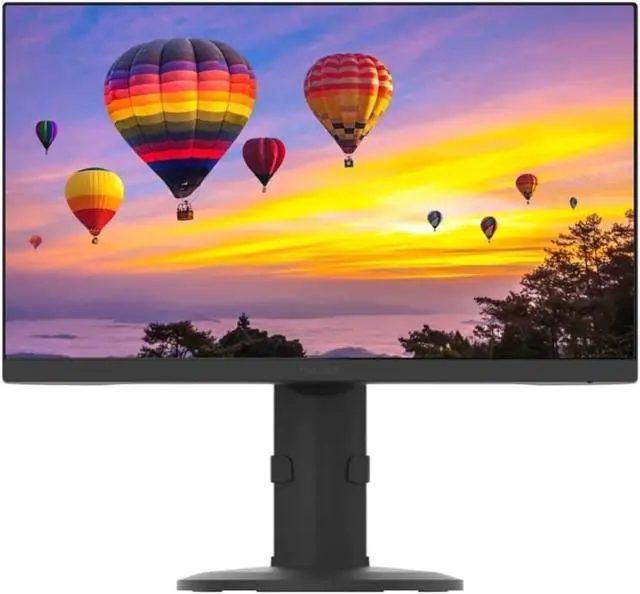


Experience stunning visuals with the Planar Systems Pzn2410 24-inch LED LCD monitor. This sleek monitor is designed by Planar a trusted brand known for its high-quality products.
Setting up your Planar Systems Pzn2410 monitor is easy. Simply unpack the monitor connect the necessary cables to your computer or other devices and power on the monitor. Adjust the settings as needed for your optimal viewing experience.
Frequently Asked Questions:Q: What is the screen size of the Pzn2410 monitor?
A: The screen size is 24 inches providing ample viewing space for work or entertainment.
Q: Does this monitor have built-in speakers?
A: Yes the Pzn2410 monitor comes with built-in speakers enhancing your multimedia experience.
Q: Can I connect multiple devices to this monitor?
A: Certainly! With DisplayPort HDMI and VGA inputs you can easily connect various devices such as laptops desktops gaming consoles and more.
Q: Is the monitor easy to set up?
A: Yes setting up the Pzn2410 monitor is straightforward. Follow the included instructions for a hassle-free installation process.
Q: What is the resolution of the Pzn2410 monitor?
A: The monitor offers a Full HD resolution of 1920 x 1080 delivering crisp and clear visuals for your viewing pleasure.
Warranty Notice:
This product does not include manufacturer warranty when purchased or used outside of its designated sales region. By purchasing internationally, you acknowledge that warranty support from the manufacturer will not be available.The Planar PZN2410 is a 23.8-inch Full HD IPS monitor for everyday home, office, or healthcare work, with a 1920 × 1080 resolution and an adjustable stand for a more adaptable desktop setup.
| Attribute | Value |
|---|---|
| Best For | Desktop use requiring a 23.8-inch Full HD display with HDMI, DisplayPort, or VGA connectivity |
| Panel And Resolution | 23.8-inch LED display with 1920 × 1080 resolution, 16:9 aspect ratio, 178-degree viewing angle, glossy finish, 250 brightness, and 1,000:1 contrast ratio |
| Refresh Rate And Response | 60 Hz refresh rate with 1 ms response time |
| Ports And Connectivity | One HDMI port, two USB 2.0 ports, and DisplayPort and VGA connectivity; no USB 3.0 ports |
| Stand And Ergonomics | Height adjustment and pivot adjustment, with flicker-free and blue-light-reduction features; supports wall mounting |
| Audio And Included Components | Built-in speakers; CD included |
| Physical Specifications | Black, rectangular monitor measuring 12.8 × 21.3 × 1.7 inches and weighing 7.5 pounds |
| Model Identifiers | Planar PZN2410, part number 998-1443-00 |
Q: Planar PZN2410 or PZN2710Q: which should I choose for a desk setup?
A: Choose the PZN2410 for a 23.8-inch Full HD display with a built-in USB 3.0 hub and HDMI, DisplayPort, and VGA inputs. Choose the PZN2710Q if you prefer a larger 27-inch Quad HD screen and USB-C docking with Ethernet and up to 65W power delivery.
Q: Should I get the Planar PZN2410 or the PZN3210U for more screen space?
A: Choose the PZN2410 for a compact 23.8-inch Full HD setup with a USB 3.0 hub and HDMI, DisplayPort, and VGA inputs. Choose the PZN3210U for a 32-inch 4K display and USB-C docking, including Ethernet connectivity and up to 65W power delivery.
Q: Planar PZN2410 vs PXN2410: what does the PZN model add?
A: Both are 23.8-inch Full HD IPS monitors with HDMI, DisplayPort, VGA, and built-in stereo speakers. Choose the PZN2410 if you want a built-in USB 3.0 hub, including a BC1.2 port for device charging; its stand also supports height adjustment, pivot, swivel, and tilt.
Q: Is the Planar PZN2410 suitable for everyday office work?
A: Yes. Its 23.8-inch Full HD IPS screen is suited to documents, browsing, and general desktop tasks. The adjustable stand supports height, tilt, swivel, and portrait rotation; the 1080p resolution and listed 50–75 Hz refresh range are more oriented toward everyday work than high-refresh gaming.
Q: Can I connect the PZN2410 to a laptop or use it as a second screen?
A: Yes, if the laptop supports an external display and has a compatible video output or adapter. The PZN2410 has HDMI, DisplayPort, and VGA inputs; check the laptop’s ports and display capabilities before buying.
Q: Can the PZN2410 be mounted or rotated for portrait use?
A: Yes. It has 100 × 100 mm VESA mounting holes, and its stand supports 90-degree portrait rotation as well as height, tilt, and swivel adjustment.
Q: Does the PZN2410 have speakers for meetings and video?
A: Yes. It has integrated 2-watt stereo speakers and a headphone output, so external speakers are not required for basic audio. The listed specifications do not identify a built-in webcam or microphone, so use your computer’s or a separate device’s camera and microphone for calls.