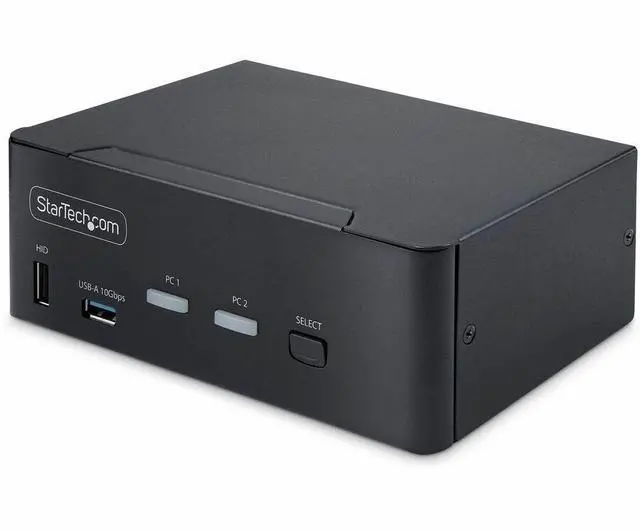
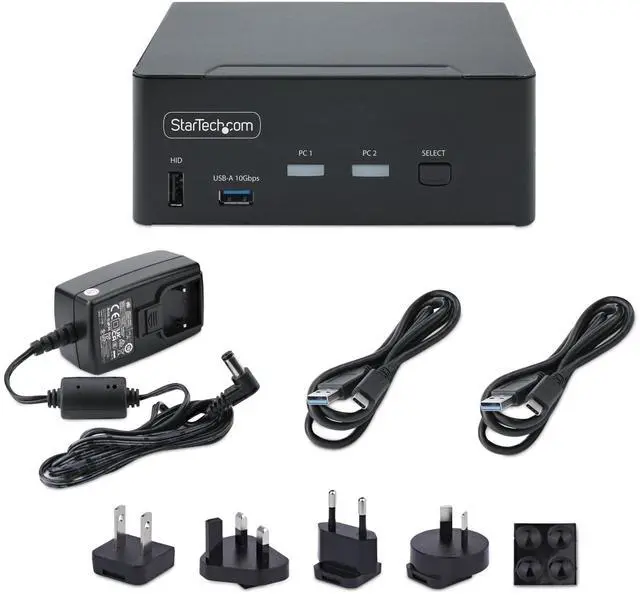
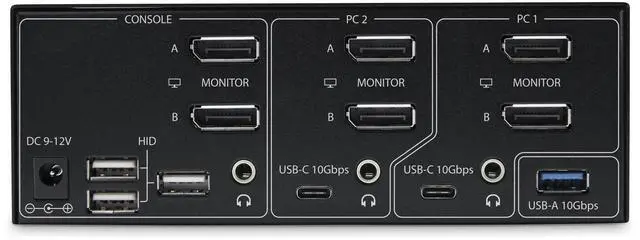
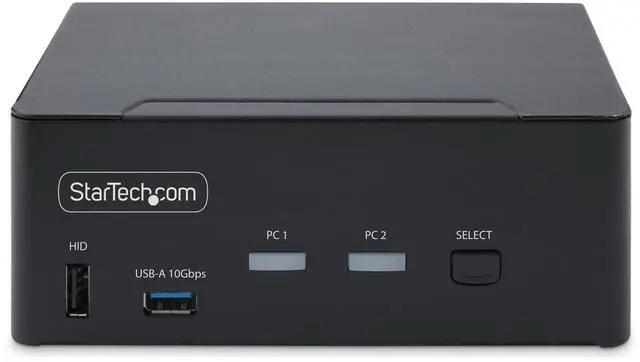
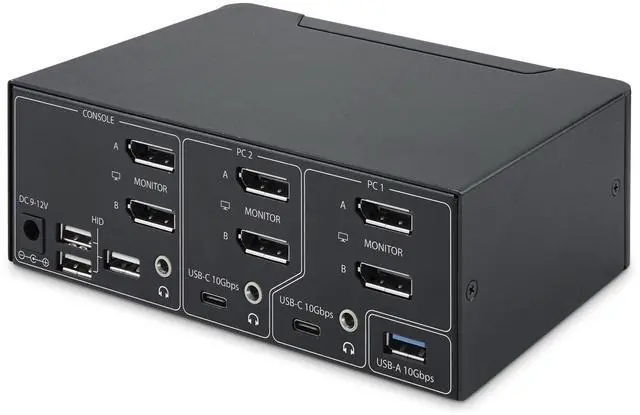
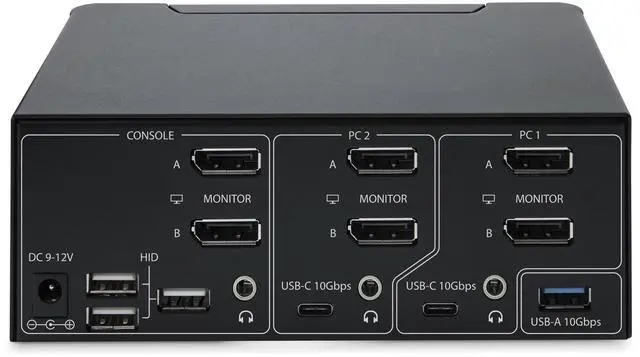
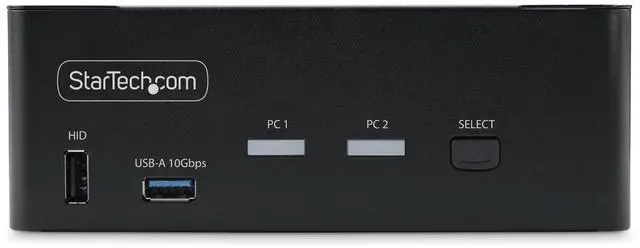
The StarTech P2CDD143 is a two-computer, dual-monitor DisplayPort 1.4 KVM switch for users who want to share two displays and peripherals between compatible computers, with support for up to 8K at 60Hz or 4K at 144Hz and hotkey switching.
Recommended For
- Dual-monitor workstation users who switch between two DisplayPort desktops and want to share their keyboard, mouse, and other peripherals without reconnecting them.
- CAD, video-editing, and content-creation professionals who use two DisplayPort monitors and want one KVM for switching between workstations.
- Users who regularly move large files through shared USB storage and want the KVM’s two USB 10Gbps hub ports available to either connected computer.
- People who want to switch computers by hotkey or button, including users who need to keep listening to audio from one computer while controlling the other.
- Organizations whose purchasing requirements call for TAA-compliant KVM equipment and whose setup uses two USB- and DisplayPort-equipped computers.
Real-World Use Scenarios
- At a shared desk, switch two DisplayPort computers between the same two monitors, keyboard, and mouse instead of reconnecting those cables whenever you change systems.
- For a work-from-home setup, switch the shared desk from a work computer to a personal desktop, keeping both monitors and everyday USB peripherals with the selected system; a laptop may need a dock that provides the required DisplayPort connections.
- When working across two computers on CAD, video editing, or content creation, use the same dual-display workspace and keyboard and mouse on whichever system you select.
- For a gaming-and-work desk with compatible DisplayPort computers and monitors, switch both displays and shared controls between systems while retaining supported high-resolution or high-refresh display modes; the result depends on the connected hardware and DSC support.
- Keep a USB storage device or other data peripheral connected to the KVM and make it available to the selected computer when moving between systems; this switches access to the device, not files directly between computers.
- If you need to keep listening to audio from one computer while using the keyboard and mouse on the other, use the KVM’s independent audio switching option.
Spec Summary
| Attribute | Value |
|---|
| Best For | Switching compatible USB and DisplayPort desktops, peripherals, and monitors through a KVM setup |
|---|
| Device Compatibility And Video Support | Compatible with USB- and DisplayPort-enabled desktops, keyboards, mice, audio devices, and monitors supporting up to 8K at 60Hz, 4K at 144Hz, or 4K at 120Hz |
|---|
| Control And Switching | Manual switching with push-button control |
|---|
| Included Components | KVM switchbox, two USB-C-to-USB-A cables, power adapter, rubber feet, and manual |
|---|
| Power And Operating Conditions | 12V operating voltage; rated for 0°C to 40°C |
|---|
| Physical Design And Mounting | Black steel housing; rack-mountable; 6.3 × 3.9 × 2.4 inches; weighs 1.67 lb |
|---|
| Compliance | RoHS compliant |
|---|
| Model Identifiers | StarTech.com P2CDD143 KVM SWITCH |
|---|



 All Categories