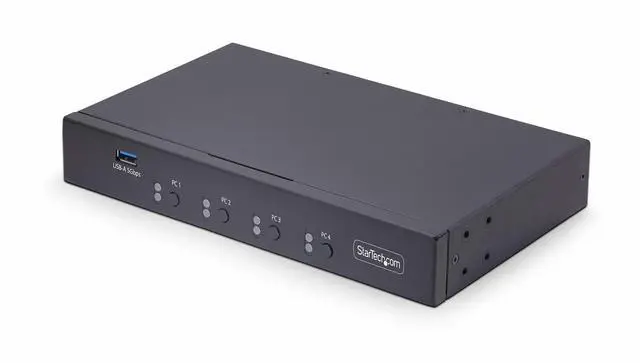
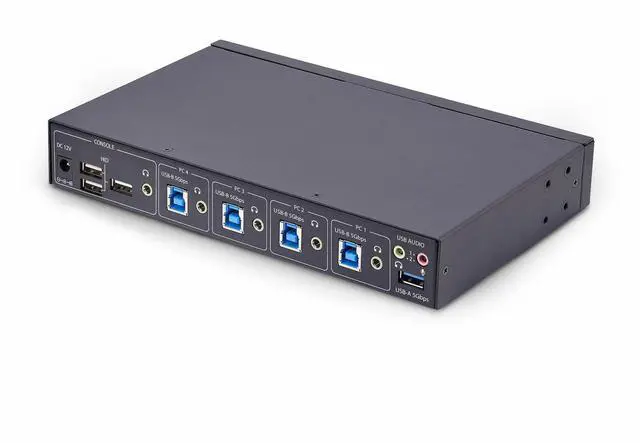
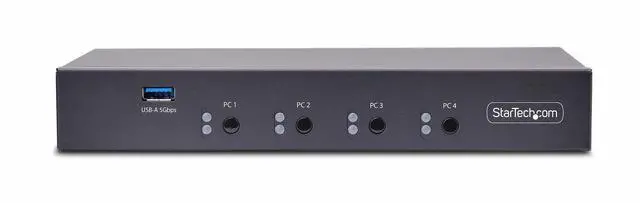
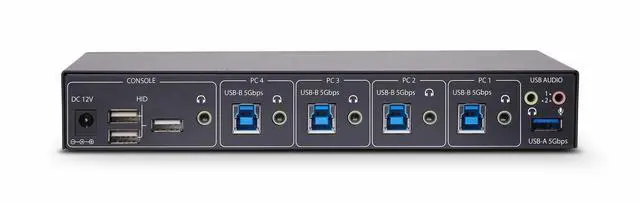
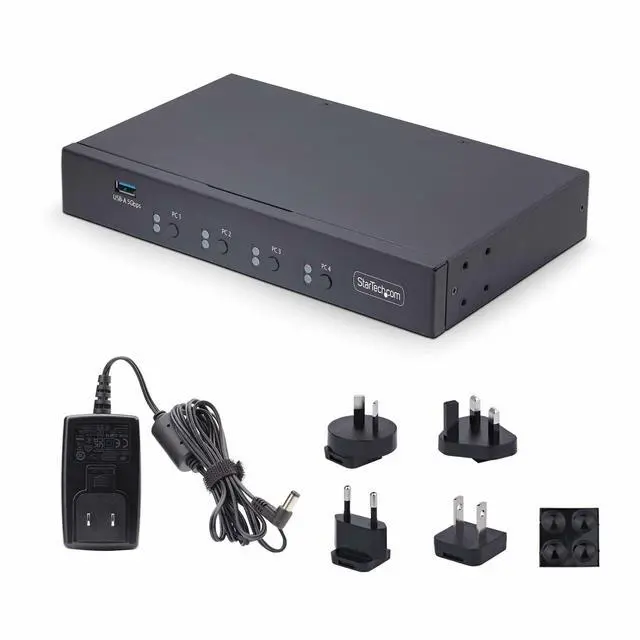
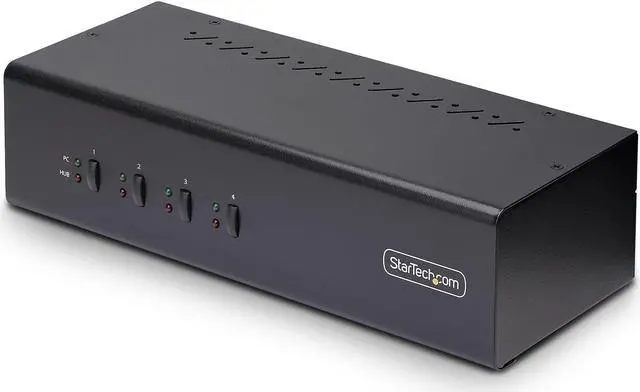
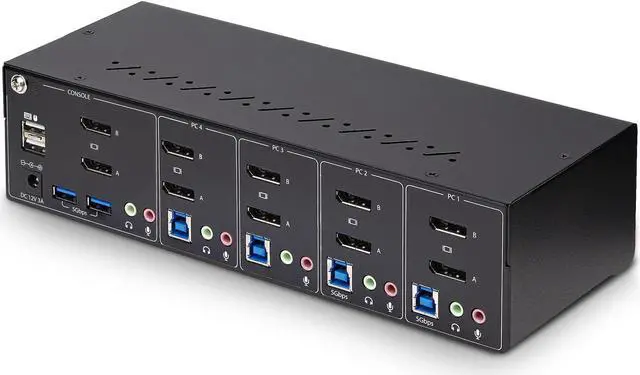
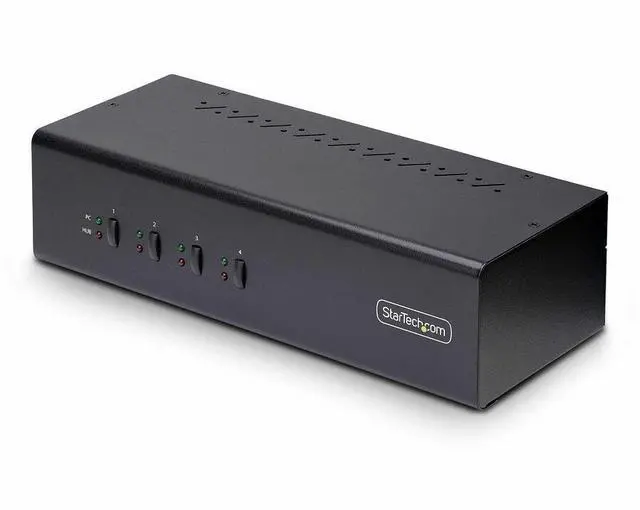
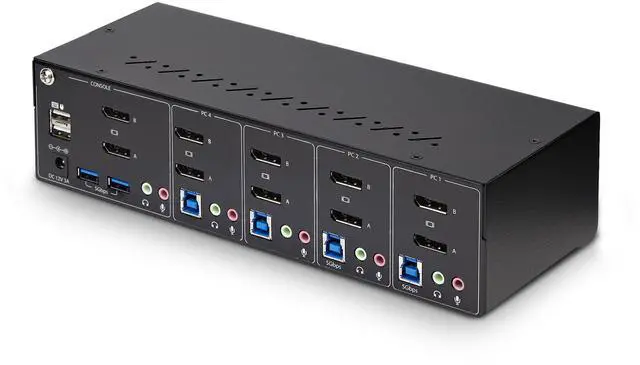
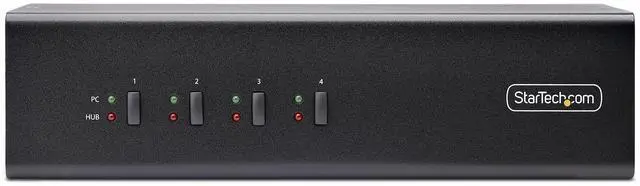
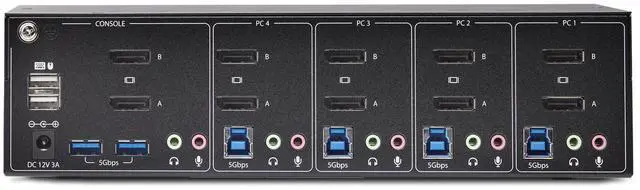
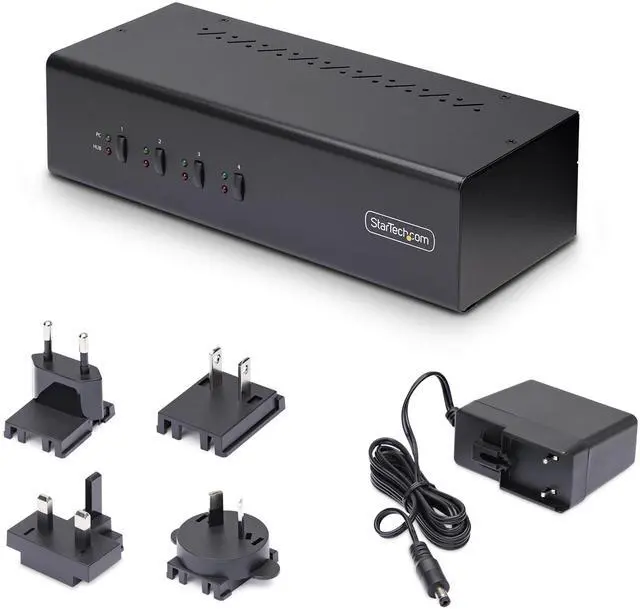
The StarTech P4DD46A2-KVM-SWITCH is a four-computer, dual-monitor DisplayPort KVM switch that lets IT teams and multi-PC workstation users share two 4K 60Hz displays, a keyboard, a mouse, and two USB 5Gbps devices, with hotkey or push-button switching.
Recommended For
- Users switching between up to four DisplayPort desktops at a shared desk who want to control them with one keyboard and mouse across two monitors.
- CAD, video-editing, and content-creation teams that need to share two DisplayPort monitors at up to 4K 60Hz between workstations.
- IT and help-desk staff who regularly switch among several desktop systems and can use hotkey or front-panel switching, plus the included USB-event and window-layout utilities.
- Desk setups that share a keyboard, mouse, and a small number of USB peripherals across computers, with two additional USB 5Gbps hub ports available at the console.
Real-World Use Scenarios
- At a desk shared by several DisplayPort desktop PCs, switch between as many as four computers while keeping the same two monitors, keyboard, and mouse; use the front button or a keyboard hotkey instead of reconnecting cables.
- For CAD, video-editing, or content-creation work on compatible desktops, move between systems while keeping a dual-monitor workspace; the switch supports resolutions up to dual 4K at 60Hz.
- When using several computers at one workstation, share a keyboard and mouse plus up to two USB devices, such as a USB drive or other peripheral, rather than attaching them separately to each computer.
- In a workflow where one computer plays audio while another is being used, switch video and USB control independently from audio so the audio can continue from the selected source.
- For frequent changes between connected desktops, use keyboard hotkeys for switching without reaching for the unit, or use its push-button control when that is more convenient.
Spec Summary
| Attribute | Value |
|---|
| Best For | Dual-monitor KVM switching for up to four DisplayPort-enabled desktops |
|---|
| Switching And Connectivity | Four-position KVM with push-button control and USB connectivity |
|---|
| Power And Operating Conditions | 12 V, 1 A, 12 W; rated for operation from 0°C to 40°C |
|---|
| Physical Design | Black steel surface-mount unit measuring 10 × 3.9 × 2.6 inches |
|---|
| Compliance | Meets RoHS and WEEE specifications; IP00 rating |
|---|
| Included Components | KVM switch, universal power adapter, and quick-start guide |
|---|
| Model Identifiers | StarTech.com P4DD46A2-KVM-SWITCH |
|---|



 All Categories