




 here!
here!
I’m your shopping assistant for PC builds, upgrades, and everything tech.
Got questions? Ask away!
Start a conversation
here!
I’m your shopping assistant for PC builds, upgrades, and everything tech.
Got questions? Ask away!
Start a conversation

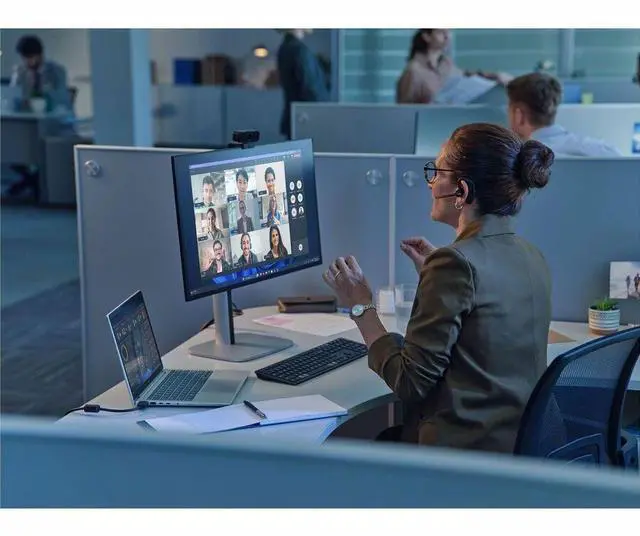
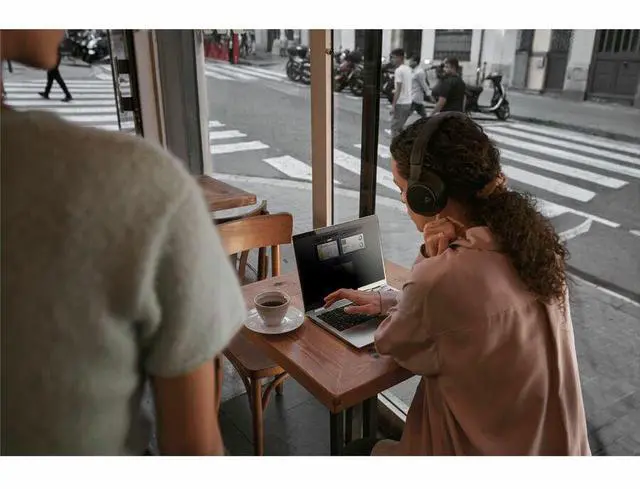
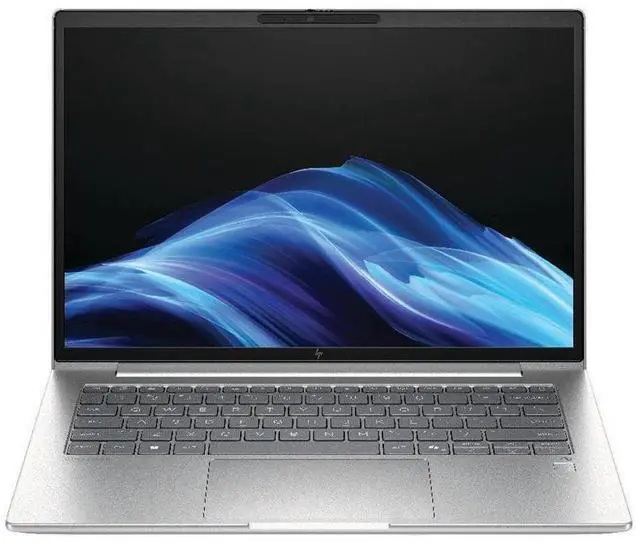
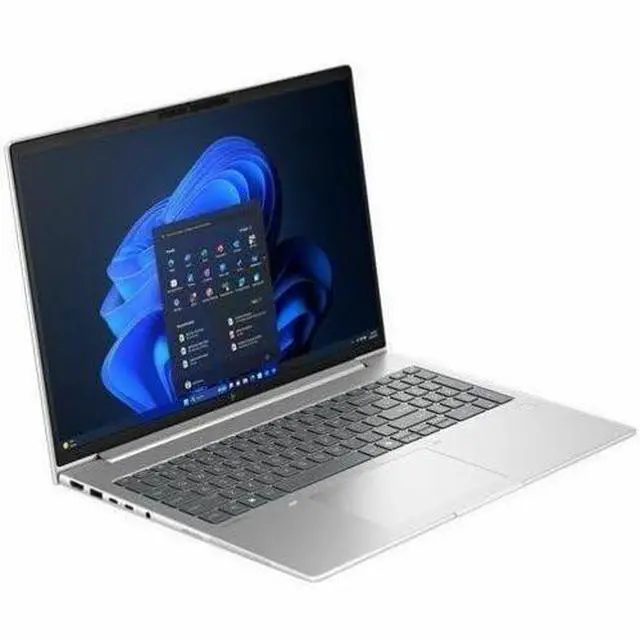
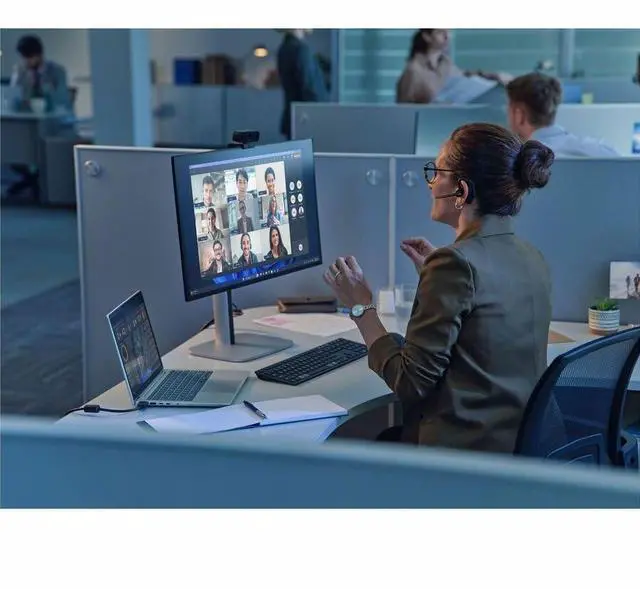
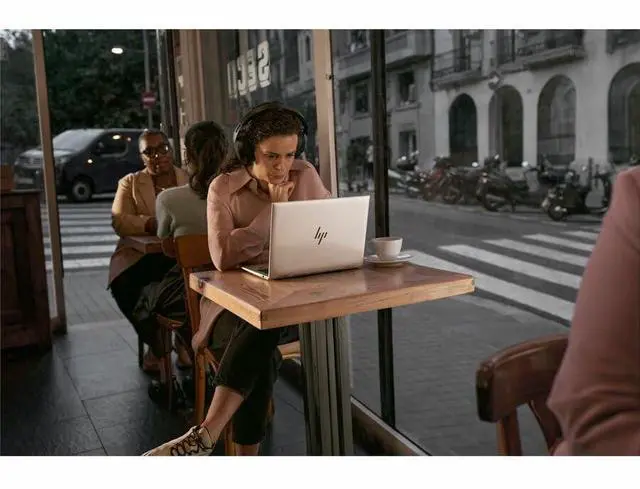
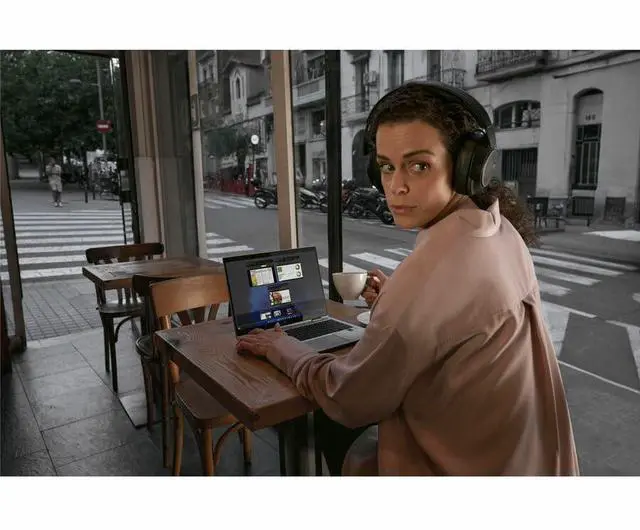
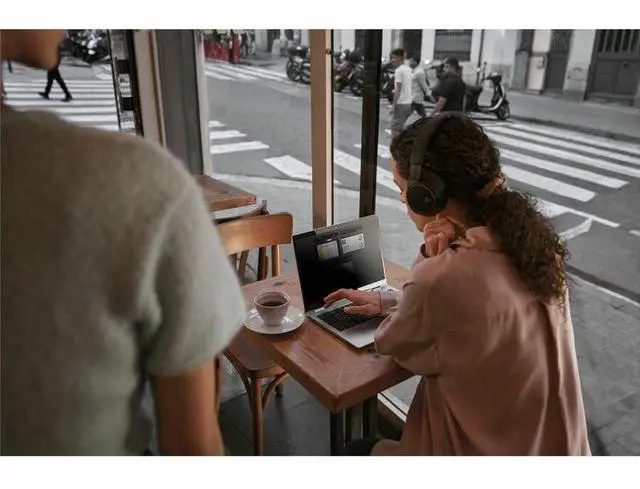
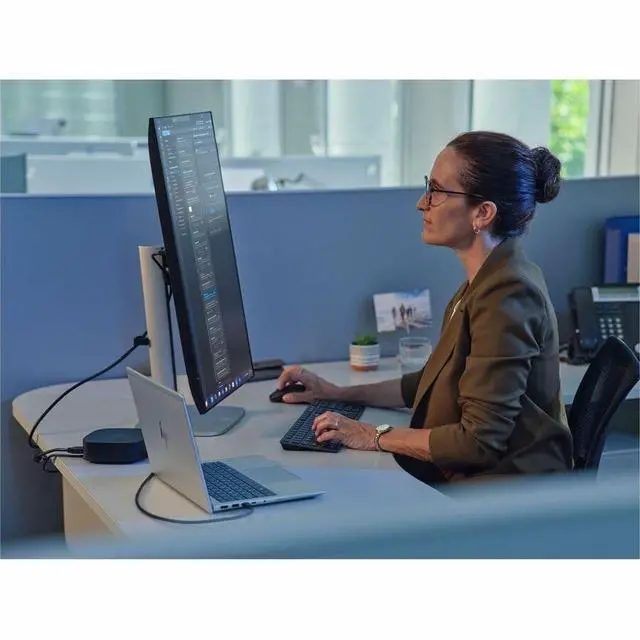
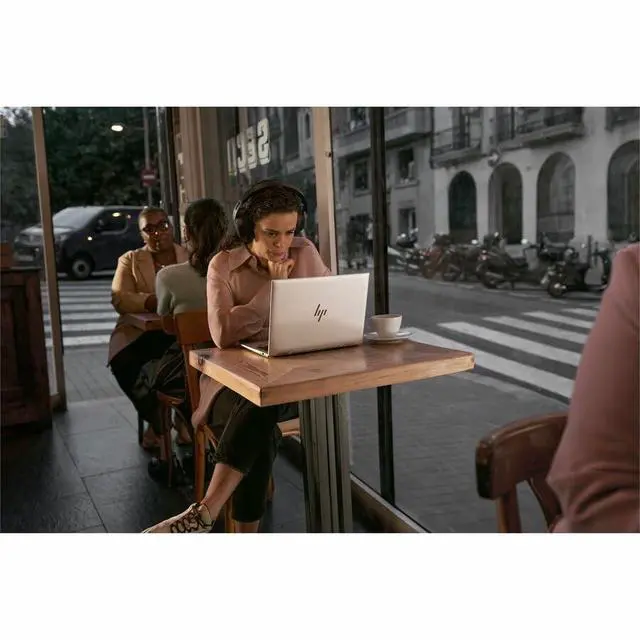
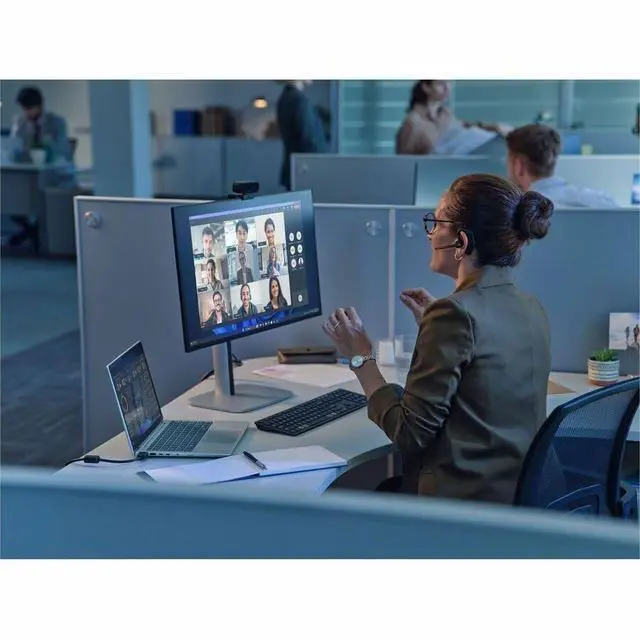



Any questions? Ask CelesteSM will help you find out quickly.
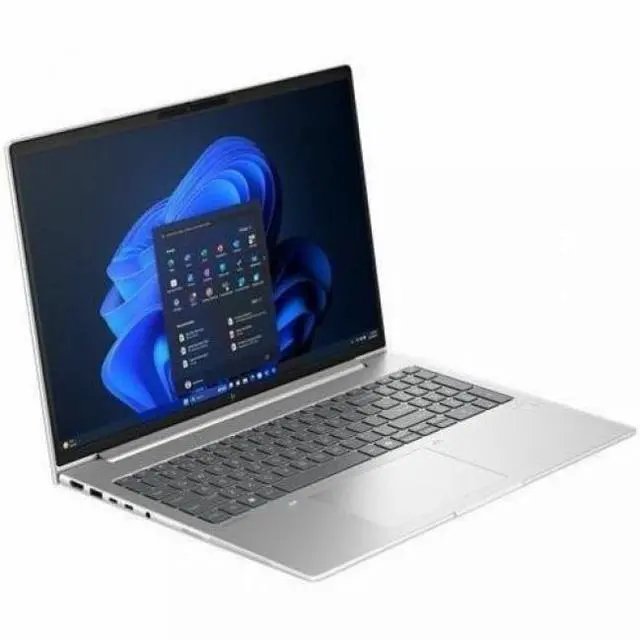
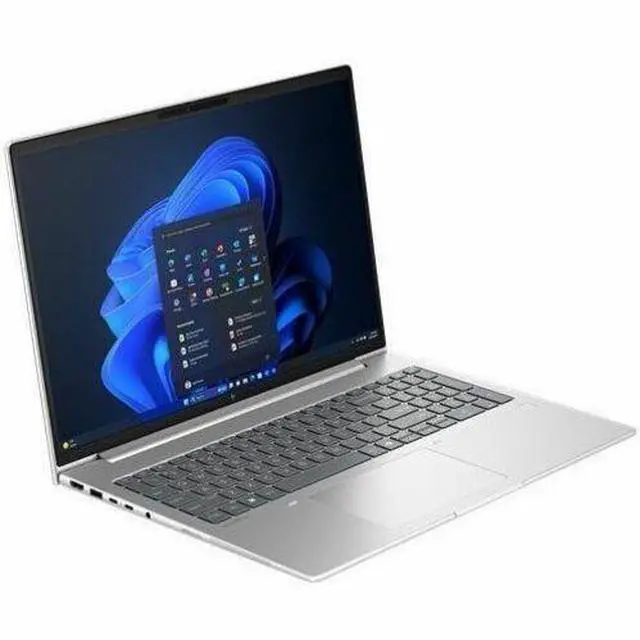
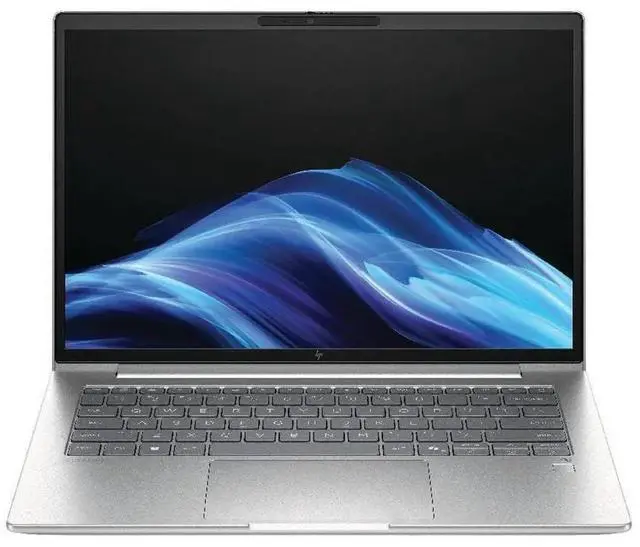
The HP EliteBook 6 G1a is a 14-inch touchscreen business laptop with an AMD Ryzen AI 7 350, 64GB RAM, and 1TB SSD, making it well suited for professionals who want a fast Windows 11 Pro system for multitasking, office work, video meetings, and everyday productivity in a compact format.
| Attribute | Value |
|---|---|
| Best For | Business and student mobile productivity plus general home/personal use, based on 14" notebook form factor and listed use cases |
| Processor And Core Count | AMD Ryzen AI 7 350 — 5 GHz (reported maximum) with 16 MB L3 cache |
| GPU And VRAM | Integrated AMD Radeon 780M graphics using DDR5 SDRAM video memory |
| Display Spec | 14.0-inch touchscreen IPS display, 1920 x 1200 (WUXGA) native resolution, 300 Nit maximum brightness, sRGB 62% color gamut |
| Memory Configuration | 64 GB DDR5 SDRAM installed; 2 memory slots; maximum 64 GB |
| Storage And Expansion | 1 TB M.2 solid-state drive (SSD) |
| High Speed I O | Includes 2 Thunderbolt ports, 2 USB ports and 1 HDMI port (total ports reported: 6); M.2 storage interface present |
| Wired And Wireless Networking | Wi-Fi 802.11be and Bluetooth supported; connectivity listing also includes Ethernet |
| Webcam And Privacy | Front-facing webcam included |
| Keyboard And Control | Backlit English keyboard with touchscreen input and a fingerprint reader for biometric sign-in |
| Portability | Item weight ~5 lb and item dimensions reported as 18.7 x 10.8 x 2.6 inches |
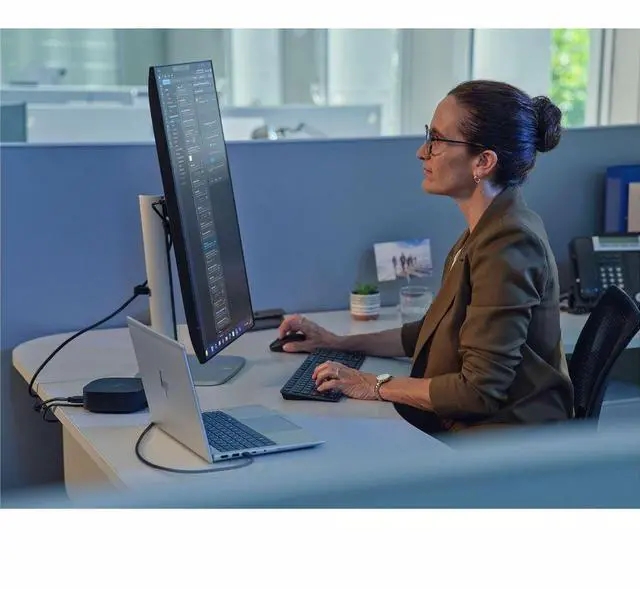
| External Display And Docking Fit | Includes HDMI and Thunderbolt ports for external displays and docking |
| Model Identifiers | HP / Hewlett Packard model BS7G2UT#ABA (Edition: EliteBook 6 G1a), Part Number BS7G2UT#ABA, Windows 11 Pro |
Q: Should I choose the HP EliteBook 6 G1a or the Dell Pro 14 Plus with Ryzen AI 7 PRO 350?
A: Choose the HP EliteBook 6 G1a if you want a 14-inch business laptop with a touchscreen, 64GB of RAM, 1TB storage, and Copilot+ class local AI support in a more office-focused configuration. Choose the Dell Pro 14 Plus if you want a similar AMD Ryzen AI 7 PRO 350 platform but care more about review-backed gains in storage speed and somewhat stronger Radeon 860M integrated graphics in tested Dell configurations. In practice, this is usually a configuration decision rather than a CPU-class decision, because both systems sit in the same performance tier.
Q: Is the 64GB EliteBook 6 G1a worth it over a 16GB or 32GB version?
A: The 64GB configuration is the better choice if you keep many business apps open, work with large spreadsheets, run local AI tools, use virtual machines, or want longer useful life without a memory upgrade path. A 16GB or 32GB version is usually enough for standard office work, browser-heavy multitasking, video calls, and cloud-based workflows. The main reason to move to 64GB is workload headroom, not a large difference in everyday responsiveness.
Q: How does the HP EliteBook 6 G1a compare with an older Ryzen 7 Pro business laptop like the HP EliteBook 845 G11?
A: Choose the EliteBook 6 G1a if you specifically want a newer Copilot+ class platform with a 50 TOPS NPU and newer Ryzen AI branding for on-device AI features. Choose an older Ryzen 7 Pro business laptop such as the EliteBook 845 G11 if your work is mostly standard productivity and you find a meaningfully lower price. Across professional coverage of AMD's newer Krackan Point generation, the upgrade is often more about AI capability and platform refresh than a dramatic jump in everyday office performance.
Q: Should I get the HP EliteBook 6 G1a or a ThinkPad E14 Gen 7 Intel model?
A: Choose the EliteBook 6 G1a if you want stronger emphasis on Copilot+ readiness, a 50 TOPS AMD NPU, and a high-memory configuration like 64GB for heavier multitasking. Choose the ThinkPad E14 Gen 7 Intel if you prefer the ThinkPad line's familiar keyboard and enterprise ecosystem, and your chosen configuration gives you the ports, service terms, or price you want. This comparison usually comes down to platform priorities: HP for higher local AI capability and memory headroom, Lenovo for ThinkPad workflow preference and broader Intel-based configuration variety.
Q: Is the HP EliteBook 6 G1a a better fit for portability or for light performance work?
A: The EliteBook 6 G1a is better understood as a productivity-first 14-inch business laptop that can also handle light performance work. Its Ryzen AI 7 350 platform is suitable for multitasking, office creation apps, and lighter GPU-dependent tasks, but the integrated Radeon graphics and business chassis position it below laptops designed mainly for sustained creative or gaming performance. It is the better choice when you want portability, business features, and enough performance for mixed work rather than maximum graphics throughput.
Q: Is this a good laptop for office work, video meetings, and heavy multitasking?
A: Yes. This configuration is well suited to productivity-heavy business use because it combines an AMD Ryzen AI 7 350 processor, 64GB of DDR5 memory, a 1TB NVMe SSD, Windows 11 Pro, a 5MP webcam, dual microphones, and a 14-inch WUXGA touchscreen. That makes it a strong fit for large spreadsheets, many browser tabs, Microsoft 365, Zoom or Teams meetings, and general professional multitasking. The main caveat is that it is optimized for business productivity rather than workstation-class graphics workloads.
Q: Is it worth buying as a travel work laptop?
A: For frequent work travel, yes—if your priority is business features over the lightest possible design. A 14-inch screen, 3.09 lb chassis, 0.67-inch thickness, Wi‑Fi 7, Ethernet, Thunderbolt 4, HDMI, USB-A, a backlit keyboard, and business security features make it practical for airports, hotels, and office hot desks. The trade-off is that it is not an ultra-light consumer model, so travelers who care most about minimum weight may prefer a thinner consumer laptop with fewer ports and less built-in business security.
Q: Who is this laptop best for?
A: This model is best for business users who need a premium 14-inch Windows laptop for professional workloads, secure sign-in, meetings, and long-term multitasking headroom. It makes the most sense for managers, consultants, finance users, developers, analysts, and remote or hybrid workers who benefit from 64GB RAM, Windows 11 Pro, a fingerprint reader, SmartCard support, wired Ethernet, and modern wireless connectivity. It is less ideal for buyers who mainly want a lower-cost home laptop for basic browsing and streaming.
Q: Is this better than a typical 14-inch consumer laptop?
A: It is better for business use, but not automatically better for every buyer. Compared with typical 14-inch consumer laptops sold in retail channels, this EliteBook offers more RAM, Windows 11 Pro, enterprise-style security, Ethernet, SmartCard support, Thunderbolt 4, and a business-focused port mix. In exchange, you usually pay more for features that casual home users may never use. If your needs are mainly web, schoolwork, streaming, and occasional office apps, a lower-priced consumer model can be the better value.
Q: Can it handle creative work or gaming, or is it mainly for business tasks?
A: It can handle light creative work and casual gaming, but it is mainly a business laptop. The integrated Radeon 780M graphics are capable enough for photo editing, media consumption, light content creation, and less demanding games, but this is not a gaming notebook or a mobile workstation with dedicated graphics. Buyers doing heavier 3D work, advanced video editing, or modern AAA gaming should look at models with a discrete GPU.
Q: Is the HP EliteBook 6 G1a a good fit for office work and long-term everyday use?
A: Yes for office-focused users. The Ryzen AI 7 350, 64GB RAM, and 1TB SSD are more than enough for heavy multitasking, large spreadsheets, browser-heavy work, and long-term general use. The main trade-off is that this configuration is stronger on memory and productivity than on display quality or portability details, so it makes the most sense for buyers who value business use and headroom over entertainment features.
Q: Who is this laptop most suitable for?
A: It is best suited to business users, professionals, and power users who need Windows 11 Pro, lots of memory, solid integrated graphics, and modern wireless connectivity in a 14-inch system. It is a better match for work, multitasking, coding, and general professional use than for buyers who mainly want a premium media display or a gaming-first laptop.
Q: Is it worth buying over a cheaper consumer laptop?
A: It can be worth it if your priority is business-class hardware, Windows Pro, and very high RAM capacity. Reddit discussions around HP's lineup repeatedly treat EliteBook models as the better-built, more work-oriented option compared with mainstream consumer HP models. It is less compelling if you only need basic home use, because this configuration may be more laptop than you need.
Q: What are the main trade-offs of choosing this EliteBook configuration?
A: The biggest strengths are memory capacity, storage, business OS, and a capable Ryzen AI platform with integrated Radeon graphics. The trade-offs are that it is not clearly positioned as a gaming laptop, the 1920 x 1200 IPS panel is practical rather than premium, and community discussions around nearby EliteBook models show mixed views on HP reliability. Buyers should choose it for work needs, not for top-tier display quality or gaming value.
Q: Can this laptop replace a school or work laptop for multitasking, coding, and light creative use?
A: Yes. Based on the hardware, it is easily suitable for school or office workloads, programming, research, many-browser-tab use, and light-to-moderate creative tasks. The 64GB RAM is especially useful for heavier multitasking and longer-term use. The main caution is that integrated Radeon 780M graphics are fine for everyday graphics work, but this is not a specialist video-editing or 3D workstation.


