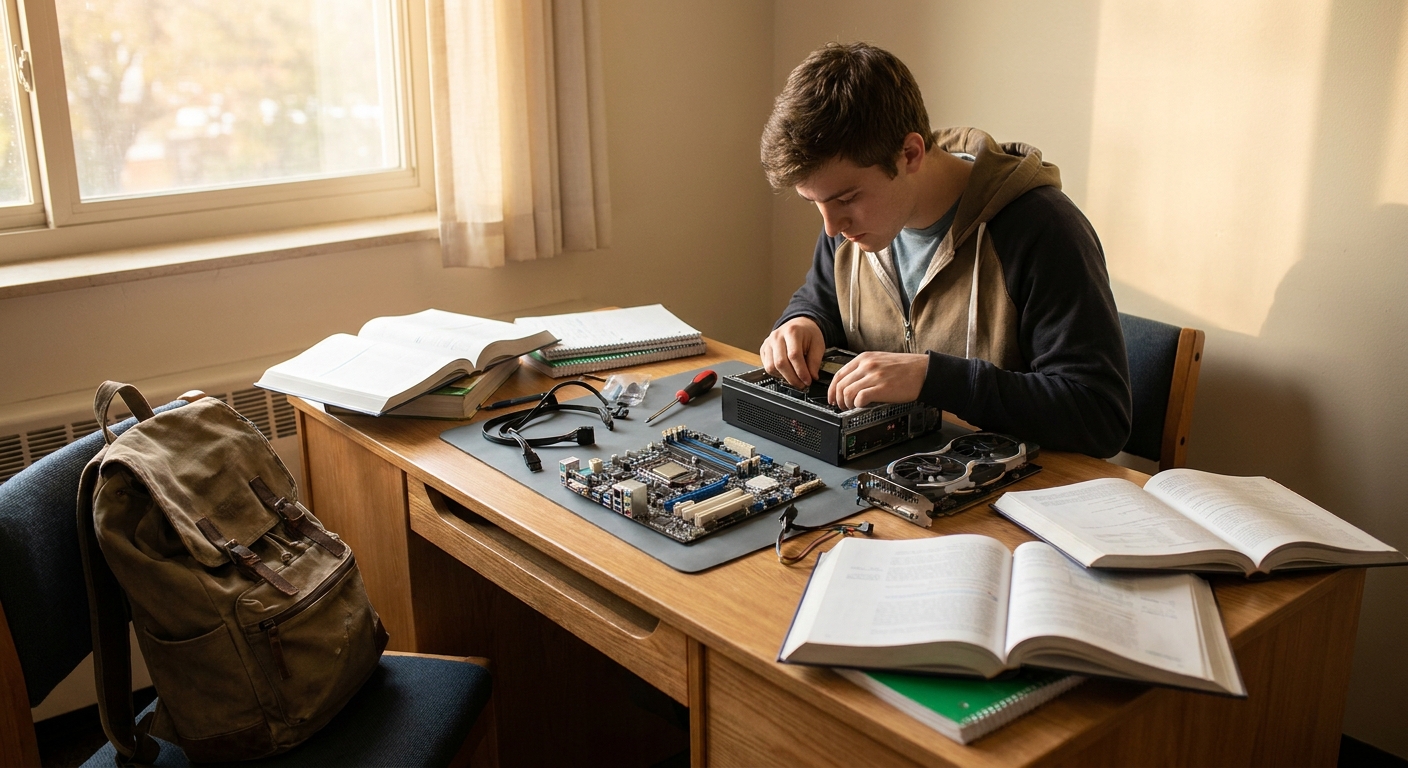
Why Build Instead of Buy?
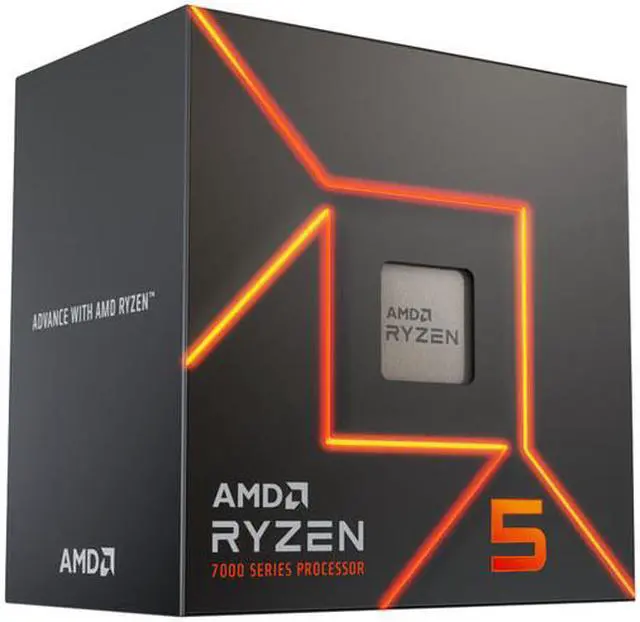
Three reasons matter to students specifically. Cost efficiency: prebuilt systems carry assembly margins, and budget prebuilts often hide their savings in exactly the parts you cannot easily see on a spec sheet, such as the power supply, the motherboard VRMs, and the cooling. Building yourself puts every dollar into components you chose. Repairability: when something fails during finals week, and hardware has a sixth sense for timing, a self-built machine lets you diagnose and swap one part instead of shipping an entire sealed system to a service depot for three weeks. Upgradability: choose the platform wisely now, and a junior-year graphics upgrade or a memory bump rides on the same motherboard, case, and power supply you buy today. There is a fourth reason nobody puts on spec sheets: building a PC is the single best crash course in how computers actually work. For an afternoon of careful screwdriver work, you graduate from user to owner. If you can assemble IKEA furniture, you can assemble a PC; modern parts are keyed so that almost nothing fits in the wrong place.Step 1: Start With a Sensible CPU and Board
Step 2: Pick a GPU That Matches Student Reality
Step 3: Do Not Skimp on Memory and Storage
Step 4: Finish Smart, Power, Case, and the Assembly Afternoon
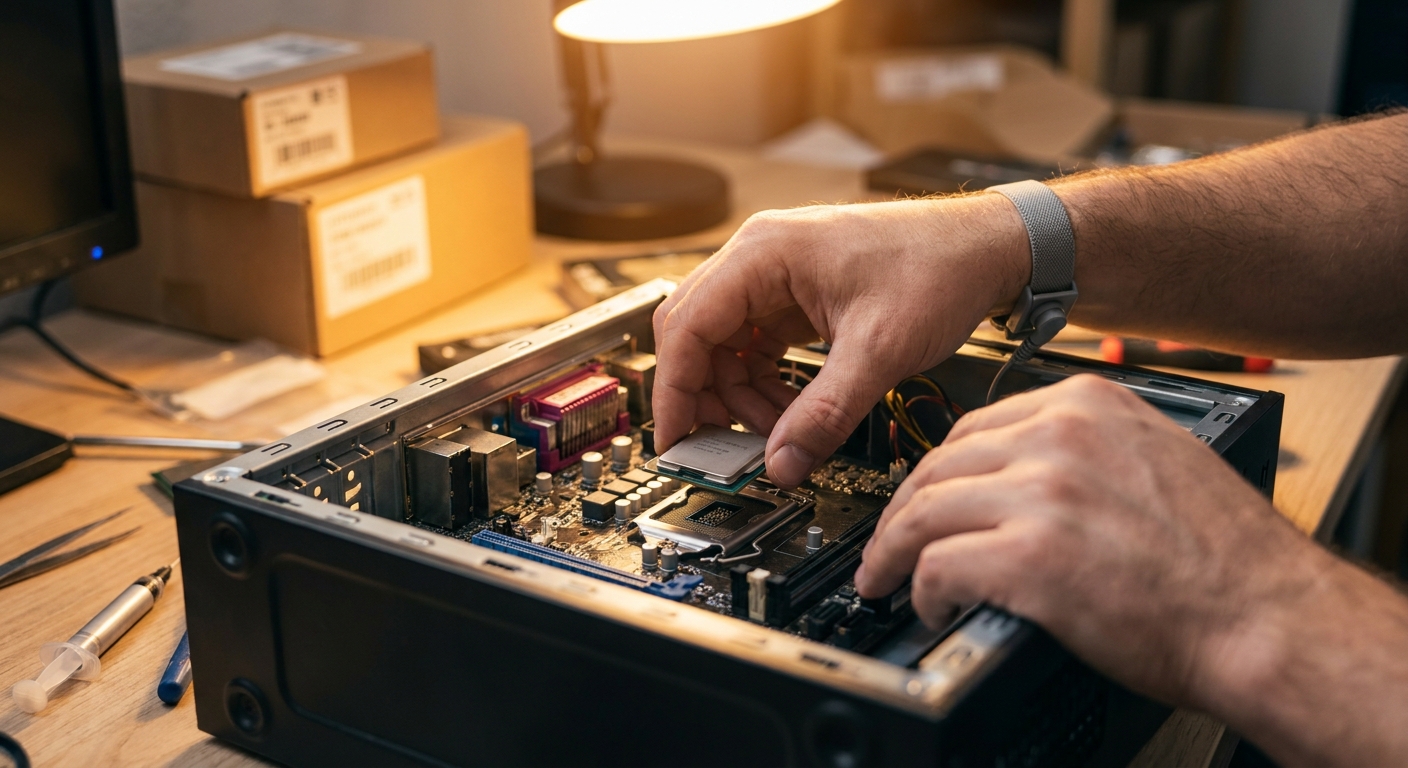
Round the build out with a quality 80 Plus Gold power supply in the 650-850W range from an established brand; this build draws well under 400W at full tilt, so mid-range Gold units offer huge headroom, near-silent fan profiles, and room for that future GPU upgrade. Any well-ventilated Micro-ATX case with two included fans and dust filters does the job; prioritize mesh front panels over glass aesthetics if the PC will live in a warm dorm, and measure your desk clearance before falling in love with a tower. Assembly itself is a two-to-three hour afternoon the first time. Three tips that prevent ninety percent of first-build panic: install the CPU, cooler, and memory on the motherboard outside the case where you have room to work; connect the front-panel headers with the motherboard manual open, because that is the only genuinely fiddly step; and if the system does not light up on first boot, reseat the memory and the power connectors before assuming anything is broken. It is almost always the memory or a half-clicked cable.The Budget Reality Check
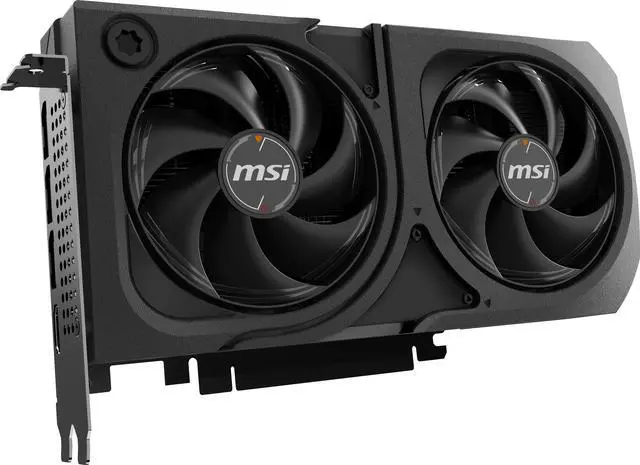
Adding the verified core parts, $169.98 CPU, $108.74 board, $369.99 GPU, $419.99 memory, and $169.79 storage, lands at roughly $1,240, with case and power supply bringing a sensible total near $1,400. That is not pocket change, but compare it honestly: a laptop with equivalent sustained performance costs meaningfully more, throttles harder, and cannot be upgraded when the GPU starts feeling its age in 2028. The desktop also holds value in pieces; students routinely sell an old GPU to fund the new one, a trick no soldered laptop allows.Summary: The Semester-Proof Recipe
Six modern cores, a mid-range RTX GPU, 32GB of fast memory, and a terabyte of Gen4 storage on a socket with a guaranteed future: that is the entire formula for a PC that treats homework and Helldivers with equal respect. Tune the GPU tier to your major, tune the memory timeline to your wallet, and enjoy being the person on your floor who actually understands their computer, and can fix everyone else's.Read More
- Tom's Hardware: Best CPUs for Gaming — See where the Ryzen 5 7600 lands against pricier chips.
- PC Gamer: The Best Graphics Cards — Context for the RTX 5060 Ti's price bracket.
- AMD Official: Ryzen Desktop Processors — Full specifications for the Ryzen 5 7600.
- Newegg Insider: DDR5-6000 CL30, the AM5 Sweet Spot — Our deeper memory guide for this exact platform.
- Newegg Insider: How Much Power Supply Do You Need? — Sizing the PSU for this class of build.
Frequently Asked Questions
Common questions about building a student PC.
How much should a student PC cost in 2026?
A capable school-plus-gaming build lands around $1,200-1,400 for core parts, with CPU and GPU tier as the main levers.
Is the Ryzen 5 7600 enough for gaming and schoolwork?
Yes. Six Zen 4 cores handle 1080p and 1440p gaming, coding, and office work comfortably, with an AM5 upgrade path through 2029.
Do students really need 32GB of RAM?
For a four-year machine, yes. Multitasking between browsers, chat apps, games, and creative tools regularly pushes past 16GB.
Is 8GB of GPU VRAM enough for creative coursework?
For 1080p editing and general coursework yes; heavy 3D or high-resolution video majors should consider a 16GB card.