Shopping for one PC that can handle workdays, streaming, light creative projects, and tablet-style tasks? The Acer Swift Spin 14 AI SFSP14-Q51T-X867 brings those priorities together in a slim convertible design. It is a compelling midrange 2-in-1 for shoppers who value flexibility, but your ideal choice will depend on the performance, battery life, and display features your everyday workload demands.
1. Start With Your Main Use Case
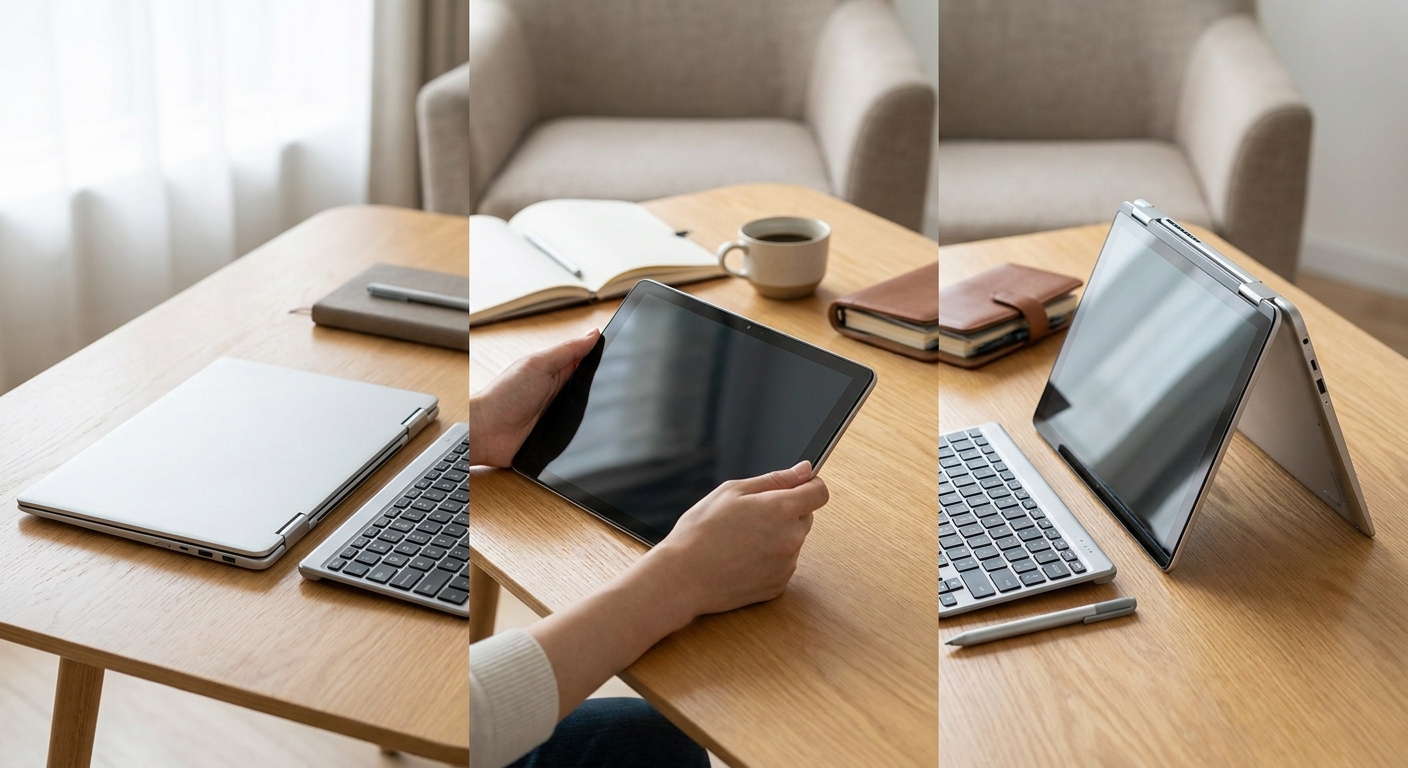
The appeal of a 2-in-1 is its ability to replace more than one device experience. Use it like a traditional notebook for work, fold it into tent mode for presentations and streaming, or switch to tablet-style use for notes and casual drawing. Identifying your most common activities first makes it easier to decide whether this Acer is a good fit.
- Everyday use: web browsing, email, office applications, video calls, and media streaming.
- Content creation: photo editing, short-form video production, and multitasking with several applications.
- Mobility: carrying the laptop between home, school, work, or travel locations.
- Flexibility: switching between laptop, tent, stand, and tablet-style modes.
2. Evaluate the Acer Swift Spin 14 AI
The Acer Swift Spin 14 AI SFSP14-Q51T-X867 is aimed at shoppers who want more than a basic entry-level laptop. This configuration pairs a 12-core Qualcomm Snapdragon X2 Elite X2E-78-100 processor with a Qualcomm Hexagon NPU and integrated Qualcomm Adreno graphics. It also includes Windows 11 Home, 16GB of onboard memory, and a 512GB PCIe Gen 4 SSD.
The 14-inch 1920 x 1200 IPS touchscreen adds a 120Hz refresh rate, 100% sRGB coverage, a 16:10 aspect ratio, and 300-nit brightness. For connectivity and communication, the laptop offers Wi-Fi 7, Bluetooth 6.0, two USB4 Type-C ports, two USB 3.2 Gen 1 Type-A ports, HDMI 2.1, and a 5MP IR webcam. An active stylus is included as well. Taken together, these specifications make the Swift Spin 14 AI more versatile than a similarly priced conventional notebook.
3. Decide Whether It Fits Content Creation
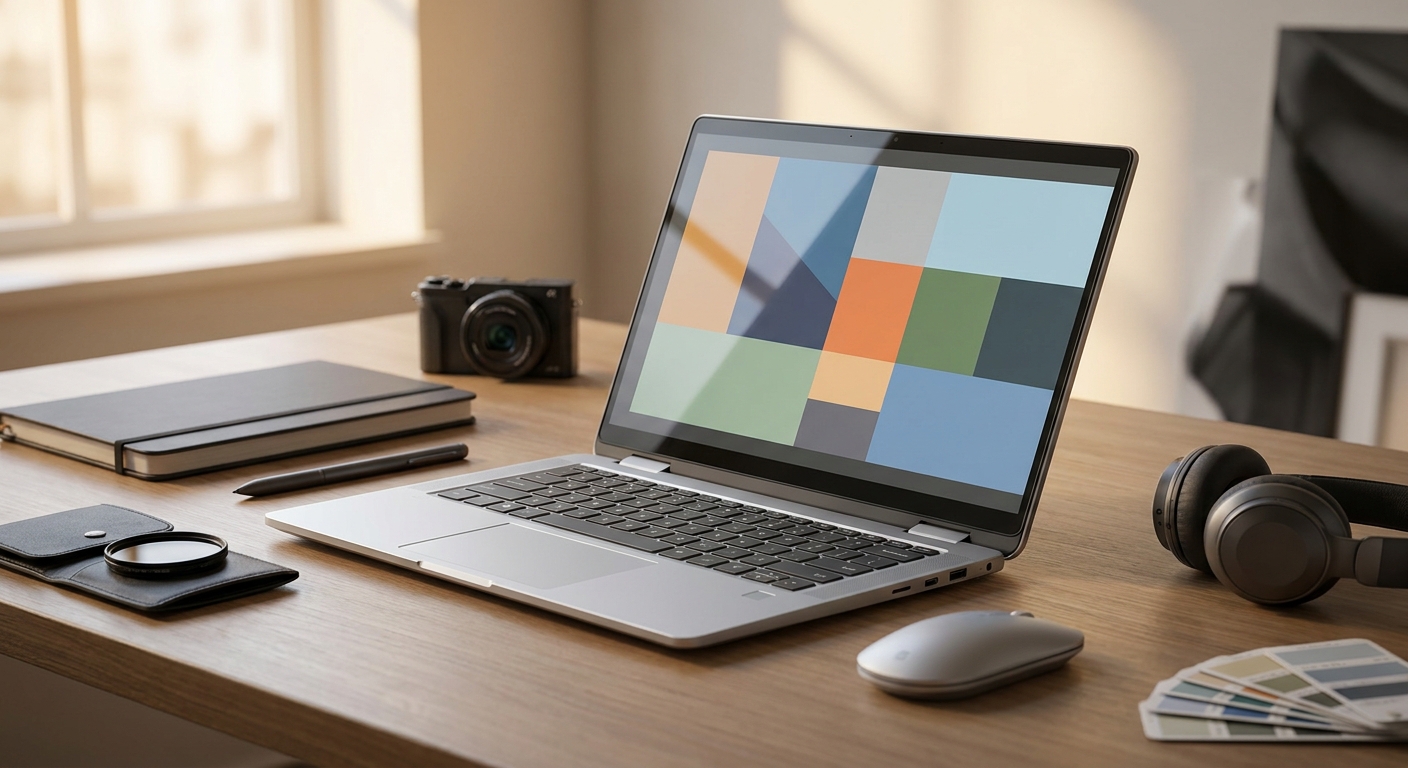
The convertible design is particularly useful for light creative work. You can edit photos at a desk, review footage in tent mode, or use the touchscreen and active stylus for markup. Keep expectations realistic, however: demanding 4K video production, complex 3D work, and large professional projects require more sustained CPU and GPU performance than many thin 2-in-1 systems provide.
- Choose it confidently for photo work, design studies, office content, and short videos if 16GB of memory and 512GB of storage meet your workload.
- Check display resolution and color specifications if visual accuracy is important; this model provides a 1920 x 1200 IPS display with 100% sRGB coverage.
- Do not expect a memory upgrade on this configuration because its 16GB of system memory is onboard and has no available memory slots.
- Compare the included 100W USB-C charger, USB ports, Wi-Fi 7 support, and 5MP IR webcam if you work away from a desk.
4. Make the Battery-Life Decision
Battery results can vary significantly with screen brightness, wireless activity, applications, video playback, and power settings. Manufacturer figures are controlled-test estimates, so they should not be treated as a guarantee for every workday. The Swift Spin 14 AI uses a 65Wh battery, with listed estimates of up to 16.5 hours for web browsing and up to 23 hours for video playback. Your typical workload remains the best guide to real-world battery expectations.
This Acer is a strong match for shoppers who prioritize portability and convertible functionality over workstation-level performance. It is not automatically the best midrange option for every buyer, but it can be an excellent choice if 16GB of memory, a 512GB SSD, a 14-inch touchscreen, and the battery capacity are enough for your routine.
5. Final Buying Recommendation
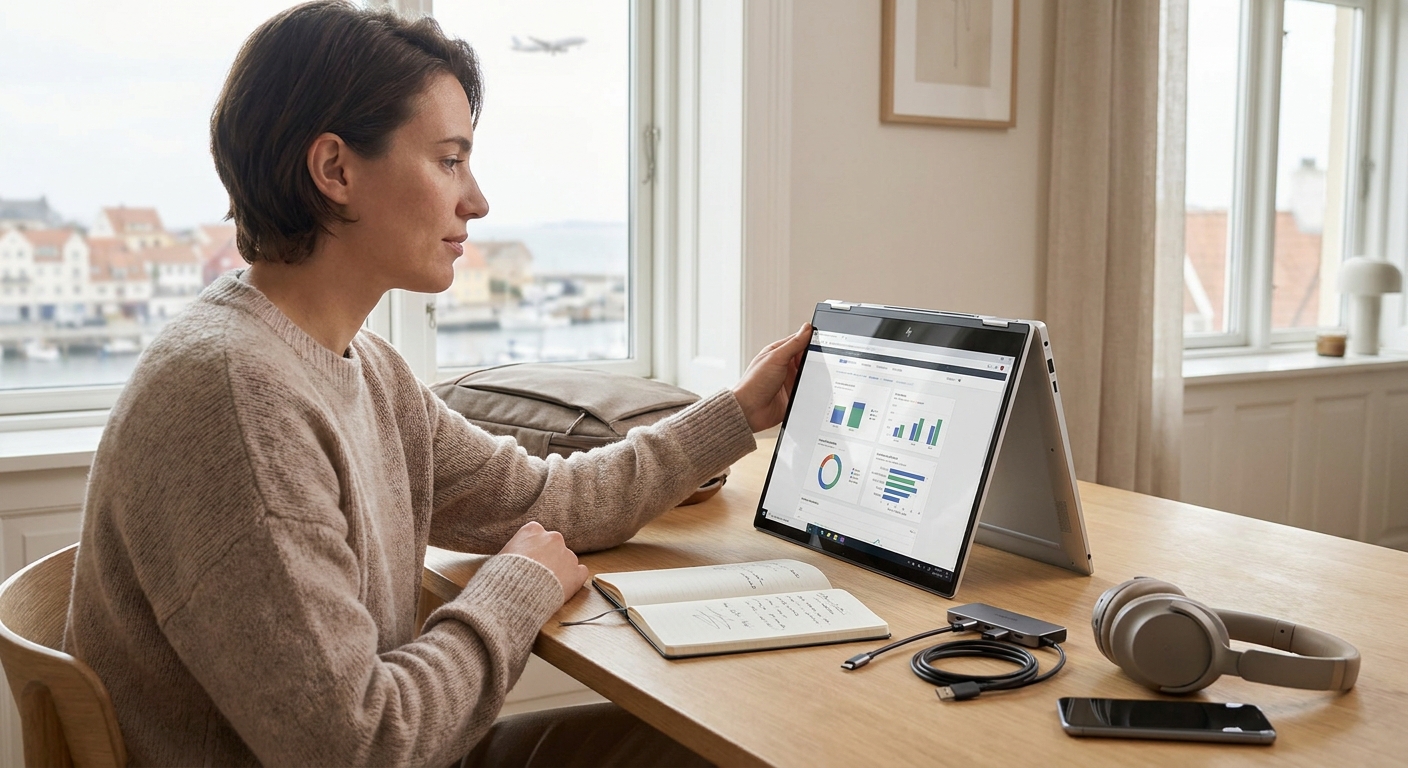
Choose the Acer Swift Spin 14 AI SFSP14-Q51T-X867 if you want a single flexible PC for productivity, entertainment, light creative work, and occasional tablet-style use. Before ordering, review the exact product listing and confirm the configuration rather than relying on the model name alone.
For a confident purchase, match the listed Snapdragon X2 Elite processor, 16GB onboard RAM, 512GB SSD, 1920 x 1200 touchscreen display, Windows 11 Home operating system, warranty, and battery information against your needs. If those specifications suit your workload and the price fits your midrange budget, this Acer is a sensible all-purpose 2-in-1. Shoppers who need professional video production, 3D rendering, or maximum sustained performance should instead consider a conventional laptop with stronger cooling and dedicated graphics.
Frequently Asked Questions
Is the Acer Swift Spin 14 AI compatible with the apps I use every day?
The Snapdragon X2 Elite platform runs Windows 11 on Arm, so many everyday productivity, browser, streaming, and communication apps should work normally. Before buying, verify compatibility for specialized drivers, older utilities, professional creative software, and peripherals because Arm-native support and emulation can vary by application.
Is the Acer Swift Spin 14 AI a good value for a midrange 2-in-1 laptop?
It can offer strong value if you want a touchscreen convertible with 16GB of memory, a 512GB SSD, an included stylus, Wi-Fi 7, and long advertised battery life in one device. Its value is less compelling for buyers who need dedicated graphics, upgradeable memory, or workstation-level performance for demanding video production and 3D work.
How well does the Acer Swift Spin 14 AI perform for productivity and light creative work?
The 12-core Snapdragon X2 Elite processor, 16GB of onboard memory, and PCIe Gen 4 SSD are well suited to office applications, multitasking, photo editing, presentations, and short-form video projects. The integrated Adreno graphics and thin convertible design are not ideal substitutes for a dedicated GPU when workloads involve complex 3D scenes, sustained 4K editing, or professional rendering.
What warranty does the Acer Swift Spin 14 AI include?
Acer's United States warranty information lists a one-year limited warranty for consumer Swift and Spin laptops. Warranty terms can depend on the selling region and exact unit, so confirm the product listing, warranty card, serial-number coverage, and available Acer Care options before completing the purchase.
Is the Acer Swift Spin 14 AI currently in stock?
Availability can change quickly because laptop inventory depends on the retailer, region, configuration, and launch timing. Check the exact SFSP14-Q51T-X867 listing before ordering and confirm that it includes the advertised Snapdragon X2 Elite processor, 16GB onboard memory, 512GB SSD, stylus, charger, and warranty.
Read More
- Acer Swift Spin 14 AI Official Product Page — Review Acer's official product information for the Snapdragon-powered Swift Spin 14 AI family.
- Acer Swift Spin 14 AI SFSP14-Q51T-X867 Technical Specifications — Check the manufacturer-listed specifications and package contents for the SFSP14-Q51T-X867 configuration.
- Acer Swift Spin 14 AI Product Announcement — Read Acer's announcement covering the new Snapdragon-powered Swift Spin 14 AI and its AI-focused features.
- Acer Swift Spin 14 AI Review — Explore an independent review focused on the convertible design, Snapdragon X2 Elite performance, and efficiency.