GTA 6 launch week is going to be one of the busiest streaming weeks in years. The game arrives on 19 November 2026 on PS5 and Xbox Series X|S, and if you plan to stream or record it from a console, you need a capture card between the console and your PC. Consoles can broadcast on their own, but a capture card gives you proper overlays, a camera, better encoding and recordings you can edit.
The capture card market has also split into two clear generations, and it is easy to buy the wrong one for the screen you actually own. So I am going to compare them head to head.
The One Setting Every PS5 Streamer Needs
Capture cards cannot record HDCP-protected video. On PS5, go to Settings, then System, then HDMI, and turn off Enable HDCP before you connect a capture card. Remember to turn it back on for streaming apps like Netflix, which need it.
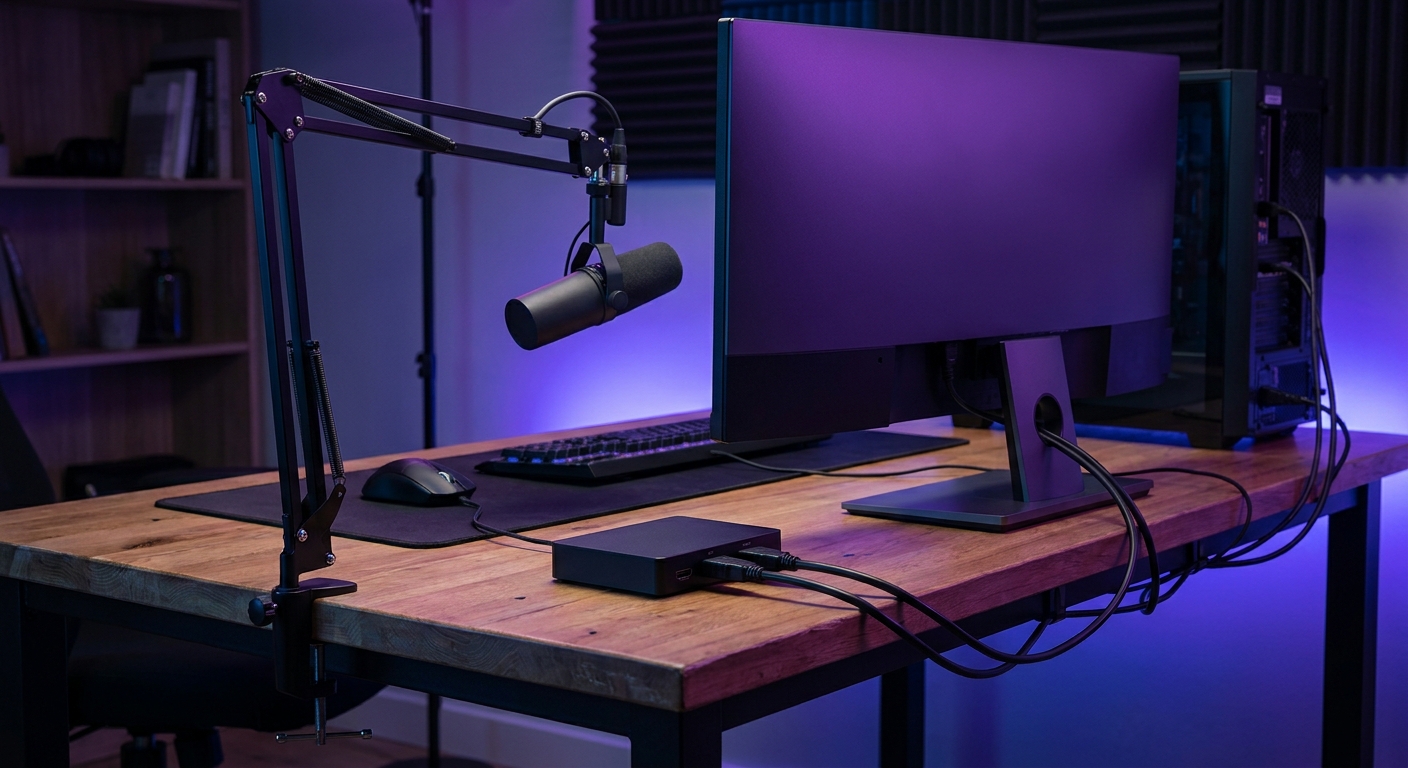
HDMI 2.1 vs HDMI 2.0: The Real Head-to-Head
The difference that matters most is passthrough. Your console plugs into the capture card, and the card passes the picture on to your monitor. If the card only has HDMI 2.0 passthrough, your monitor gets 4K at 60Hz from the console, even if the monitor could do 120Hz. HDMI 2.1 cards remove that limit.
| Card | Type | HDMI | Max capture | Max passthrough |
|---|---|---|---|---|
| Elgato 4K X | USB | 2.1 | 4K144 | 4K144, VRR |
| AVerMedia Live Gamer 4K 2.1 | PCIe | 2.1 | 4K60 (4K144 in Streaming Center) | 4K144, VRR |
| Elgato 4K S | USB | 2.0 | 4K60 | 4K60 HDR, VRR |
| AVerMedia Live Gamer 4K | PCIe | 2.0 | 4K60 HDR | 4K60 HDR |
| Elgato 4K60 Pro MK.2 | PCIe | 2.0 | 4K60 HDR10 | Lag-free HDMI out |
USB Cards
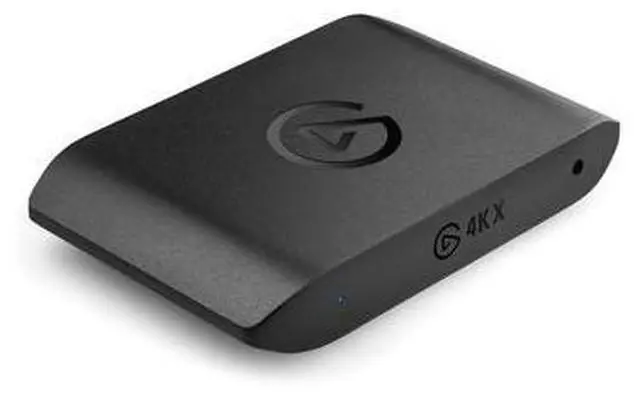
The Elgato 4K X is the USB card I would buy for a 120Hz console setup. It has HDMI 2.1 input and passthrough, captures up to 4K144 and 1080p240, and supports VRR and HDR10 passthrough. It wants a USB 3.2 Gen 2 port; on a Gen 1 port it still works, at reduced capture resolutions.
The Elgato 4K S is the sensible HDMI 2.0 option. It captures up to 4K60, 1440p60 or 1080p120, passes through 4K60 HDR, 1440p120 or 1080p240, and supports VRR. HDR capture is limited to 1080p60 and Windows only. If you are happy to play at 4K60, it does everything a console streamer needs.
AVerMedia's USB options are older but still around. The Live Gamer Extreme 3 captures up to 4K30, 1440p60 or 1080p60 and passes through 4K60 HDR, with VRR passthrough at 1440p120 or 1080p120. The Live Gamer Ultra captures up to 4K30 or 1080p120, records HDR at 1080p60, and passes through 4K60 HDR. Both use USB 3.1 Gen 1-class connections.
PCIe Cards
An internal card takes a slot in your PC but frees up a USB port and stays put. It is what I would use in a dedicated streaming desktop.
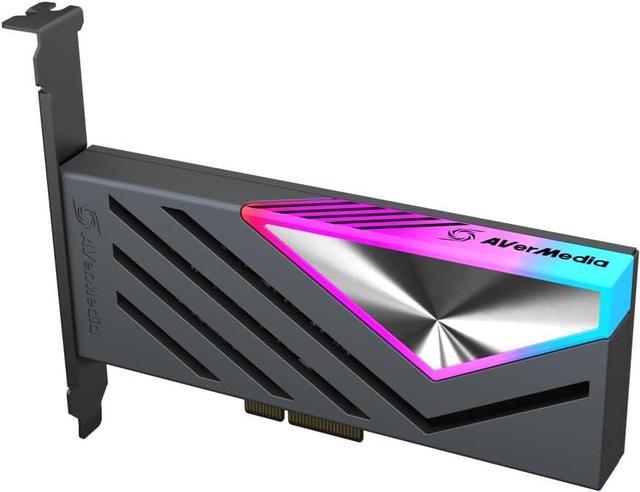
The AVerMedia Live Gamer 4K 2.1 (GC575) is the PCIe card with HDMI 2.1. It uses PCIe Gen 3 x4, captures 4K60 with HDR10 in most software (4K144 in AVerMedia's Streaming Center), and passes through up to 4K144, 1440p240 or 1080p360 with VRR.
The AVerMedia Live Gamer 4K (GC573) is its HDMI 2.0 predecessor: 4K60 HDR, 1440p144 or 1080p240 for both capture and passthrough, on PCIe Gen 2 x4. AVerMedia notes that 4K, HDR or high frame rate recording on this card needs an NVIDIA graphics card. The Elgato 4K60 Pro MK.2 is the Elgato equivalent, PCIe 2.0 x4 with HDMI 2.0 and 4K60 HDR10 capture.
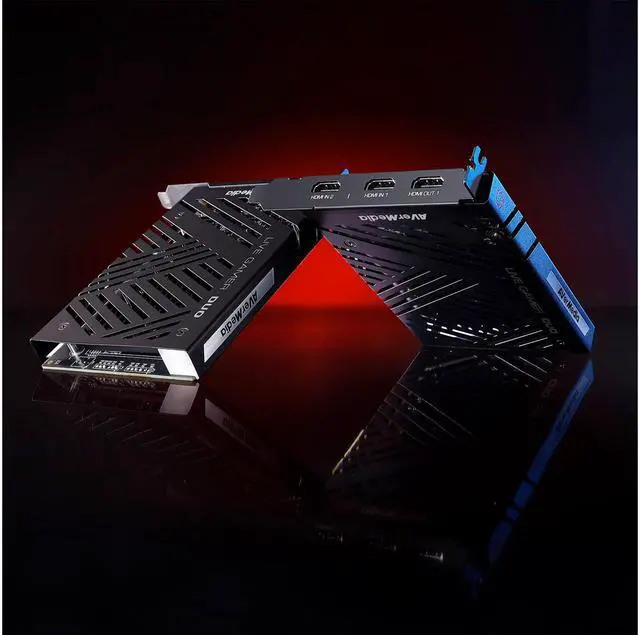
The odd one out is the AVerMedia Live Gamer Duo (GC570D). It has two inputs: one HDMI 2.0 input that records up to 1080p60 HDR while passing through 4K60 HDR, and a second HDMI 1.4 input for a camera at up to 1080p60. If you want a proper camera feed and the console on one card, it solves that neatly.
Winner by Category
Best overall for 120Hz console play: Elgato 4K X. Best PCIe: AVerMedia Live Gamer 4K 2.1. Best value at 4K60: Elgato 4K S. Console plus camera on one card: Live Gamer Duo. Browse more in Newegg's capture card listings.
Frequently Asked Questions
How do I turn off HDCP on PS5? Go to Settings, System, HDMI and turn off Enable HDCP. Capture cards cannot record HDCP-protected video. Turn it back on for apps like Netflix.
Do I need an HDMI 2.1 capture card? Only if you want 4K at 120Hz on your monitor while capturing. With an HDMI 2.0 card, passthrough from a console is limited to 4K60.
Is a USB or PCIe capture card better? USB is portable and works with laptops. PCIe suits a dedicated desktop and does not occupy a USB port. Capture quality depends more on the card's specs than on the connection type.
Can I stream GTA 6 without a capture card? Yes, PS5 and Xbox can broadcast directly. A capture card adds overlays, camera, better encoding control and local recordings for editing.
Does the Elgato 4K X work on a USB 3.2 Gen 1 port? Yes, but Elgato says capture resolution is reduced. For full capability, it needs a USB 3.2 Gen 2 port.
Read More
- Elgato: Game Capture 4K X -- Official capture and passthrough specs for the HDMI 2.1 4K X.
- Elgato: Game Capture 4K S -- Official specs for Elgato's HDMI 2.0 USB capture card.
- AVerMedia: Live Gamer 4K 2.1 (GC575) -- AVerMedia's specs for its HDMI 2.1 PCIe capture card.
- PowerPyx: How to Disable HDCP on PS5 -- Step-by-step menu path for capture card users.
- Newegg: Capture Cards -- Browse USB and PCIe capture cards for console streaming.