
A friend asked me last month which CPU he should buy to fix his frame rate. He had a 5070 Ti and a 1440p monitor and he was getting stutters in exactly one game. The honest answer was that his CPU was fine and the game was badly threaded, but that is not a satisfying thing to hear, so we spent an hour looking at parts anyway.
That is most of what I think about gaming CPUs now. The interesting question is almost never which chip is fastest. It is which chip stops being the bottleneck for the graphics card you actually own, and how much you have to spend before that stops being true.
What Actually Changes Frame Rates
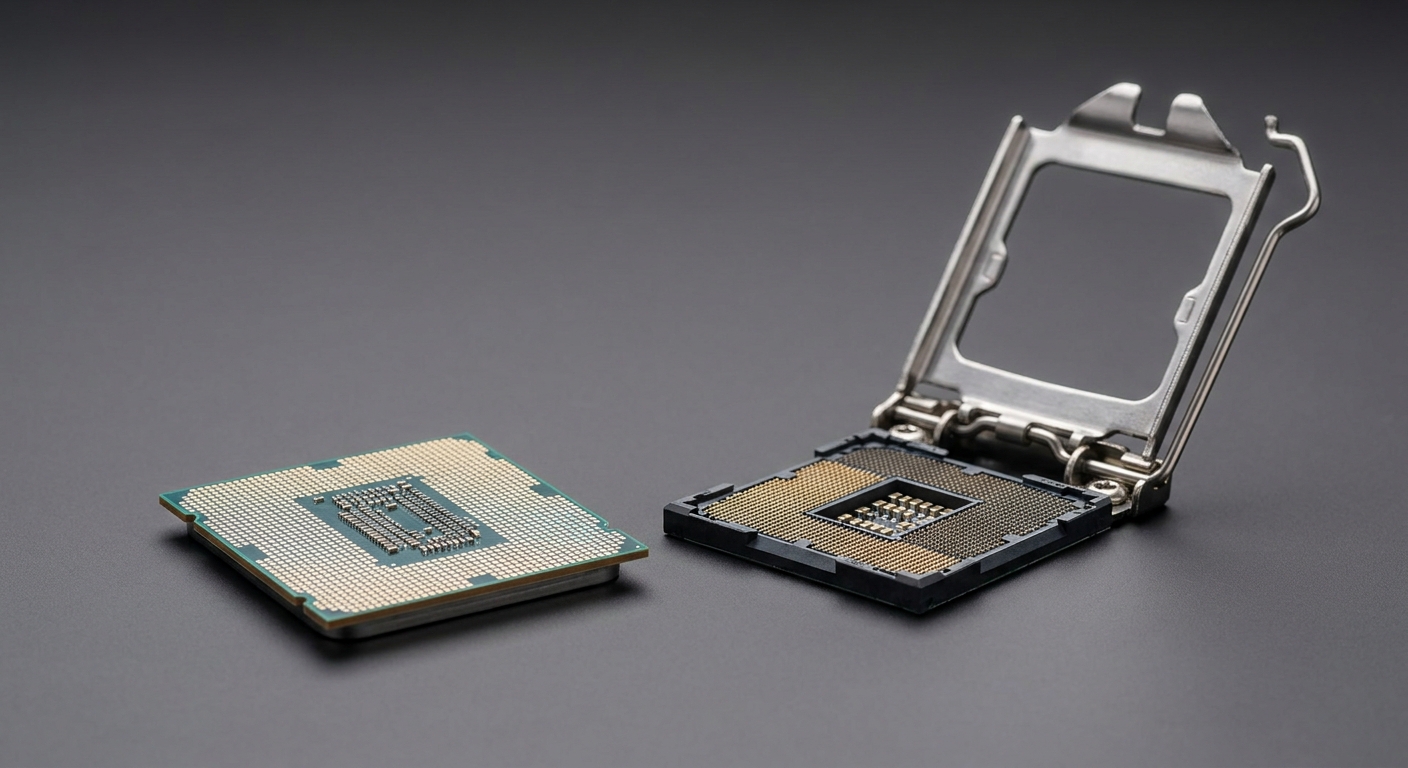
Cache, more than clock speed. This is the one genuine shift of the last few years. AMD’s X3D parts stack extra L3 cache onto the die, and in games that constantly walk large data structures — simulation, strategy, open world, competitive shooters at low settings — that cache does more for 1% lows than another 300MHz ever would. It is not a universal win. In a game that fits comfortably in a normal cache, an X3D chip and a regular one land in the same place.
Core count, up to a point. Six fast cores still plays everything. Eight is the comfortable number if you stream, keep a browser full of tabs open, or record. Sixteen is a productivity decision that happens to also game well.
Platform lifespan. AM5 has been taking new chips since 2022 and is still taking them in 2026, which is why a Ryzen 5 today can become a Ryzen 7 X3D in two years without touching the motherboard. Intel’s LGA 1851 is newer and narrower. That is worth weighing if you upgrade in halves rather than all at once.
The Field at a Glance
| CPU | Cores / Threads | Boost | L3 Cache | TDP | Best for |
|---|---|---|---|---|---|
| AMD Ryzen 7 9850X3D | 8 / 16 | 5.6 GHz | 96MB | 120W | The current gaming default |
| AMD Ryzen 7 9800X3D | 8 / 16 | 5.2 GHz | 96MB | 120W | Same idea, one step back |
| AMD Ryzen 9 9950X3D2 Dual Edition | 16 / 32 | Up to 5.6 GHz | 192MB | 200W | Cache on both dies |
| AMD Ryzen 9 9950X3D | 16 / 32 | Up to 5.7 GHz | 128MB | 170W | Game and render on one PC |
| AMD Ryzen 7 7800X3D | 8 / 16 | Up to 5.0 GHz | 96MB | 120W | Cheapest route to big cache |
| AMD Ryzen 5 9600X | 6 / 12 | Up to 5.4 GHz | 32MB | 65W | Sensible mid-range builds |
| Intel Core Ultra 7 265K | 20 (8P+12E) / 20 | Up to 5.5 GHz | 30MB | 125W | Mixed work and play |
| Intel Core Ultra 5 245K | 14 (6P+8E) / 14 | 5.2 GHz | 24MB | 125W | Intel on a budget |
The One I Recommend Without Asking Questions
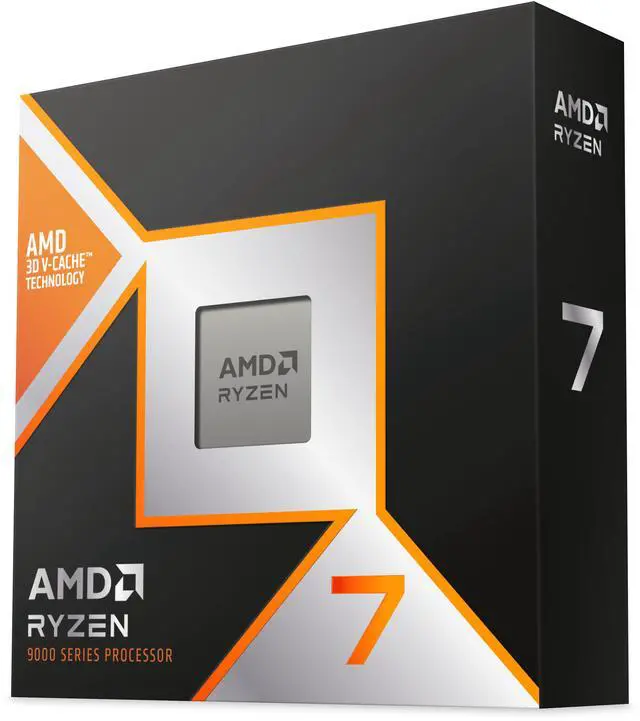
The AMD Ryzen 7 9850X3D is eight Zen 5 cores and sixteen threads, 4.7GHz base and 5.6GHz boost, 96MB of L3, 120W, built on TSMC 4nm, on Socket AM5. Newegg first listed it in January 2026 and it has been the answer to “what should I build around” ever since.
The reason is unglamorous. It is the same eight-core X3D formula that has worked for three years, with the clocks pushed up enough that it no longer gives anything away in the games where cache does not help. Pair it with a B850 board and a decent air cooler and you are done thinking about your CPU for a long time.
If you can find the Ryzen 7 9800X3D for meaningfully less, take it. Same cores, same cache, 5.2GHz instead of 5.6GHz. You will not feel the difference in a blind test.
When Sixteen Cores Is the Right Answer
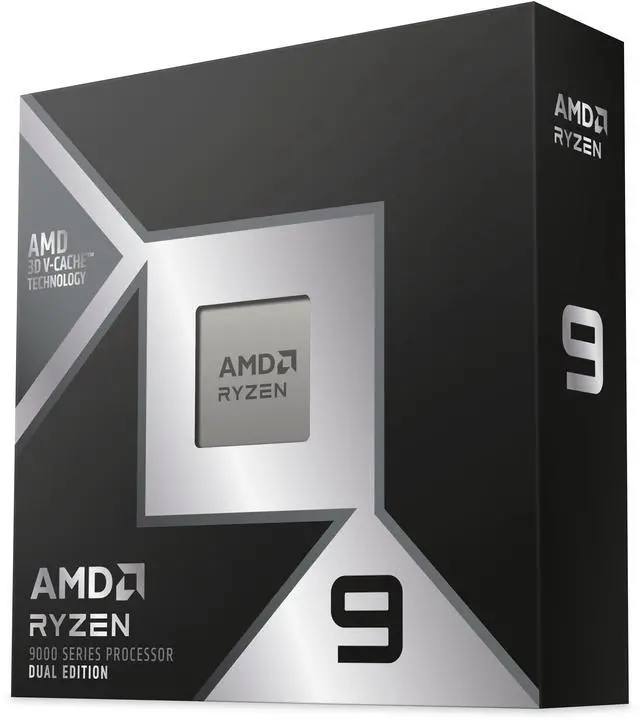
The Ryzen 9 9950X3D2 Dual Edition is the odd one here and the most interesting. Sixteen cores, thirty-two threads, 192MB of L3, up to 5.6GHz, 200W, and support for up to 256GB of memory. Stacking cache on both compute dies removes the scheduling awkwardness that used to come with mixed-die X3D parts. Newegg listed it in April 2026.
The Ryzen 9 9950X3D remains the saner version of that idea: 128MB of L3, 170W, up to 5.7GHz. Unless you are compiling or rendering for a living, either of these is more CPU than a game will ever ask for, and that is the point of buying one.
Spending Less Without Regretting It
The Ryzen 7 7800X3D is three years old and still carries the full 96MB of L3 at 120W, topping out at 5.0GHz. On an AM5 board it plays like a chip far newer than it is, and it drops into the same A620 through X870E range as everything else here.
Below that, the Ryzen 5 9600X is six Zen 5 cores at 65W with 32MB of L3 and a 5.4GHz ceiling. It is the chip I would put behind a mid-range graphics card without a second thought, and the socket means it does not have to be the last one.
The Intel Case
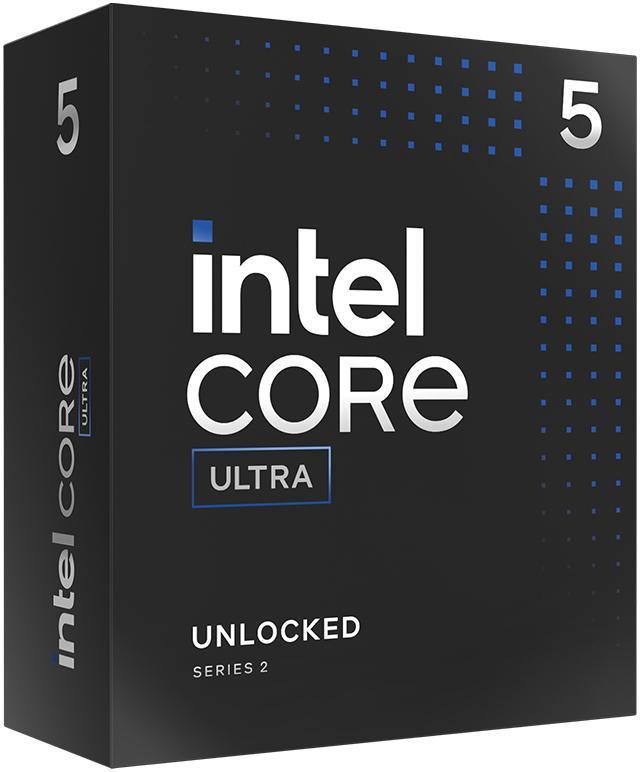
Arrow Lake is not the gaming champion and Intel has stopped pretending otherwise. What it is good at is doing several things at once. The Core Ultra 7 265K gives you twenty cores in an 8P+12E split, up to 5.5GHz, 30MB of L3, 125W base with a 250W turbo ceiling, on LGA 1851 with DDR5 up to 6400 MT/s. If your PC spends its day exporting video and its evening playing games, that is a reasonable trade.
The Core Ultra 5 245K takes the same platform down to fourteen cores at 6P+8E, 5.2GHz, 24MB of L3, and a much gentler 159W turbo. It runs cooler than the 265K and it is the Intel chip I would actually suggest to someone building a mixed-use machine on a budget.
How I Would Choose
Gaming first and nothing else matters: 9850X3D, or the 9800X3D if the price gap is real. Gaming plus a real workload: 9950X3D. Mid-range card, sensible budget: 9600X. Cheapest path to big cache: 7800X3D. Already on LGA 1851, or your work is wide rather than deep: 245K, stepping up to the 265K only if you know why.
One thing worth saying out loud, because I keep repeating it to people: if you are playing at 4K with a card that is already working hard, the CPU upgrade will do almost nothing. Check which part is actually pinned before you spend. The full lineup is in Newegg’s gaming CPU listings when you are ready.
Frequently Asked Questions
Does extra cache really help in games? In some games, a lot; in others, not at all. Large-world, simulation-heavy and competitive titles benefit most because they constantly pull data that fits in a 96MB L3 but not a 32MB one, and the gain usually shows up in 1% lows rather than the average frame rate. If you mostly play tightly scoped games at high resolution, a standard chip will feel the same.
How many cores do I need for gaming in 2026? Six fast cores still runs everything, and eight is the number I would aim for if you also stream, record or leave a lot of applications open. Beyond eight, extra cores stop helping games and start helping renders, compiles and exports, so buy them for work rather than for frame rates.
Is AM5 still worth building on? Yes. AMD has been shipping new processors on Socket AM5 since 2022 and was still adding them in 2026, and current chips list compatibility from A620 up through X870E. That means a mid-range CPU now can be replaced by a much faster one later without a new motherboard or new memory.
Do I need a high-end cooler for an X3D chip? Not usually. The 9850X3D and 9800X3D both sit at a 120W TDP, which a good dual-tower air cooler or a 240mm liquid cooler handles comfortably. The 200W Ryzen 9 9950X3D2 is the one that genuinely wants a 360mm radiator or a very large air cooler if you plan to keep it loaded.
Will a faster CPU fix my low frame rate? Only if the CPU is what is holding you back. At 1080p with a strong graphics card the processor is often the limit; at 4K it rarely is. Check GPU utilisation while you play — if it sits near 100%, the graphics card is the constraint and a new CPU will change almost nothing.
Read More
- Tom’s Hardware: Best CPUs for Gaming — Independent benchmark testing across gaming and productivity, refreshed as new parts land.
- TechSpot: Ryzen 7 9800X3D vs Ryzen 7 7800X3D — A head-to-head benchmark run across 45 games showing what the newer X3D generation actually gains.
- AMD: Ryzen Desktop Processors — The manufacturer’s own specification pages for the Ryzen 9000 series, including socket and chipset support.
- TechSpot: Intel Core Ultra 5 245K Review — Independent testing of the Arrow Lake mid-range part across gaming and productivity workloads.
- Newegg: Gaming CPUs — Filter the current lineup by socket, core count, cache and power draw.