Why Your PC Case Matters More Than You Think
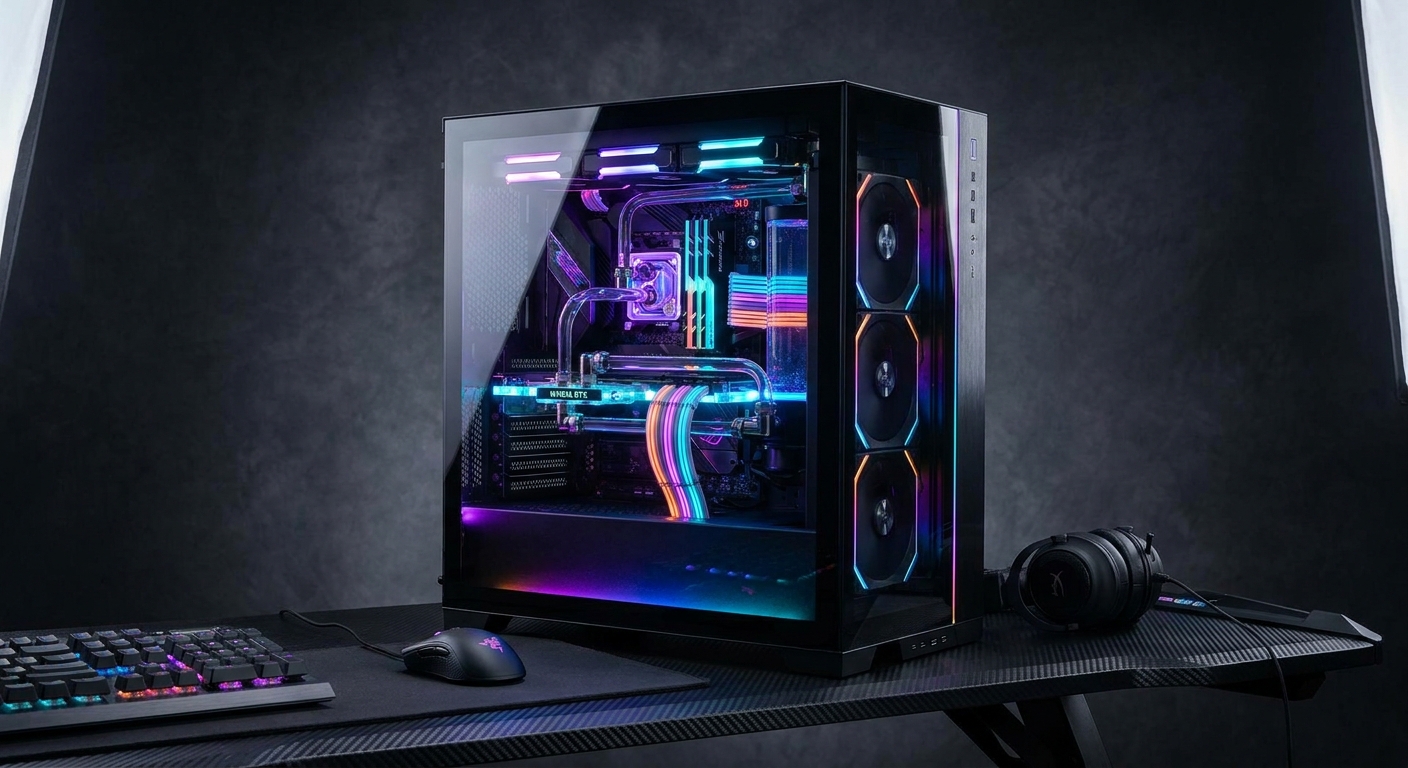
When building a PC, it is easy to focus your budget on the CPU, GPU, or RAM and treat the case as an afterthought. But your PC case is the foundation of your entire build. It determines how well your components stay cool, how easy the assembly process is, how long your hardware lasts, and how the finished system looks sitting on your desk for the next several years.
In 2026, PC cases have evolved significantly. Mesh panels for improved airflow are now standard even on budget options. Tool-free designs, tempered glass side panels, and support for modern radiators and high-clearance CPU coolers are widespread. The challenge is choosing the right case for your specific build type, budget, and priorities.
Who Needs This Guide?
This guide is for anyone building or upgrading a desktop PC in 2026 who wants to choose the right case without spending hours researching. Whether you are putting together a compact streaming setup, a powerful gaming rig, or a budget-friendly family computer, there is a case designed specifically for your needs.
Use-Case Scenarios
Scenario 1: The Airflow-First Gamer
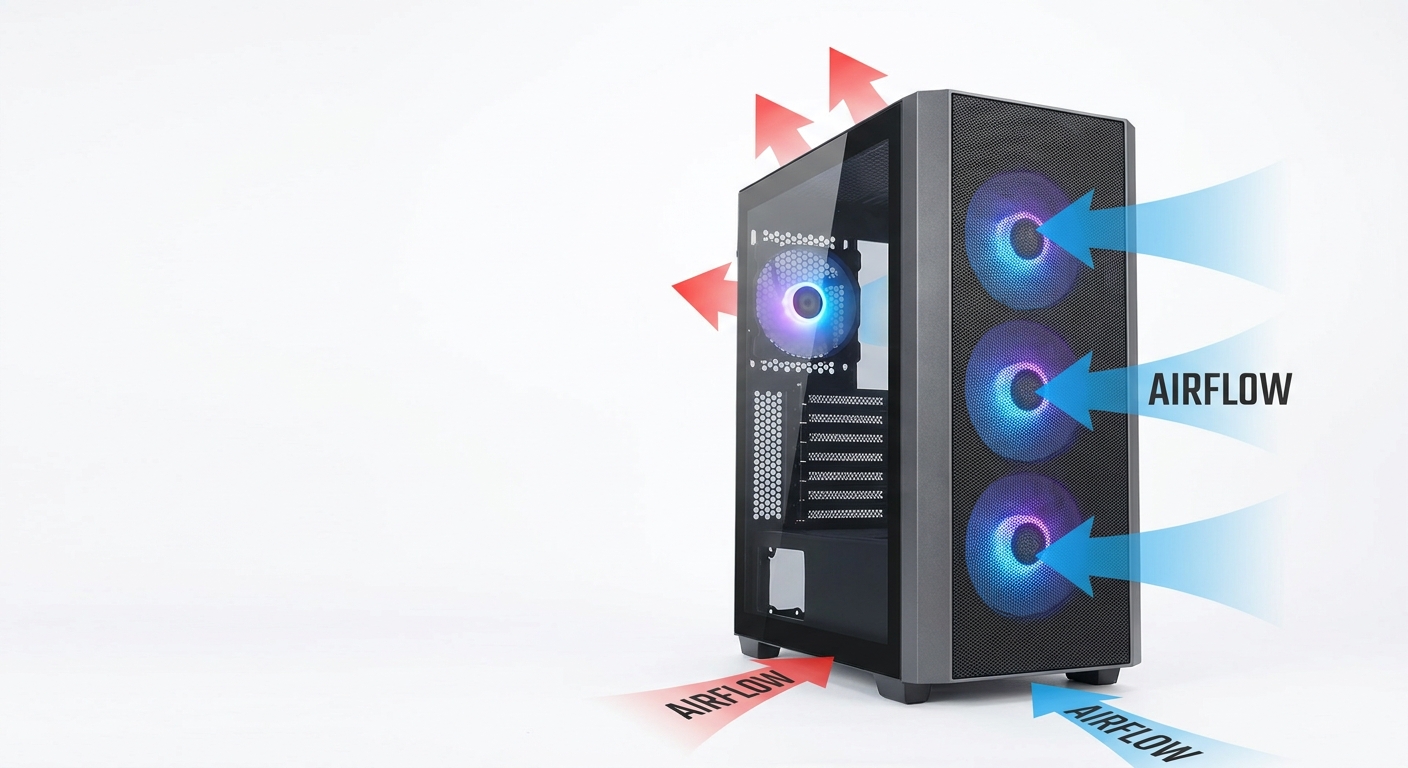
If you are pairing a high-end GPU and CPU like an RTX 5080 or a Core Ultra 9 processor, your components generate serious heat. You need a case with excellent airflow — typically featuring a mesh front panel, pre-installed case fans, and support for top-mounted radiators up to 360mm. Poor airflow can throttle even the best hardware, reducing your frame rates and shortening component lifespan.
For this scenario, look for cases with mesh-perforated fronts and tops, support for at least 3 front intake fans (120mm or 140mm), and tool-free access for easy maintenance. Examples of excellent airflow cases in 2026 include the Fractal Design Meshify 2 and the Lian Li Lancool III.
Scenario 2: The Compact Mini-ITX Builder
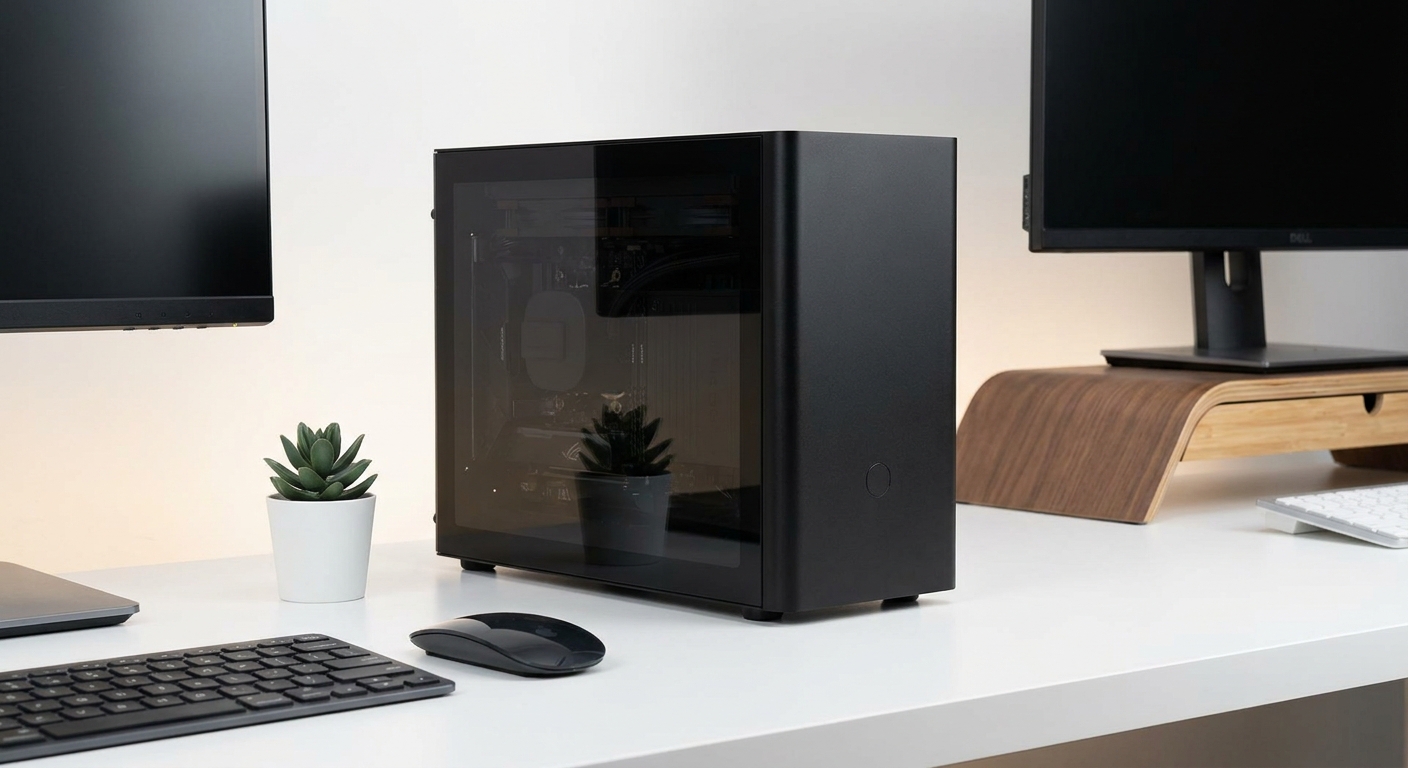
Not everyone has space for a full-size mid-tower on their desk. Mini-ITX builds have exploded in popularity in recent years because they allow you to build a genuinely powerful PC in a case the size of a small shoebox. Modern mini-ITX cases support full-length graphics cards, 240mm radiators, and even standard ATX power supplies in some designs.
For compact builds, the Cooler Master NR200P Max and the Fractal Design Terra are leading choices. They offer smart cable management, solid cooling support, and premium build quality in a small footprint. Keep in mind that small cases can run warmer, so choosing efficient, low-TDP components helps.
Scenario 3: The Budget-Conscious First-Time Builder
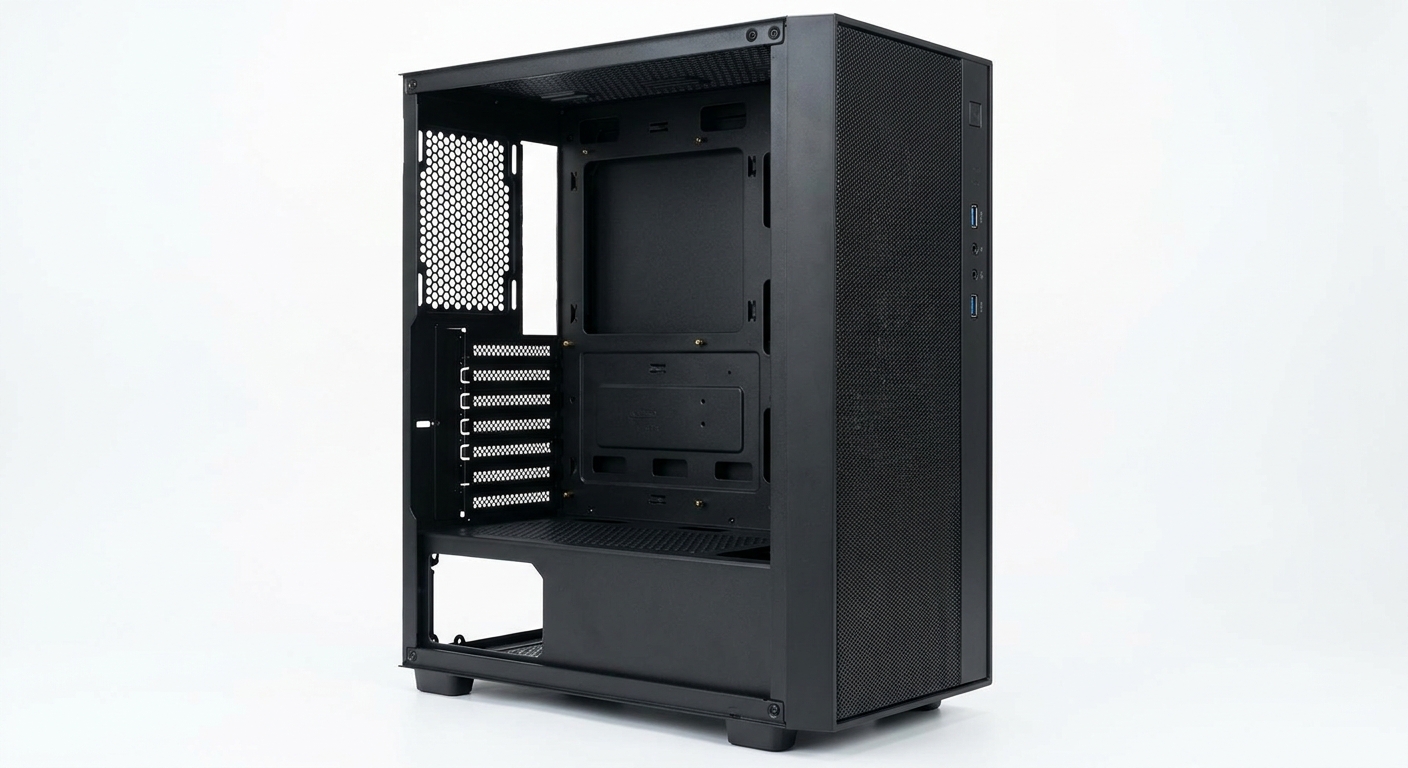
First-time builders often do not need premium glass panels and custom RGB. They need a case that is easy to work in, compatible with standard ATX motherboards and full-size graphics cards, and available for under $60. There is no shortage of great budget options in 2026 — the NZXT H5 Flow and the Antec P120 Crystal both deliver good build quality, decent airflow, and clean aesthetics without breaking the bank.
Scenario 4: The Silence-Seeker
If fan noise is a primary concern — whether your PC lives in a bedroom, recording studio, or home office — you want a case designed around acoustic dampening. These cases use foam lining on panels, solid-panel front doors, and tight tolerances to minimize sound leakage. The be quiet! Silent Base 802 and Fractal Design Define 7 are the gold standard in this category, balancing quiet operation with adequate thermal performance.
Best Pick Per Scenario
Best for Airflow: Lian Li Lancool III — Excellent mesh construction, support for massive cooling configurations, and a spacious interior make it ideal for high-performance builds. Shop on Newegg
Best Mini-ITX: Cooler Master NR200P Max — Premium small-form-factor design with a tempered glass panel, dual-chamber layout, and support for full-length GPUs. Shop on Newegg
Best Budget: NZXT H5 Flow — Simple cable management, mesh front panel, and solid build quality under $80. A perfect first-build case. Shop on Newegg
Best for Silence: Fractal Design Define 7 — Sound-dampening foam panels, quiet-optimized front door, and compatibility with the largest cooling configurations available. Shop on Newegg
Verdict
The best PC case in 2026 depends entirely on what you are building and what you value most. Airflow builders should prioritize mesh panels and fan capacity. Mini-ITX enthusiasts need to balance size with cooling support. Budget builders will find excellent value in the $60-$100 range, while those who value silence should invest in acoustic-dampened designs. Whatever your scenario, there is a case that fits your needs — and getting this decision right will pay dividends for years to come.
Read More
- Tom's Hardware: Best PC Cases 2026 — Comprehensive roundup with benchmarked airflow data and detailed build compatibility notes for top cases across all price tiers.
- Fractal Design Official Cases Page — Browse Fractal's full lineup including the Define, Meshify, and Pop series with full specs and compatibility charts.
- — In-depth thermal testing and airflow benchmarks for the most popular cases of the year.
- Reddit r/buildapc: Best Cases for 2026 Builds — Community discussion with real-world builder experiences and case recommendations across all budgets.
- Shop All PC Cases on Newegg — Filter by form factor, color, price, and brand to find the right case for your specific build.
Frequently Asked Questions
Common questions about choosing the right PC case for your build.