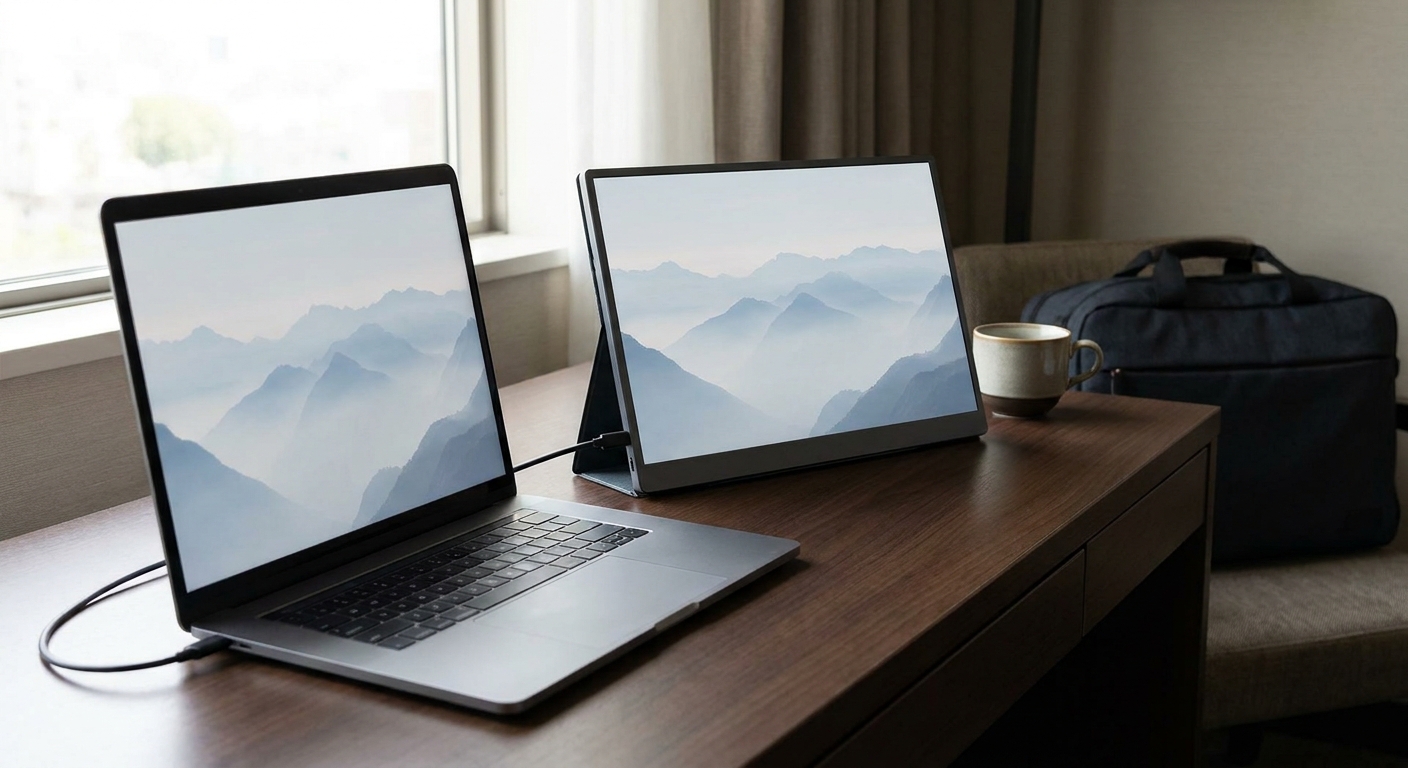
Thanksgiving falls on November 26, and a lot of us will spend part of that week working from a guest room, a hotel desk or a parents' kitchen table. A laptop screen alone gets cramped fast. A portable monitor is one of the few accessories that changes how much you can get done away from your desk, and it's also great with a handheld PC or a docked console in a hotel room.
Why it's worth packing
A second screen means your notes stay open next to the document, your video call doesn't cover the slides, and a handheld game can move to a bigger panel at night. Most 14 to 16-inch portable monitors slip into a laptop sleeve.
What I check first
Connection. One-cable setups only work if your laptop's USB-C port outputs video, usually listed as DisplayPort Alt Mode, Thunderbolt or USB4. If not, you'll use mini HDMI plus a power cable.
Weight. Under about 2 pounds is where it stops feeling like a burden.
Refresh rate. 60Hz is fine for work. If you'll game on it, 120Hz or higher is worth looking for.
Quick comparison
| Monitor | Size and resolution | Refresh | Panel | Inputs (per listing) |
|---|---|---|---|---|
| ASUS ZenScreen MQ16FC | 16" 1920x1200 | 60Hz | OLED | 2x USB-C, mini HDMI |
| ASUS ZenScreen MB16NCG | 16" 2560x1600 | 155Hz | IPS | 2x USB-C, mini HDMI |
| UPERFECT 16" OLED | 16" 2880x1800 | 120Hz | OLED | USB-C, mini HDMI |
| ViewSonic VX1654 | 16" 1920x1080 | 144Hz | IPS | 2x USB-C, mini HDMI |
| ViewSonic TD1656-2K | 16" 2560x1600 touch | 60Hz | IPS | USB-C |
| ASUS ZenScreen Duo | 2x 14" 1920x1200 | 60Hz | IPS | 2x USB-C, mini HDMI |
| Lenovo ThinkVision M14 | 14" 1920x1080 | 60Hz | IPS | 2x USB-C |
My picks
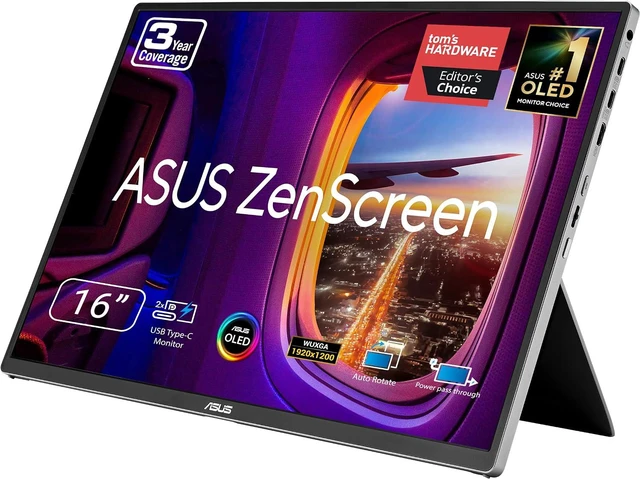
For most travelers, the ASUS ZenScreen MQ16FC is the one I'd pack. It's a 16-inch OLED at 1920x1200, ASUS lists it at 1.5 pounds, and it has two USB-C ports plus mini HDMI. The 16:10 shape gives you a bit more vertical room for documents than a standard 16:9 panel.
If you want sharper text and smoother motion, the ASUS ZenScreen MB16NCG moves up to 2560x1600 at 155Hz, with 400 nits listed brightness and a 1.98-pound weight. For OLED with a high refresh rate, the UPERFECT 16" OLED lists 2880x1800 at 120Hz and FreeSync.
For gaming with a handheld or laptop, the ViewSonic VX1654 is a 16-inch 1080p IPS panel at 144Hz with FreeSync, plus USB-C with 60W power and a mini HDMI input.

If you sketch, mark up PDFs or present across a table, the ViewSonic TD1656-2K adds a 2560x1600 touchscreen and two-way 65W USB-C power.
Want two extra screens? The ASUS ZenScreen Duo folds two 14-inch 1920x1200 panels into one unit. At 2.65 pounds it's heavier than the single-screen ASUS and Lenovo models, but it turns a hotel desk into a three-screen setup.

For the lightest bag, the Lenovo ThinkVision M14 is a 14-inch 1080p panel that Lenovo lists at 1.31 pounds without packaging, with two USB-C ports. If you just want a simple, no-frills second screen, the ASUS ZenScreen MB16ACE is a 15.6-inch 1080p IPS panel at 1.57 pounds.
Packing and setup tips
Bring the right cables. Most portable monitors include a USB-C to USB-C cable and a mini HDMI cable, but check the box, and if you'll connect a console, pack a USB-C charger that can power the monitor too. Some laptops can't supply enough power over a single cable to drive a bright panel, so a charger with passthrough makes the setup more reliable.
Protect the screen. A slim sleeve or the monitor's own folding cover is worth using every time. OLED panels in particular don't like pressure points from chargers or cables packed against them.
Think about the stand. Kickstand designs are compact but take up desk depth. If you'll use it on a small hotel desk or a kitchen counter, a model with a tripod socket, like the MB16NCG, gives you another way to position it.
Using it with a console or handheld
For a docked console, mini HDMI is the usual route. Handheld PCs with USB-C video output can often run a portable monitor directly, and some monitors can pass power back to the handheld. Before a trip, I'd test the exact combination at home, because power negotiation between USB-C devices doesn't always behave the way the spec sheet suggests.
Final verdict
Most people should pack a 16-inch USB-C model around 1.5 to 2 pounds. Choose the OLED MQ16FC for work and movies, the MB16NCG if gaming matters (or the VX1654, after checking its weight), and the ZenScreen Duo only if you really want two extra screens. And before you leave, test the one-cable connection at home, so you're not discovering a USB-C limitation on a hotel desk.
Frequently Asked Questions
Will a portable monitor work with my laptop over one USB-C cable? Only if the laptop's USB-C port supports video output, usually listed as DisplayPort Alt Mode, Thunderbolt or USB4. If it does not, use the monitor's mini HDMI input instead.
Can I use a portable monitor with a Nintendo Switch 2 or handheld PC? Many portable monitors have a mini HDMI input that works with a docked console. Handheld PCs with USB-C video output can often connect directly. Check power requirements, since some setups need a separate charger.
Is a 144Hz portable monitor worth it? For gaming on a laptop or handheld, yes. For spreadsheets and email on the road, a 60Hz panel with good brightness is fine.
OLED or IPS for a travel monitor? OLED gives deeper blacks and richer color. IPS is often brighter for the money and avoids burn-in concerns with static work windows.
How heavy is a portable monitor? Most 14 to 16-inch models weigh roughly 1.3 to 2 pounds. Dual-screen designs like the ZenScreen Duo are heavier.
Read More
- The Best Portable Monitors (RTINGS): Lab-tested portable monitor recommendations.
- ZenScreen Portable Monitors (ASUS): ASUS's lineup of USB-C and OLED portable monitors.
- Best Handheld Gaming PCs in 2026 (Newegg Insider): Handhelds that pair well with a portable screen.
- Switch 2 Storage Explained (Newegg Insider): If you are taking a Switch 2 on the trip, sort out storage first.
- Portable Monitors (Newegg): Browse portable monitors by size, refresh rate and panel type.