Here is the dirty secret of gaming laptop shopping: two machines advertising the exact same GPU can differ in real-game performance by 25% or more. The number that explains the gap almost never appears on the shelf tag. It is called TGP, Total Graphics Power, and once you know how to find it, you will never buy a gaming laptop the same way again.

Background: What TGP Actually Means
A laptop GPU is not a fixed quantity; it is a chip plus a power budget. TGP is the wattage the laptop maker allows the GPU to draw. NVIDIA's RTX 5070 Laptop GPU, for example, can be configured across a wide band, roughly 50W in thin-and-lights up to 100W in performance chassis, with Dynamic Boost adding further headroom on top. Same silicon, very different frame rates. The GPU badge tells you the family; the TGP tells you the performance.
Step 1: Find the TGP Before Anything Else
Reputable listings state it in the spec sheet, sometimes as "Maximum Graphics Power." On Newegg product pages, check the detailed specs tab; manufacturers also publish TGP tables on their support pages. If a listing will not tell you the TGP, treat that silence as information.
Step 2: Match Wattage to Your Expectations
As a rule of thumb for the RTX 50 laptop series: under 80W suits esports and 1080p gaming in a portable body; the top of each GPU's range is where 1440p high-refresh gaming lives; maximum-TGP configurations approach small desktop performance. A 100W RTX 5070 can beat a power-starved RTX 5070 Ti, which is why comparing badges alone misleads buyers.
Step 3: Respect the Chassis
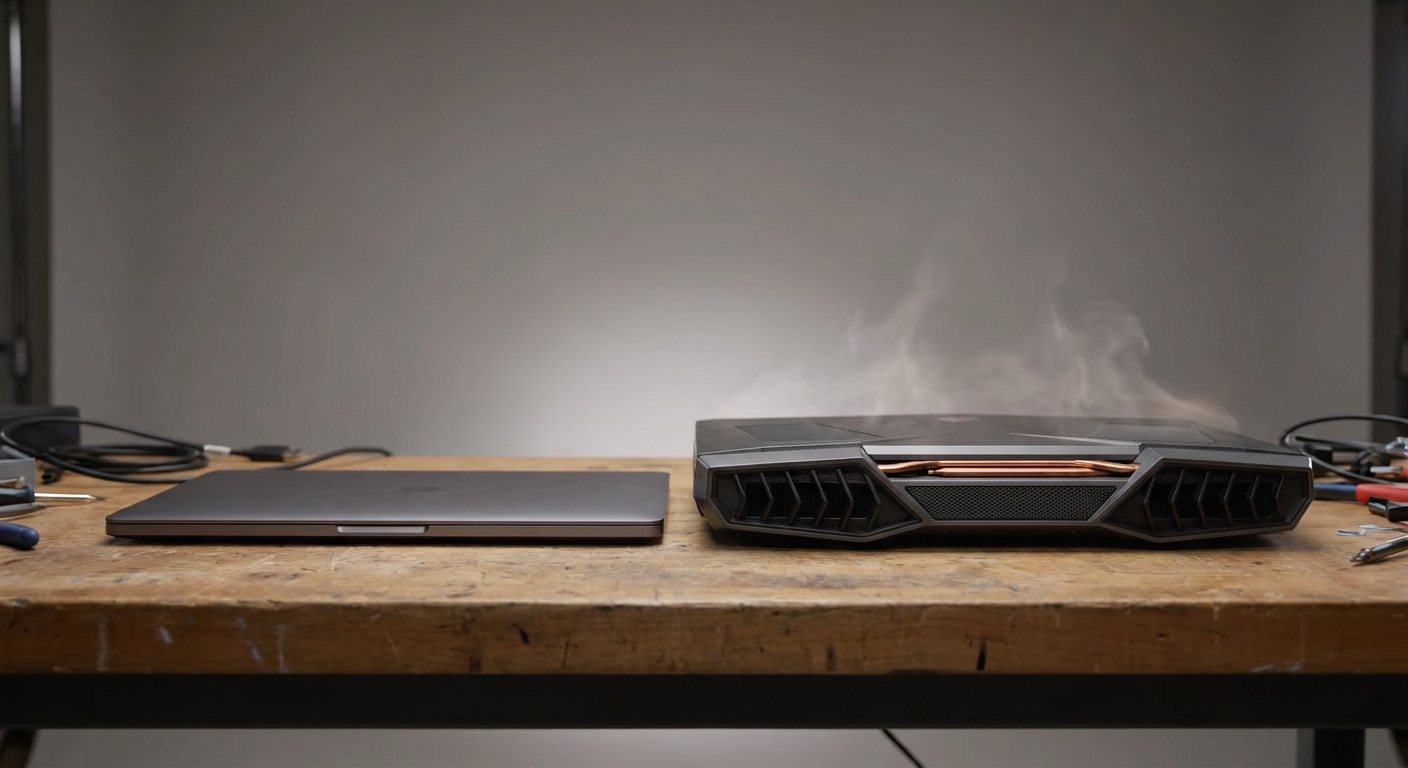
Wattage needs somewhere to go. Thicker laptops with serious heatpipe or vapor-chamber cooling sustain their rated power; ultra-thin machines throttle under long sessions no matter what the spec sheet promises. Screen matters too: a QHD+ 240Hz panel deserves a GPU running at full power to feed it.
Recommended: The Sensible Budget Pick
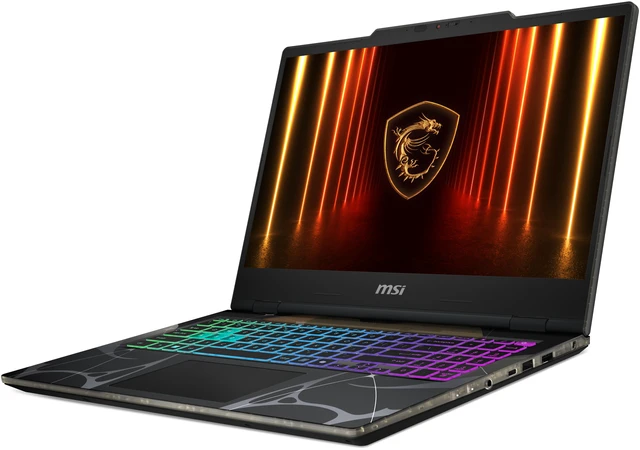
The MSI Cyborg 15 ($1,389.99 on Newegg at this writing) pairs the RTX 5070 Laptop GPU with a Core 7 240H, 16GB of DDR5, and a 1TB Gen4 SSD in a 15.6-inch chassis. It is a moderate-TGP design, which is exactly what its 1080p-class panel needs, an example of wattage and screen sensibly matched.
Recommended: The Performance Pick
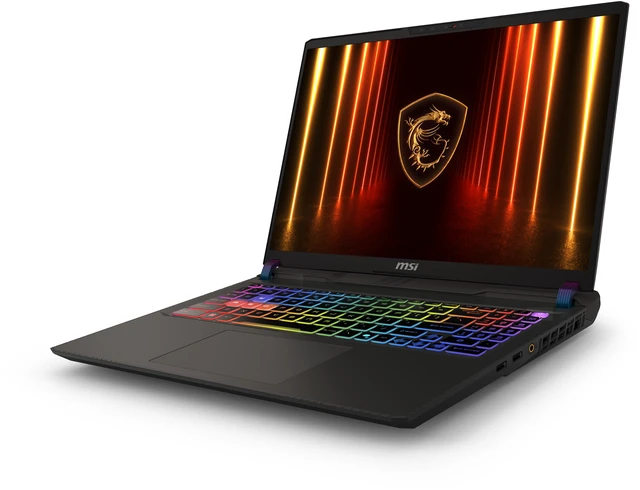
The MSI Vector A16 ($1,959.00) steps up to an RTX 5070 Ti Laptop GPU, a 16-core Ryzen 9 8940HX, and a QHD+ 240Hz display in a performance-first chassis built to sustain high graphics power, the honest way to buy a Ti-class laptop.
Summary
Badge tells family, TGP tells truth, chassis tells whether the truth lasts an hour into your session. Check all three, in that order, and browse RTX 5070 gaming laptops on Newegg with your new superpower.
Read More
- Tom's Hardware: Best Gaming Laptops — Tested rankings that report sustained performance, not just specs.
- NVIDIA Official: GeForce RTX Laptops — NVIDIA's laptop GPU family overview, including power range disclosures.
- GamesRadar: Best Gaming Laptops Compared — Real-world testing across 300W-class and dual-screen machines.
- Newegg: Gaming Laptops Category — Filter by GPU, screen, and budget with detailed spec tabs.
- Newegg Insider: Best Gaming Laptops Under $1,200 — Value picks if your budget sits lower.
Frequently Asked Questions
Common questions about gaming laptop TGP.