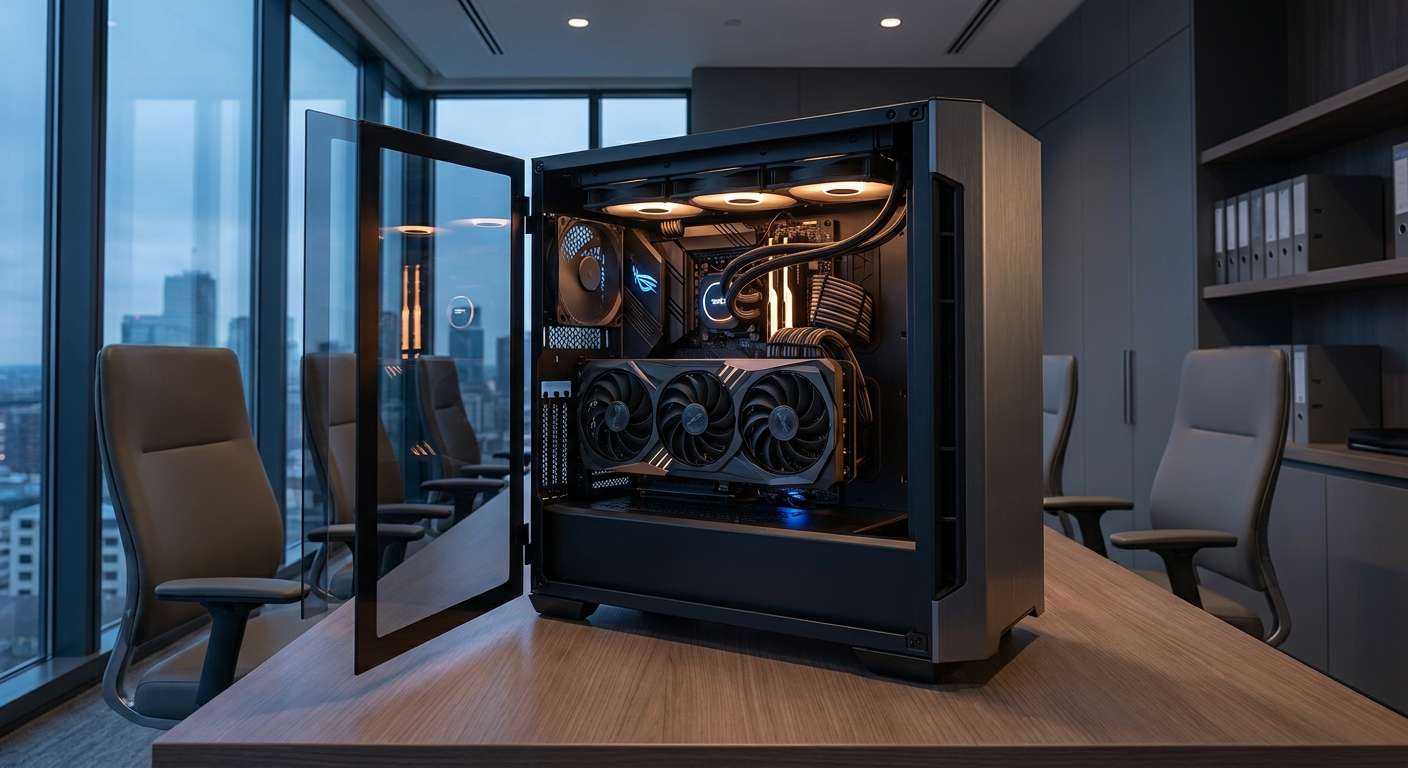
The Golden Rule: GPU VRAM First
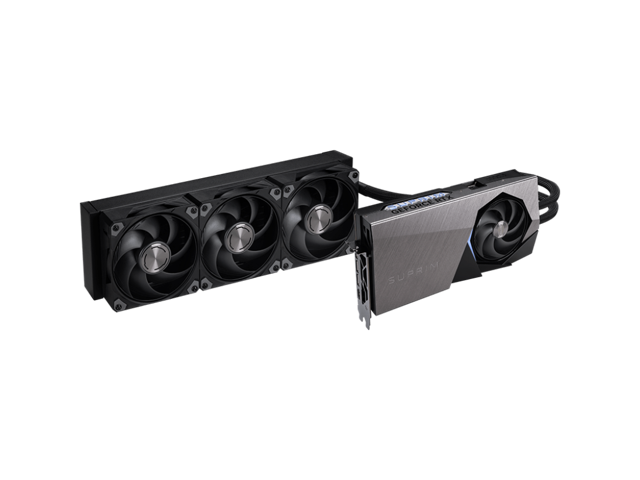
For AI, the single most important decision is how much video memory your GPU has. Models must fit in VRAM to run efficiently, so capacity directly determines what you can do, which models you can load, at what size, and with how much context. This is the opposite of gaming, where a card's rendering speed matters more than its memory. That is why an AI workstation budget should lead with the graphics card and work backward from there. The CPU, system memory, and storage all matter and all contribute, but in an AI machine they play supporting roles to the GPU rather than sharing top billing.Step 1: Start with the GPU
Step 2: CPU and Memory
Step 3: Storage and Power
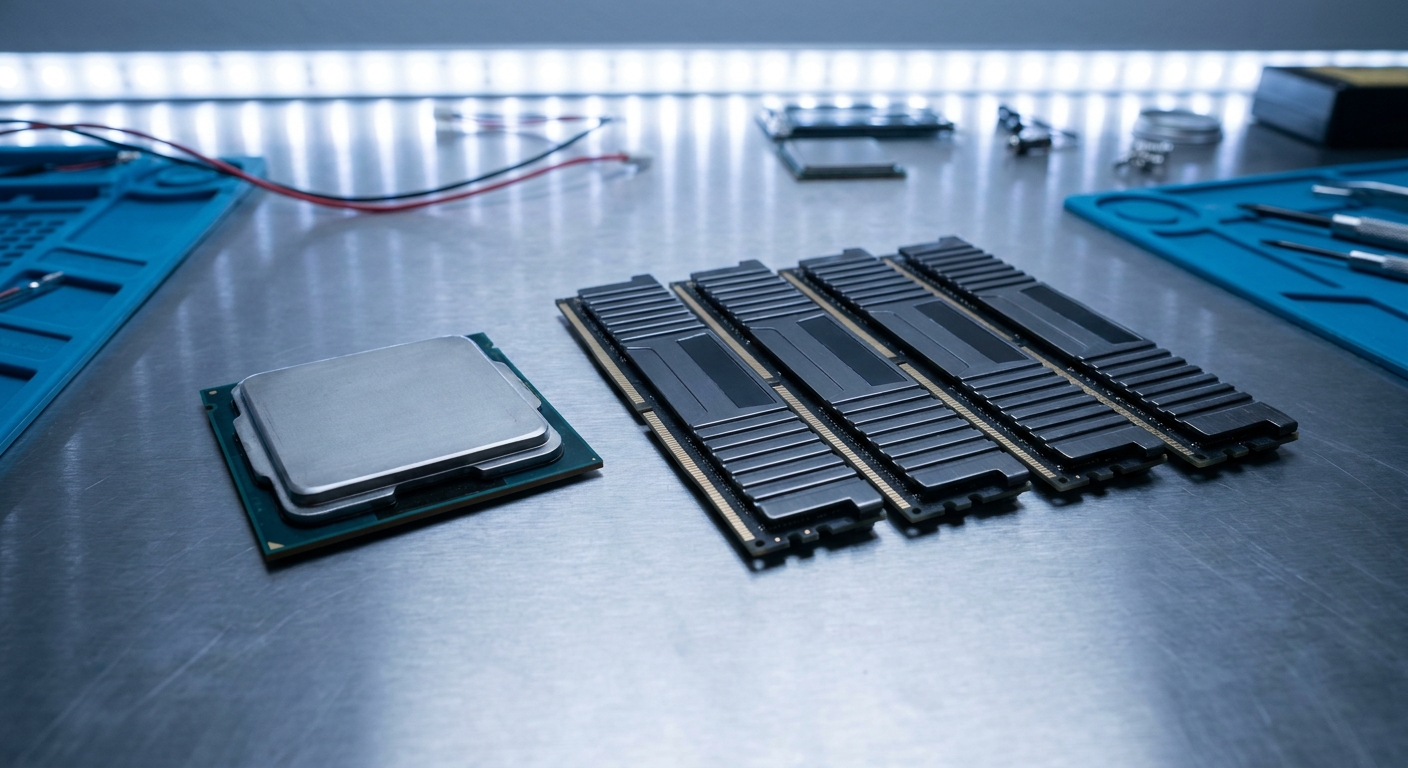
AI datasets and model files are large, often tens or hundreds of gigabytes each, so fast and roomy storage is essential rather than optional. The WD_BLACK SN850X 2TB ($321.77) offers both the speed to load models quickly and the capacity to hold several of them at once, and you can add more drives as your projects grow. For power, the RTX 5090 is a demanding card, so this is not the place to economize: the be quiet! Pure Power 13 M 1000W ATX 3.1 ($139.90) supplies ample, stable wattage with the modern connectors the card expects, and leaves headroom for the sixteen-core CPU and drives.Step 4: Assembly and Cooling Notes
Build Summary
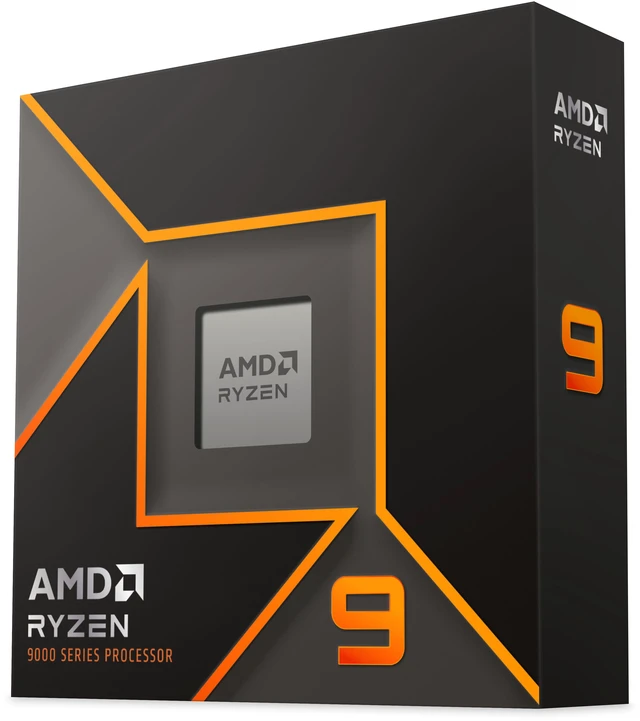
This workstation lands around $6,024 before a case and cooler, and it is built the right way for AI: a 32GB VRAM GPU leading the build, a sixteen-core CPU for data work, 64GB of fast memory, roomy NVMe storage, and a robust, high-headroom power supply. The logic scales in both directions. If your models are lighter, you can step the GPU down to a 16GB card and trim the memory to save considerably, while keeping the same balanced philosophy. If your work is heavier, you can add storage and memory over time. Start your parts list with the Ryzen 9 9950X and the RTX 5090, and build outward from the GPU that defines what your machine can do.Read More
- NVIDIA Official: GeForce RTX 50 Series — VRAM and specifications for each card.
- Puget Systems: Workstation Hardware Articles — Deep dives on hardware for professional and AI workloads.
- GitHub: llama.cpp — Popular tool for running LLMs locally, with hardware guidance.
- Newegg: AMD Ryzen 9 9950X — Live pricing on the workstation CPU.
- Newegg: GeForce RTX 5090 — The 32GB GPU at the center of the build.
Frequently Asked Questions
Answers to the most common questions about building an AI workstation.
What is the most important part of an AI workstation?
The GPU, specifically its VRAM. Models must fit in video memory, so capacity determines what workloads you can run.
How many CPU cores do I need for AI work?
More cores help with data preparation and multitasking; a sixteen-core chip like the Ryzen 9 9950X gives ample headroom alongside a powerful GPU.
How much system RAM should an AI workstation have?
64GB is a strong target for large datasets and heavy multitasking, though lighter workloads can manage with 32GB.
What power supply do I need for an RTX 5090?
A high-quality 1000W unit with modern connectors provides safe headroom for the RTX 5090 and the rest of a workstation.