How to Choose a Gaming PC: Specs That Matter Most for the Best Buy
By Hannie Wang|August 12, 2026|Updated October 7, 2026
Shopping for a gaming PC shouldn’t feel like decoding a spec sheet in another language. The trick is knowing which parts actually affect your gameplay and which ones just sound impressive in a product title. For most shoppers, a smart buy comes down to a few key components: the graphics card, processor, memory, storage, cooling, and power supply. Get those right, and it becomes much easier to compare desktops with confidence.
Whether you’re chasing high-refresh competitive play or looking for a rig that can handle the latest AAA games, the best gaming PC is the one that matches your monitor, your favorite titles, and your budget. Here’s how to shop smarter and focus on the specs that really matter.
1. Start with your gaming needs
Before you compare hardware, think about what you actually play and what display you’re using. A PC built for Valorant or Counter-Strike has very different needs than one meant for Cyberpunk 2077, Alan Wake 2, or 4K single-player gaming. Your monitor matters, too. 1080p at high refresh rates is a very different target than 1440p or 4K.
As a rule, the higher the resolution and refresh rate, the more the GPU should take priority. If you’re mostly after smooth competitive gaming, a balanced midrange CPU and GPU is often the best value. If you want max settings, ray tracing, or more room for future upgrades, it makes sense to put more of the budget into graphics and cooling.
2. Focus first on the graphics card
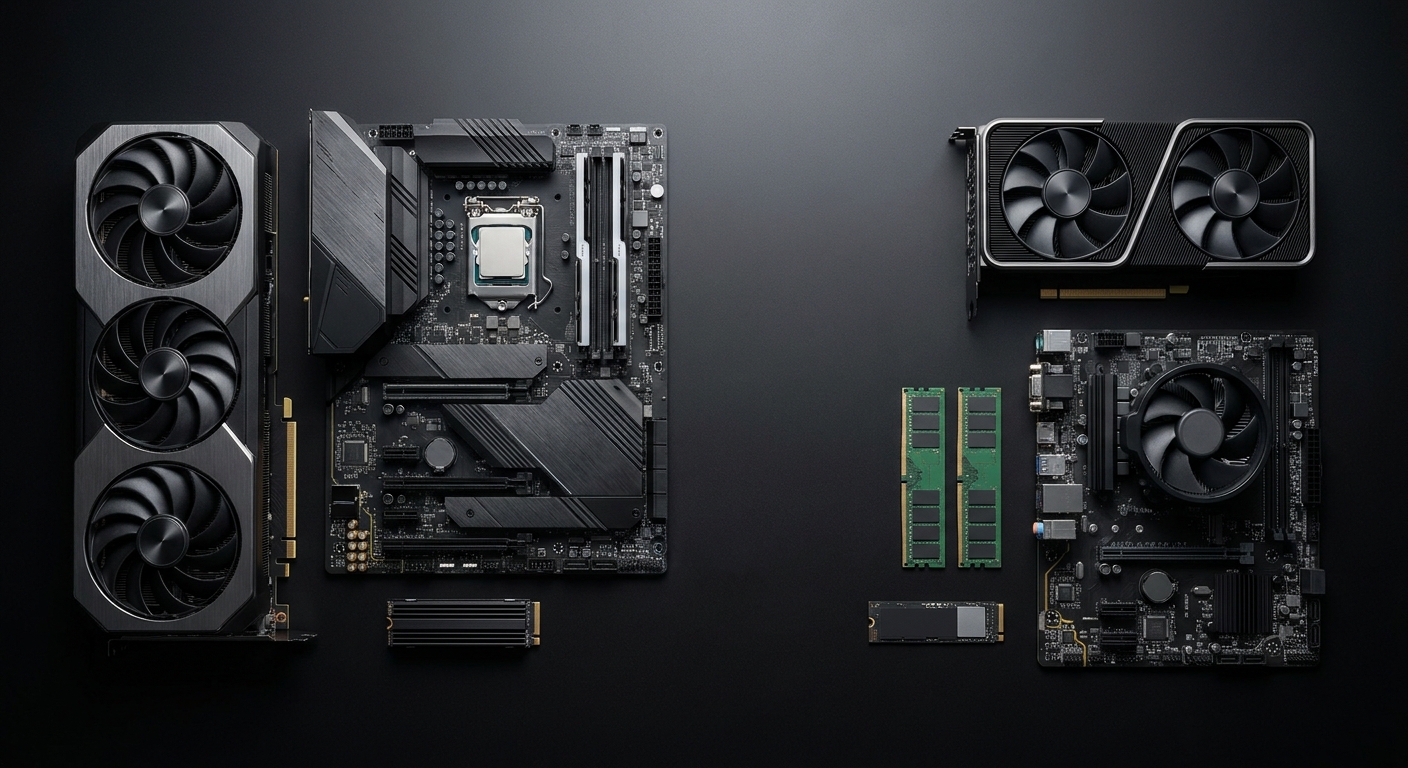
For most gaming PCs, the GPU is the star of the show. It has the biggest impact on frame rate, visual quality, and how well a system handles modern features like ray tracing and upscaling. When you compare desktops, make sure you look at the exact GPU model instead of generic marketing terms like “gaming graphics.”
A few details matter most: how much video memory it has, whether it supports features like DLSS or FSR, and whether it lines up with your target resolution. For example, an 8 GB GPU can make sense for 1080p gaming, while 12 GB or more is usually the safer choice for 1440p and higher settings.
3. Choose a CPU that will not bottleneck the system
The processor still plays an important role, especially for high-refresh-rate gaming, simulation games, open-world titles, and streaming or recording while you play. A powerful GPU paired with a weak CPU can lead to uneven performance, stutter, or lower minimum frame rates.
For many buyers, a modern 6-core or 8-core CPU hits the sweet spot. Look for current-generation chips with strong boost clocks and solid single-thread performance. You usually do not need the most expensive processor unless you also plan to do heavy content creation or want to push very high frame rates in CPU-sensitive games.
4. Do not ignore memory and storage
RAM affects how smoothly your system handles multitasking and some newer games. Today, 16 GB is the practical minimum for gaming, while 32 GB is the better pick if you like to keep lots of apps open or want more long-term flexibility. It is also worth checking whether the system uses DDR4 or DDR5, since DDR5 platforms generally offer more headroom on newer builds.
Storage makes a big difference in everyday use. A PCIe NVMe SSD offers much faster load times than older hard drives or SATA SSDs. For a gaming PC, 1 TB is a comfortable starting point, especially since many modern games can take up well over 100 GB each. If you plan to install a large library, 2 TB is often the better value.
5. Verify cooling, power supply, and upgrade path
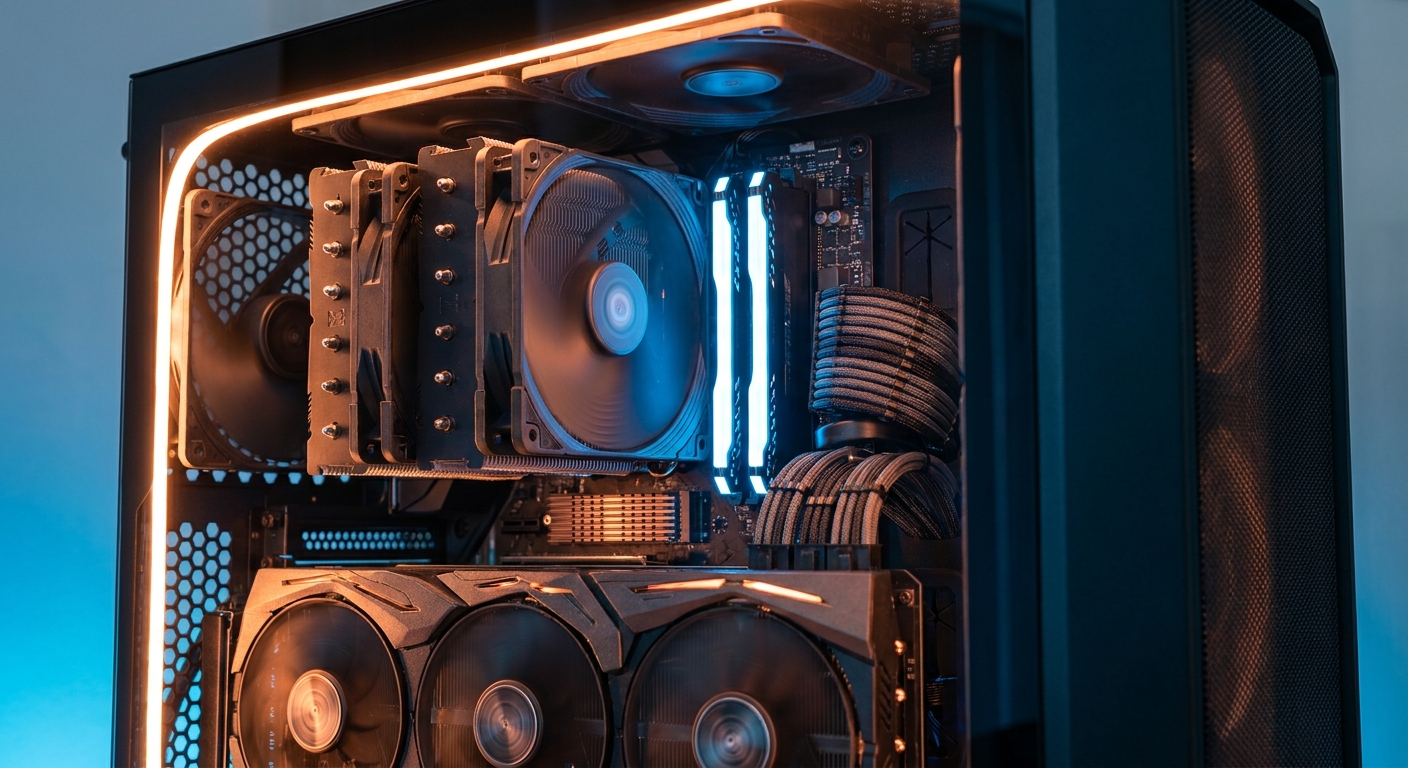
Good cooling helps your system hold boost performance and can keep noise levels down, too. Look for strong case airflow, large fans, and a CPU cooler that matches the processor’s heat output. If the PC uses a more powerful GPU, the case should also have enough ventilation to help avoid thermal throttling.
The power supply should come from a reputable brand and provide enough wattage with some overhead. If future upgrades matter to you, check the motherboard and case layout as well. Easy access to extra M.2 slots, RAM slots, and GPU clearance can help the system stay useful for longer.
6. Final buying checklist
When you are comparing gaming PCs, use this order: GPU first, CPU second, then RAM, SSD, cooling, and power supply. That approach helps you avoid overspending on a strong processor while the graphics card holds the system back. It also makes prebuilt PCs easier to compare, because the best value usually comes from balanced parts instead of one big headline spec.
Match the GPU to your resolution and refresh rate
Choose at least 16 GB of RAM, with 32 GB for heavier use
Prefer a PCIe NVMe SSD over a hard drive-based configuration
Check cooling, airflow, and PSU quality before buying
Look for a balanced build rather than one oversized component
Bottom line: the best gaming PC is the one that fits your games, your monitor, and your budget. If you start with the GPU, make sure the CPU can keep up, and then check memory, storage, and cooling, you’ll be in a much better position to choose a system that feels worth it on day one and beyond.
Frequently Asked Questions
What GPU is best for 1080p gaming?
A midrange GPU is usually the best value for 1080p gaming because it can deliver strong frame rates without pushing the price too high. If you mainly play esports titles, you can often choose a less expensive card than someone who wants high settings in demanding AAA games.
How much RAM do I need for a gaming PC?
16 GB is the practical minimum for modern gaming and should handle most current titles well. If you stream, multitask heavily, or want more future-proofing, 32 GB is the safer long-term choice.
Is the CPU or GPU more important for gaming performance?
For most gaming PCs, the GPU has the biggest impact on frame rate and visual quality. The CPU still matters for high-refresh gaming, simulation games, and preventing bottlenecks, so a balanced build is usually the smartest buy.
What kind of storage should I look for?
A PCIe NVMe SSD is the best option for faster boot times and shorter game load screens. A 1 TB drive is a solid starting point, but 2 TB is often the better value if you plan to keep a large game library installed.
What should I check before buying a prebuilt gaming PC?
Confirm the exact GPU, CPU, RAM, storage type, cooling, and power supply instead of relying on the headline product name. It is also smart to review the warranty, airflow, and upgrade options so the system remains a better value over time.
Read More
NVIDIA GeForce Graphics Cards — Official GeForce product lineup for comparing current NVIDIA gaming GPUs and features.
AMD Radeon Graphics — AMD’s official graphics hub for browsing Radeon desktop GPU options.