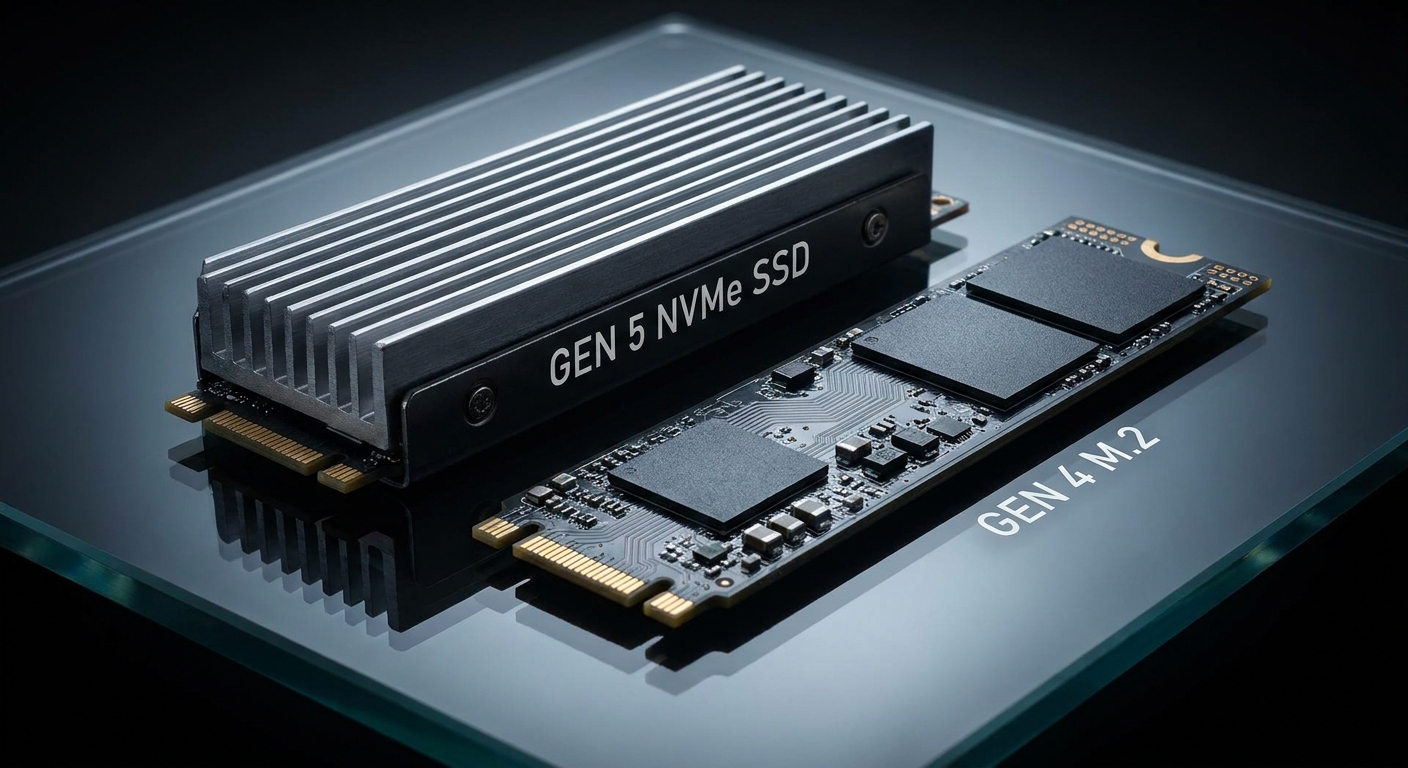
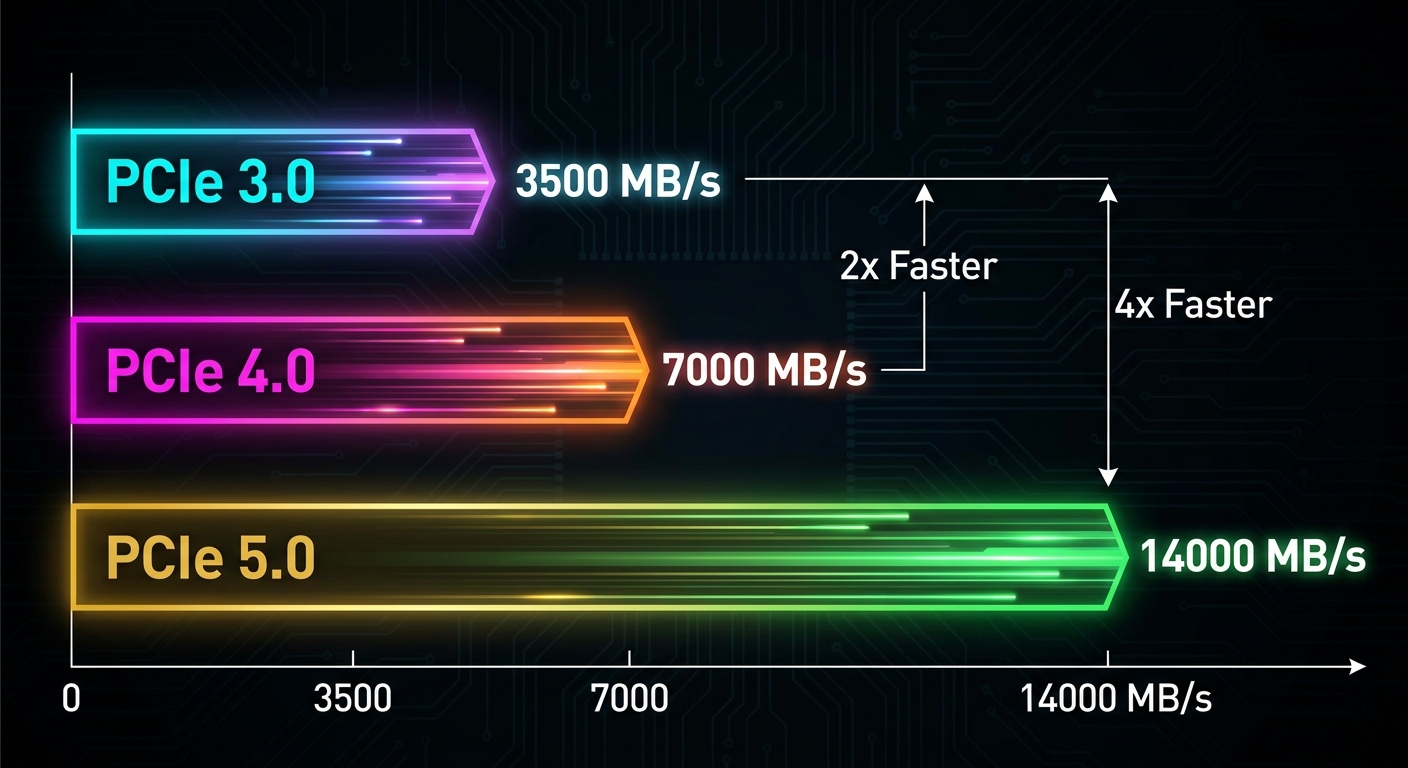
PCIe 5.0 SSDs hit the market promising sequential read speeds north of 14,000 MB/s -- nearly double what top PCIe 4.0 drives deliver. On paper, that sounds like a game-changing upgrade. But if you're deciding whether to upgrade your storage in 2026, the real question isn't about peak benchmark numbers. It's about what difference those speeds actually make in your daily computing, gaming, or creative workflow.
This head-to-head comparison puts the two generations side by side across the metrics that matter: raw performance, real-world use, thermals, power consumption, and value.
Contenders Overview
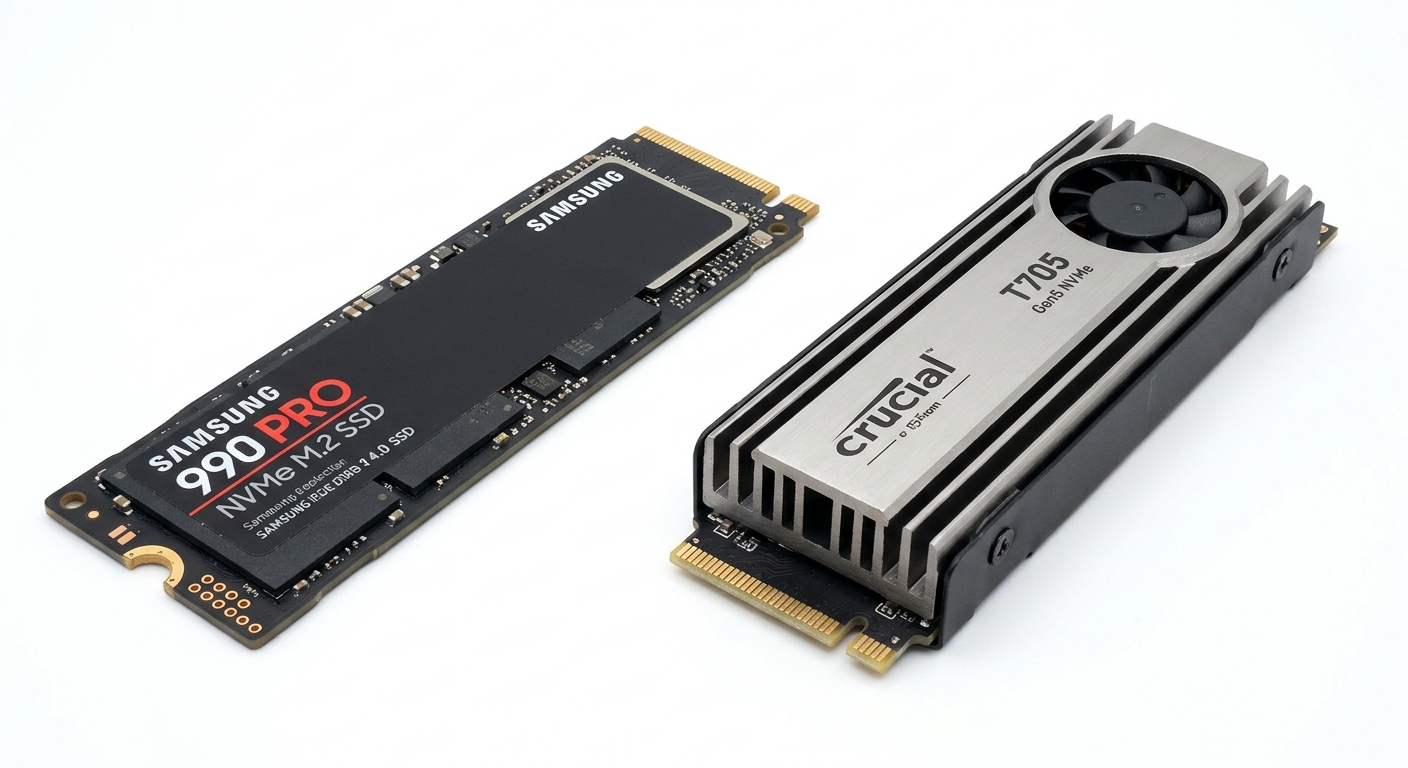
PCIe 4.0 Representatives: Samsung 990 Pro, WD Black SN850X, Seagate FireCuda 530 -- all hitting 7,000-7,300 MB/s sequential reads, with proven reliability records.
PCIe 5.0 Representatives: Crucial T705, Corsair MP700 Pro -- reaching 12,000-14,500 MB/s sequential reads, with active cooling requirements on most models.
Side-by-Side Comparison
| Metric | PCIe 4.0 (Samsung 990 Pro) | PCIe 5.0 (Crucial T705) |
|---|---|---|
| Sequential Read (Peak) | ~7,450 MB/s | ~14,500 MB/s |
| Sequential Write (Peak) | ~6,900 MB/s | ~12,700 MB/s |
| Game Load Time Difference | Baseline | 0-3% faster (imperceptible) |
| OS Boot Time Difference | Baseline | 0-2% faster (imperceptible) |
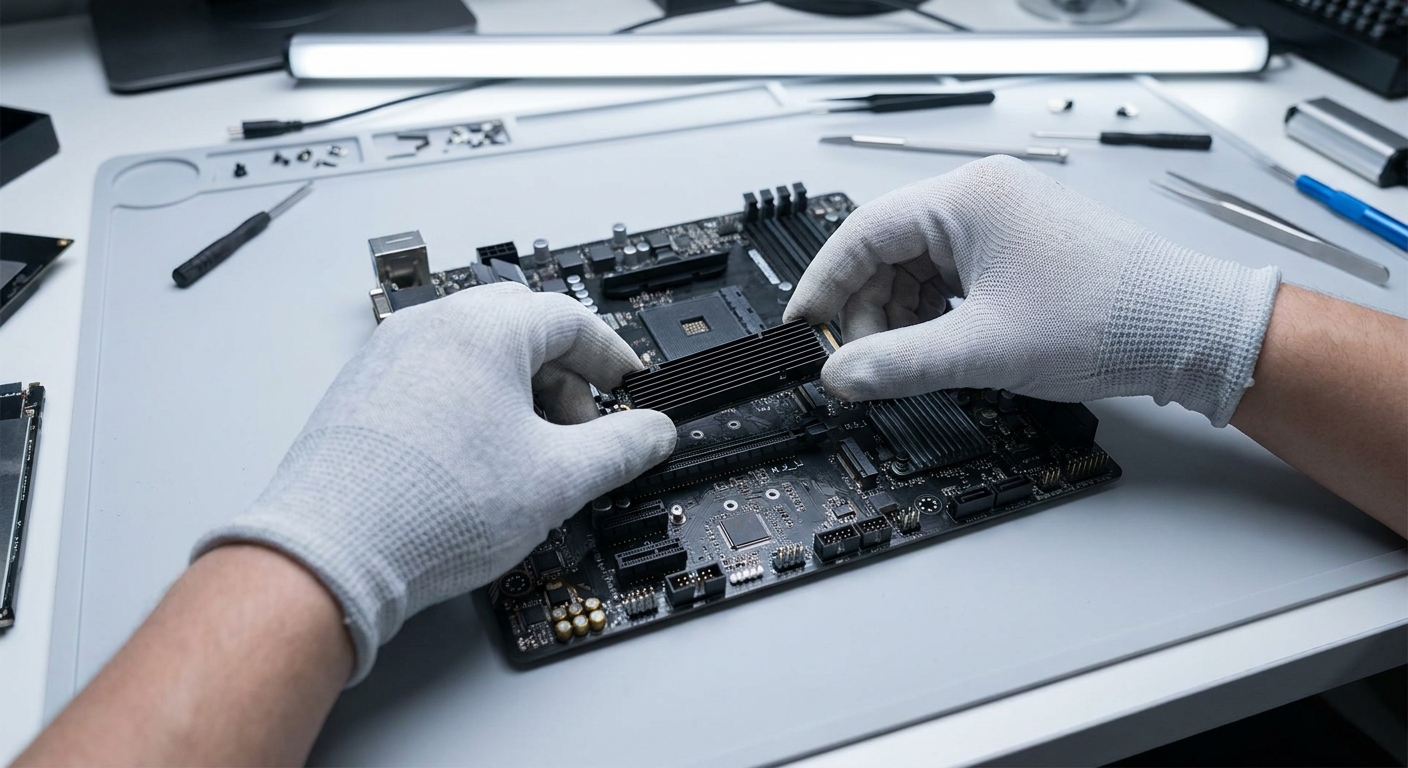
| Heatsink Required | Optional | Yes (active cooling recommended) |
| Idle Power | ~20mW | ~30-50mW |
| Typical 1TB Price | $60-80 | $120-160 |
Deep Dive: Where Does Each Generation Win?
PCIe 5.0 Wins: Sequential Transfer Workloads
PCIe 5.0 SSDs show a genuine, meaningful advantage in professional sequential workloads: moving large video files, rendering cache operations, batch photo exports, or backup/restore of large archives. A video editor regularly moving 100GB+ project files between drives will notice the speed difference. AI model loading and large dataset processing also benefit meaningfully.
PCIe 4.0 Wins: Gaming, Everyday Tasks, and Value
For gaming, the story is clear: game load times are functionally identical between PCIe 4.0 and 5.0. Modern games are bottlenecked by game engine IO processing, not raw SSD bandwidth. Windows boot times, app launches, and browser usage show no perceptible difference either. For gamers and general PC users, a top PCIe 4.0 drive at half the price is the smarter buy in 2026.
Thermal Considerations
PCIe 5.0 SSDs run hot. Without active cooling, many Gen 5 drives throttle under sustained load, partially negating the performance advantage. PCIe 4.0 drives are far more thermally manageable and run quietly without active cooling in most builds.
Winner by Category
Best for Gamers: PCIe 4.0 -- Samsung 990 Pro or WD Black SN850X. No meaningful gaming benefit from Gen 5 at current pricing.
Best for Video Editors / Content Creators: PCIe 5.0 -- Crucial T705 with heatsink. Sequential speed advantage is real for large file workflows.
Best Value Overall: PCIe 4.0 -- Top-tier Gen 4 SSDs offer 98% of real-world performance at half the Gen 5 price.
Browse Samsung 990 Pro on Newegg
Browse Crucial T705 PCIe 5.0 on Newegg
Final Verdict
For most PC users in 2026 -- gamers, home users, office workers -- PCIe 4.0 SSDs represent the best value and the smart choice. The speed advantage of Gen 5 is real in benchmarks but effectively invisible in the workloads that define everyday computing. Save the price premium for a better GPU or more RAM. If you're a content creator or AI developer regularly working with files in the tens-of-gigabytes range, PCIe 5.0 becomes a genuine productivity investment.
Read More
- TechSpot: Best SSDs -- Benchmark-backed SSD reviews and buying recommendations across all PCIe generations and price tiers.
- Tom's Hardware: Best SSDs -- In-depth SSD hierarchy and buying guide updated regularly with new drive reviews.
- Crucial T705 PCIe 5.0 SSD Official Page -- Full T705 specifications and thermal management guidance from Crucial.
- Samsung 990 Pro Official Page -- Specifications, warranty details, and compatibility information for the 990 Pro.
- Newegg SSD Category -- Browse all M.2 NVMe, SATA, and PCIe 5.0 SSDs with filters by interface generation, capacity, and brand.
Frequently Asked Questions
Answers to the most common questions about this topic.