


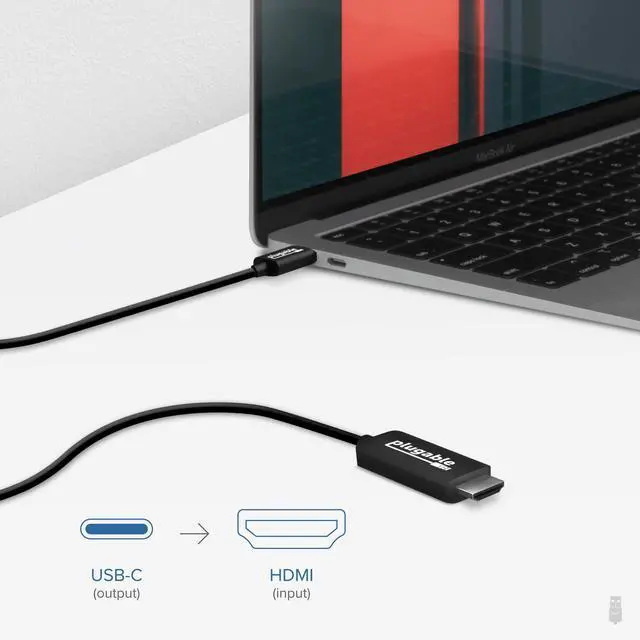
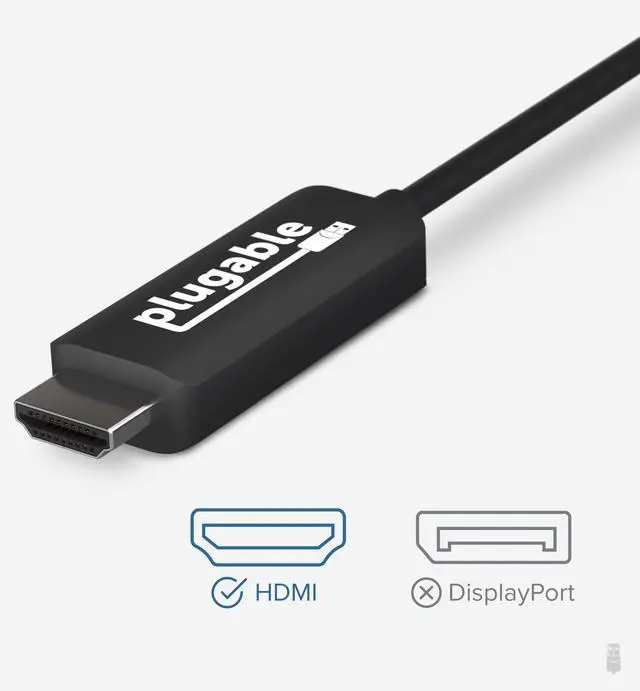
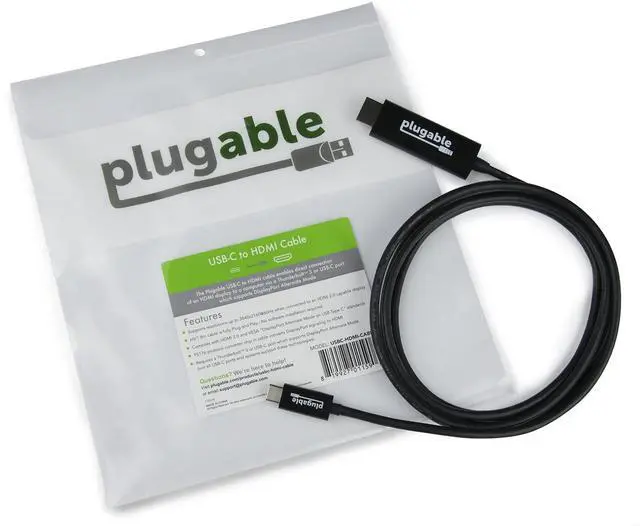


Plugable USB-C to HDMI 2.0 Adapter Cable
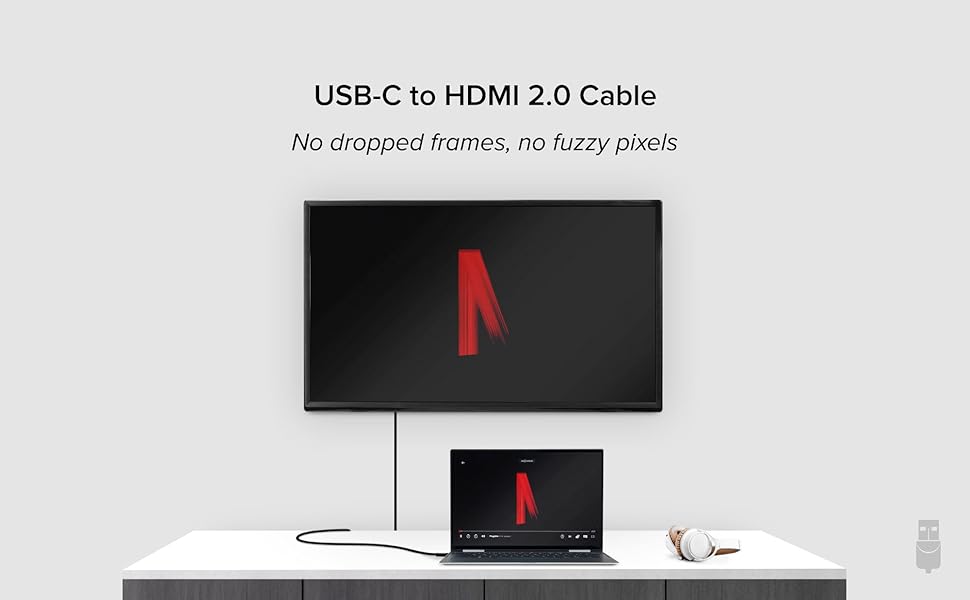
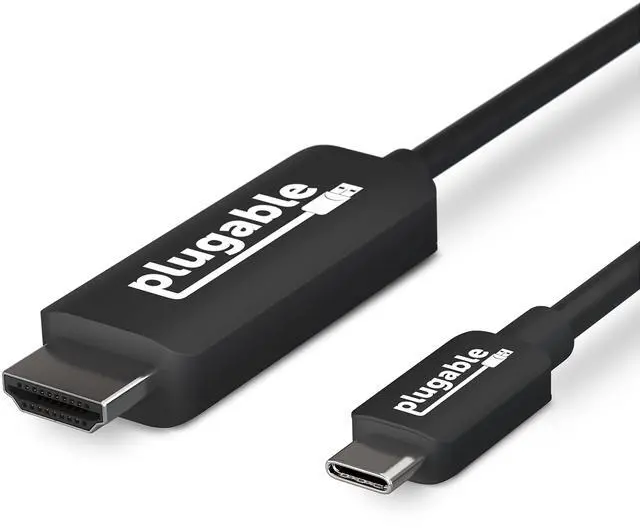
Plugable's USB Type C to HDMI cable (USBC-HDMI-CABLE) allows you to connect an HDMI display to your laptop, tablet, phone, or desktop which supports USB4, Thunderbolt, or USB-C "DisplayPort Alternate Mode" (Alt Mode) video output functionality.
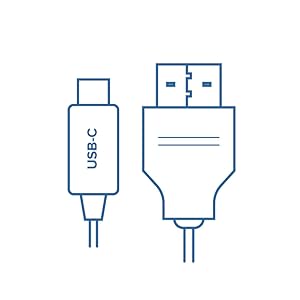
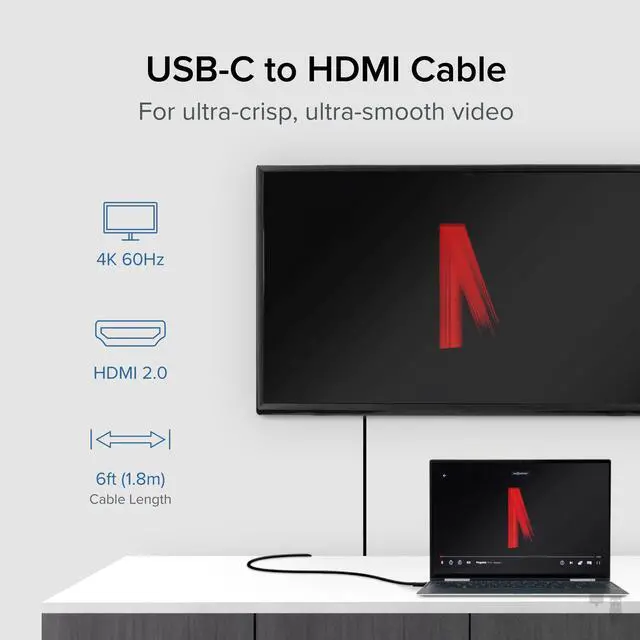
4K 60Hz Display
The Plugable USB-C to HDMI 2.0 Adapter Cable enables an HDMI display to be connected to a computer via a Thunderbolt, USB4, or USB-C port which supports “Alternate Mode video over USB-C" ("Alt Mode"). DisplayPort signaling is converted to HDMI 2.0 by a chip in the adapter cable.
6 foot/1.8m cable is a seamless, single cable solution for connecting from your Thunderbolt 3/4, USB4 or USB-C system to your HDMI display, allowing for tidy installation and cable management without the need for additional dongles and HDMI extension cables.
This cable can be used to display the screen of a tablet or laptop on a large monitor in a conference room, enhance productivity during study sessions with a bigger screen, or connect to a TV for watching streaming videos or playing PC games.

Uncompromising Performance
Alt Mode adapters allow you to add an additional display output easily and inexpensively on supported systems. Since Alternate Mode is a direct pipeline to the host graphics processor (GPU) in your system, the connected display will function with the same uncompromising performance of a natively attached display.
Video and photo editing, gaming, and other resource-intensive tasks are possible assuming that the system's GPU capabilities are sufficient for the application being used.

Compatibility
Compatible Systems
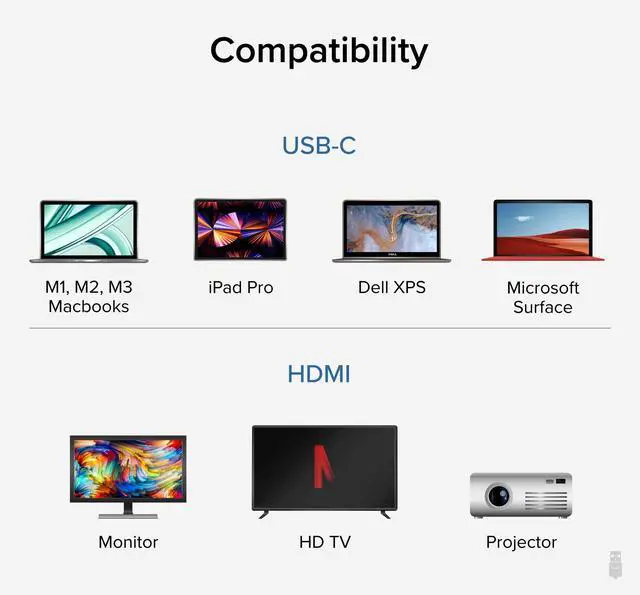
Plug and Play installation on any Windows, Mac, or Linux host which supports DisplayPort Alternate Mode (Alt Mode) video output functionality, including USB4, Thunderbolt 3, and Thunderbolt 4 ports.
3840x2160@60Hz resolutions require the host system to support this resolution and the display must be HDMI 2.0 capable.
Audio is supported on HDMI-equipped TVs and monitors with built-in speakers. Multi-channel audio supported via LPCM encoding only.
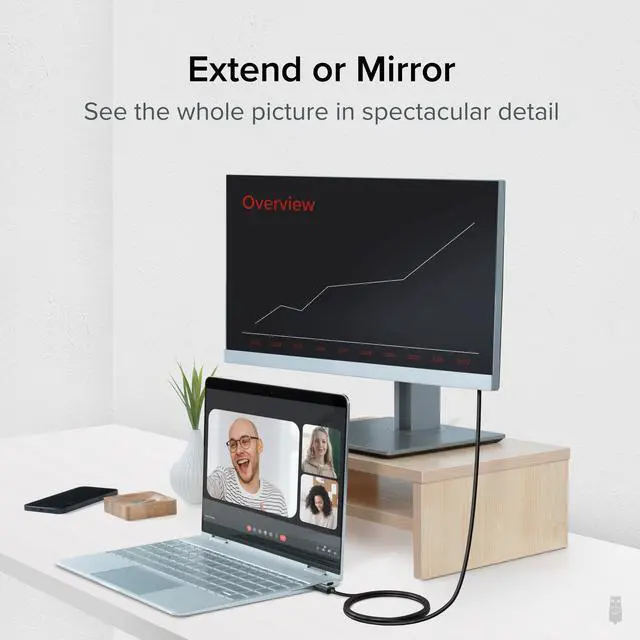
The display connected via this cable can be configured either mirror, extended, or clamshell (second monitor only) mode.
 USBC-HDMI-CABLE | 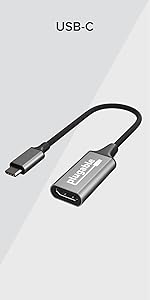 USBC-HDMI | 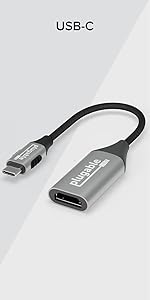 USBC-HDMI8K | 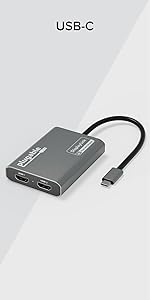 USBC-6950M |  USBC-DP | |
|---|---|---|---|---|---|
| Customer Reviews | — | — | — | — | — |
| Price | — | — | — | — | — |
| Video Output | HDMI 2.0 | HDMI 2.0 | HDMI 2.1 | HDMI 2.0 x 2 | DisplayPort 1.2 |
| Max Resolution | 3840 x 2160 @ 60Hz | 3840 x 2160 @ 60Hz | 7680 × 4320 @ 30Hz | 3840 x 2160 @ 60Hz | 3840 x 2160 @ 60Hz |
| Size | 6.0 ft / 1.8 m | 7.8 in / 20 cm | 7.8 in / 20 cm | 0.6 x 2.4 x 3.1 inch / 1.5 x 6 x 8 cm | 6.0 ft / 1.8 m |
| Audio Support | Yes | Yes | Yes | Yes | Yes |
| USB-C Alt Mode Required | Yes | Yes | Yes | No | Yes |
| Driver-install required | No | No | No | Yes (DisplayLink Driver required) | No |











Plugable USB-C to HDMI 2.0 Adapter Cable
Plugable's USB Type C to HDMI cable (USBC-HDMI-CABLE) allows you to connect an HDMI display to your laptop, tablet, phone, or desktop which supports USB4, Thunderbolt, or USB-C "DisplayPort Alternate Mode" (Alt Mode) video output functionality.
4K 60Hz Display
The Plugable USB-C to HDMI 2.0 Adapter Cable enables an HDMI display to be connected to a computer via a Thunderbolt, USB4, or USB-C port which supports “Alternate Mode video over USB-C" ("Alt Mode"). DisplayPort signaling is converted to HDMI 2.0 by a chip in the adapter cable.
6 foot/1.8m cable is a seamless, single cable solution for connecting from your Thunderbolt 3/4, USB4 or USB-C system to your HDMI display, allowing for tidy installation and cable management without the need for additional dongles and HDMI extension cables.
This cable can be used to display the screen of a tablet or laptop on a large monitor in a conference room, enhance productivity during study sessions with a bigger screen, or connect to a TV for watching streaming videos or playing PC games.
Uncompromising Performance
Alt Mode adapters allow you to add an additional display output easily and inexpensively on supported systems. Since Alternate Mode is a direct pipeline to the host graphics processor (GPU) in your system, the connected display will function with the same uncompromising performance of a natively attached display.
Video and photo editing, gaming, and other resource-intensive tasks are possible assuming that the system's GPU capabilities are sufficient for the application being used.
Compatibility
Compatible Systems
Plug and Play installation on any Windows, Mac, or Linux host which supports DisplayPort Alternate Mode (Alt Mode) video output functionality, including USB4, Thunderbolt 3, and Thunderbolt 4 ports.
3840x2160@60Hz resolutions require the host system to support this resolution and the display must be HDMI 2.0 capable.
Audio is supported on HDMI-equipped TVs and monitors with built-in speakers. Multi-channel audio supported via LPCM encoding only.
The display connected via this cable can be configured either mirror, extended, or clamshell (second monitor only) mode.
USBC-HDMI-CABLE | USBC-HDMI | USBC-HDMI8K | USBC-6950M | USBC-DP | |
|---|---|---|---|---|---|
| Customer Reviews | — | — | — | — | — |
| Price | — | — | — | — | — |
| Video Output | HDMI 2.0 | HDMI 2.0 | HDMI 2.1 | HDMI 2.0 x 2 | DisplayPort 1.2 |
| Max Resolution | 3840 x 2160 @ 60Hz | 3840 x 2160 @ 60Hz | 7680 × 4320 @ 30Hz | 3840 x 2160 @ 60Hz | 3840 x 2160 @ 60Hz |
| Size | 6.0 ft / 1.8 m | 7.8 in / 20 cm | 7.8 in / 20 cm | 0.6 x 2.4 x 3.1 inch / 1.5 x 6 x 8 cm | 6.0 ft / 1.8 m |
| Audio Support | Yes | Yes | Yes | Yes | Yes |
| USB-C Alt Mode Required | Yes | Yes | Yes | No | Yes |
| Driver-install required | No | No | No | Yes (DisplayLink Driver required) | No |


Universally Compatible Docks


Find Your Docking Station

Windows Compatible Docks

Mac Compatible Docks


Shop for Business
