here!
here!
I’m your shopping assistant for PC builds, upgrades, and everything tech.
Got questions? Ask away!
Start a conversation
here!
I’m your shopping assistant for PC builds, upgrades, and everything tech.
Got questions? Ask away!
Start a conversation





Any questions? Ask CelesteSM will help you find out quickly.

Description:
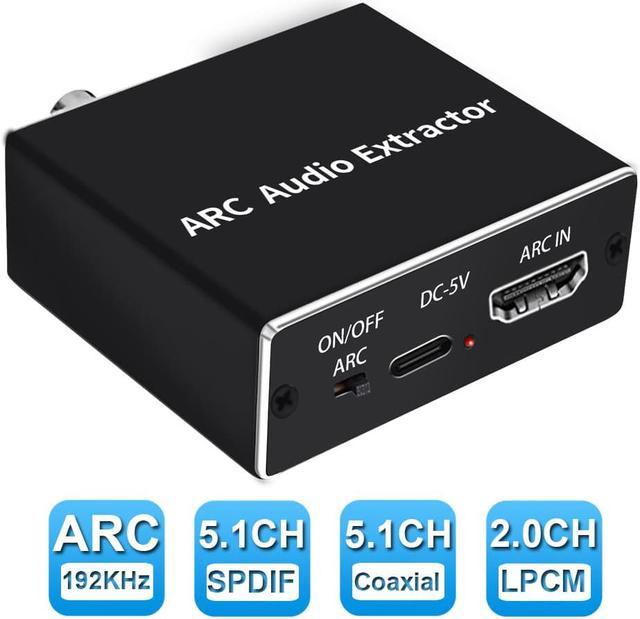
HDMI ARC(Audio Return Channel) adapter converter,it could transmit audio from TV of support ARC function to optical ,coaxial,3.5mm jack audio of adapter via HDMI/ARC interface,and output simultaneously,which perfectly solves problems of having no audio output interface that TV can not be connected to sound system.
Specifications:
192KHz HDMI-compatible Audio ARC Extractor HDMI-compatible ARC To Toslink + Coaxial + L/R Converter Audio Return Channel AdapterSpecifications:

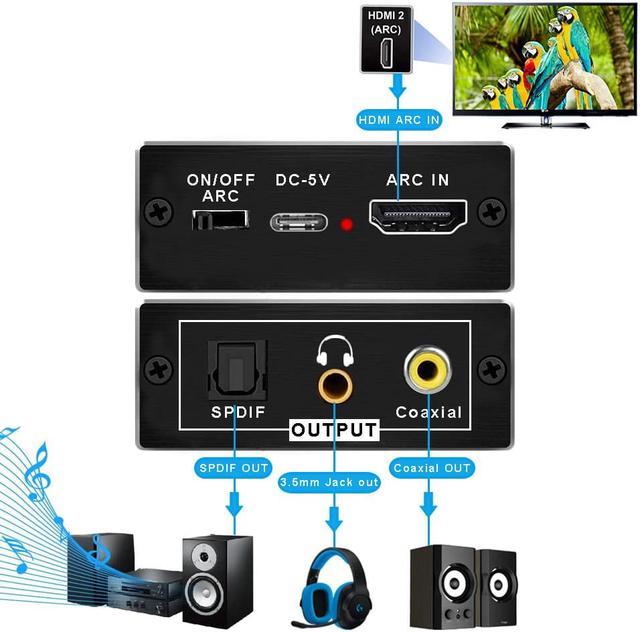
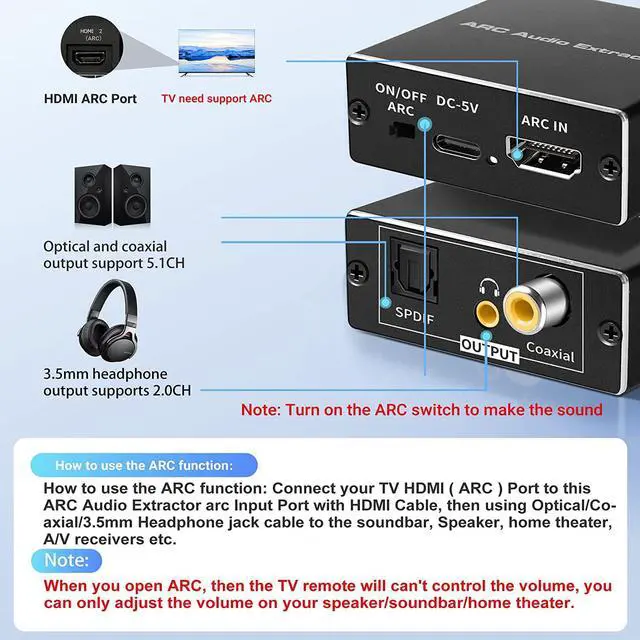
HDMI ARC function: (The TV must have an ARC port, otherwise it cannot be used). Extract audio from your TV to Soundbar or Amplifier via the TV's ARC port. Use HDMI cable or Micro cable to connect one end to TV ARC port, one end to HDMI ARC Converter, then connect SPDIF/Coaxial or 3.5mm to sound bar, speaker, home theater, A/V receiver, etc.
192KHz sampling rate: Built-in CEC volume control protocol, the TV remote control can adjust the volume. Effectively solve the defects of similar products. Support 32, 44.1, 48, 96, 192KHz sampling rate, 24-bit left and right channels. (HDMI 2.0 cable recommended).
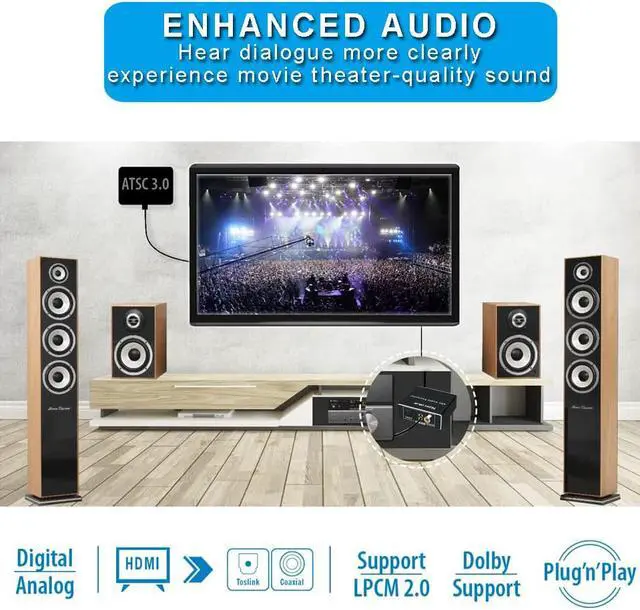
Digital Noise Reduction: Using high-end chips, digital noise reduction technology, signal gain technology, dual signal processing, the sound quality is clear and pleasant. The aluminum alloy shell has good heat dissipation and durability. Support multi-channel simultaneous audio output, sound synchronization without delay. No driver, plug and play.

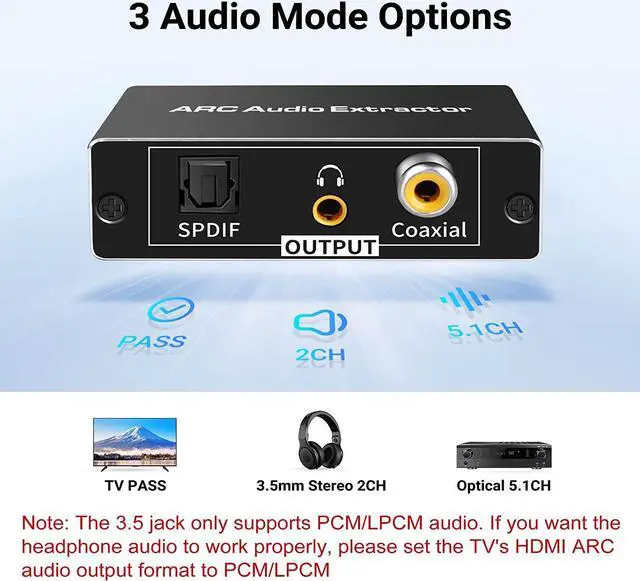
2.0ch/5.0CH Extractor: Input: HDMI ARC, Output: 3.5mm Jack,Toslink/SPDIF and Coaxial.Supports PCM5.1 / LPCM 2.0 Channel, HDMI ARC Input to 2.0CH 3.5mm jack or Optical/Coaxial 5.1 Output Headphone Output; Just Plug and Play

Dolby Digital Audio: Supports [email protected], [email protected], Dolby AC3,DSD,PCM,LPCM. (NOTE: It will not work with Dolby atmos/Dolby Digital Plus etc., Also please set the Audio Output to PCM or LPCM before Using)
Note:
Package List: