here!
here!
I’m your shopping assistant for PC builds, upgrades, and everything tech.
Got questions? Ask away!
Start a conversation
here!
I’m your shopping assistant for PC builds, upgrades, and everything tech.
Got questions? Ask away!
Start a conversation



Any questions? Ask CelesteSM will help you find out quickly.
How to prevent distortion and maintain mic gain level on my Yeti GX?
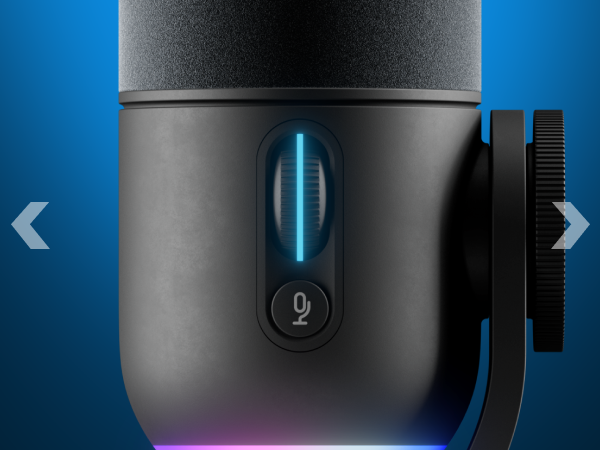
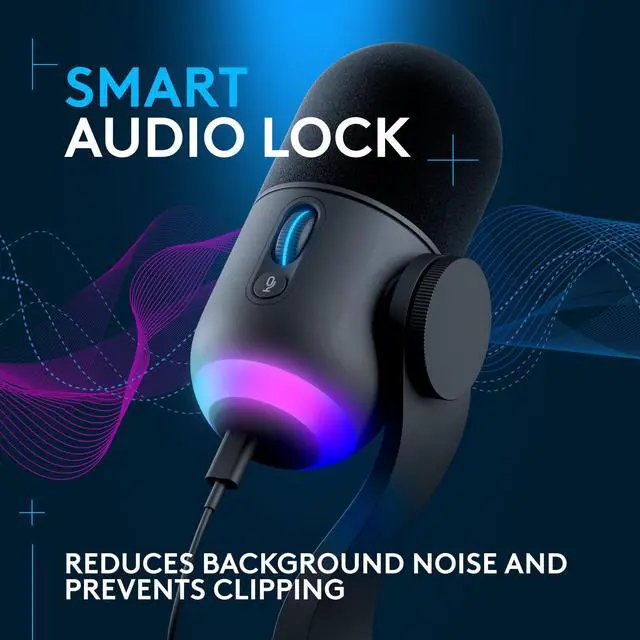
Yeti GX comes with a Smart Audio Lock that uses a built in professional quality audio processing to hold your level where it is, preventing it from clipping and distortion. To enable Smart Audio Lock, click the wheel after setting the gain level.
My Gaming mic won’t turn on.
Avoid using hubs/docks, especially if they have intermediate software for device detection and management. Test the device with a USB port directly on the computer. Mobile and tablet adapters may not provide adequate power or recognize the microphone
My Gaming mic does not pick up audio on my macOS computer.
Go to Apple > System Preferences>click the Sound icon. On the Input tab, click on the Mic to select it as your default input device.
My Gaming mic is not picking up audio on my Windows computer.
The microphone may not be selected as the default recording device. Set the device to the default device and then check that it works.
Do I need Logi G HUB software for my Yeti GX?
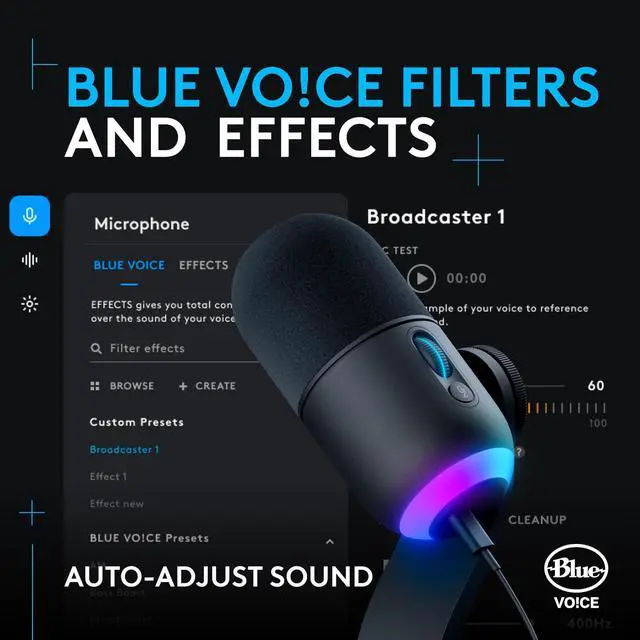
You can use your Yeti GX with or without G HUB software. However, you’ll need to install the software for firmware updates, to experience Blue VO!CE functionality, and if you want to customize LED lighting effects.

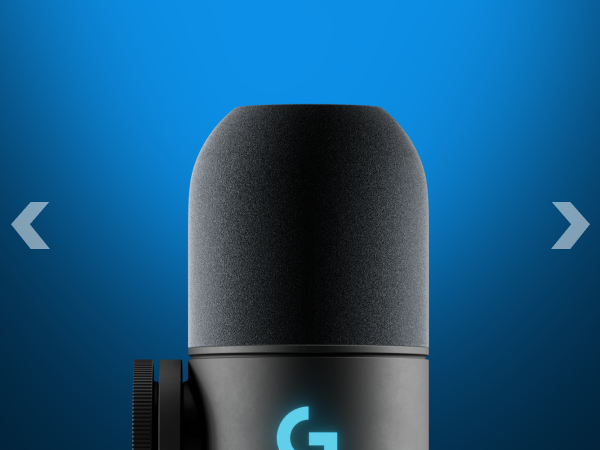
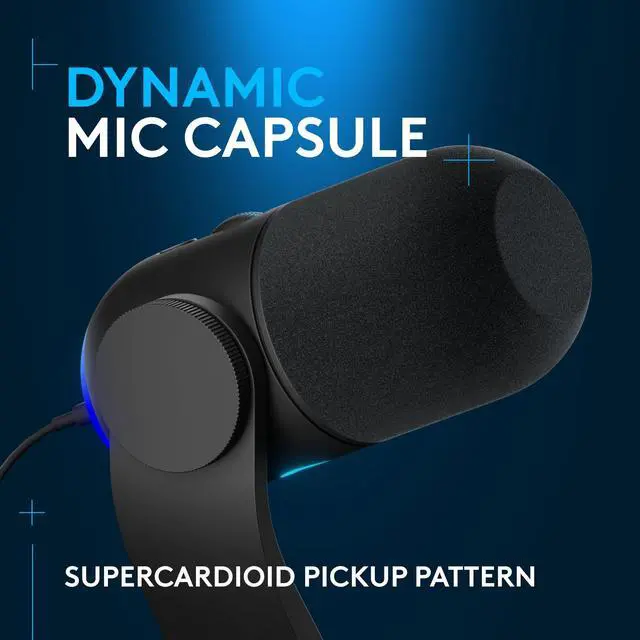
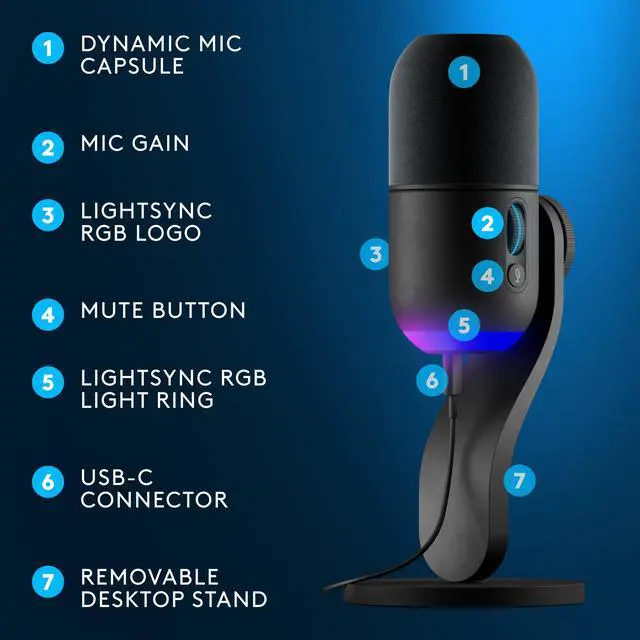
A dynamic mic capsule features a supercardioid pickup pattern for polished, broadcast-style sound.
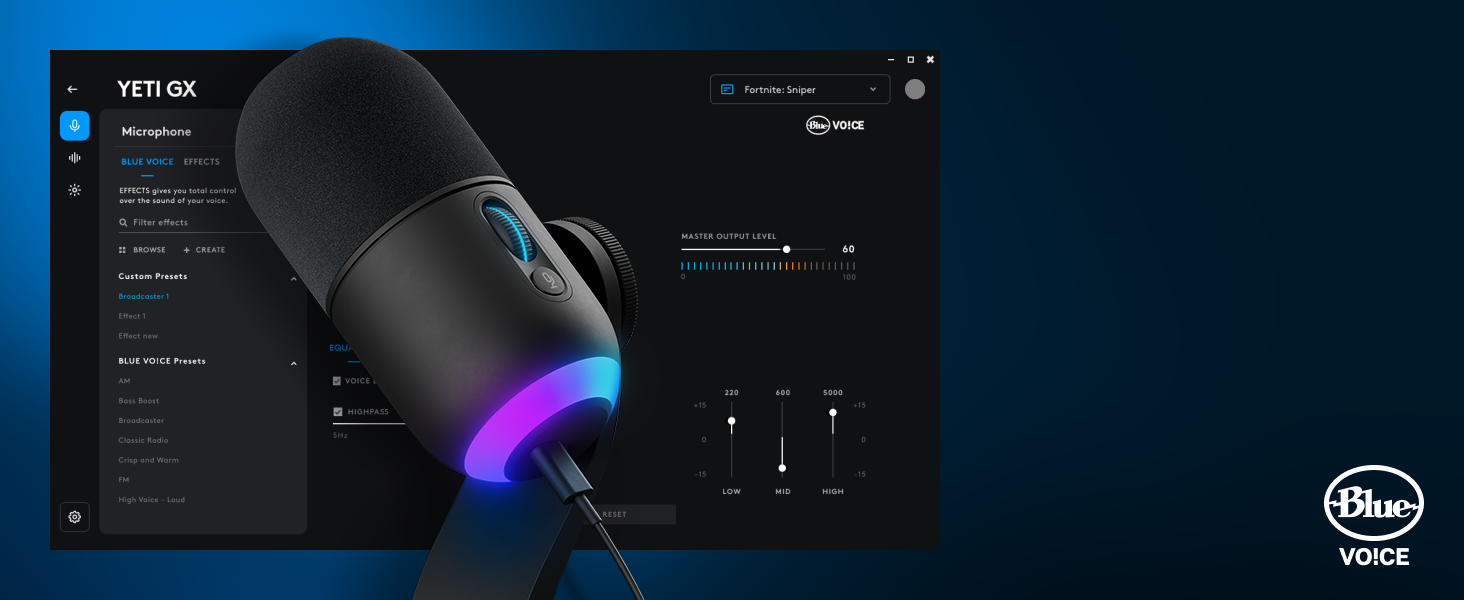
Blue VO!CE software protects against clipping so you can focus on finding your sound.
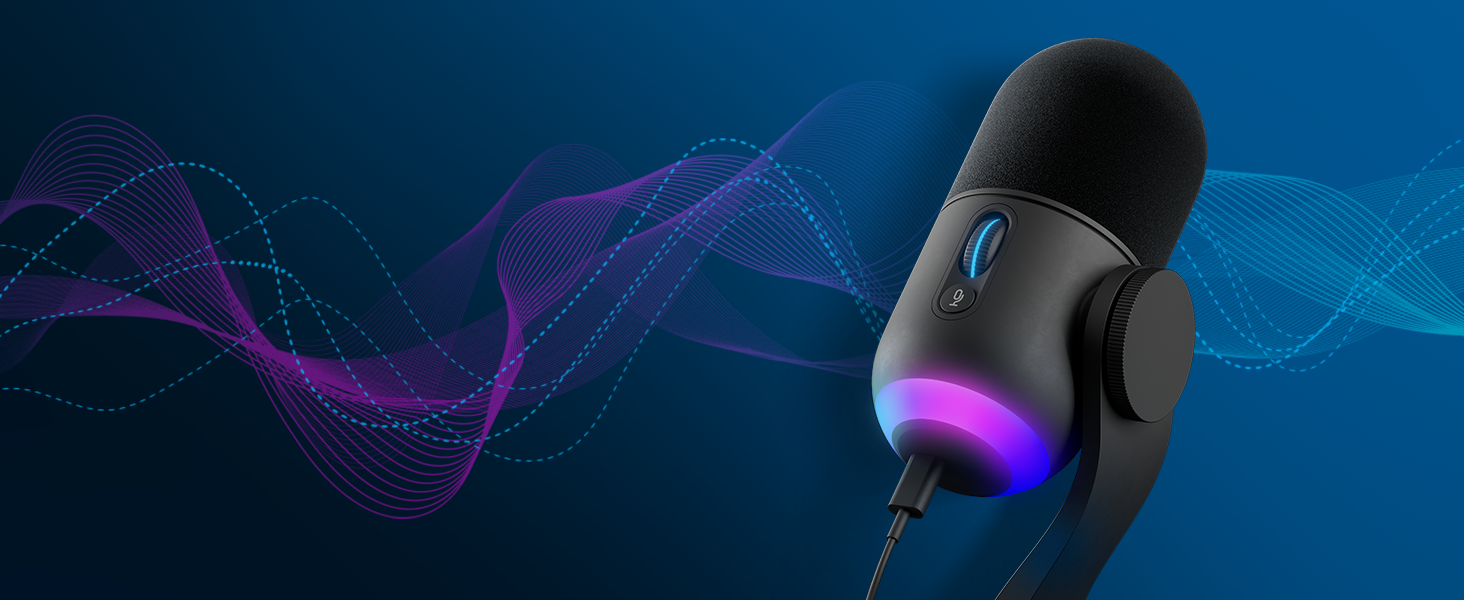
Smart Audio Lock: smartly adjusts your gain by using an analog limiter to prevent clipping and a downward expander to reduce ambient background noise.
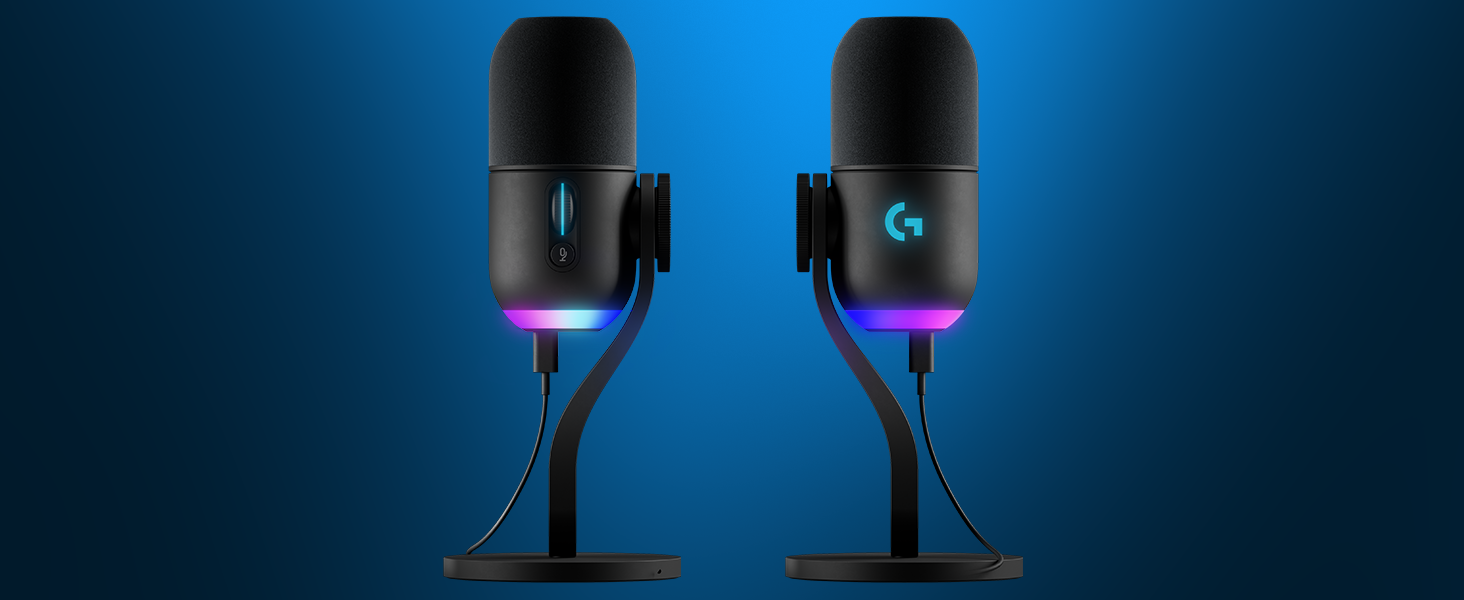
How to prevent distortion and maintain mic gain level on my Yeti GX?
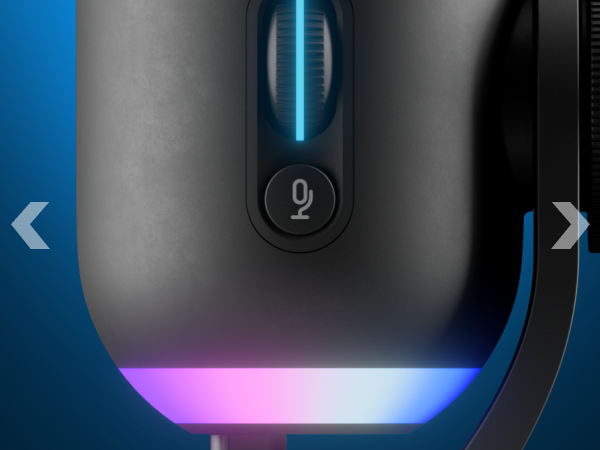
Yeti GX comes with a Smart Audio Lock that uses a built in professional quality audio processing to hold your level where it is, preventing it from clipping and distortion. To enable Smart Audio Lock, click the wheel after setting the gain level.
My Gaming mic won’t turn on.
Avoid using hubs/docks, especially if they have intermediate software for device detection and management. Test the device with a USB port directly on the computer. Mobile and tablet adapters may not provide adequate power or recognize the microphone
My Gaming mic does not pick up audio on my macOS computer.
Go to Apple > System Preferences>click the Sound icon. On the Input tab, click on the Mic to select it as your default input device.
My Gaming mic is not picking up audio on my Windows computer.
The microphone may not be selected as the default recording device. Set the device to the default device and then check that it works.
Do I need Logi G HUB software for my Yeti GX?
You can use your Yeti GX with or without G HUB software. However, you’ll need to install the software for firmware updates, to experience Blue VO!CE functionality, and if you want to customize LED lighting effects.
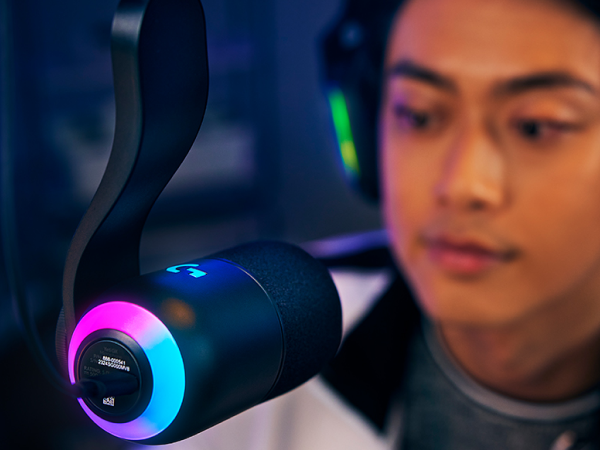
A dynamic mic capsule features a supercardioid pickup pattern for polished, broadcast-style sound.
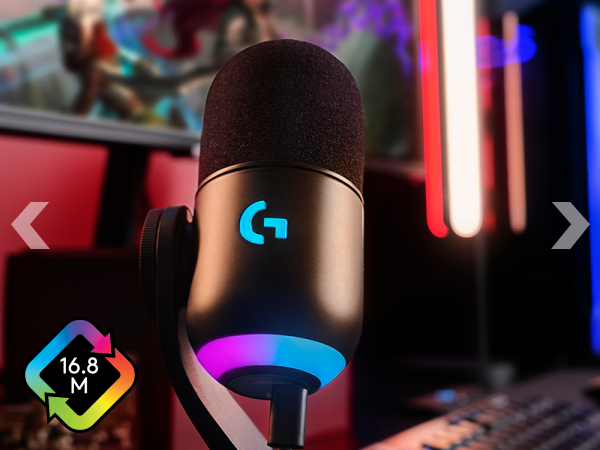
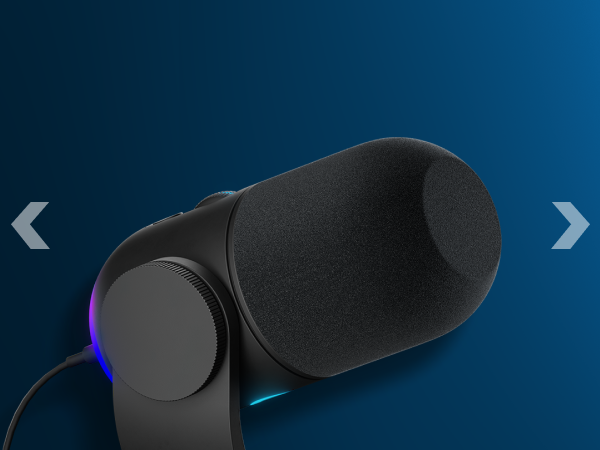
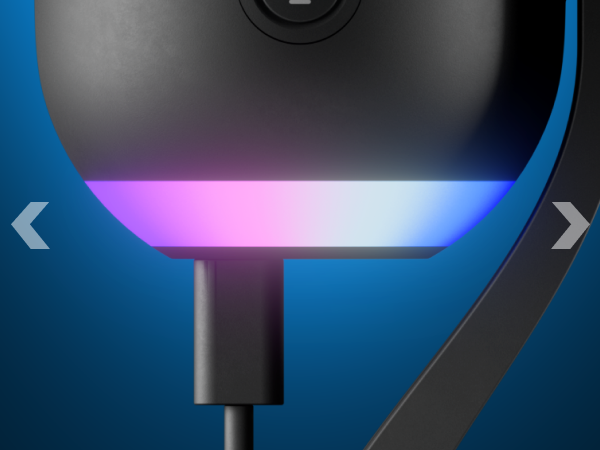
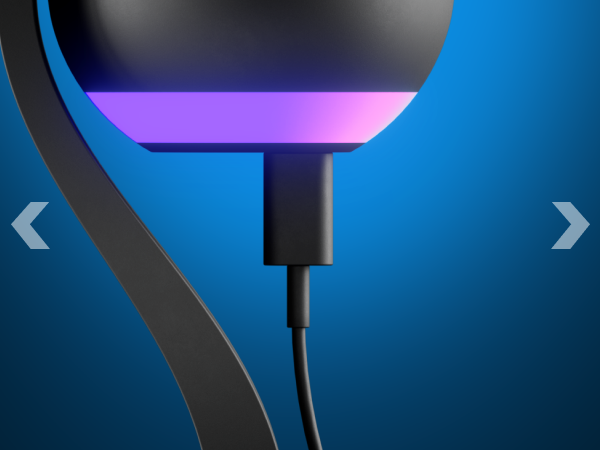
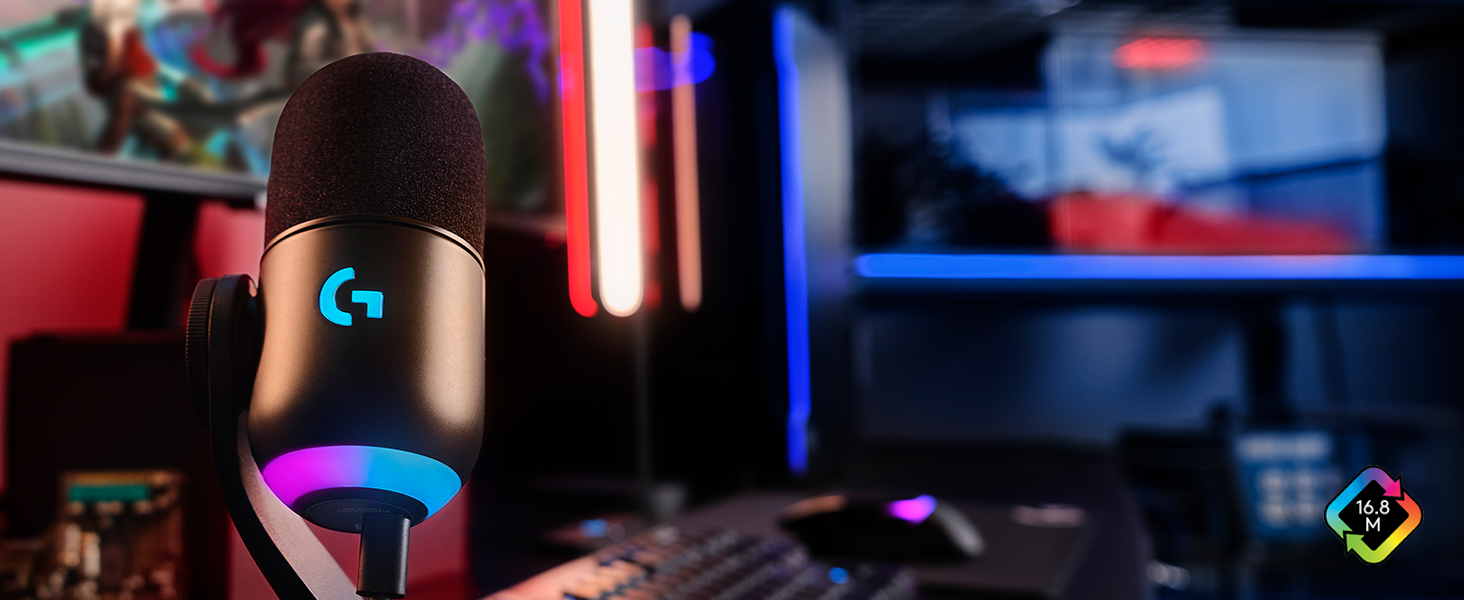
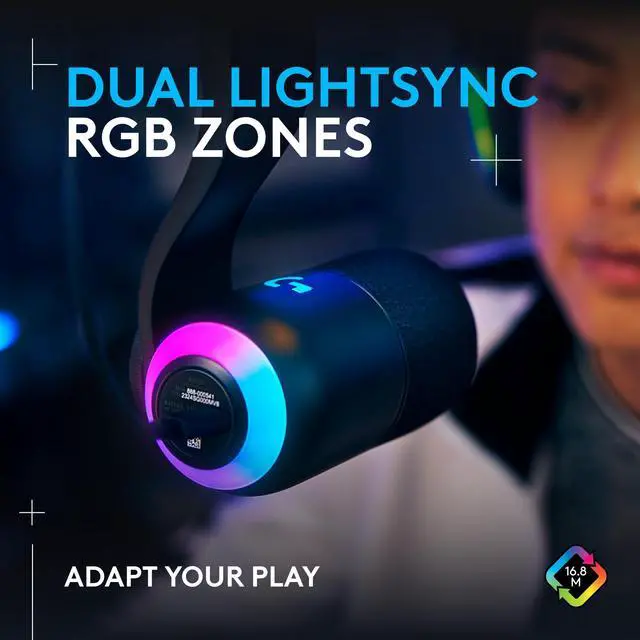
Customize two separate RGB zones with LIGHTSYNC for a fully immersive experience.
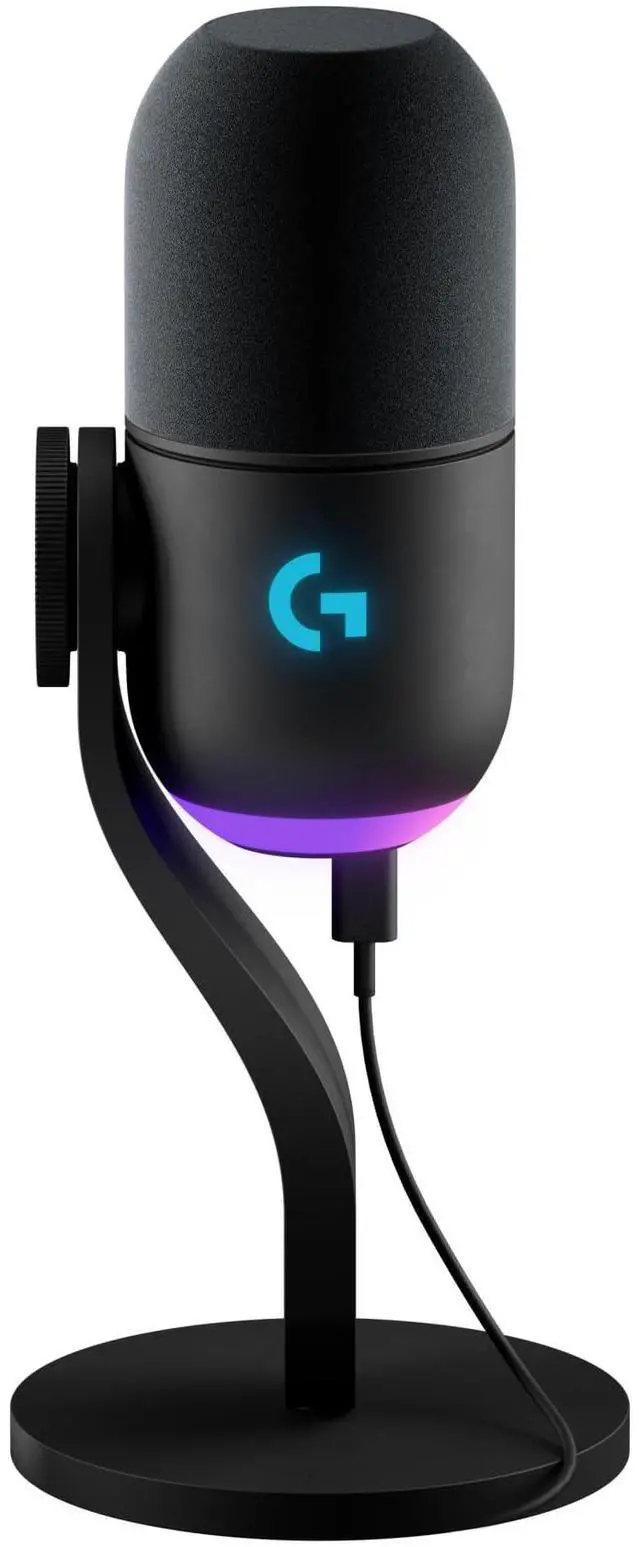
Engineered for broadcast-quality sound, designed with a sleek, clean aesthetic
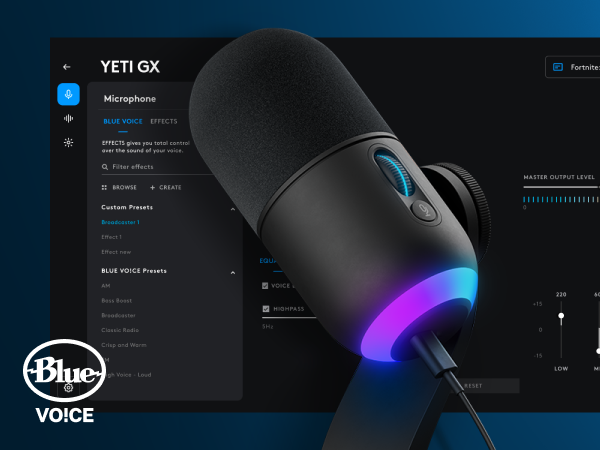
Blue VO!CE software protects against clipping so you can focus on finding your sound.
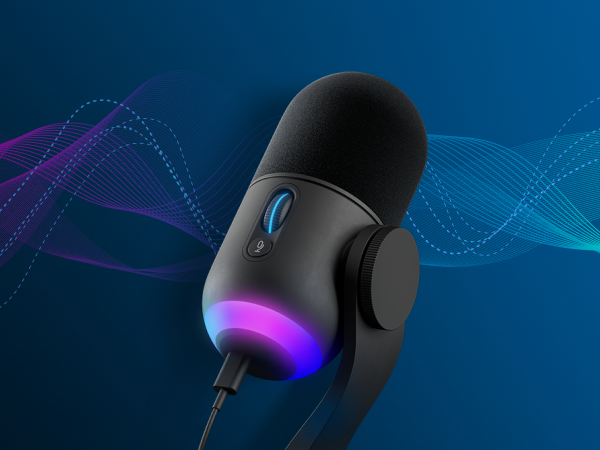
Smart Audio Lock: smartly adjusts your gain by using an analog limiter to prevent clipping and a downward expander to reduce ambient background noise.