




 here!
here!
I’m your shopping assistant for PC builds, upgrades, and everything tech.
Got questions? Ask away!
Start a conversation
here!
I’m your shopping assistant for PC builds, upgrades, and everything tech.
Got questions? Ask away!
Start a conversation




Any questions? Ask CelesteSM will help you find out quickly.
 Windows XP ModeRun many existing productivity and business programs designed for Windows XP – additional necessary software is available for download, free-of-charge from Microsoft.
 Save Time and Money Resolving IT IssuesTake advantage of the powerful diagnostics and troubleshooters built into Action Center to resolve many computer problems on your own.
 Interact with any Compatible Device Connected to Your ComputerDevice Stage makes connecting and working with devices easier than ever with a single interface to manage devices and run common tasks. Plus, the new Devices and Printers folder shows you everything connected to your PC, making it a handy way to check on a printer, music player, camera, mouse, or digital picture frame (just to name a few).
 Connect Multiple PCs, with or without a ServerUse Domain Join to connect PCs quickly and more securely to your wired or wireless domain network.
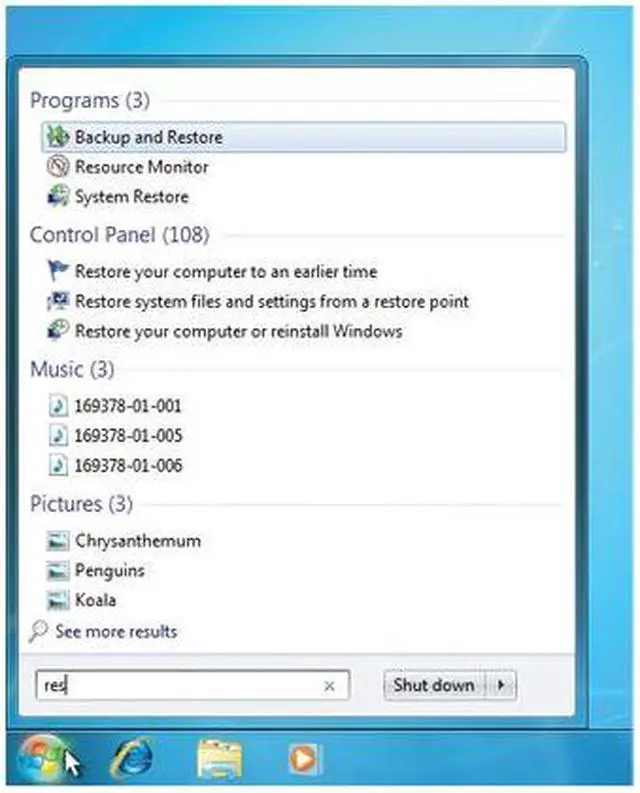
 Automatically Back up Your FilesProtect your data from user error, hardware failure, and other problems. You can back up your files to an external hard drive, secondary hard drive, writable CD or DVD, or to a network location.
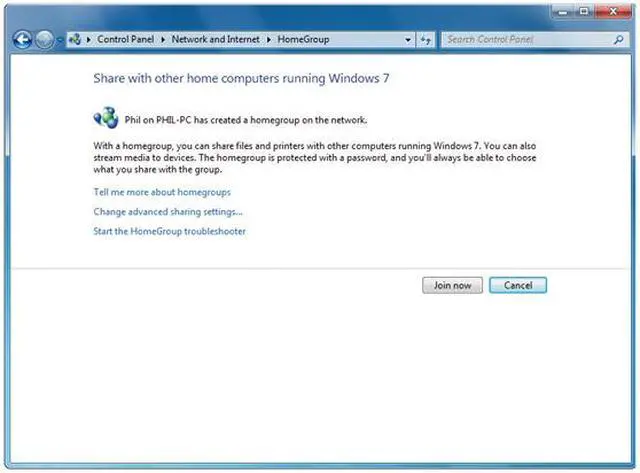
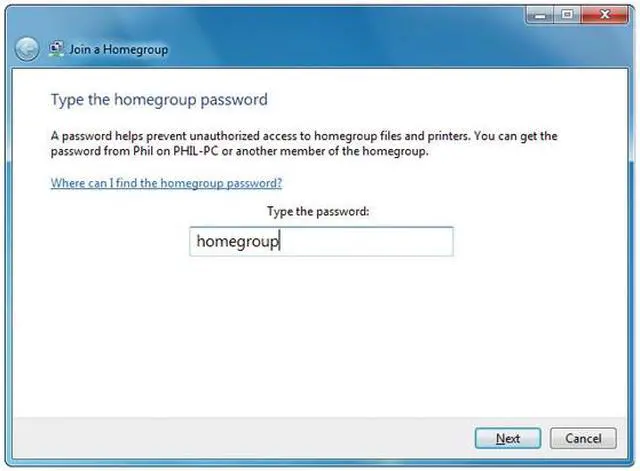
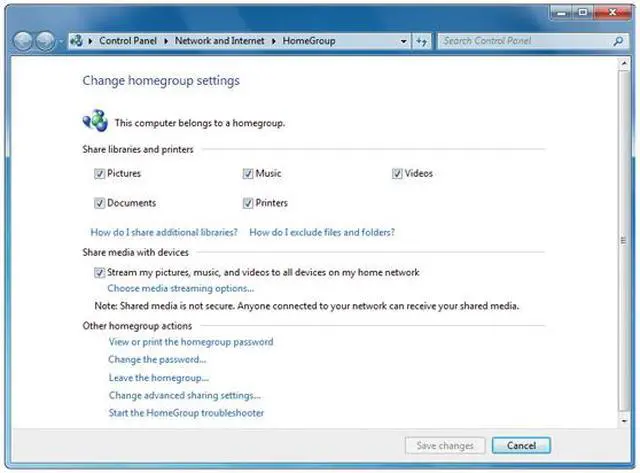
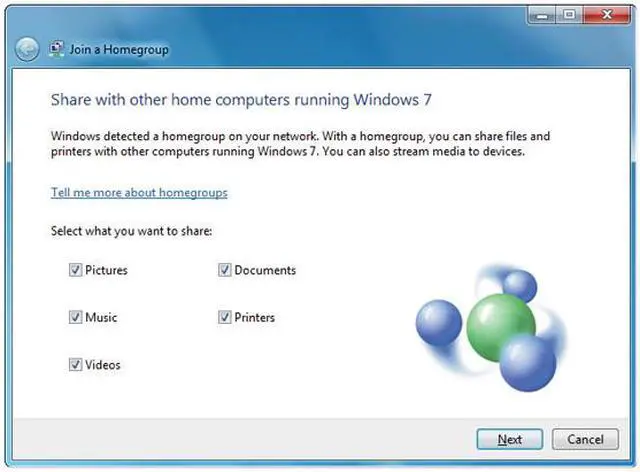
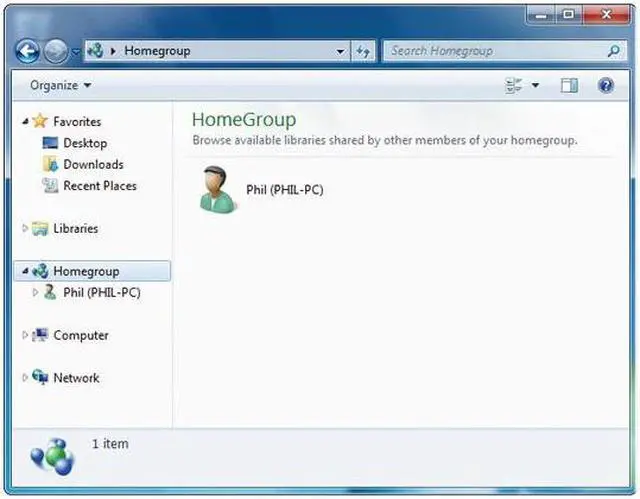
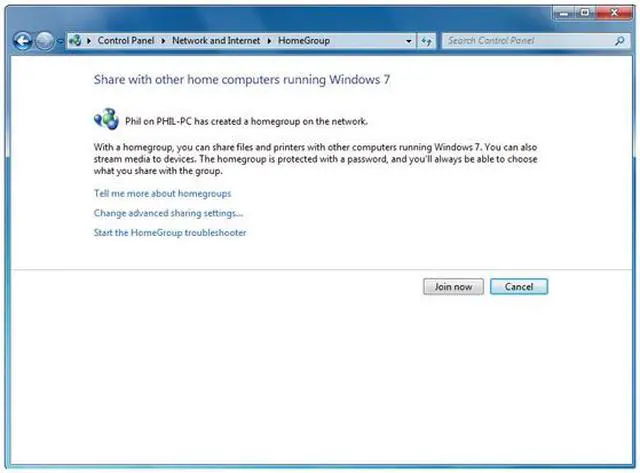
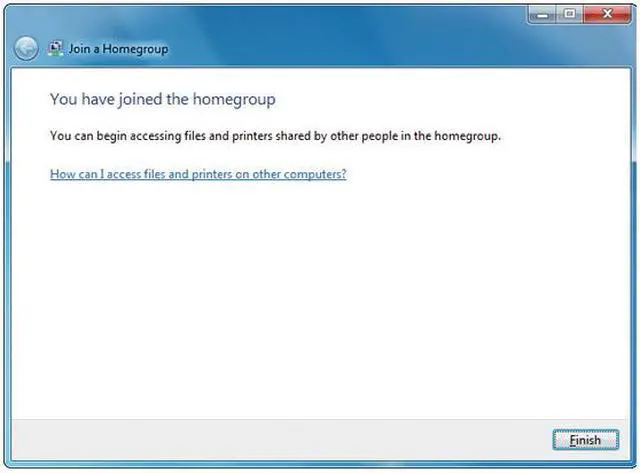
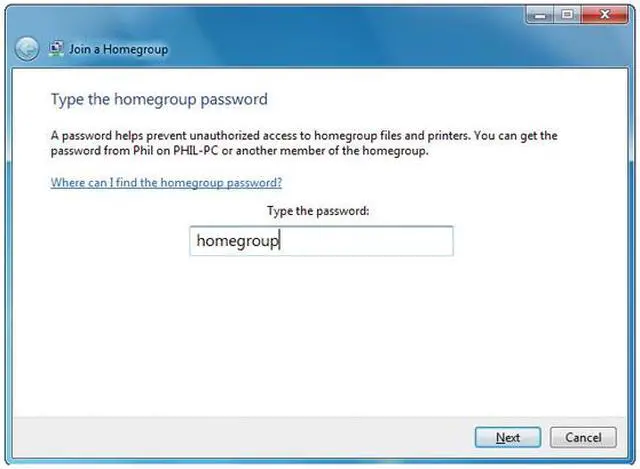
 Share Files across the Various PCs in Your HomeWith HomeGroup, it’s simple to share music, documents, printers, and everything else with the other PCs running Windows 7 throughout your house.






