here!
here!
I’m your shopping assistant for PC builds, upgrades, and everything tech.
Got questions? Ask away!
Start a conversation
here!
I’m your shopping assistant for PC builds, upgrades, and everything tech.
Got questions? Ask away!
Start a conversation




Any questions? Ask CelesteSM will help you find out quickly.
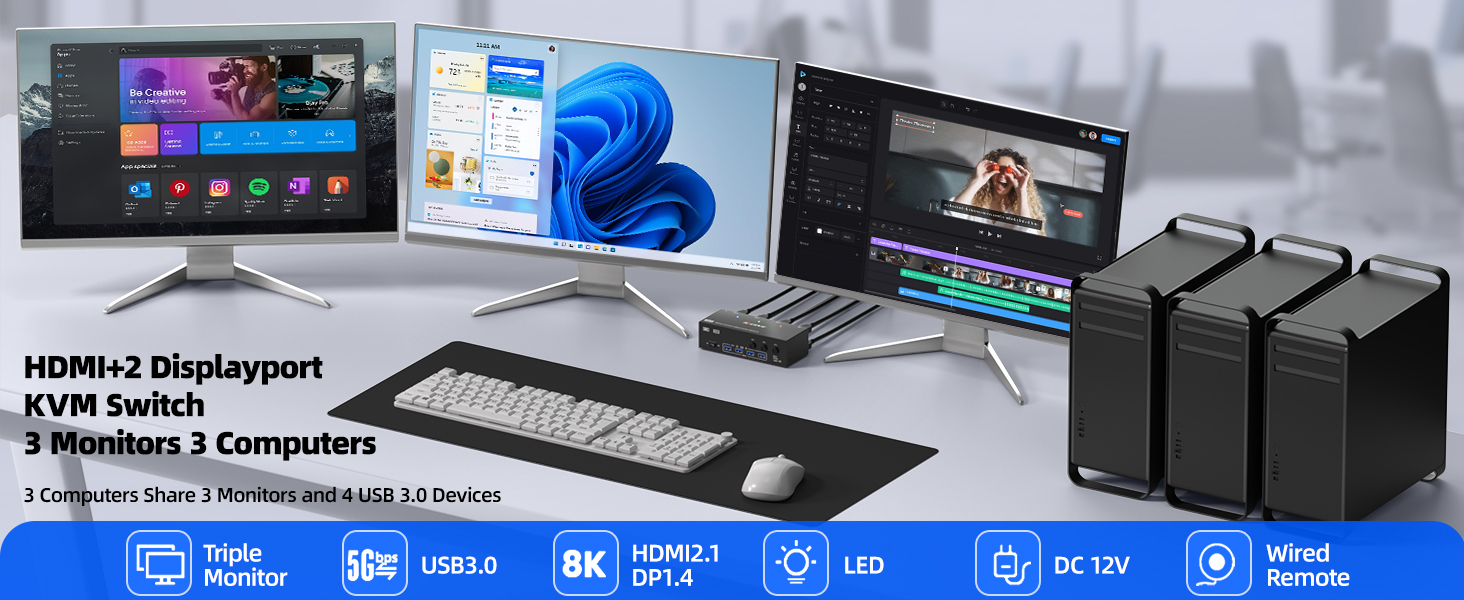
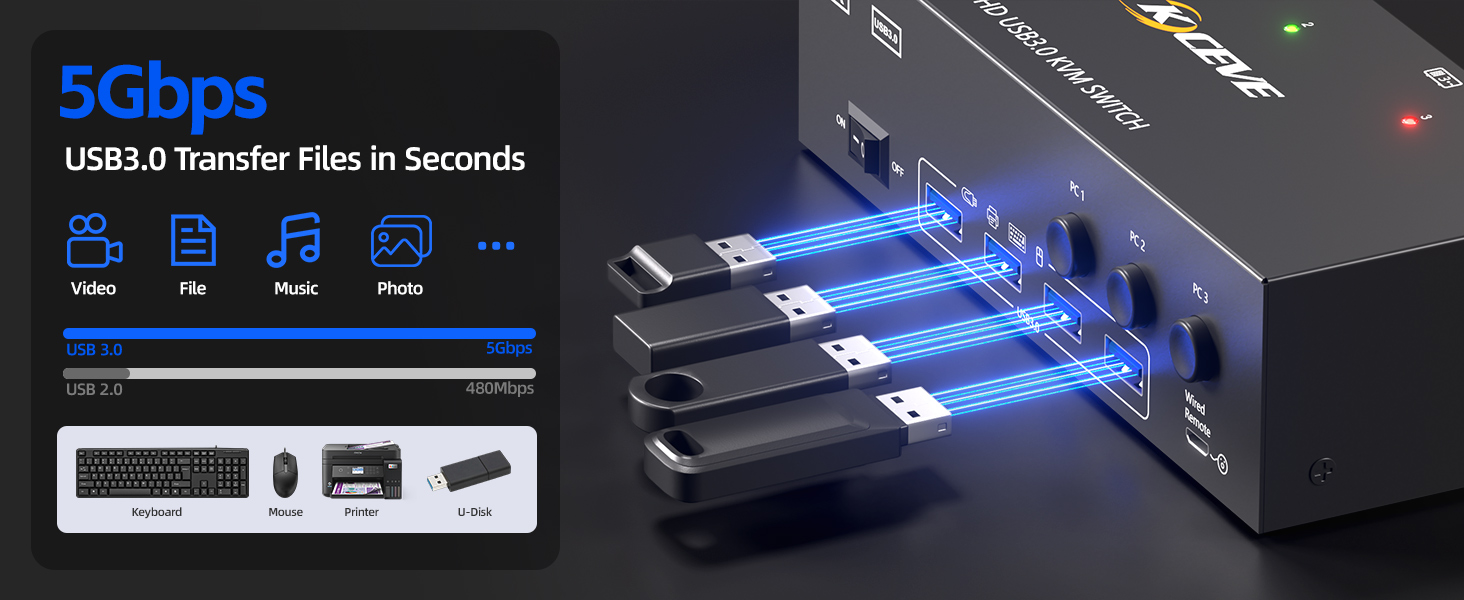
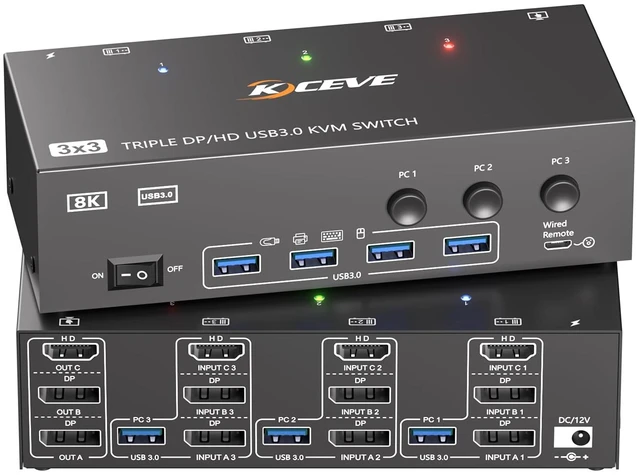
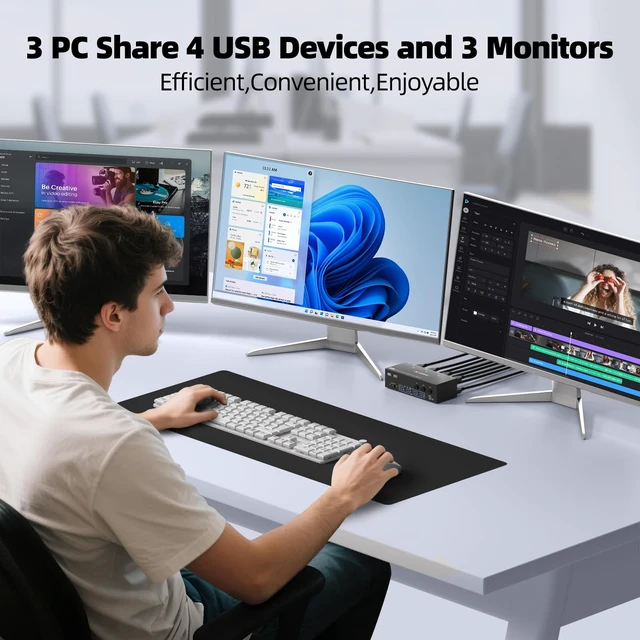
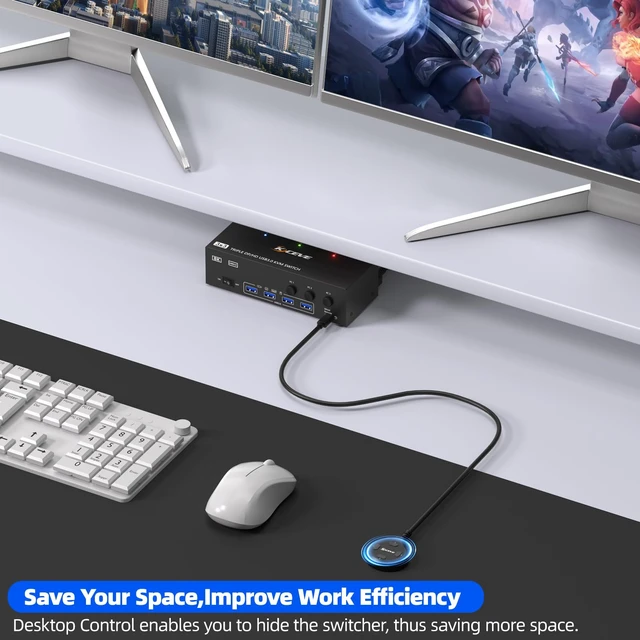
This triple monitor KVM switch can control up to 3 computers to share 3 monitors and 4 USB devices with just one set of keyboard and mouse. You can also use various combinations, such as 2 PC share 3 monitors,3 PC share 2 monitors, 2 PC share 1 monitor. etc.
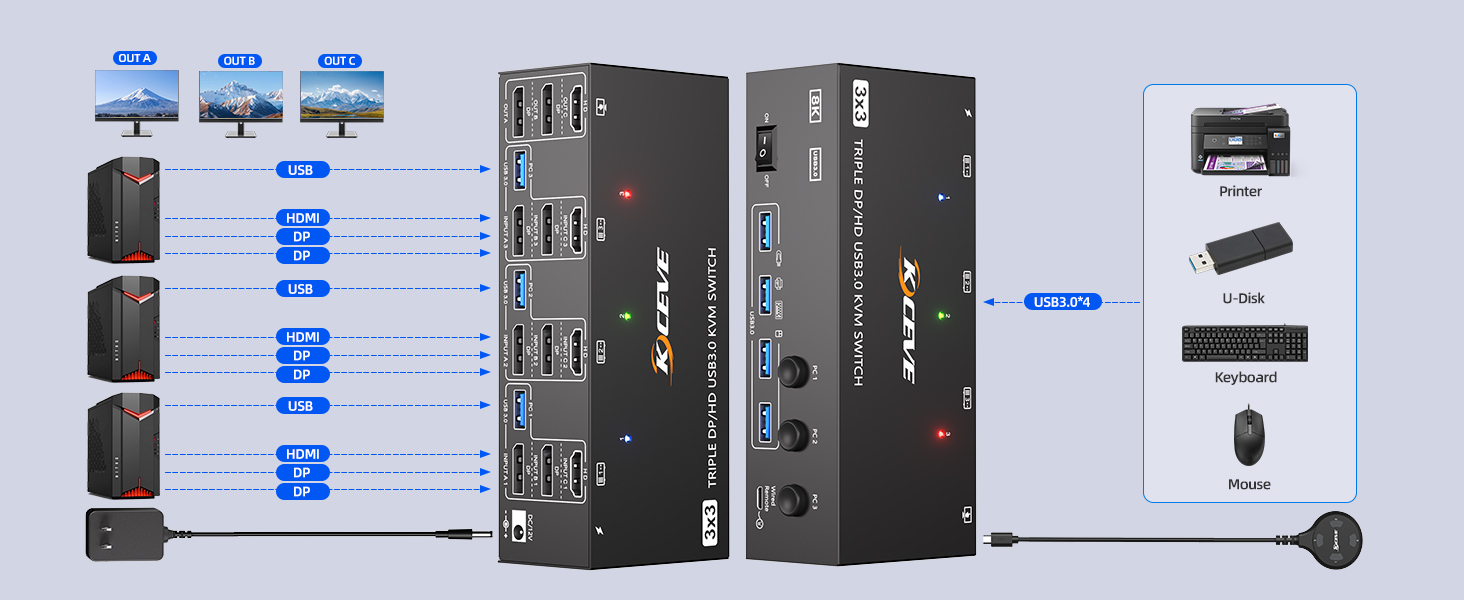
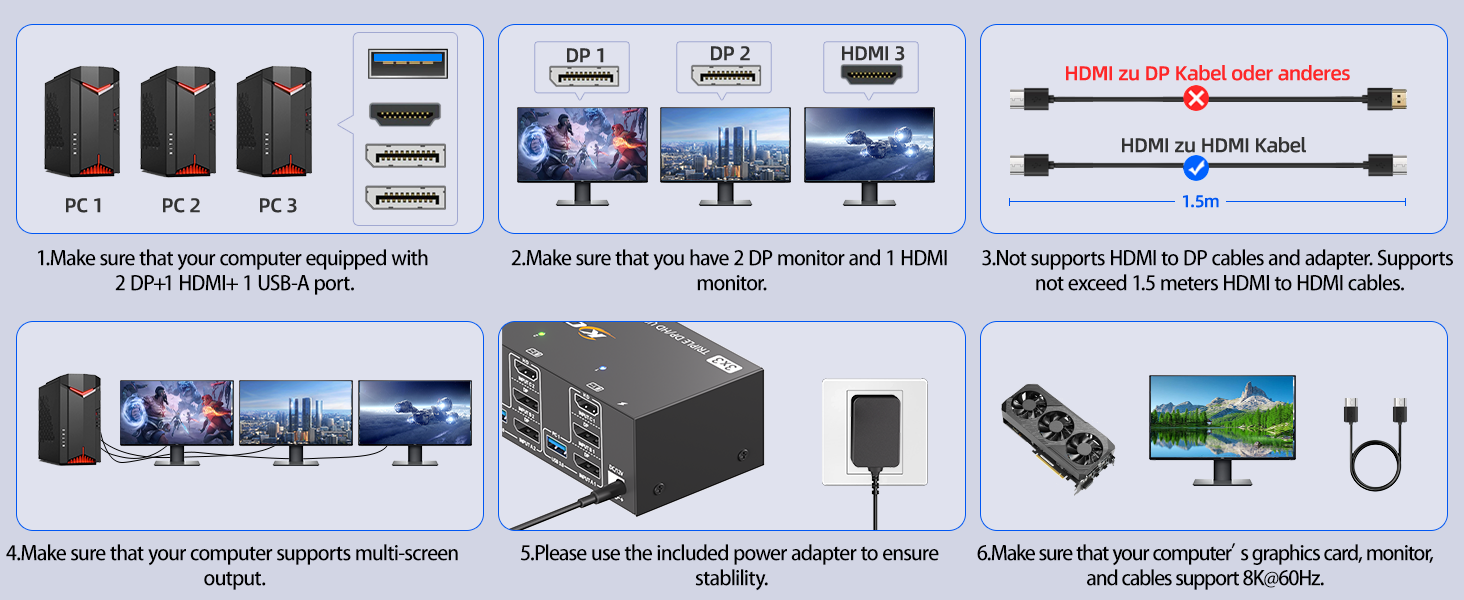
Connection Steps:
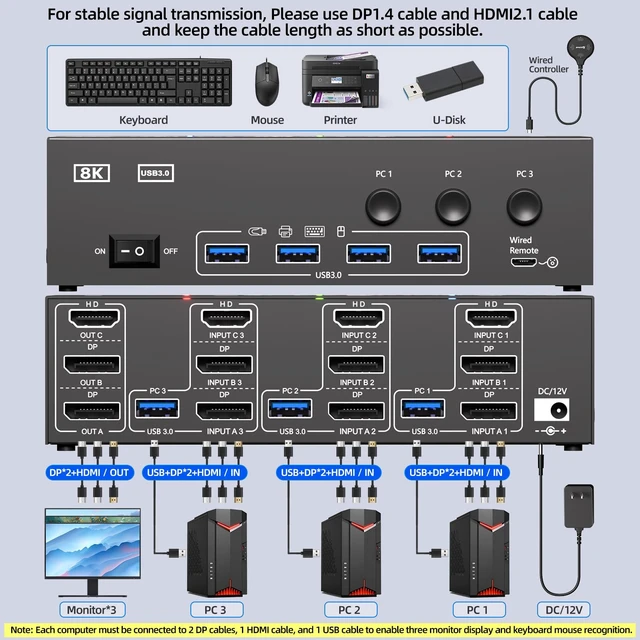
1. Connect 2*Displayport & 1* HDMI & 1* USB cables from PC1 to "INPUT A1, INPUT B1, INPUT C1 and USB-A (PC1) " separately
2. Connect 2*Displayport & 1* HDMI & 1* USB cables from PC2 to " INPUT A2, INPUT B2, INPUT C2 and USB-A (PC2)" separately
3. Connect 2*Displayport & 1* HDMI & 1* USB cables from PC3 to " INPUT A3, INPUT B3, INPUT C3 and USB-A (PC3)" separately
4. Connect 3 monitors to "OUT A" ?"OUT B"?“OUT C” seperately
5. Plug USB peripherals like keyboard mouse into the USB port on the front of the 3 monitors 3 computers KVM switch ; Plug the 12V power cable into "DC/12V" to supply external power for more stable performance
6. Insert the 1.5M wired remote controller; then turn on the 3 PCs 3 monitors KVM switch
Please Attention: (1) System Requirements & Setup Guide: For 3-monitor output: Requires a graphics card that supports 3 independent displays. And 2x DP and 1x HDMI cables should be connected from each computer to the KVM;(2) For USB function: Connect the included USB 3.0 cable from each computer to the KVM's rear USB-A port. Don't cross-connect
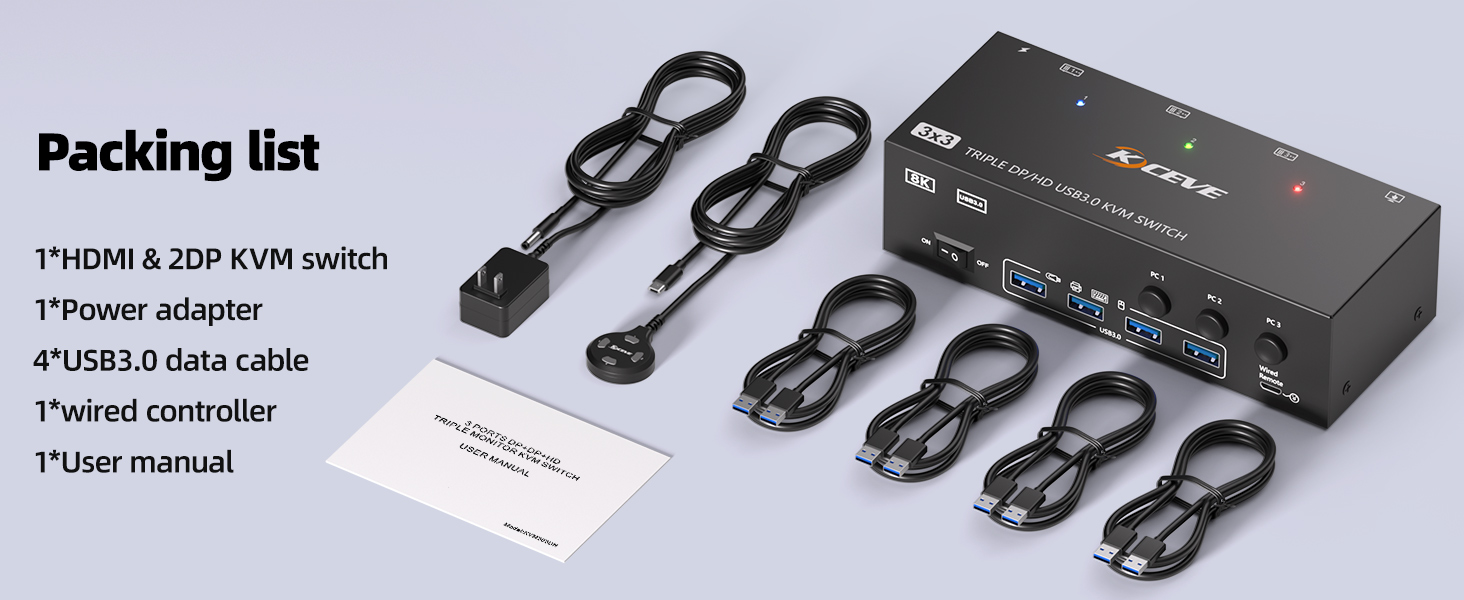
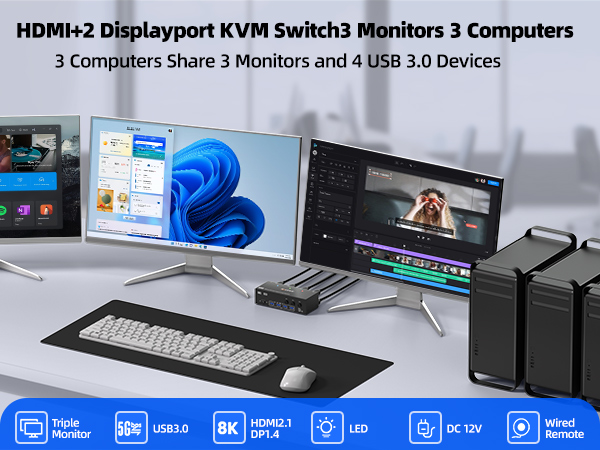
This triple monitor KVM switch can control up to 3 computers to share 3 monitors and 4 USB devices with just one set of keyboard and mouse. You can also use various combinations, such as 2 PC share 3 monitors,3 PC share 2 monitors, 2 PC share 1 monitor. etc.
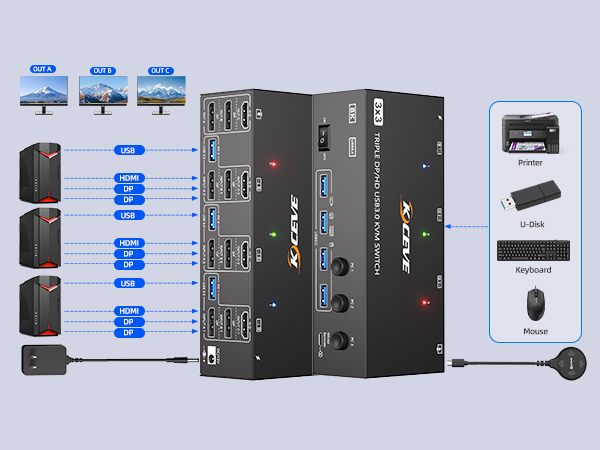
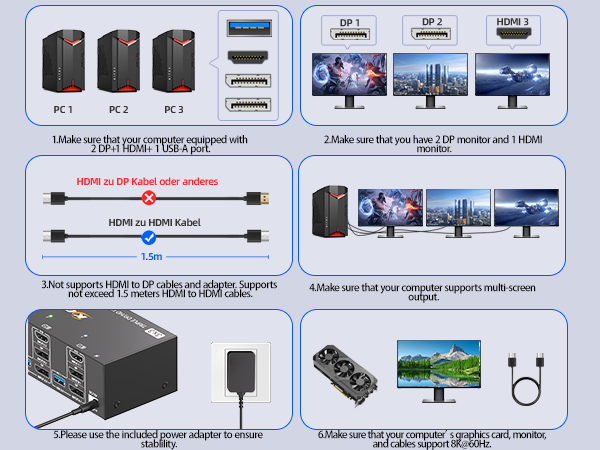
Connection Steps:
1. Connect 2*Displayport & 1* HDMI & 1* USB cables from PC1 to "INPUT A1, INPUT B1, INPUT C1 and USB-A (PC1) " separately
2. Connect 2*Displayport & 1* HDMI & 1* USB cables from PC2 to " INPUT A2, INPUT B2, INPUT C2 and USB-A (PC2)" separately
3. Connect 2*Displayport & 1* HDMI & 1* USB cables from PC3 to " INPUT A3, INPUT B3, INPUT C3 and USB-A (PC3)" separately
4. Connect 3 monitors to "OUT A" ?"OUT B"?“OUT C” seperately
5. Plug USB peripherals like keyboard mouse into the USB port on the front of the 3 monitors 3 computers KVM switch ; Plug the 12V power cable into "DC/12V" to supply external power for more stable performance
6. Insert the 1.5M wired remote controller; then turn on the 3 PCs 3 monitors KVM switch
Please Attention: (1) System Requirements & Setup Guide: For 3-monitor output: Requires a graphics card that supports 3 independent displays. And 2x DP and 1x HDMI cables should be connected from each computer to the KVM;(2) For USB function: Connect the included USB 3.0 cable from each computer to the KVM's rear USB-A port. Don't cross-connect
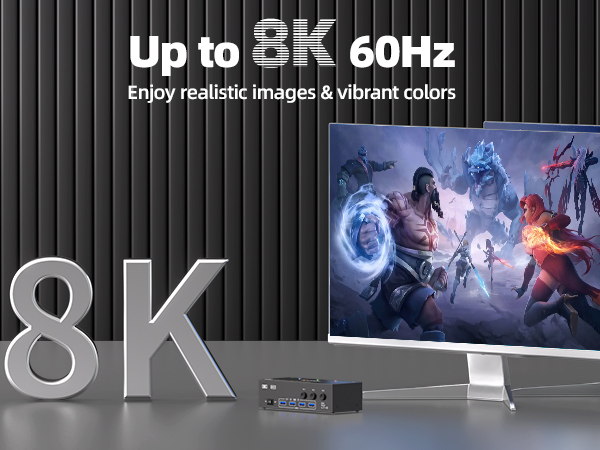
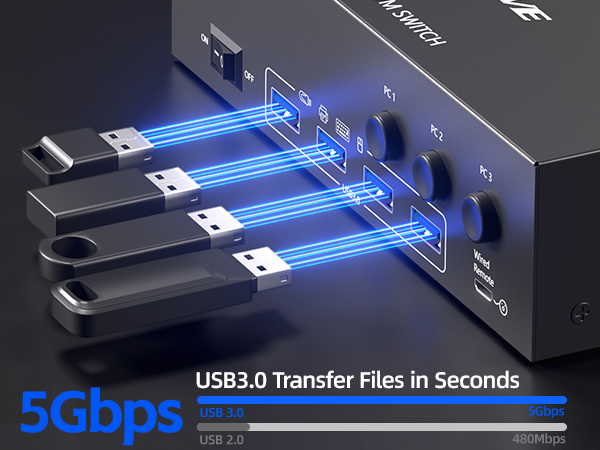
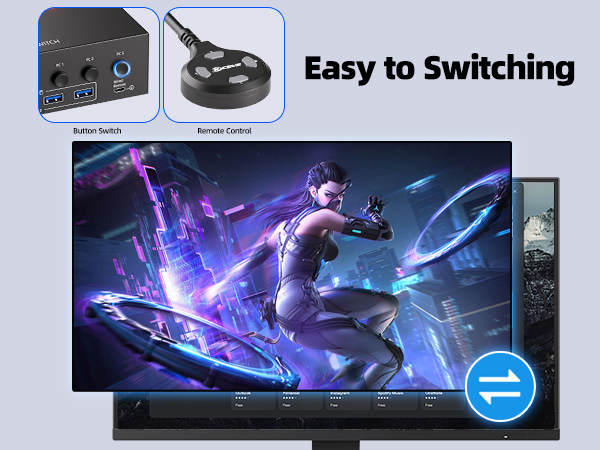
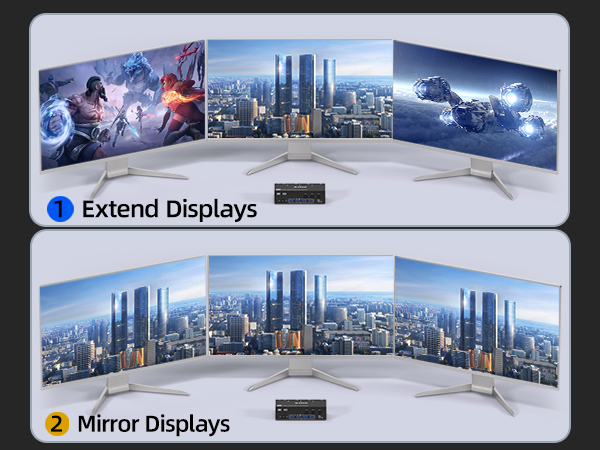
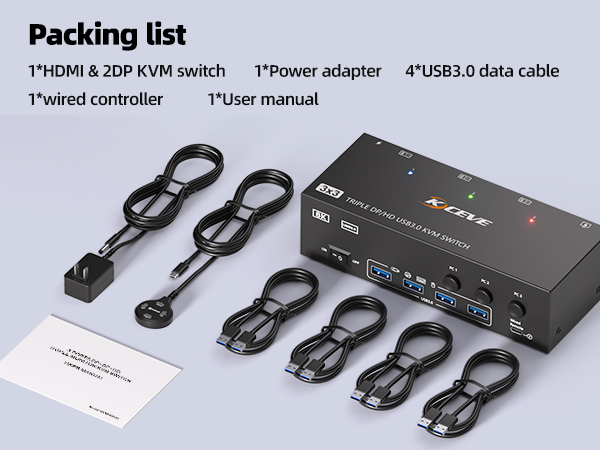
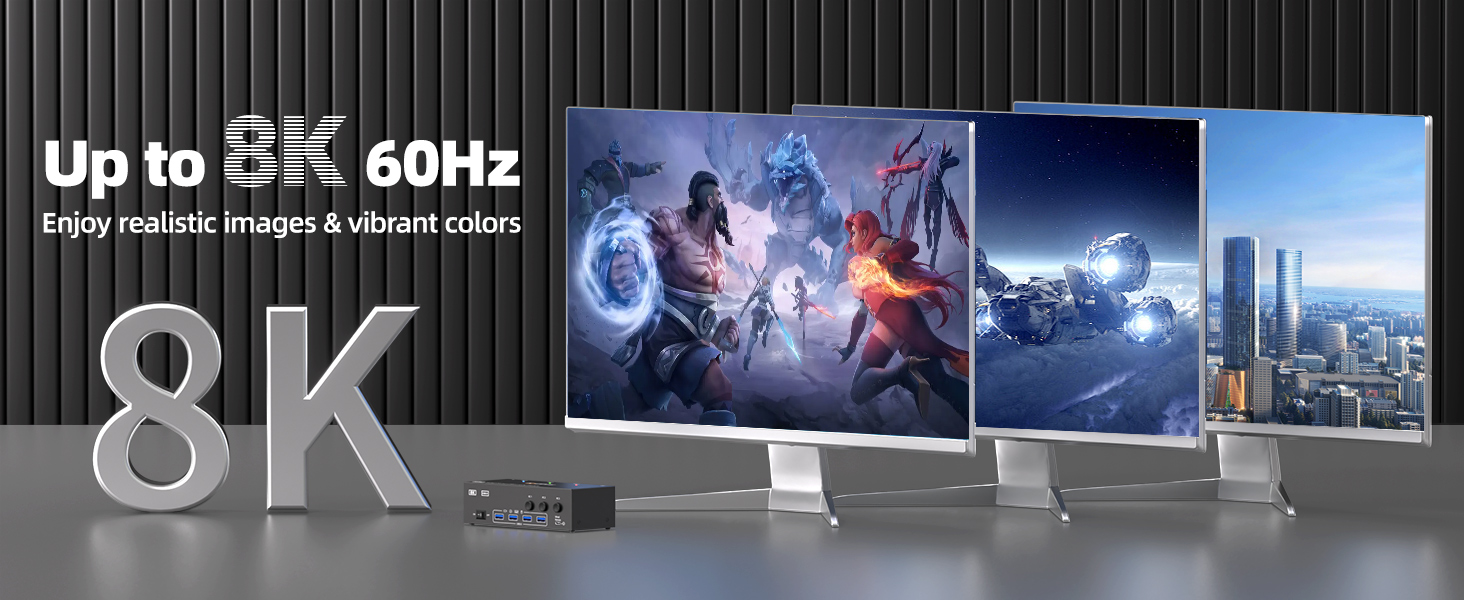
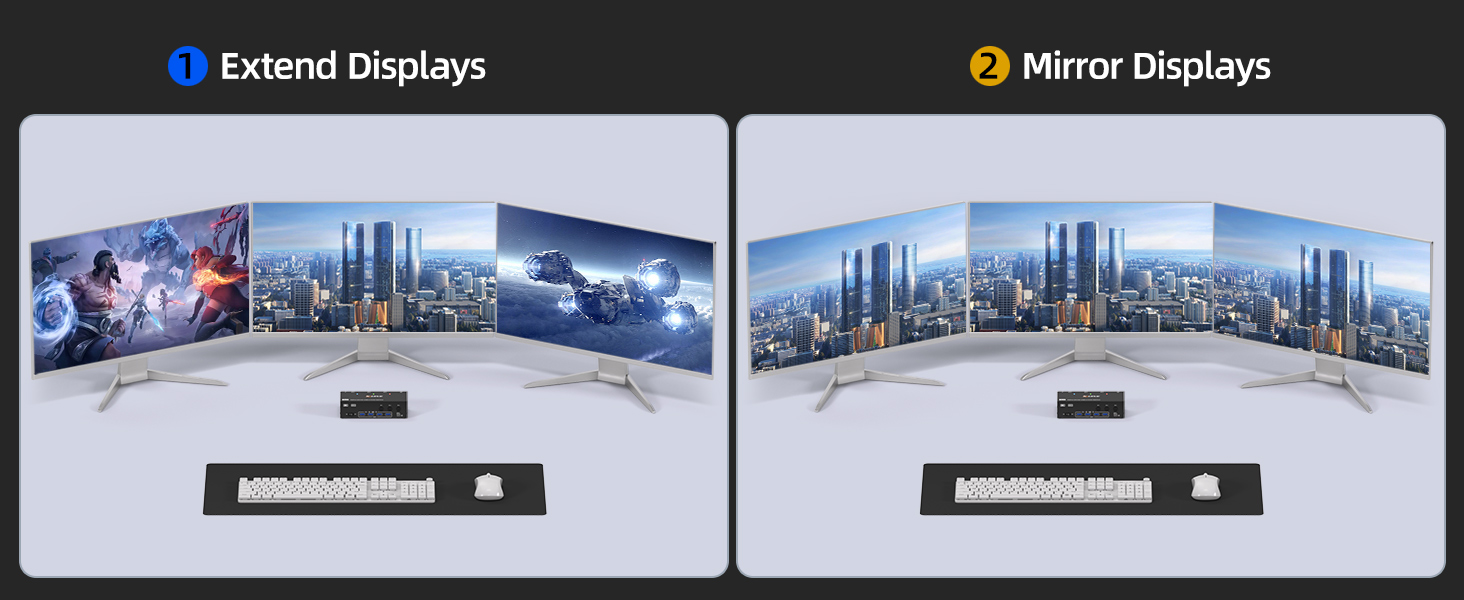
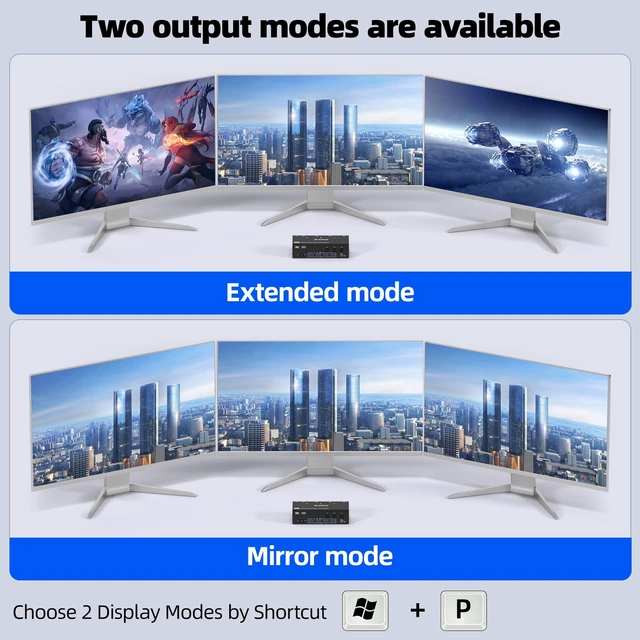
KVM Switch 3 PC 3 MonitorsThe HDMI Display port KVM Switch allows 3 PC to share 3 monitors and 4 USB peripherals, such as keyboards, mouse, printers, etc.(Supports extended Mode and copy Mode.) Note: Your computer's graphics card needs to be equipped with 2 DP ports and 1 HDMI port, and you need to use 2 monitors with DP ports and 1 monitor with HDMI port for proper display.
| Operation Mode | OFF-NONE-ON |
| Current Rating | 1 A |
| Operating Voltage | 5 volts |
| Contact Type | Normally Closed |
| Connector Type | Plug In |
| Brand | NAWEN |
| Switch Type | DIP Switch |
| Terminal | Solder |
| Material | Metal |
| Item dimensions L x W x H | 3.94 x 2.76 x 0.79 inches |
| Circuit Type | 1-way |
| Mounting Type | PCB Mount |
| Lower Temperature Rating | 50 °C |
| Upper Temperature Rating | 50 °C |
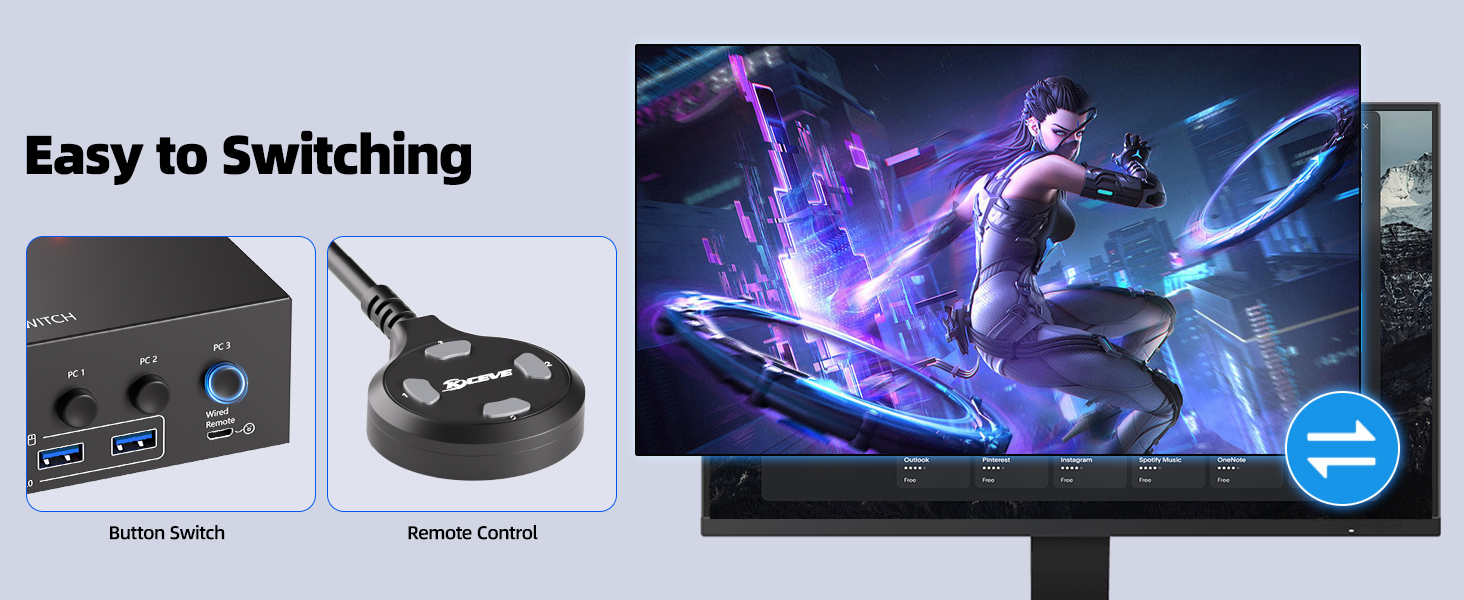
| Control Method | Push Button, Remote |
| Control Type | Manual |
| Compatible Devices | PC |
| Color | black |
| Item Dimensions | 3.94 x 2.76 x 0.79 inches |
| Unit Count | 650 Count |
| Material Type | Metal |
| Contact Material | Brass |
| International Protection Rating | IP00 |
| Specification Met | CCC |
| Brand Name | NAWEN |
| Model | XX-KVM303DH |
| Manufacturer | NAWEN |
| UPC | 760173733203 |
| Included Components | KVM |
| Part Number | XX-KVM303DH |