




 here!
here!
I’m your shopping assistant for PC builds, upgrades, and everything tech.
Got questions? Ask away!
Start a conversation
here!
I’m your shopping assistant for PC builds, upgrades, and everything tech.
Got questions? Ask away!
Start a conversation



Any questions? Ask CelesteSM will help you find out quickly.

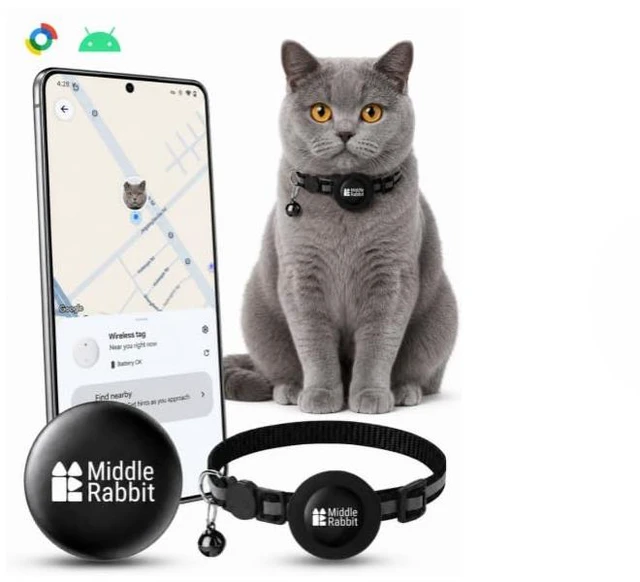
Comes with a matching cat collar


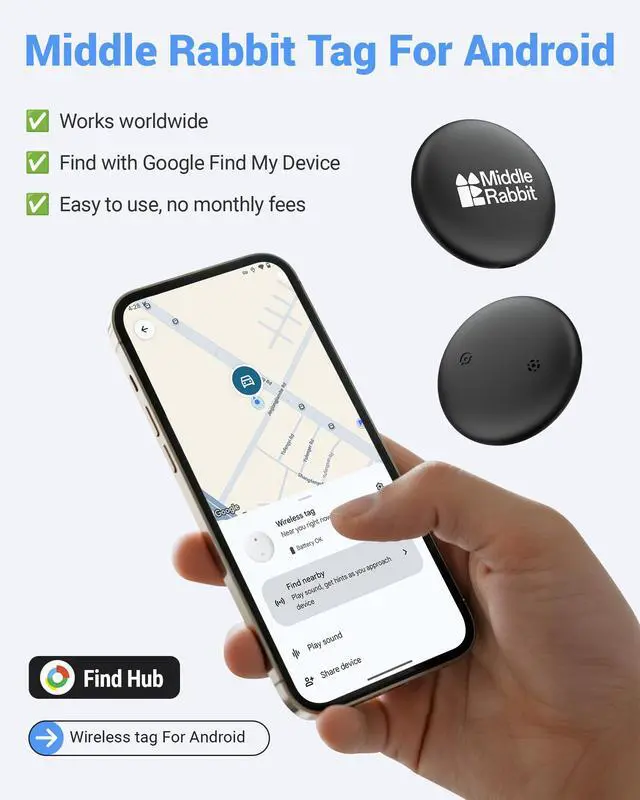
*Make sure your phone’s Bluetooth and network are both turned on.
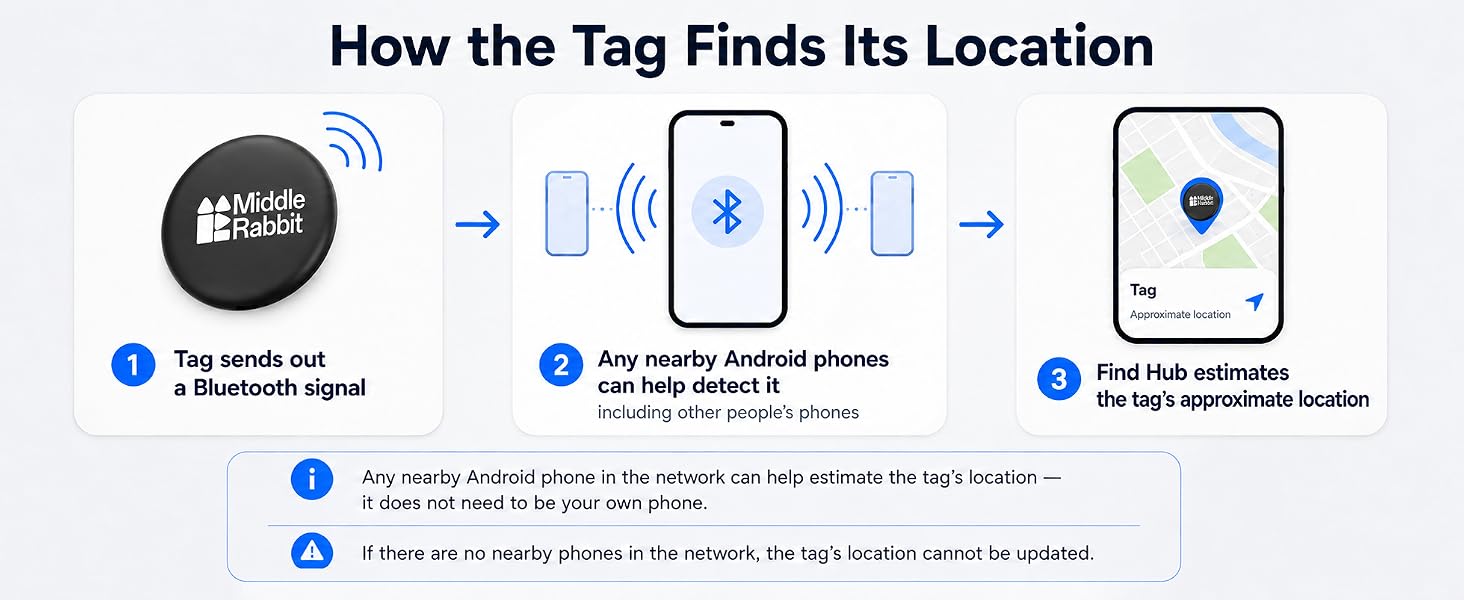
* All Tracker Tag on the market rely on any nearby smartphones (not just your own) to update their location
* If you need precise location updates every second, please do not buy this product — instead, consider a dedicated GPS tracker (larger and requires a monthly fee)
How do I power the tag on and off?
· To power ON:
Press and hold the button until you hear a long chime (like “ring-ring-ring-ring”).
· To power OFF:
Press and hold the button for 3-5 seconds, then release.
You will hear 2 short beeps.
My tag won’t connect — what should I do?
1. Make sure your phone’s Bluetooth and network are enabled.
2. Follow the manual to perform a factory reset on the tracker.
3. Go to your phone’s Settings ? Google ? All Services ? Devices ? Scan for nearby devices.
4. Watch video in product image.
How do I reset the tag to factory settings?
1. Double-click the button.
– You’ll hear 1 beep.
2. Then quickly tap the button 4 more times and on the 5th press, press and hold the button until you hear a long chime (like “ring-ring-ring-ring”).
Why is the location not updating or accurate?
Tag sends out a Bluetooth signal. Nearby anyone's phones help locate it by sharing their location. So if no phone is nearby, you won’t see a new location update. For real-time track, you’ll need a GPS tracker but they’re bigger and need monthly fee.
Need Help?
Just search “Middle Rabbit” on Google—we’re easy to find and ready to assist.

Comes with a matching cat collar


*Make sure your phone’s Bluetooth and network are both turned on.
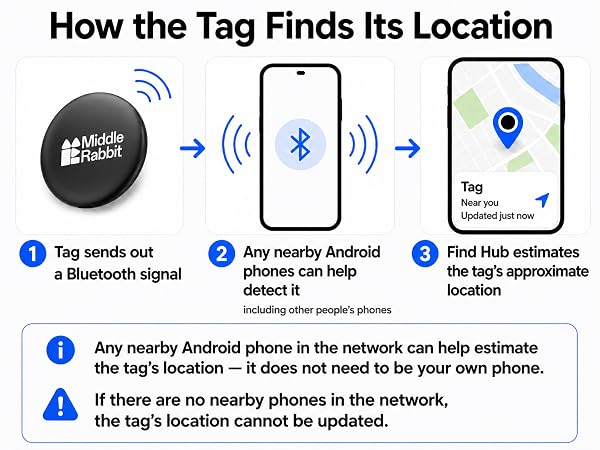
* All Tracker Tag on the market rely on any nearby smartphones (not just your own) to update their location
* If you need precise location updates every second, please do not buy this product — instead, consider a dedicated GPS tracker (larger and requires a monthly fee)
How do I power the tag on and off?
· To power ON:
Press and hold the button until you hear a long chime (like “ring-ring-ring-ring”).
· To power OFF:
Press and hold the button for 3-5 seconds, then release.
You will hear 2 short beeps.
My tag won’t connect — what should I do?
1. Make sure your phone’s Bluetooth and network are enabled.
2. Follow the manual to perform a factory reset on the tracker.
3. Go to your phone’s Settings ? Google ? All Services ? Devices ? Scan for nearby devices.
4. Watch video in product image.
How do I reset the tag to factory settings?
1. Double-click the button.
– You’ll hear 1 beep.
2. Then quickly tap the button 4 more times and on the 5th press, press and hold the button until you hear a long chime (like “ring-ring-ring-ring”).
Why is the location not updating or accurate?
Tag sends out a Bluetooth signal. Nearby anyone's phones help locate it by sharing their location. So if no phone is nearby, you won’t see a new location update. For real-time track, you’ll need a GPS tracker but they’re bigger and need monthly fee.
Need Help?
Just search “Middle Rabbit” on Google—we’re easy to find and ready to assist.





