




 here!
here!
I’m your shopping assistant for PC builds, upgrades, and everything tech.
Got questions? Ask away!
Start a conversation
here!
I’m your shopping assistant for PC builds, upgrades, and everything tech.
Got questions? Ask away!
Start a conversation








Any questions? Ask CelesteSM will help you find out quickly.


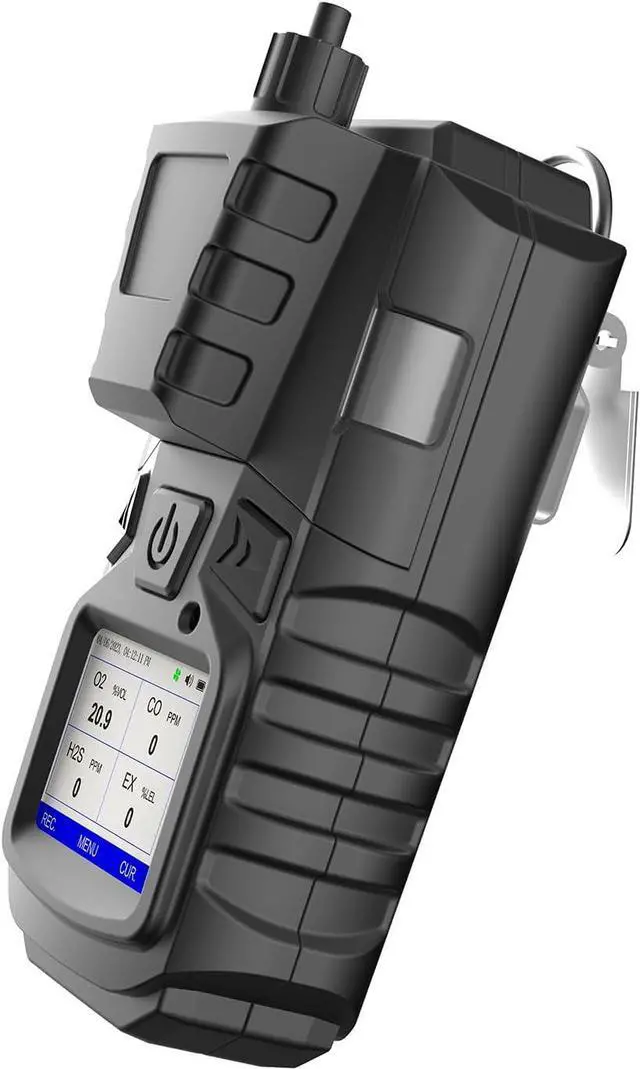
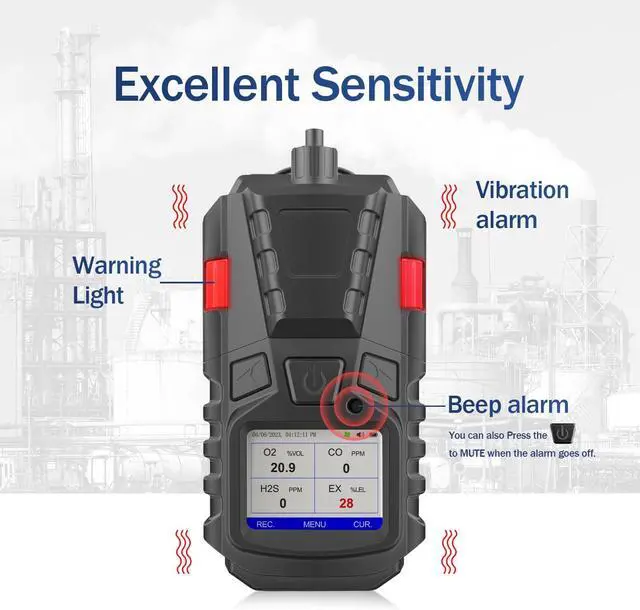
Press the left or right button, and press the middle button to enter. In the settings function, use the right button to select from the time setting, backlight setting, language setting, and air pump setting

To access the alarm setting, select the gas type to be set by pressing the right button, and press the middle button to select it. Set the parameters for low alarm, high alarm, STEL, TWA, MAX and press the middle button to save the settings.

Select the left button from the main menu, and press it to display the gas type. Use the buttons to select the gas type you want to view, and press the middle button to display the records for that gas type, such as oxygen

Select the right button from the main menu, and press it to display the gas type. Use the buttons to select the gas type you want to view, and press the middle button to display the curve for that gas type, such as oxygen


