here!
here!
I’m your shopping assistant for PC builds, upgrades, and everything tech.
Got questions? Ask away!
Start a conversation
here!
I’m your shopping assistant for PC builds, upgrades, and everything tech.
Got questions? Ask away!
Start a conversation



Any questions? Ask CelesteSM will help you find out quickly.
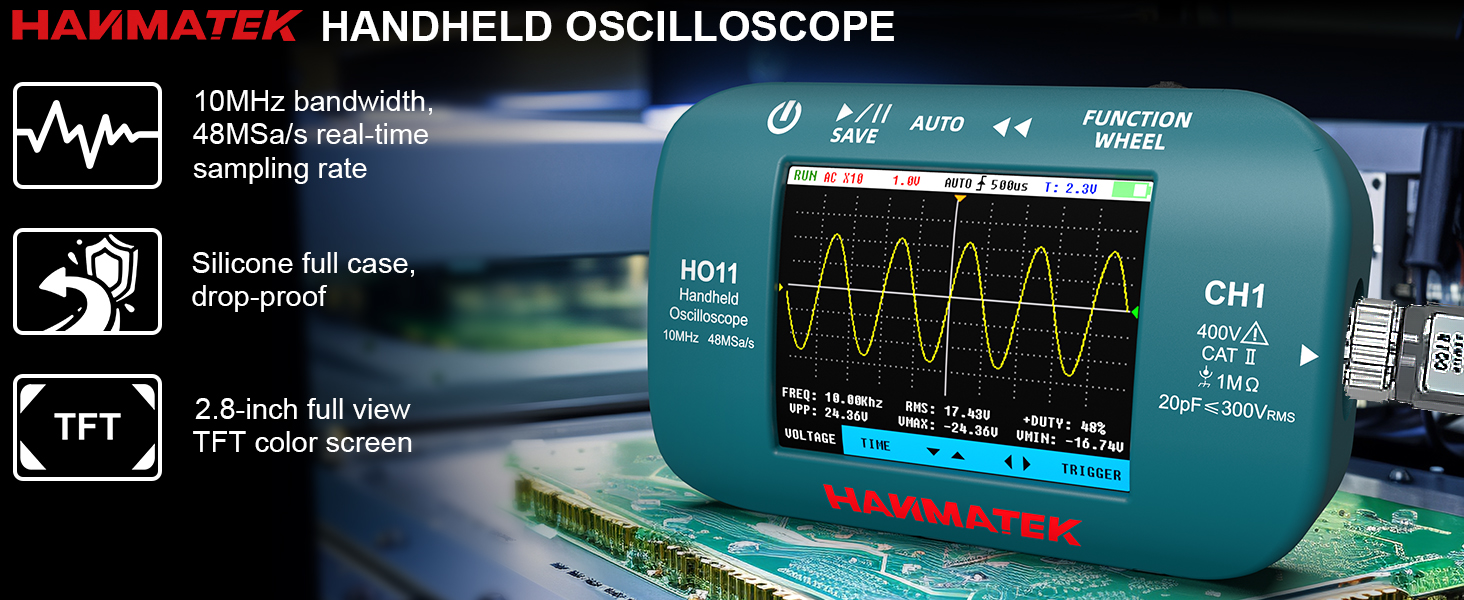
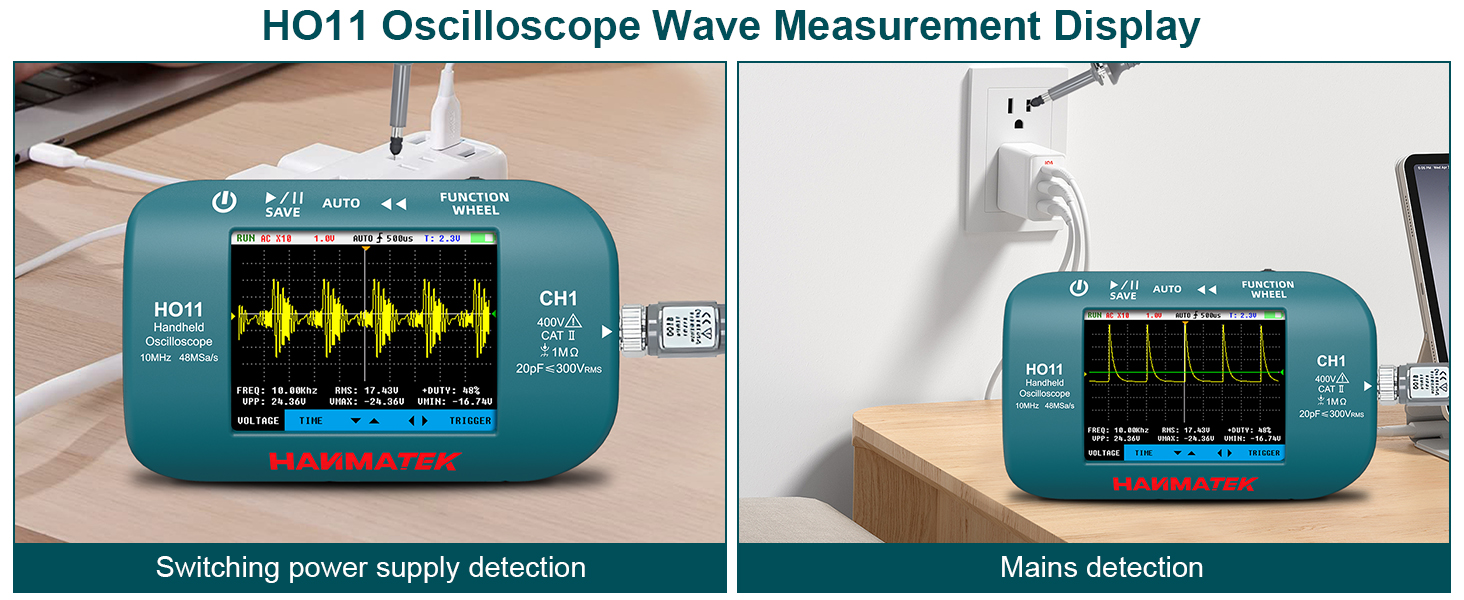
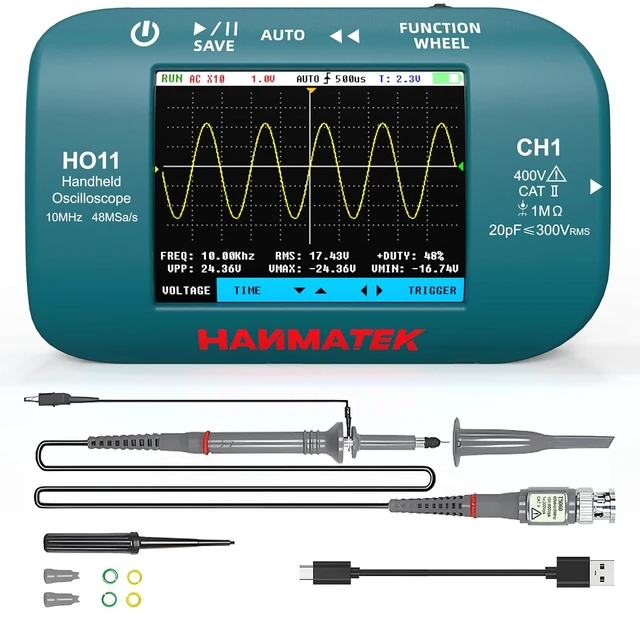
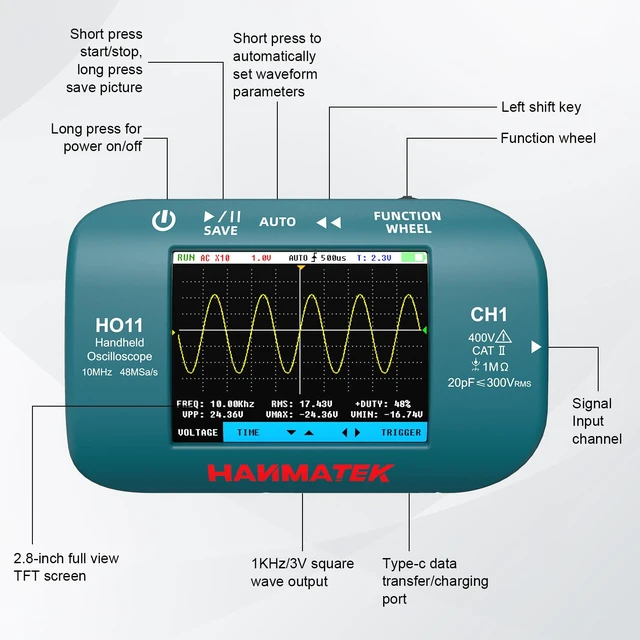
In the main interface, a short press serves as the right shift key, while left and right are used for adjustment (increase/decrease). A long press enters the auxiliary interface. In the auxiliary interface, a short press is used as the select switch key, left and right are direction keys, and a long press exits the auxiliary interface.
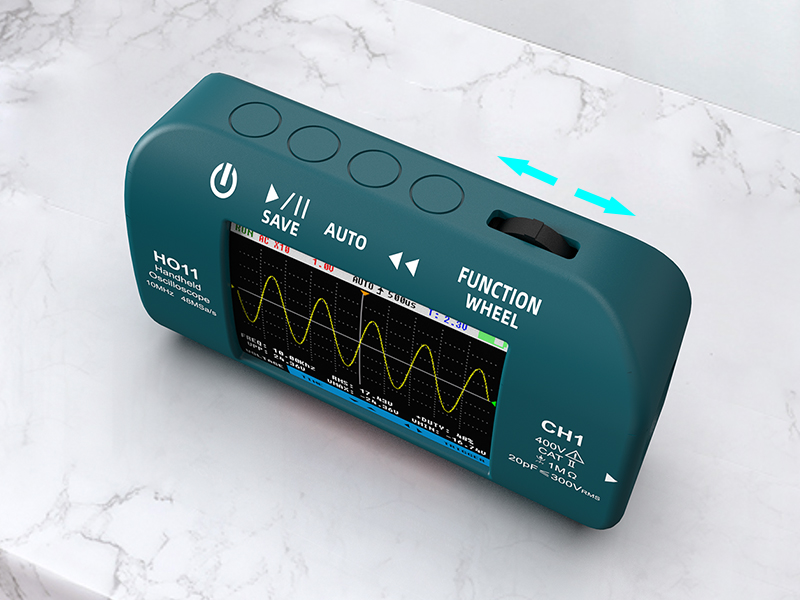
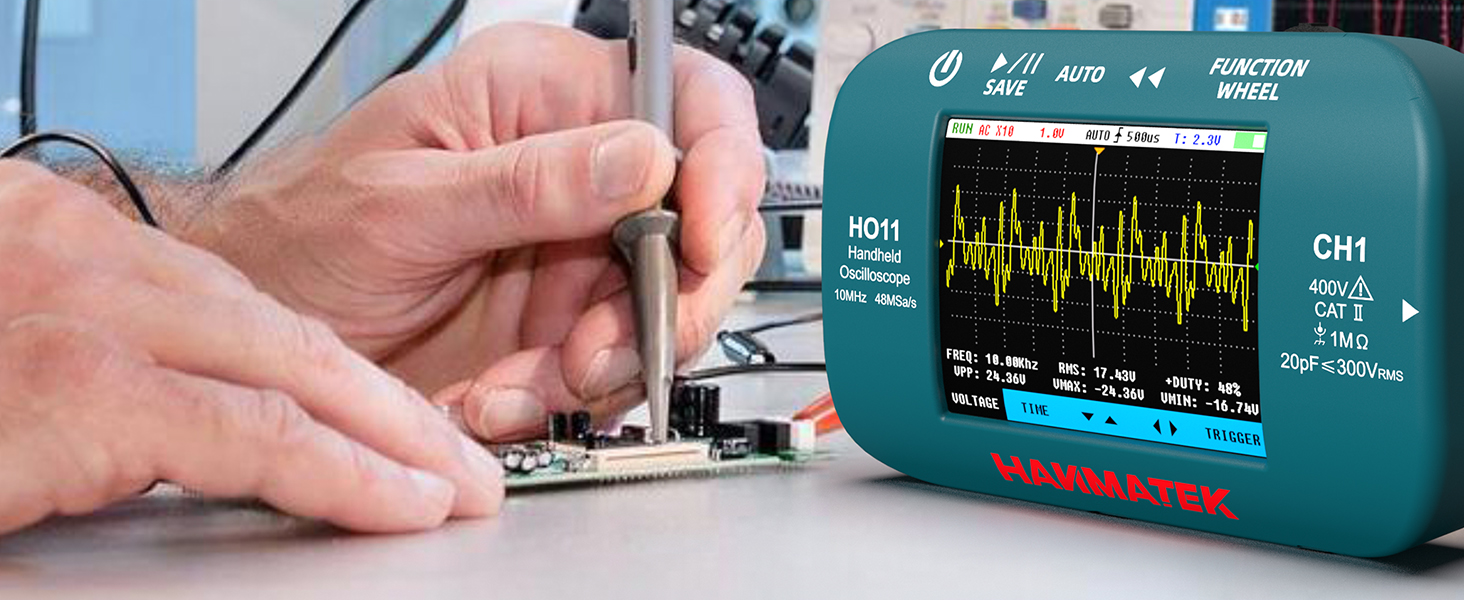

Why the device turns off automatically about 30 seconds after I press the power button.
Because the device enters energy-saving mode by default. You can set the Backlight Time by 30s /60s /120s /OFF.
How to keep the screen live?
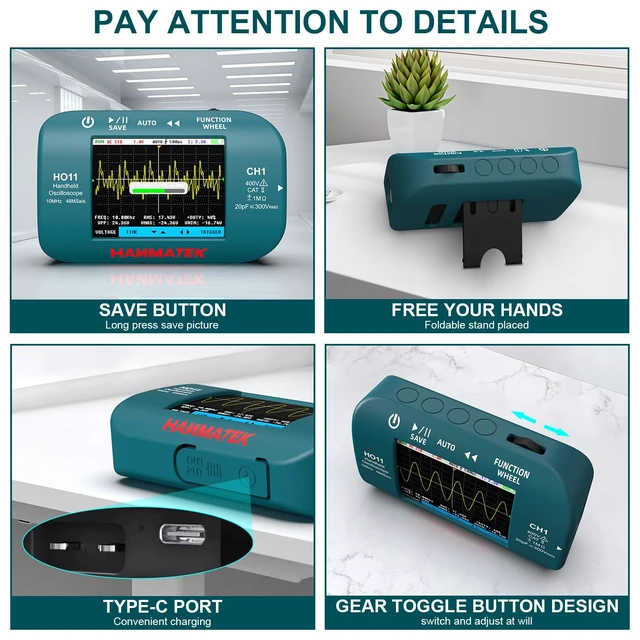
Long press the Power button-ON;Long press the Function wheel button,then Slide the gear to the right until reach the backlight time menu;Pressing it,it will display 30s,60s,120s,OFF.Choose -"OFF”,finished the setting step.
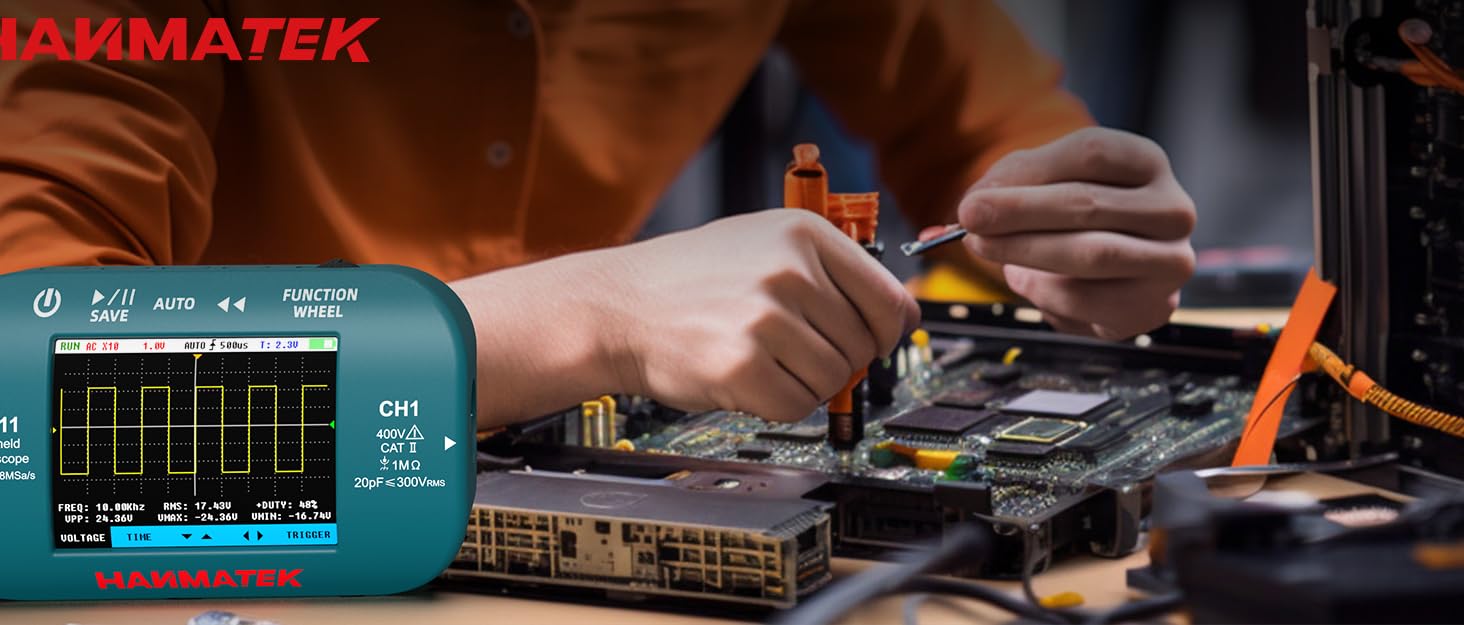

HANMATEK was established in 2008. With over 10 years of manufacturing and R & D experience in the measuring instruments industry, it works on technological innovation, product usability improvements, and the creation of more economical and stable solutions.
HANMATEK is Dedicated to Providing You with the Highest Quality Products and Satisfied After-Sales Service that Make Your Life Simple and Better.
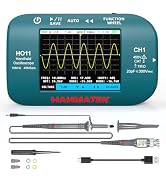
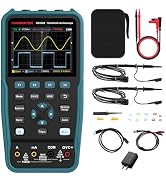
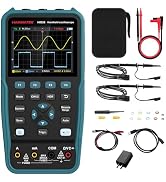
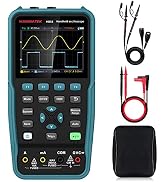
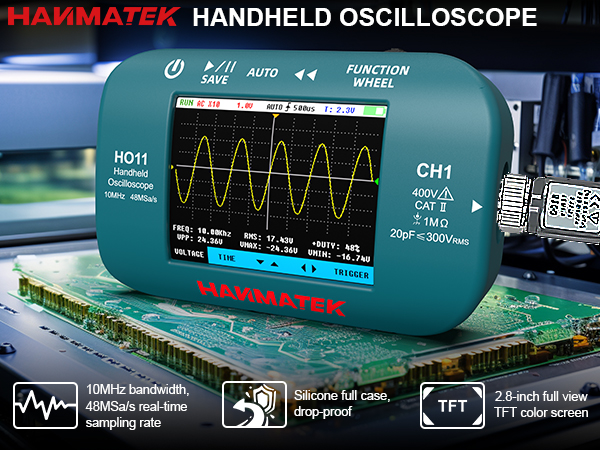
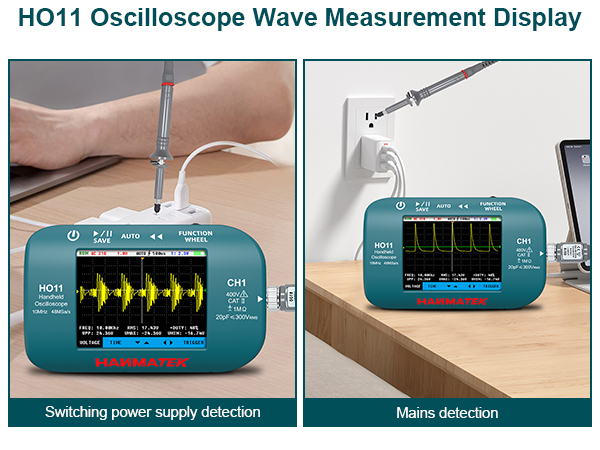
In the main interface, a short press serves as the right shift key, while left and right are used for adjustment (increase/decrease). A long press enters the auxiliary interface. In the auxiliary interface, a short press is used as the select switch key, left and right are direction keys, and a long press exits the auxiliary interface.
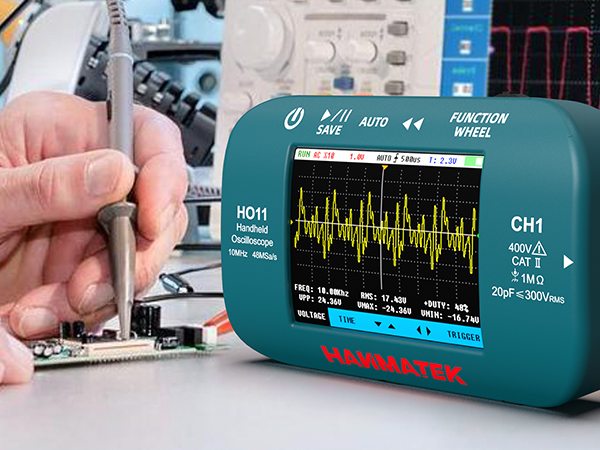

Why the device turns off automatically about 30 seconds after I press the power button.
Because the device enters energy-saving mode by default. You can set the Backlight Time by 30s /60s /120s /OFF.
How to keep the screen live?
Long press the Power button-ON;Long press the Function wheel button,then Slide the gear to the right until reach the backlight time menu;Pressing it,it will display 30s,60s,120s,OFF.Choose -"OFF”,finished the setting step.
HANMATEK was established in 2008. With over 10 years of manufacturing and R & D experience in the measuring instruments industry, it works on technological innovation, product usability improvements, and the creation of more economical and stable solutions.
HANMATEK is Dedicated to Providing You with the Highest Quality Products and Satisfied After-Sales Service that Make Your Life Simple and Better.