




 here!
here!
I’m your shopping assistant for PC builds, upgrades, and everything tech.
Got questions? Ask away!
Start a conversation
here!
I’m your shopping assistant for PC builds, upgrades, and everything tech.
Got questions? Ask away!
Start a conversation



Any questions? Ask CelesteSM will help you find out quickly.
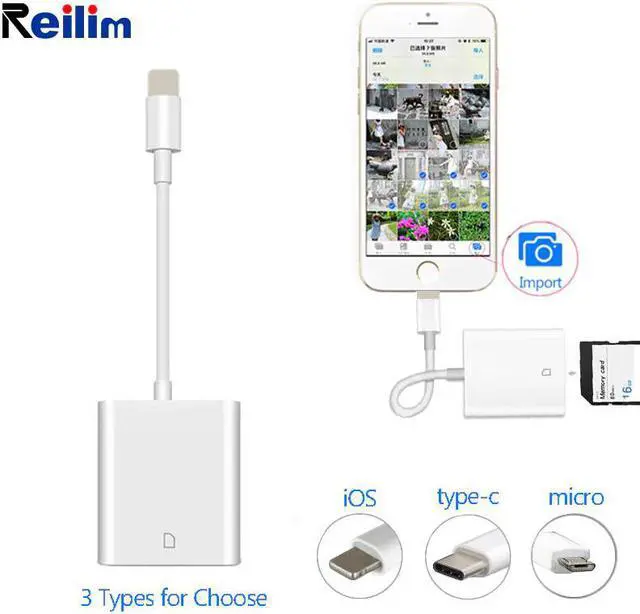
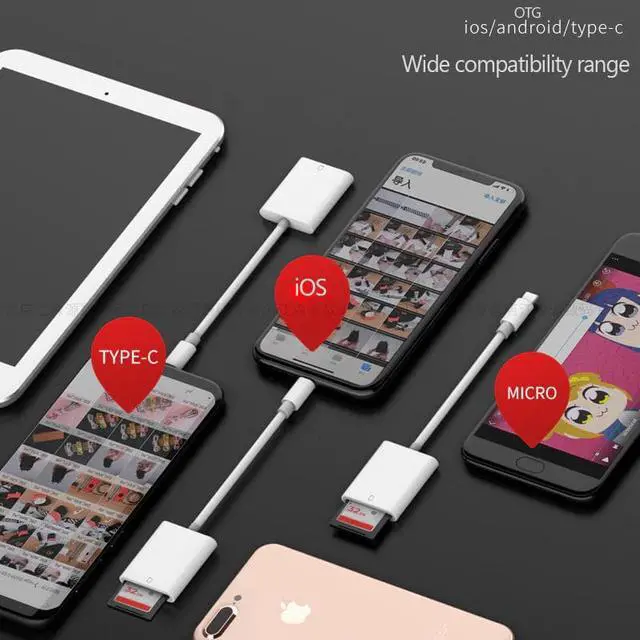
How to select the right port for your mobile phone
iOS, OTG Android, Type-c
Name: Card reader
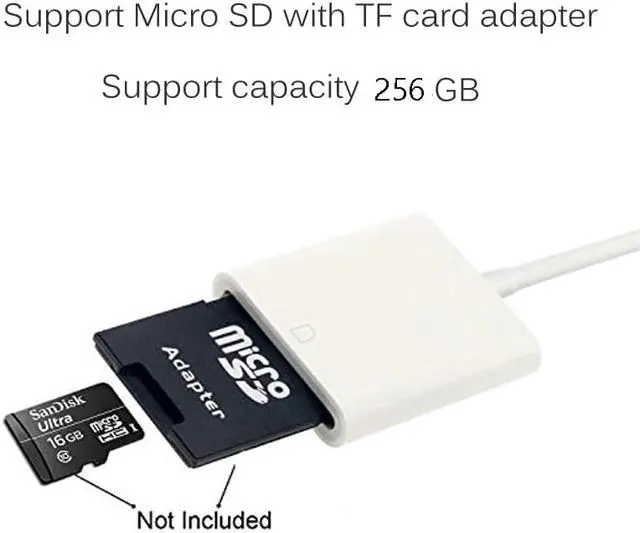
Card Type: SD/TF cards
Version: iOS 9.2-iOS13 or later(for iOS)
The white card readers of Max Capacity have been updated to 256 GB, price not increase.
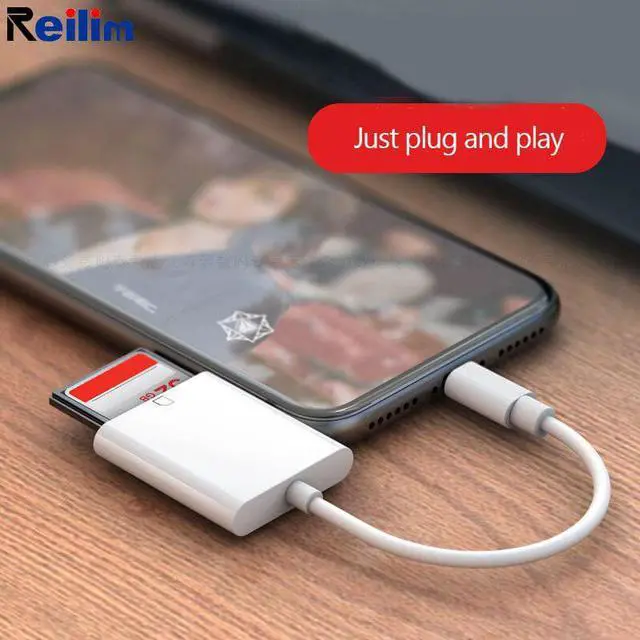
Please use the card reader as following:
For Lightning
1. Please note that the card reader is inserted in place to your iPhone, if iPhone prompt "accessories do not support" ,please check the iPhone iOS system,make sure it's 9.2 or above.
2. Photos must be saved in the SD card "DCIM" directory, this directory for the camera format standard directory, other directory files do not support to import.
3.The photo naming method to IMG-0001.JPG, the video naming method to IMG-0002.MOV, and the photos formats to JPG & RAW, and video formats to
H.264 & MPEG-4. Is its implementation standard, so any violation of the standard will bring difficulties to import. If it does not meet the requirements, the import interface may appear but there are no photos.
Type-C
Use the Reader to import photos and video from an SD card to Android phone & tablet.
1. Insert a memory card that contains photos or videos into the SD card Camera Reader.
2. Turn on Android phone & tablet and attach the Reader to the type c connector.
3. On Android Phone & Tablet, after 5-10 seconds, you should be able to see the device ( for example, USB device/SD card) pop up in your file manager. If you dont have a file manager, please download one from the store. You can view all photos and videos in your SD card and select the ones that you want to import.
NOTE1:Please make sure your mobile phone or tablet with OTG enabled Type-C interfaces;


