Your Browsing History
Meet Your Seller
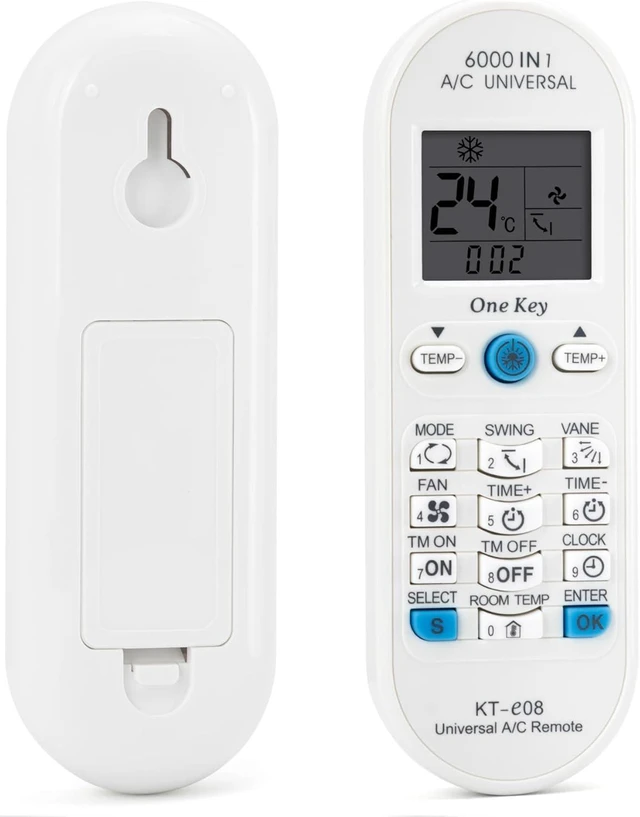
KT-e08 Universal AC Remote for Most All Brands A/C Split Air Conditioner
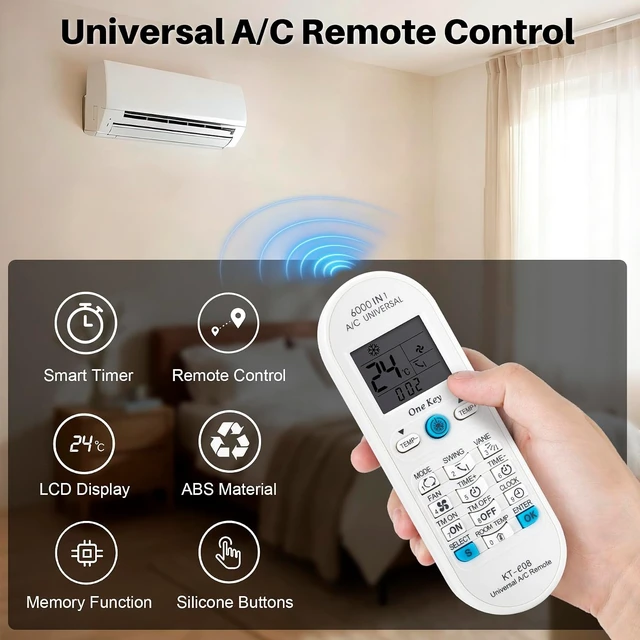
- Universal AC RemoteKT-E08 is a universal air conditioner rem
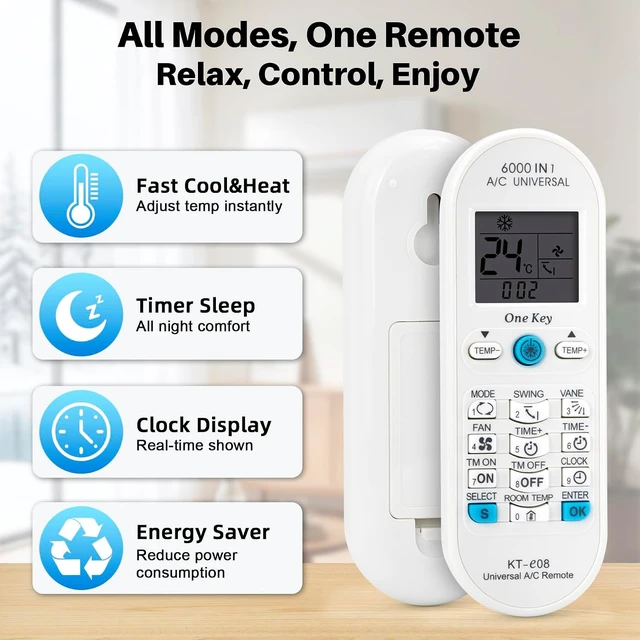
- Full Function ControlThis remote frees you from complex oper
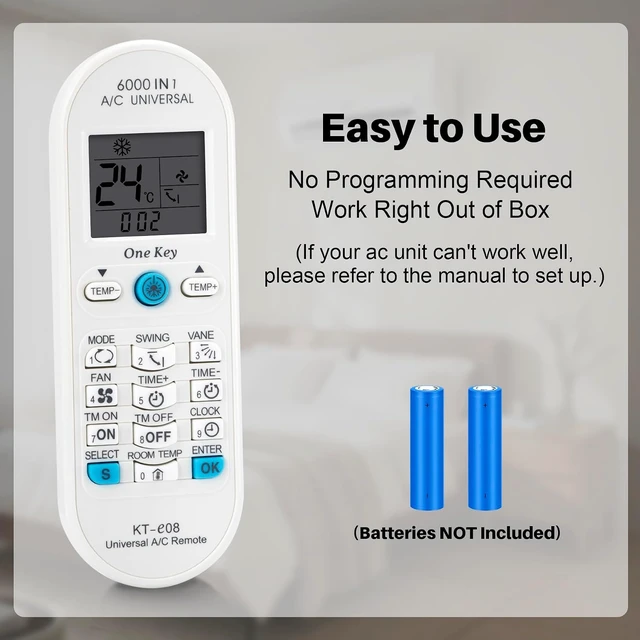
- Easy to UseThis remote is set to default mode before shippin
+
+
Overview
Specs
Reviews
Any questions? Ask CelesteSM will help you find out quickly.
Try me now
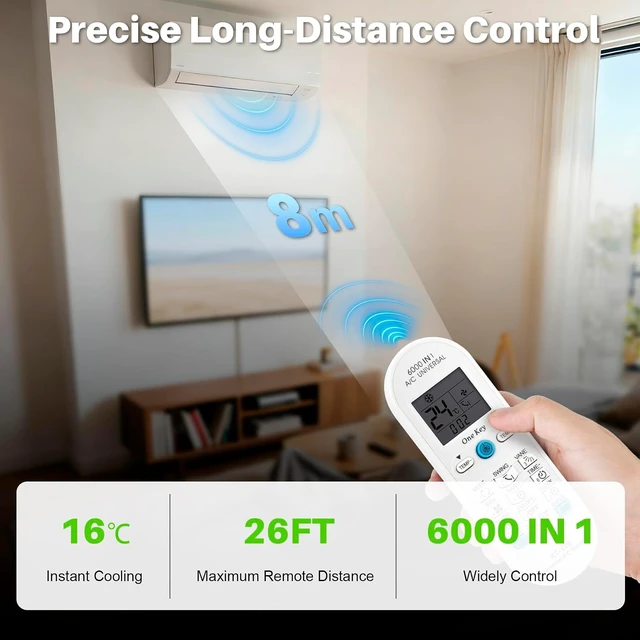
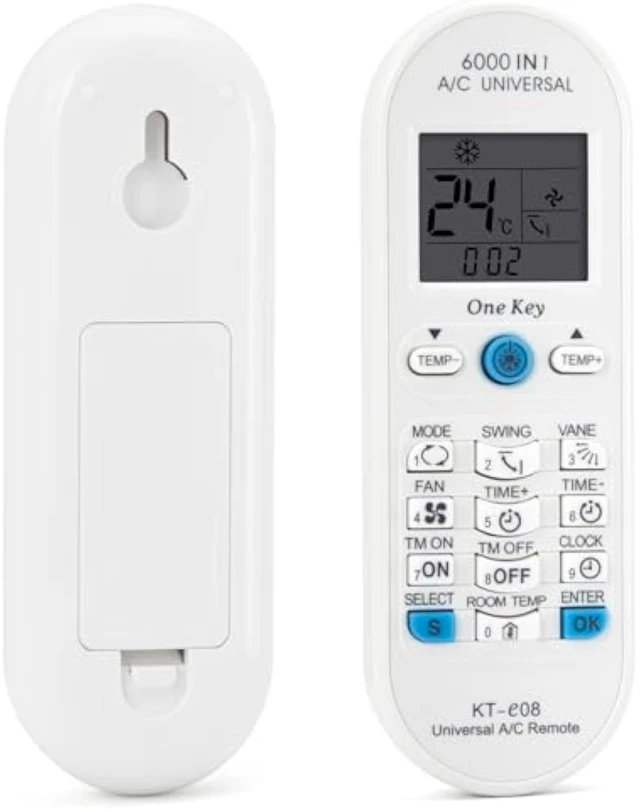
Thanks you for choosing our remote, it is honored that we can provide conveniences for your life. KT-E08 is a universal air conditioner remote control with 6000 codes, suits for old and new types, etc, it can be for 98% air conditioners in the world. This remote also has clock, timer, on/off, room temperature display and other functions, etc. It is the best choice for you to replace the remote. Put 2 AAA batteries as per polar indicated on battery cabin. Choose one of the setting methods as below.
Code input1. Find out the codes from code table, there are many groups codes of each brand. Please try the first group, if it does not work, try the second, and do it like this until the codes can operate your equipment.
Ex: AUCMA. you can choose 0288, if it does not work, please try the 0289.2. Press "select" key, the code on LCD flashes. Enter 4 digit codes in turn.
EX: " 0288", press "0", "0" stops flashing, press "2""2" stops flashing, press "8", "8" shops flashing, press the last"8", "8" stops flashing, ending the code input, setting is finished. 3. Aim to the air conditioner, press "one key", check whether it is work or not, if it works, setting succeed, if not, try another group until it works. Automatic searchIf you do not know the brand of your air conditioner, or if your brand is not listed in the code table, please
operate following steps: 1. Put the remote control aim at your air conditioner, press the "SELECT" key for 5 seconds and then release, remote control is entering the auto-search status, emit the signal continuously, the code flashes and increases. While the air conditioner receives the signal, and send one buzzer, press any key to confirm. 2. Put remote aim to the air conditioner again, press one key", if it works, setting succeeds. If it does not work, repeat these steps until it can use for your equipment

Code input1. Find out the codes from code table, there are many groups codes of each brand. Please try the first group, if it does not work, try the second, and do it like this until the codes can operate your equipment.
Ex: AUCMA. you can choose 0288, if it does not work, please try the 0289.2. Press "select" key, the code on LCD flashes. Enter 4 digit codes in turn.
EX: " 0288", press "0", "0" stops flashing, press "2""2" stops flashing, press "8", "8" shops flashing, press the last"8", "8" stops flashing, ending the code input, setting is finished. 3. Aim to the air conditioner, press "one key", check whether it is work or not, if it works, setting succeed, if not, try another group until it works. Automatic searchIf you do not know the brand of your air conditioner, or if your brand is not listed in the code table, please
operate following steps: 1. Put the remote control aim at your air conditioner, press the "SELECT" key for 5 seconds and then release, remote control is entering the auto-search status, emit the signal continuously, the code flashes and increases. While the air conditioner receives the signal, and send one buzzer, press any key to confirm. 2. Put remote aim to the air conditioner again, press one key", if it works, setting succeeds. If it does not work, repeat these steps until it can use for your equipment
Warranty & Returns
Warranty, Returns, And Additional Information
Warranty
- Please contact the Seller directly for warranty information. Warranty information may also be found on the Manufacturer's website.
- CONTACT
Return Policies
- Return for refund within: 30 days
- Return for replacement within: 30 days
- This item is covered by TopMei Outdoors Return Policy
Manufacturer Contact Info
- For a directory of all our manufacturers, please click below.
- Manufacturers Directory
LOADING...