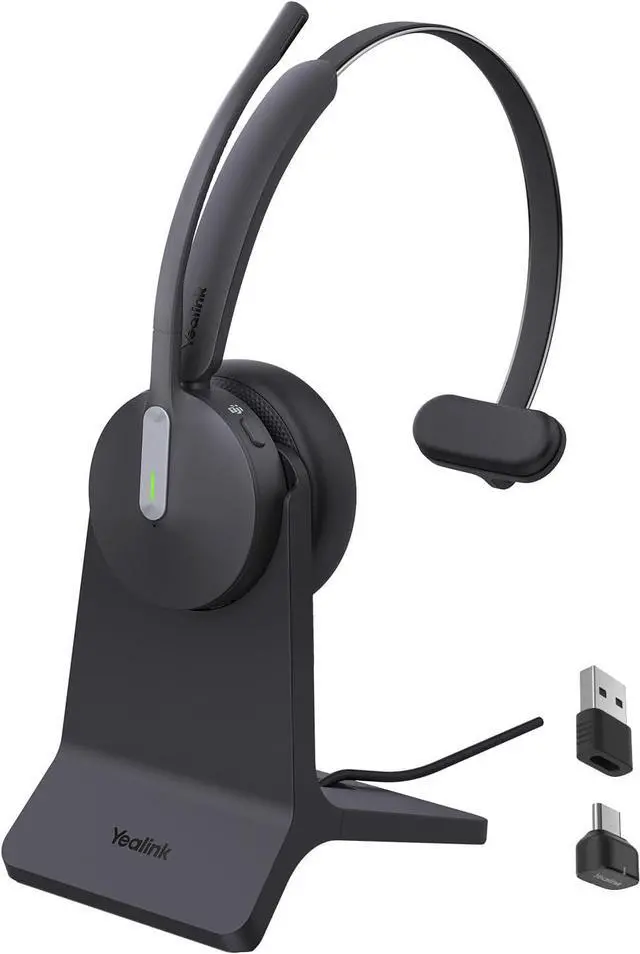
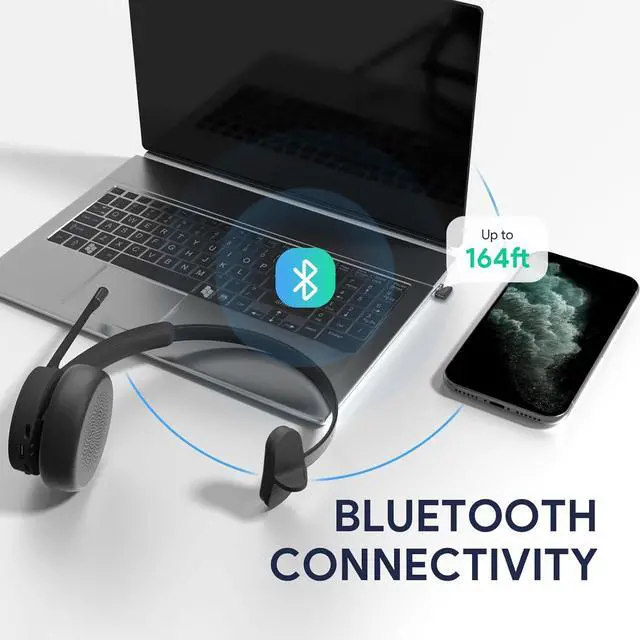
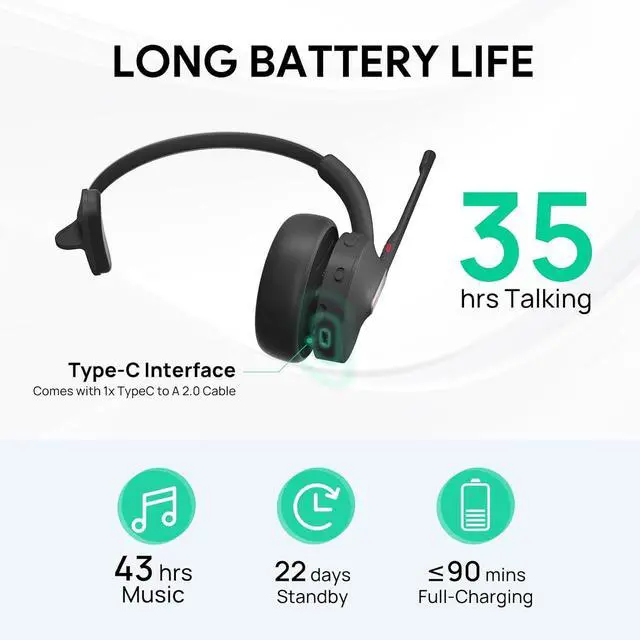
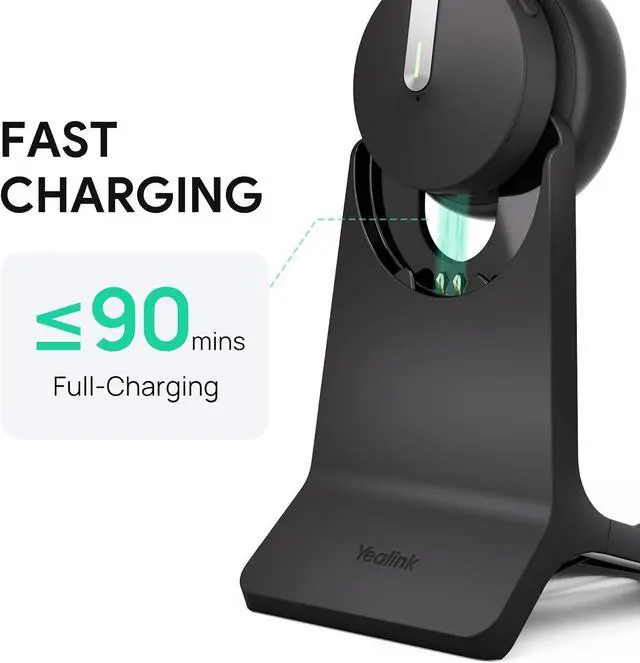
(1) Open the black drawstring bag (2) Find the small mesh bag on the top inside (3) Find the BT51 dongle
What to do if dongle connection is abnormal? -- Pairing Yealink Bluetooth Dongle with BH70 Headset.
Step 1, connect the BT51 dongle to the PC.
Step 2, power on the BH7X, and connect it to the PC via a USB cable. (BH7X and BT51 connect to PC at the same time)
Step 3, click [Connect to Dongle], and choose "Yealink BT51" from the web popup.
Step 4, click [Connect to Headset], and choose "Yealink BH7X" from the web popup.
Step 5, wait for a while, until Pair Success.
[USB STATE] Please connect the BT51 dongle and BH7X headset that need to be paired.
[PAIR STATE] Will trigger automatic pairing after connecting two devices.
Yealink BH70 Wireless Bluetooth Headset with Microphone for Work Q & A