Q:Not charging
Solution 1: Use 5V/2A or stronger current to charge under 5V input with Qi Standard charger.
Solution 2:Please aim the Wireless Induction Center at transmission center.
Solution 3: Remove protective Case and other foreign objects inside under long distance paring.
Q: If the pairing window doesnt be popped up for a long time
Solution 1: Please check if the Bluetooth has been enabled.
Solution 2: Please reset the phone.
Solution 3: Unlock the phone again after the screen locked, take out the earphones to pair once again.
Charging the case:
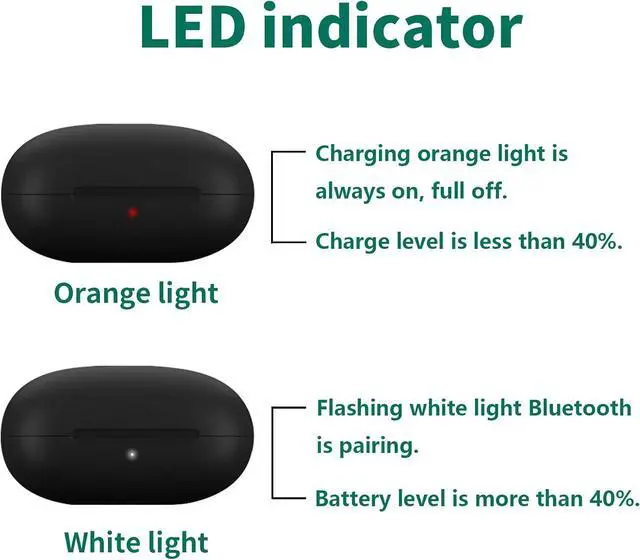
100% Green Light On
66%-99% Green Flashed
33%-65% Blue Flashed
0%-32% Red Flashed
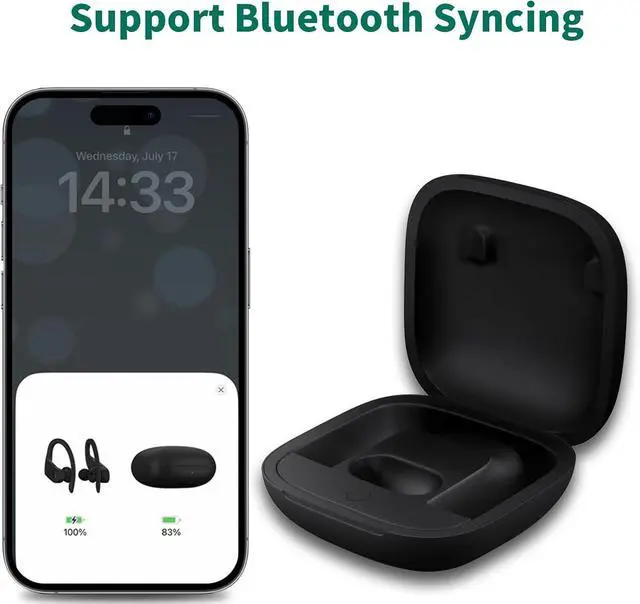
2. Put your earbuds into the charging case, long press the sync button until the areen flashing.
3. When the pop-up shows the earbuds name you set for click"connecting" and wait for the process to complete.
4. Reopen the case again, when the phone is coonected with your earbuds, take out and wear them.
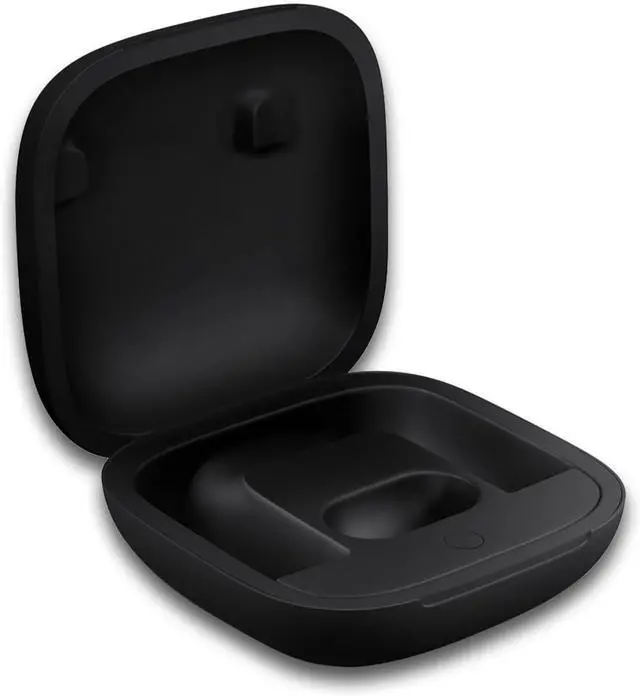
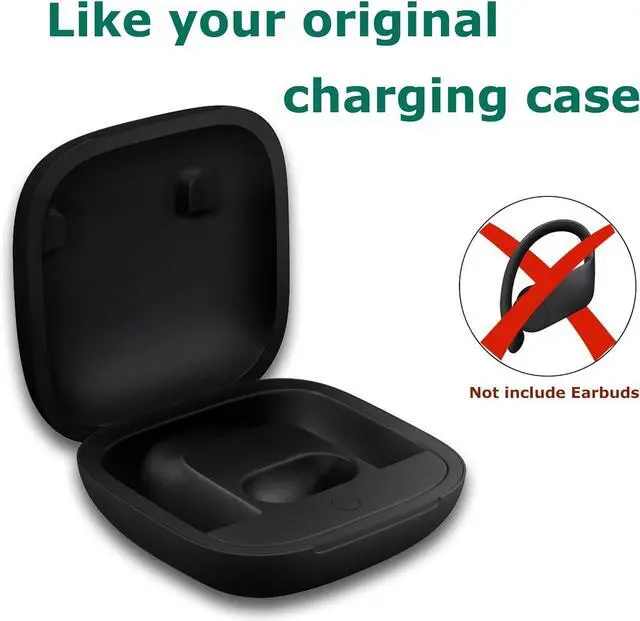
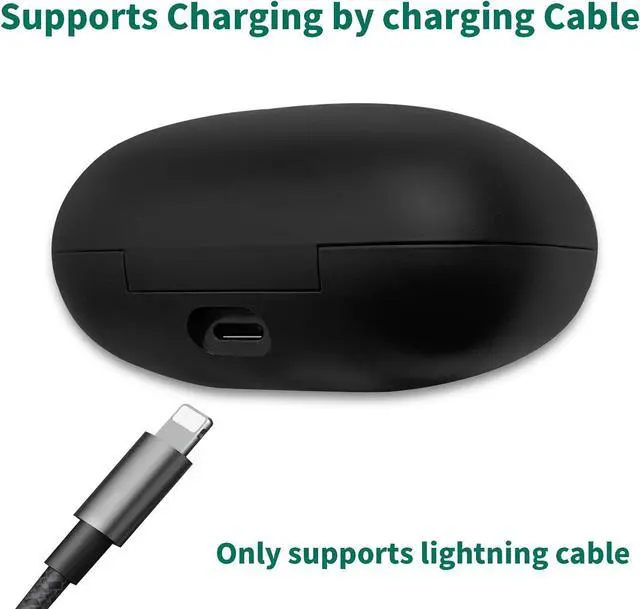
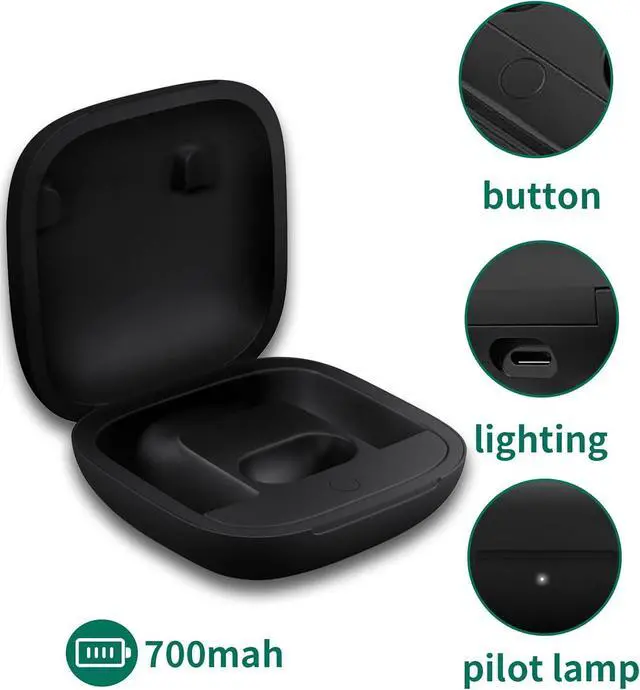
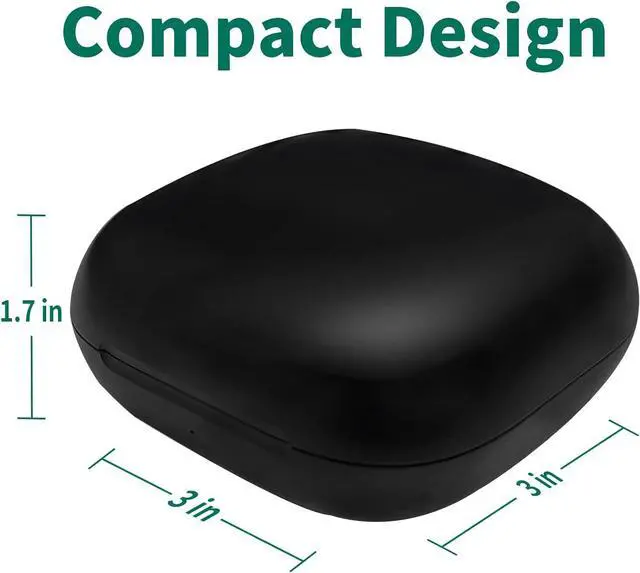
WAVANCKY Replacement Charging Case with Bluetooth Pairing Button & 700mAh Built-in Battery for POWERBEATS PRO Problems that may be encountered during use: Indicator MATCHING STEPS



 Holiday Shipping Details & Extended Holiday Returns


