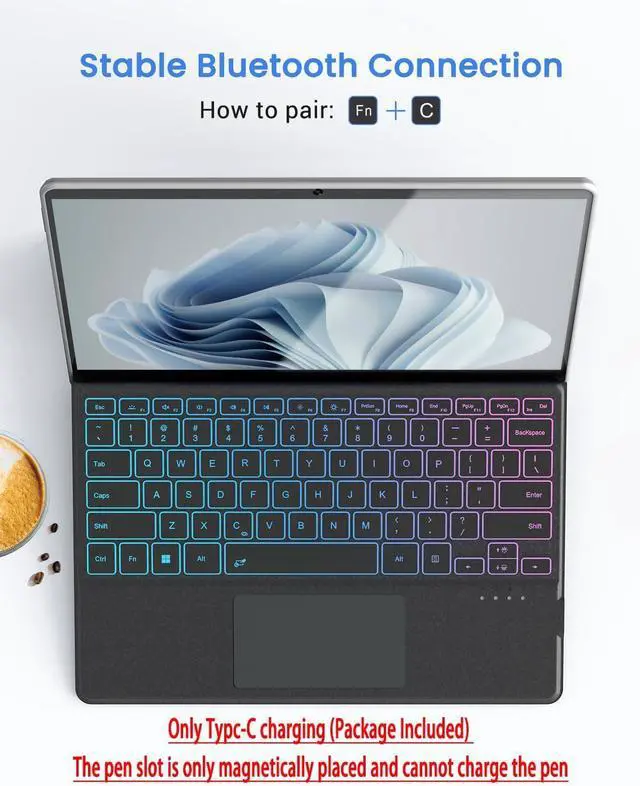
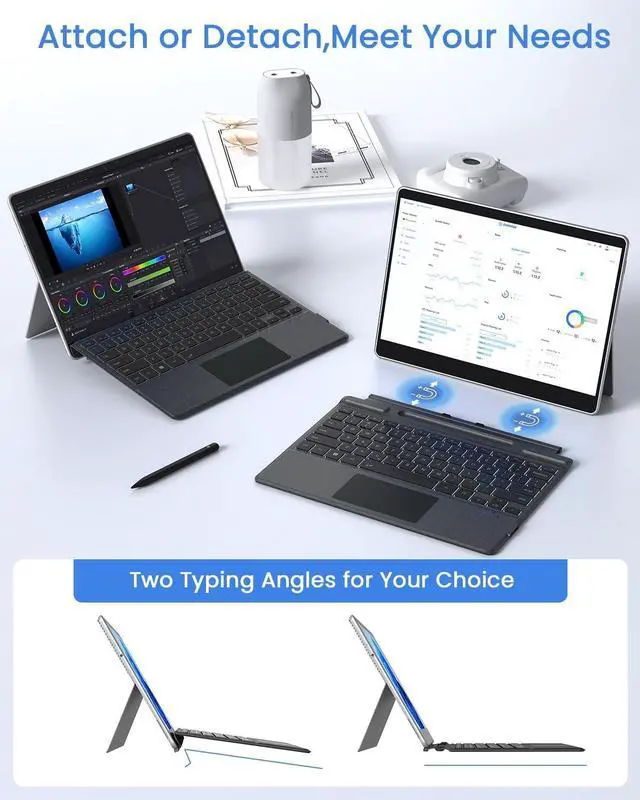
Press "Fn"+"C" together for more than 3 seconds to turn on Pairing mode. Add keyboardin your Surface's Bluetooth settings [SettingsBluetooth].
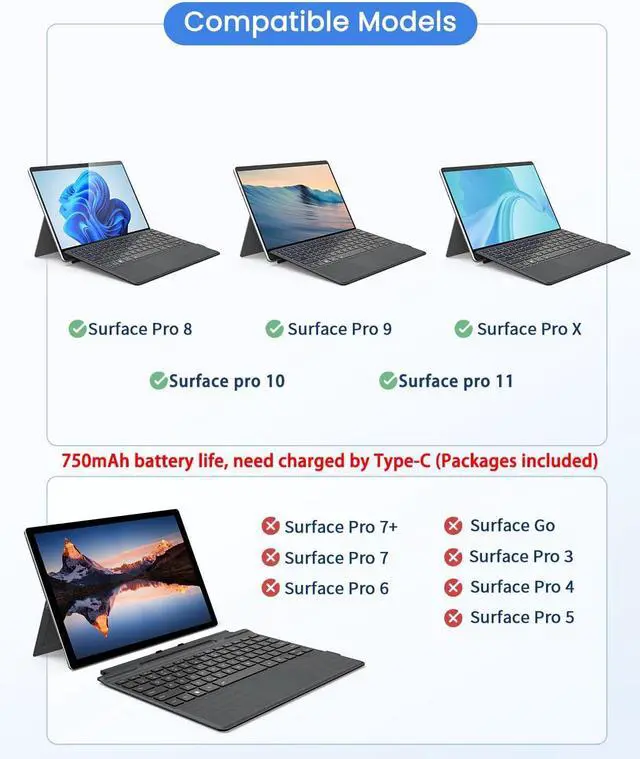
Please note: This product can only be used with Bluetooth connection, and it cannot be charged with Surface, it needs to be charged through Type-C
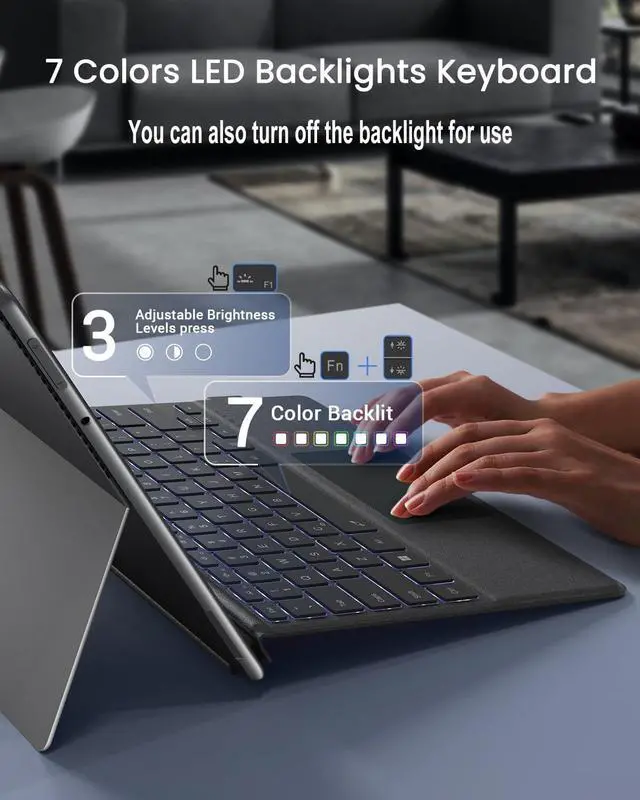
Change 7 light colorsPress FN+/ at the same time
Adjust the three brightness and switch of lightPress Fn + F1
To lock "Fn": Press the shortcut key Fn + Caps
Strict selection of materials, ergonomic, durable, very comfortable feel
How to connect: How to adjust and switch lights: Strict selection