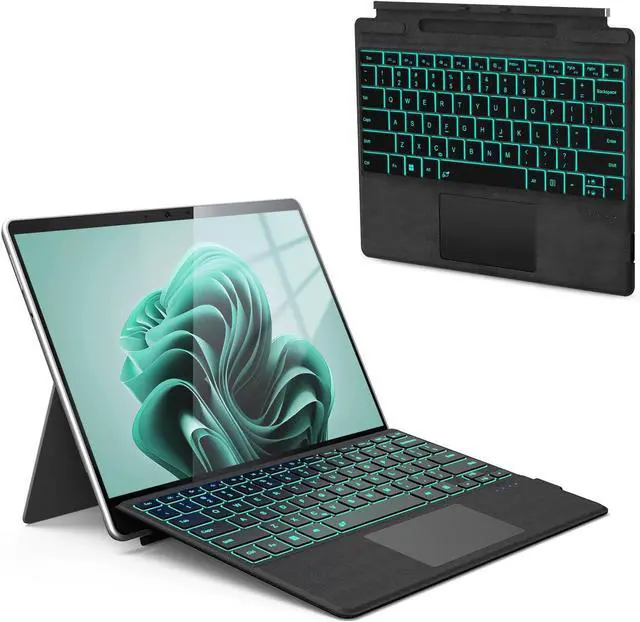
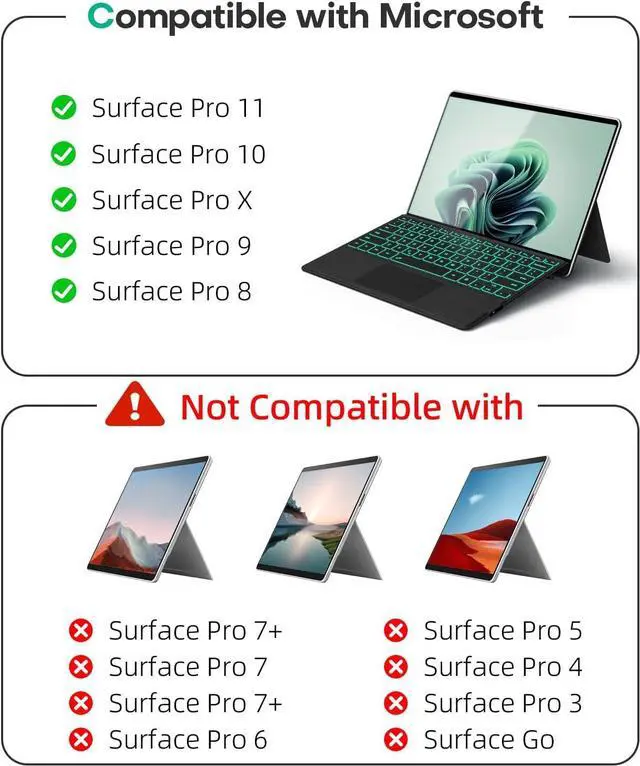
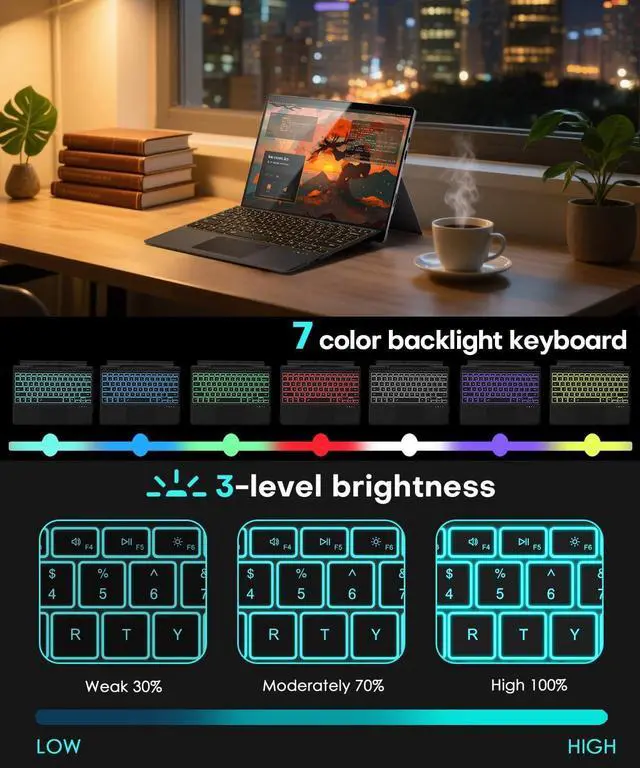
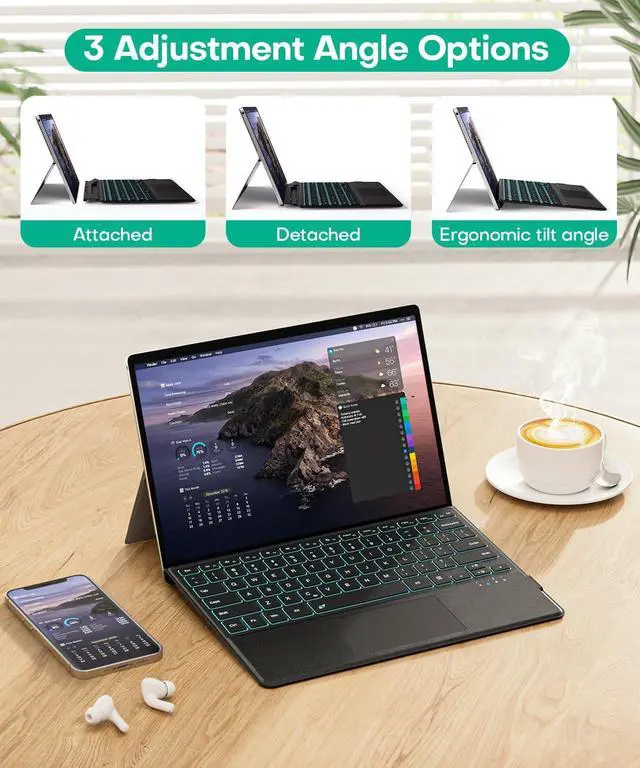
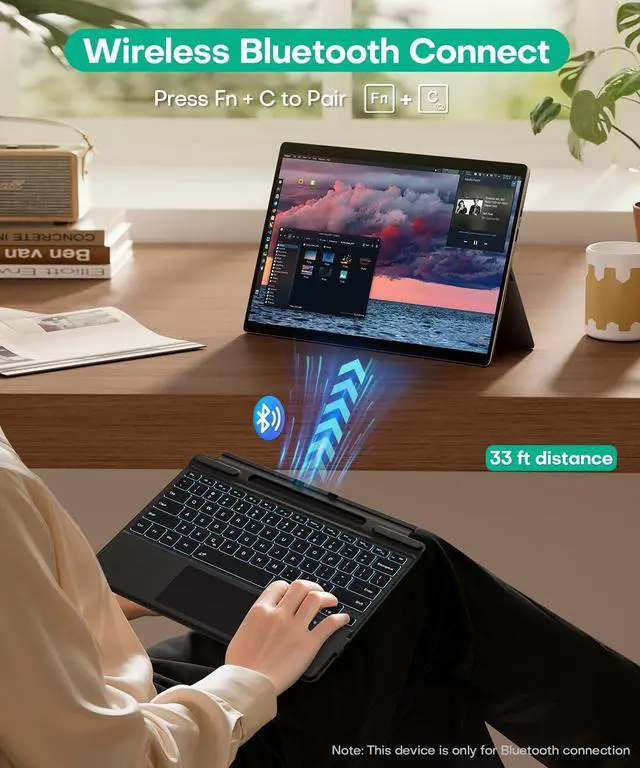
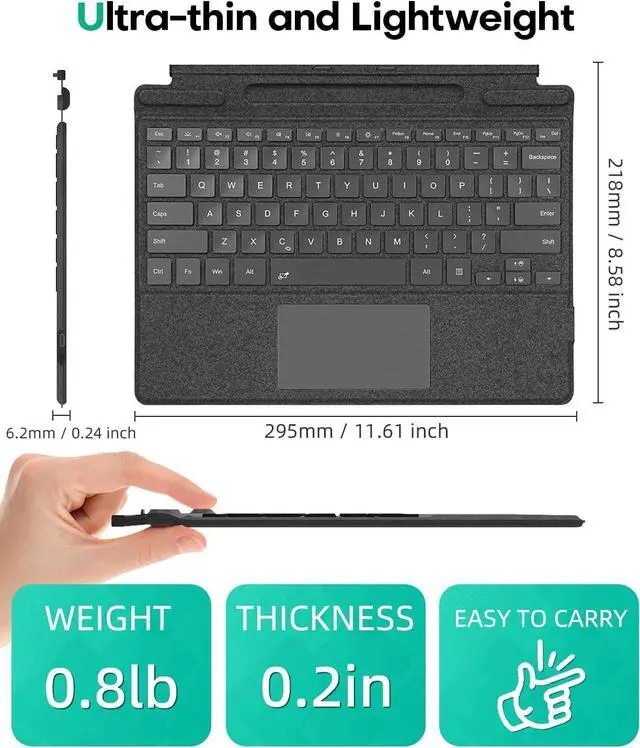
1Separate Backlight Scene2Ergonomic Tilt Magnetic How to lock/unlock the "Fn" ?
Fn + Caps
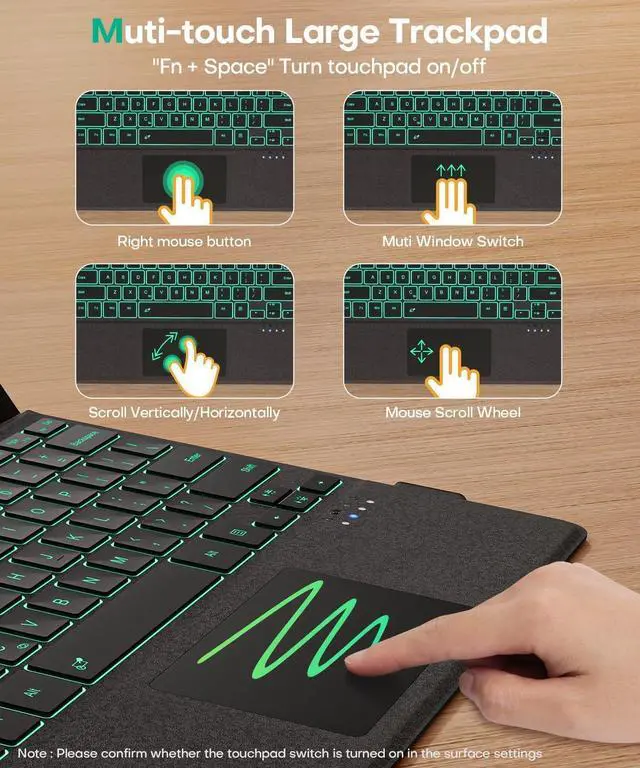
How to turn on/off touchpad and adjust touchpad sensitivity?
1Fn + Space (If the touchpad still does not work, turn on the touchpad in Surface settings.)2Settings->Devices->Touchpad->Touchpad Sensitivity->Related Settings->Other Settings(mouse button/pointer options)
Can it charge your pen?
No.It can only magnetically hold your pen but cannot charge it.
Can it be charged wirelessly via a Surface computer?
No.It can only be charged via a Type-C cable (included in the package).You can charge while typing (connect to computer or charger via Type-C)
What should I do if I can't type?
How to lock/unlock the "Fn" ?
How to turn on/off touchpad and adjust touchpad sensitivity?
Can it charge your pen?
Can it be charged wirelessly via a Surface computer?