




 here!
here!
I’m your shopping assistant for PC builds, upgrades, and everything tech.
Got questions? Ask away!
Start a conversation
here!
I’m your shopping assistant for PC builds, upgrades, and everything tech.
Got questions? Ask away!
Start a conversation



Any questions? Ask CelesteSM will help you find out quickly.
Attention: It is necessary to confirm that your host device supports video output or DP Alt Mode, and you can normally see the DP-logo next to the port if this is the case, NOT for all USB-C port laptop, such as this adapter CANNOT work with Pavilion/ EliteBook/ IdeaPad...
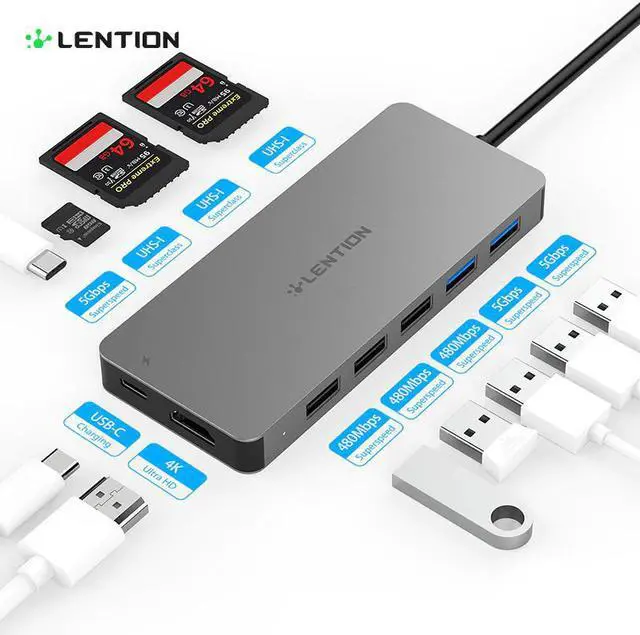
There are 4 models optional, different model with different interface and appearance, please choose suitable model before purchase:
1) 5-in-1 Model: SD/TF + 3*USB3.0
2) 6-in-1 Model with PD : SD /TF + 3*USB3.0 + USB-C Charging
3) 7-in-1 Model with PD: +SD/TF + 2*USB2.0 + USB3.0+USB-C Charging
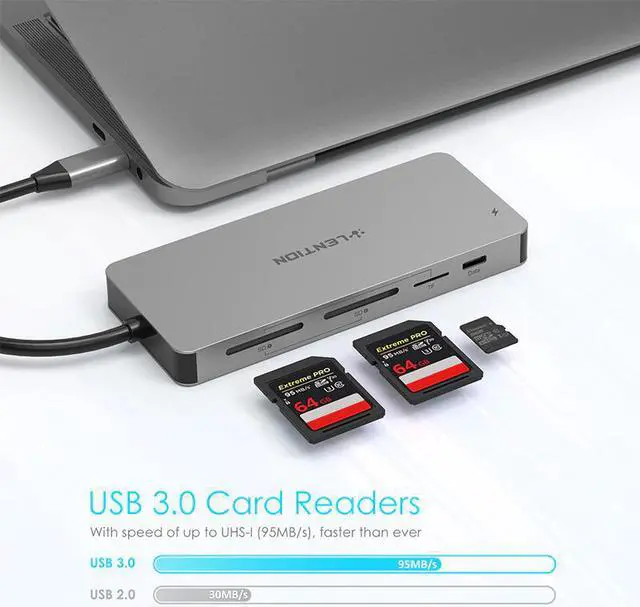
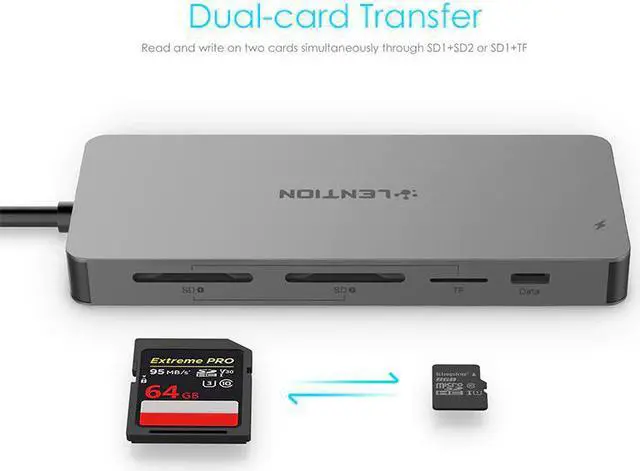
4) 11-in-1 Model with PD: +SD1/SD2/TF + 3*USB2.0 + 2*USB3.0+ USB-C port+ USB-C Charging
Compatible Devices (Not a full list):
Laptops:
MacBook Pro 2019 2018 2017 2016 / MacBook Air 2019 2018 / MacBook 12
Dell XPS13 / XPS15 / Inspiron 13 7000 / Inspiron 15 7000
Spectre 13 / Spectre X360 / EliteBook Folio G1
ZenBook3 / ZenBook Pro / Surface Book 2 / Go
Chromebook / Pixelbook / Matebook
Yoga 930 / 920 / 910 / 720
Please Note:
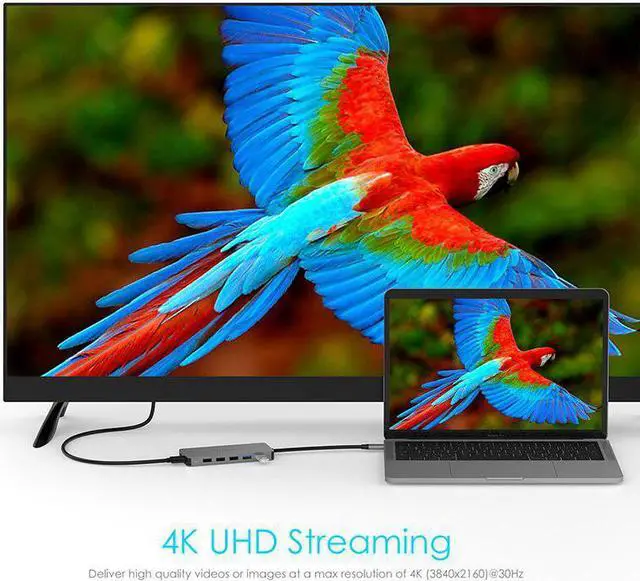
The Max resolutions and refresh rates output of the adapter are entirely dependent on the USB-C host devices, connected cable and the display specifications.
To manually adjust resolution for your Mac OS, hold down the “option” key and then click “Scaled”.
To manually adjust resolution for your Window OS, go to "Windows Setting" - "System" - "Display".
If you want to play audio via the external device, please change "the default audio output device" setting in the system preference.
Not compatible with Apple Superdrive


