




 here!
here!
I’m your shopping assistant for PC builds, upgrades, and everything tech.
Got questions? Ask away!
Start a conversation
here!
I’m your shopping assistant for PC builds, upgrades, and everything tech.
Got questions? Ask away!
Start a conversation



Any questions? Ask CelesteSM will help you find out quickly.
 Ceiling Fan Remote Control Kit,Universal Fan Speed,Light & Timing 3 in 1 Wire... |  Ceiling Fan Light Remote Control Kit with Receiver,Ceiling Fan Speed,Timer an... | |
|---|---|---|
| Customer Reviews | — | — |
| Price | — | — |
| Quantity | 1 PC | 2 PCS |
| Battery Type | 2XAAA (NOT INCLUDE) | 2XAAA (NOT INCLUDE) |
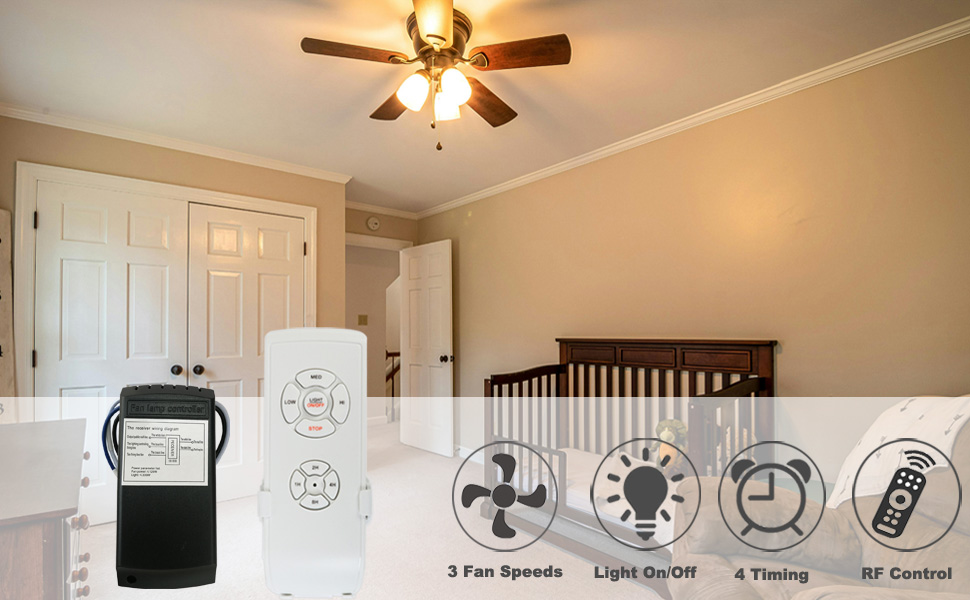
Important Notes:
1.If you have limited knowledge of electrical systems, be sure to consult a licensed electrician for assistance.
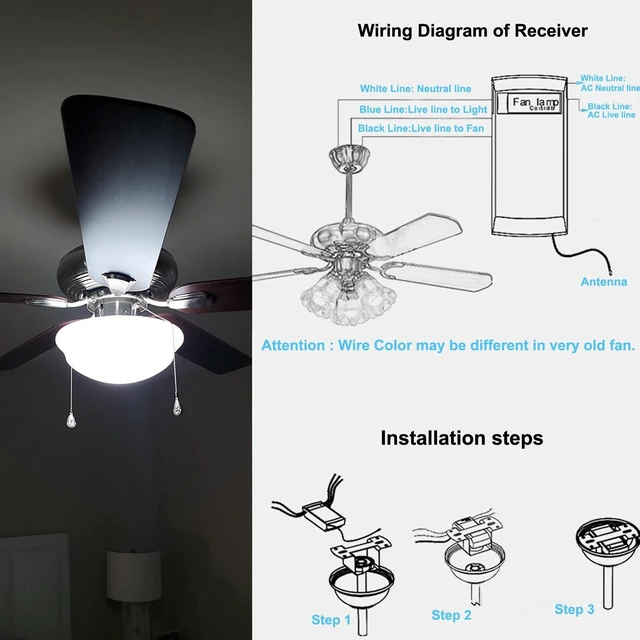
2.Before connecting any wires, double-check and confirm the labels/identities of each wire.
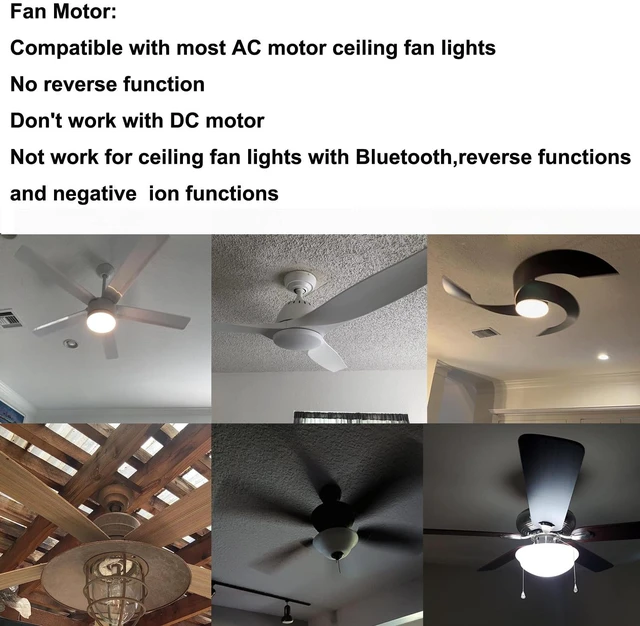
3.This applies to most AC motor ceiling fan lights only and cannot be used with DC motor fan lights.
4.Not compatible with desk fans, wall-mounted fans, variable frequency fans, or fans with negative ion functionality.
5.No reverse function:Not suitable for ceiling fans with reverse switch
6.This universal ceiling fan remote control does not support dimming functions for your lighting kit - Operation is limited to "On" and "Off" only.
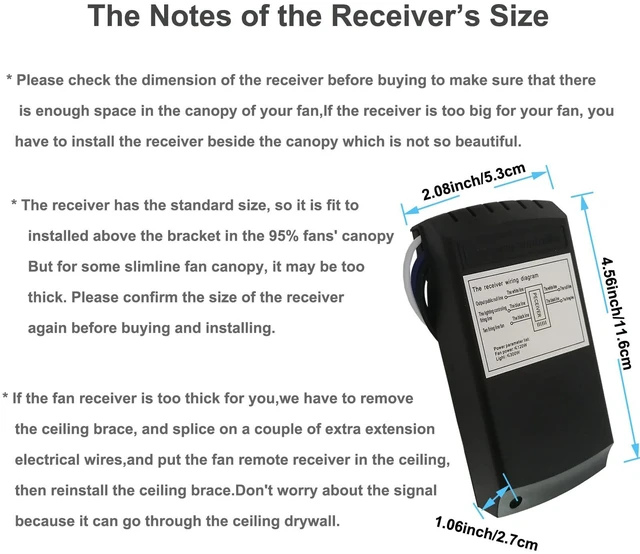
7.Please Check the dimension of receiver carefully to make sure there is enough space in the canopy of your fan
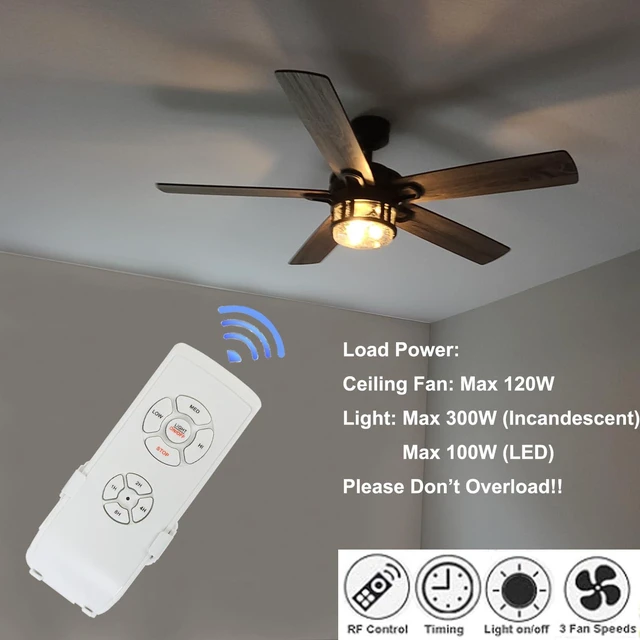
8.Can work with LED bulbs and incandescent bulbs,MAX.300W(incandescent)/MAX.100W(LED),Please do not overload!
9.One remote control requires 2 AAA batteries,but batteries are not included in the package.
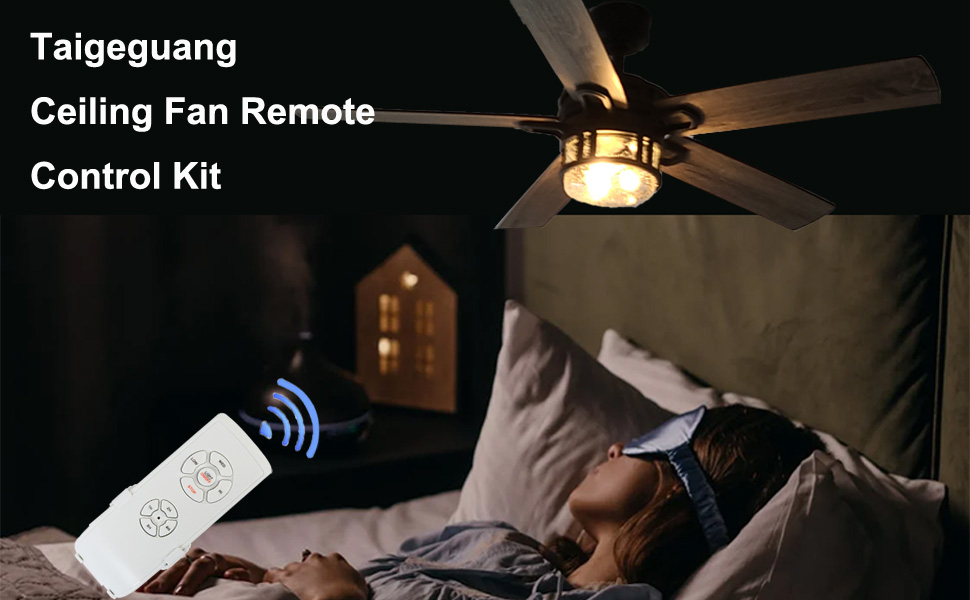
Specifications:
1. Light Max Power: 300W(incandescent)/100W(LED)
2. Fan Max Power:120W
3. Working Voltage: AC110-140V
4. Beep Off Option: Yes
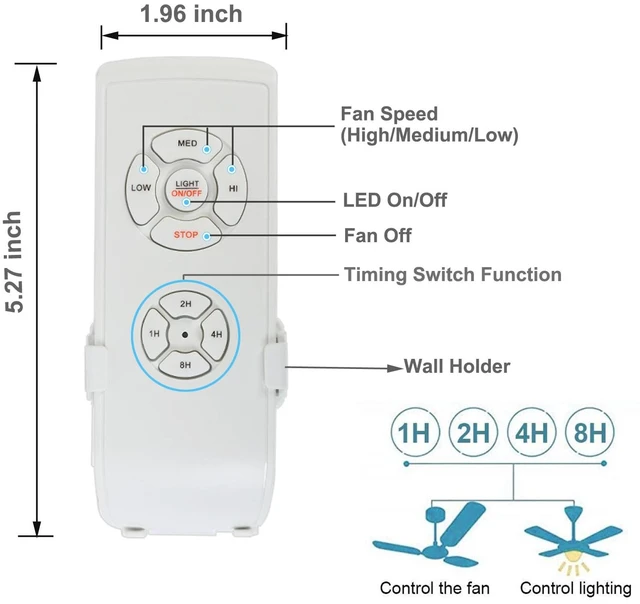
5. Fan Speed Control:High/Medium/Low
6. Timing Control Mode: 1H/2H/4H/8H
7. Battery Type: 2x AAA(NOT INCLUDED)
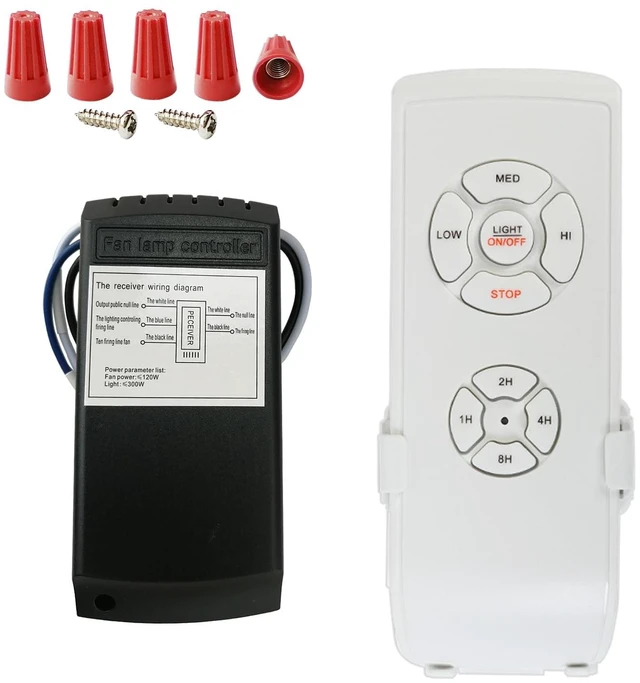
8. Receiver Size: 4.56*2.08*1.06inch
How to pair the fan light controller if the remote control doesn't work?
Turn on the power and then turn off the power,you need to perform the same actions repeatedly for twice, and you will hear the double beeps after you turn on the power for the third time,then press and hold the 4-hour timer button for 3-5 seconds until you hear the double beeps,it means that the pairing is successful and pls notice that the pairing can't be released after the pairing is successful.
How to turn the Beep On/Off?
Press and hold the 8-hour timer button for 3-5 seconds until you hear the double beeps and that disables the beeps,and if you perform the same action again,and then you will turn the Beep on again.
Ceiling Fan Remote Control
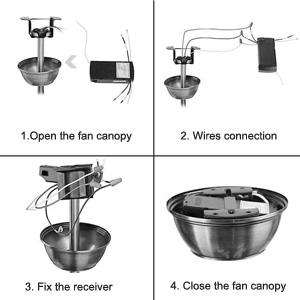
Easy to Install
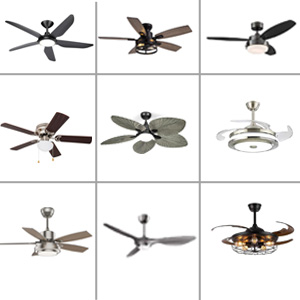
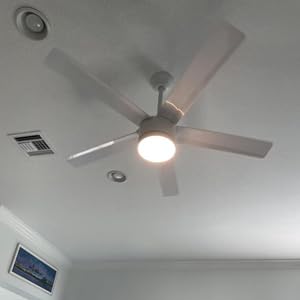
Universal Fit
Ceiling Fan Remote Control Kit,Universal Fan Speed,Light & Timing 3 in 1 Wire... | Ceiling Fan Light Remote Control Kit with Receiver,Ceiling Fan Speed,Timer an... | |
|---|---|---|
| Customer Reviews | — | — |
| Price | — | — |
| Quantity | 1 PC | 2 PCS |
| Battery Type | 2XAAA (NOT INCLUDE) | 2XAAA (NOT INCLUDE) |
Important Notes:
1.If you have limited knowledge of electrical systems, be sure to consult a licensed electrician for assistance.
2.Before connecting any wires, double-check and confirm the labels/identities of each wire.
3.This applies to most AC motor ceiling fan lights only and cannot be used with DC motor fan lights.
4.Not compatible with desk fans, wall-mounted fans, variable frequency fans, or fans with negative ion functionality.
5.No reverse function:Not suitable for ceiling fans with reverse switch
6.This universal ceiling fan remote control does not support dimming functions for your lighting kit - Operation is limited to "On" and "Off" only.
7.Please Check the dimension of receiver carefully to make sure there is enough space in the canopy of your fan
8.Can work with LED bulbs and incandescent bulbs,MAX.300W(incandescent)/MAX.100W(LED),Please do not overload!
9.One remote control requires 2 AAA batteries,but batteries are not included in the package.
Specifications:
1. Light Max Power: 300W(incandescent)/100W(LED)
2. Fan Max Power:120W
3. Working Voltage: AC110-140V
4. Beep Off Option: Yes
5. Fan Speed Control:High/Medium/Low
6. Timing Control Mode: 1H/2H/4H/8H
7. Battery Type: 2x AAA(NOT INCLUDED)
8. Receiver Size: 4.56*2.08*1.06inch
How to pair the fan light controller if the remote control doesn't work?
Turn on the power and then turn off the power,you need to perform the same actions repeatedly for twice, and you will hear the double beeps after you turn on the power for the third time,then press and hold the 4-hour timer button for 3-5 seconds until you hear the double beeps,it means that the pairing is successful and pls notice that the pairing can't be released after the pairing is successful.
How to turn the Beep On/Off?
Press and hold the 8-hour timer button for 3-5 seconds until you hear the double beeps and that disables the beeps,and if you perform the same action again,and then you will turn the Beep on again.
Ceiling Fan Remote Control
Easy to Install
Universal Fit


