




 here!
here!
I’m your shopping assistant for PC builds, upgrades, and everything tech.
Got questions? Ask away!
Start a conversation
here!
I’m your shopping assistant for PC builds, upgrades, and everything tech.
Got questions? Ask away!
Start a conversation
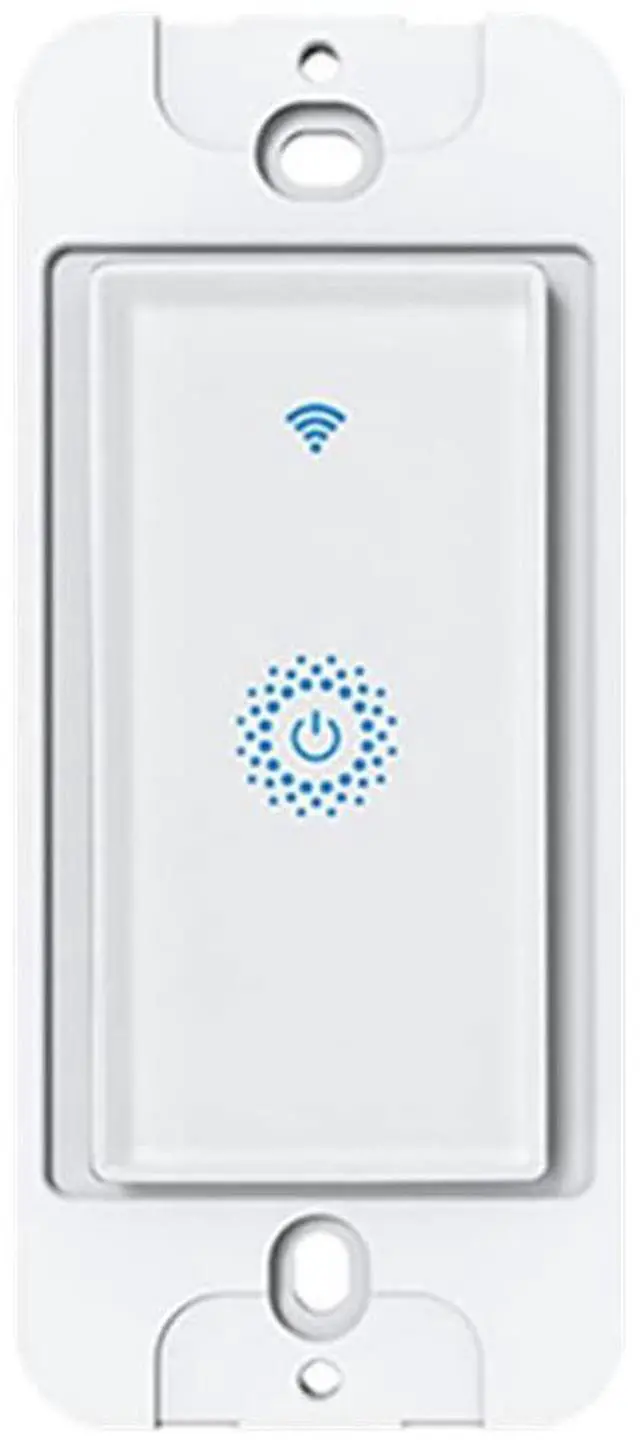
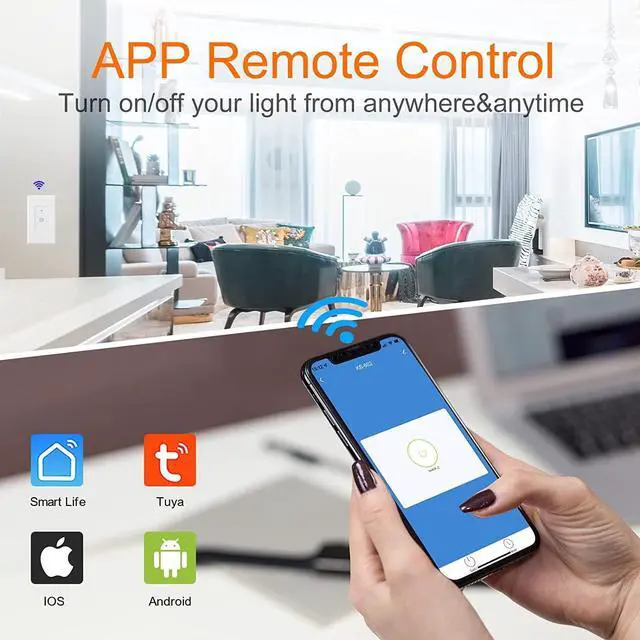
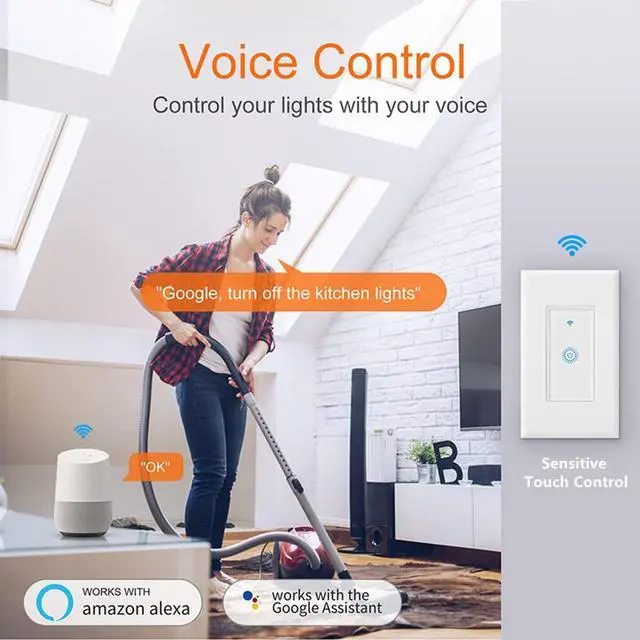
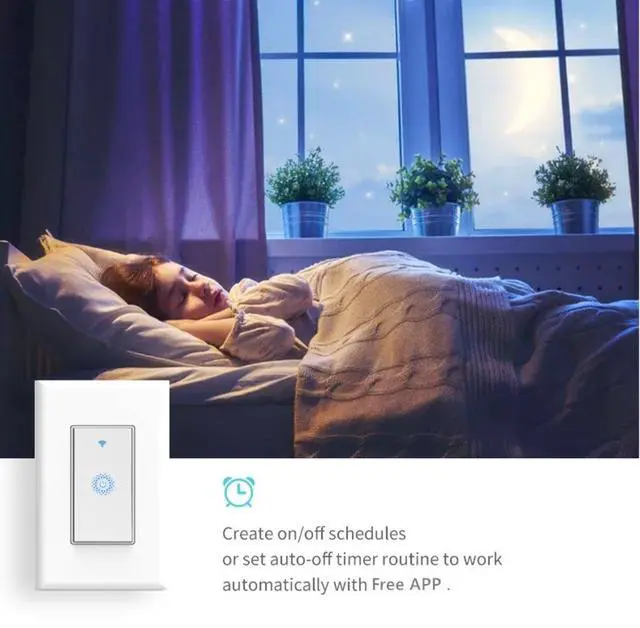



Any questions? Ask CelesteSM will help you find out quickly.

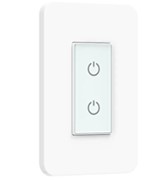
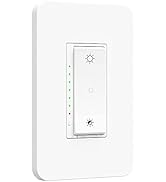
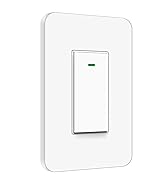
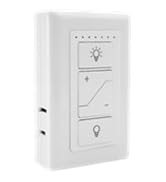
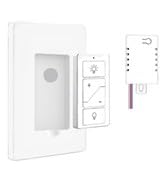
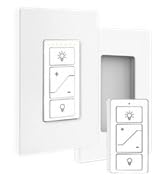
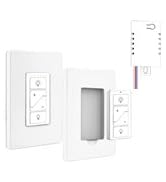
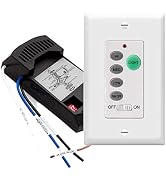

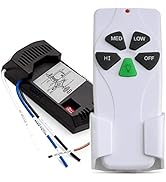


Nexete established in 2011 at Worthingon OH, we are serving a wide customer base in Smart Light Switch and Ceiling Fan Remote Control, We are devoted to R&D creating outstanding products and services.
We believe that everyone loves our smart home technology, we relentlessly make little changes through technology in people's lives and make them easier and happier.


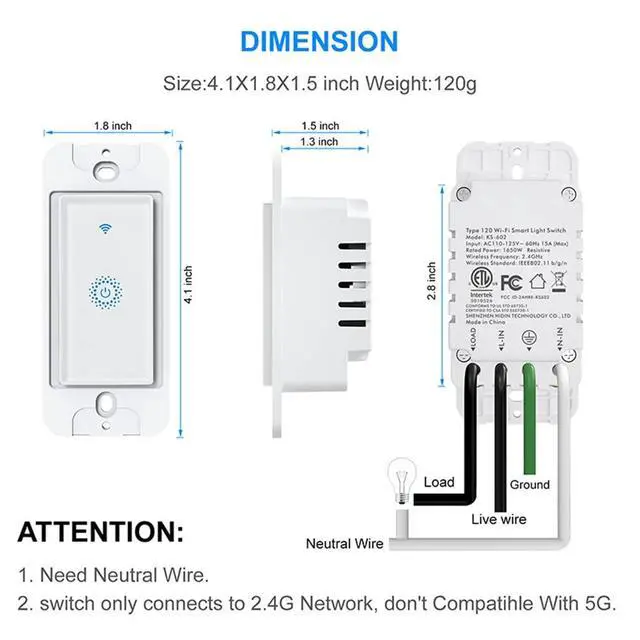
A neutral wire required
How to reset up
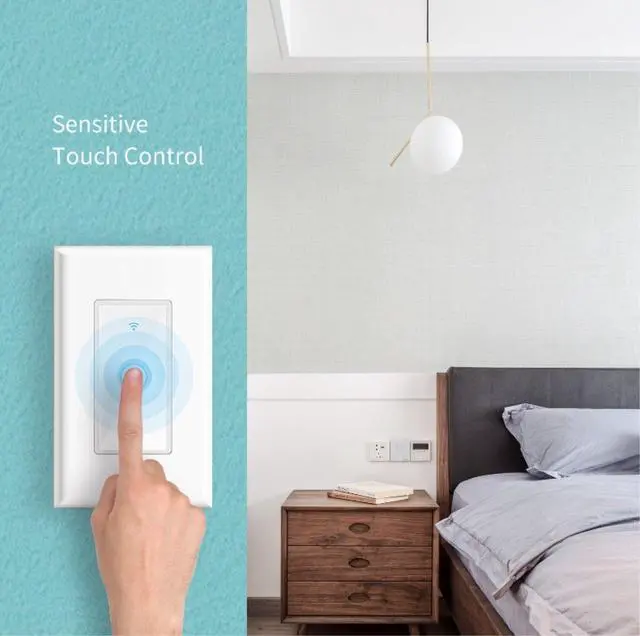
The touch option on the wall plate no longer works, can only turn off and on with Alexa or app and not manually. How to fix this issue?
How to pair with Alexa or Google Assistant:


 Smart Light Switch |  Double Light Switch |  Triple Light Switch |  Smart Dimmer Switch |  Smart 3-Way Switch | |
|---|---|---|---|---|---|
| Customer Reviews | — | — | — | — | — |
| Price | — | — | — | — | — |
| Voice Control | ? | ? | ? | ? | ? |
| Remote Control | Smart Life App | Smart Life App | Smart Life App | Smart Life App | Smart Life App |
| Work with Alexa/Google Home/Siri | ? | ? | ? | ? | ? |
| Single Pole | ? | ? | ? | ? | ? |
| 3 Way | no data | no data | no data | ? | ? |
| Dimmable | no data | no data | no data | ? | no data |
| Voltage | 110-125V | 100-240V | 100-240V | 110-125V | 110-125V |
| Maximum Current | 15A | 15A | 15A | ||
| Wattage | 1650W | 2X600W | 3X600W | 500W INC/150W CFL&LED | 500W INC/150W CFL&LED |
| Wi-Fi Frequency | 2.4GHz | 2.4GHz | 2.4GHz | 2.4GHz | 2.4GHz |

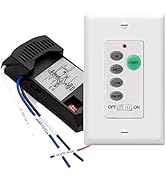
Nexete established in 2011 at Worthingon OH, we are serving a wide customer base in Smart Light Switch and Ceiling Fan Remote Control, We are devoted to R&D creating outstanding products and services.
We believe that everyone loves our smart home technology, we relentlessly make little changes through technology in people's lives and make them easier and happier.

A neutral wire required
How to reset up
The touch option on the wall plate no longer works, can only turn off and on with Alexa or app and not manually. How to fix this issue?
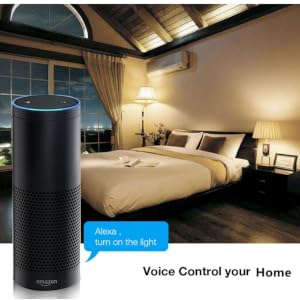
How to pair with Alexa or Google Assistant:


 Smart Light Switch |  Double Light Switch |  Triple Light Switch | Smart Dimmer Switch | Smart 3-Way Switch | |
|---|---|---|---|---|---|
| Customer Reviews | — | — | — | — | — |
| Price | — | — | — | — | — |
| Voice Control | ? | ? | ? | ? | ? |
| Remote Control | Smart Life App | Smart Life App | Smart Life App | Smart Life App | Smart Life App |
| Work with Alexa/Google Home/Siri | ? | ? | ? | ? | ? |
| Single Pole | ? | ? | ? | ? | ? |
| 3 Way | no data | no data | no data | ? | ? |
| Dimmable | no data | no data | no data | ? | no data |
| Voltage | 110-125V | 100-240V | 100-240V | 110-125V | 110-125V |
| Maximum Current | 15A | 15A | 15A | ||
| Wattage | 1650W | 2X600W | 3X600W | 500W INC/150W CFL&LED | 500W INC/150W CFL&LED |
| Wi-Fi Frequency | 2.4GHz | 2.4GHz | 2.4GHz | 2.4GHz | 2.4GHz |



