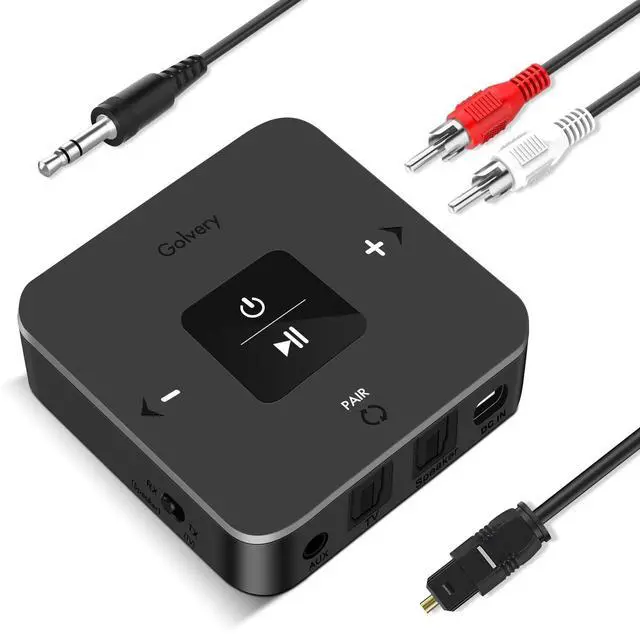
[Transmitter + Receiver 2 in 1]
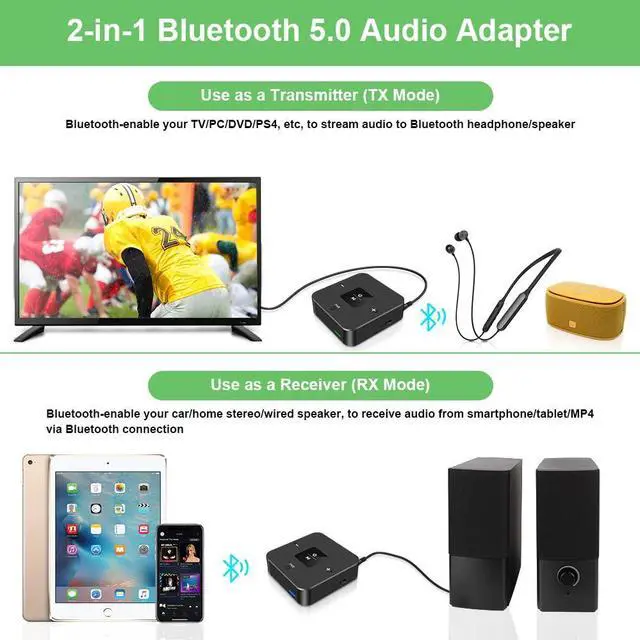
In TX mode: plug it into non-Bluetooth devices such as TV, PC, MP3, CD, DVD Player, or Projector to transmit audio to Bluetooth headphones or speakers. (Please note it is not an FM Transmitter for Car Radio. )
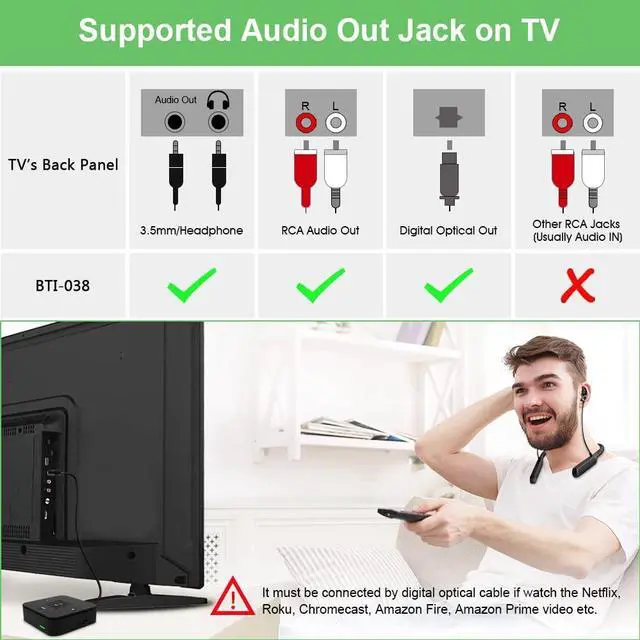
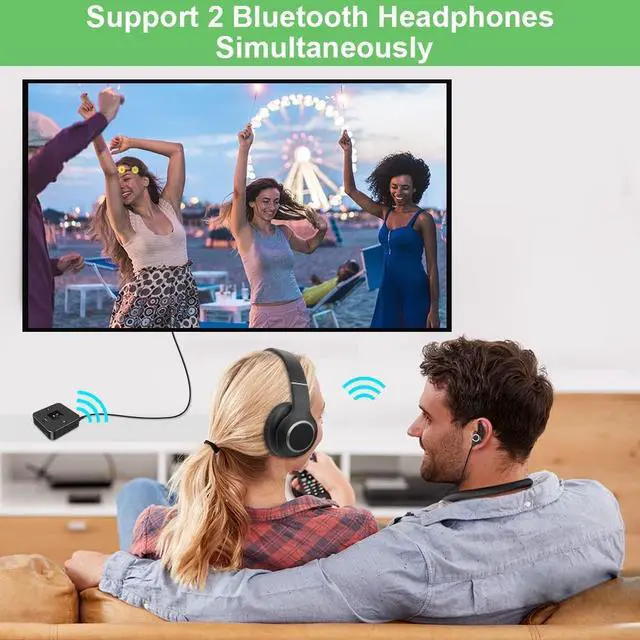
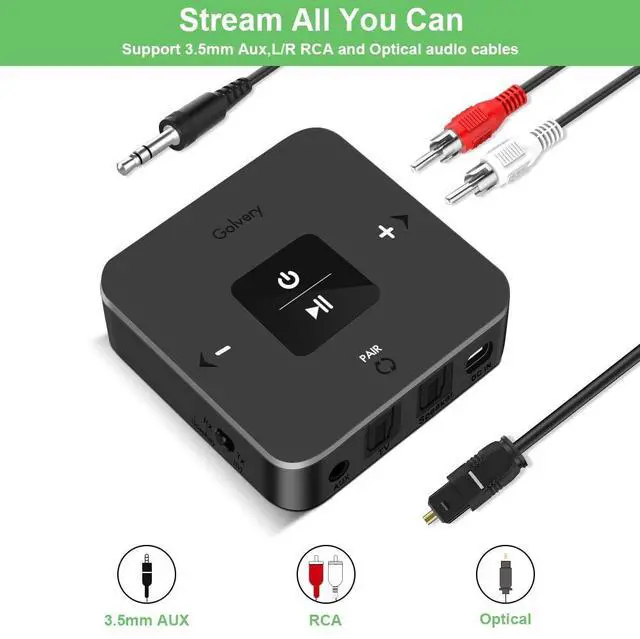
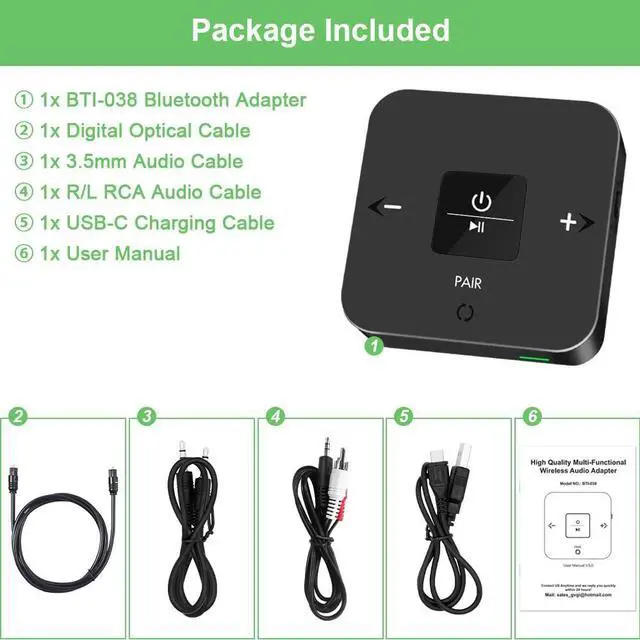
In RX mode: plug it into a car speaker, home theater, wired speaker, or headphones to receive audio from a smartphone, tablet, or laptop via Bluetooth connection. [Great Stereo Sound] Equipped with an advanced Bluetooth chipset and the latest Bluetooth 5.0 version, this BTI-038 Bluetooth AUX adapter upgrades non-Bluetooth devices to Bluetooth-enabled function, provides fast transmission and stable connection, and transmits CD-like stereo quality sound. Adjust the volume directly on the transmitter with easy-to-use volume control buttons for a personalized listening experience. [Dual Connection] This BTI-038 Bluetooth adapter can pair with 2 Bluetooth headphones or speakers in TX mode to share audio with family or friends without disturbing others. It can also pair with 2 Bluetooth devices like a smartphone and tablet in RX mode, and you can easily switch the playing source between the two devices. [Compatible with 99% TVs] The BTI-038 Bluetooth transmitter has AUX, Optical, and USB audio inputs, giving you the most flexibility and quality for connecting to your TV or PC.
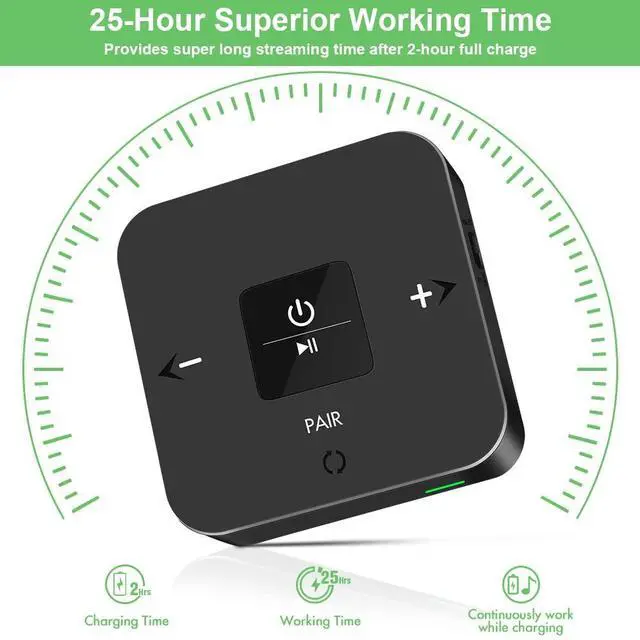
NOTE: For TV optical output, please set the TV audio format to PCM/LPCM. Dolby/DTS is not supported. Equipped with the latest Bluetooth 5.0, the BTI-038 ensures stable and reliable connectivity of up to 33 ft/100m (without obstacles). Move around the house without interrupting the audio. It can work fine while charging and provides non-stop streaming all day long. [Warm Tips] Make sure your Bluetooth headset or speaker's Bluetooth is not connected to any other device; otherwise, you can't connect. Make sure your headset is disconnected from the previously connected device. It is prohibited to use a mobile power supply to supply power to the BTI-038. [Warm Tips] It is recommended to connect the BTI-038 to the Bluetooth headphones before turning on the TV, or turn off the Bluetooth of the TV and then put the BTI-038 into pairing mode with the headset. The TV's Bluetooth interferes with product pairing





 here!
here!