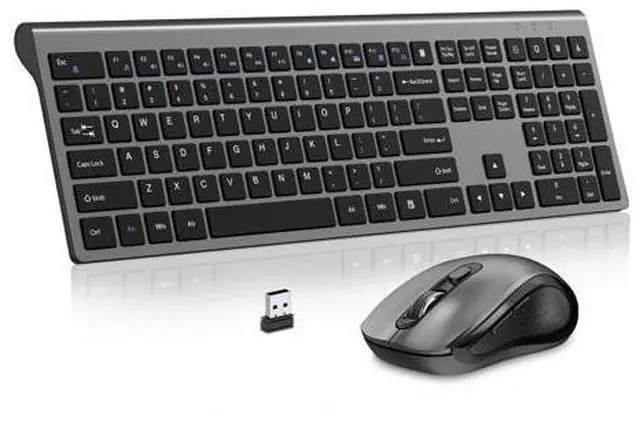
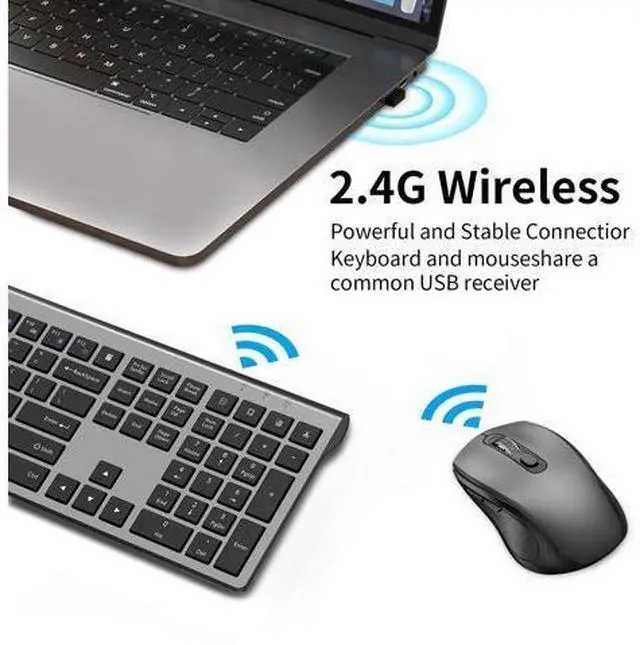
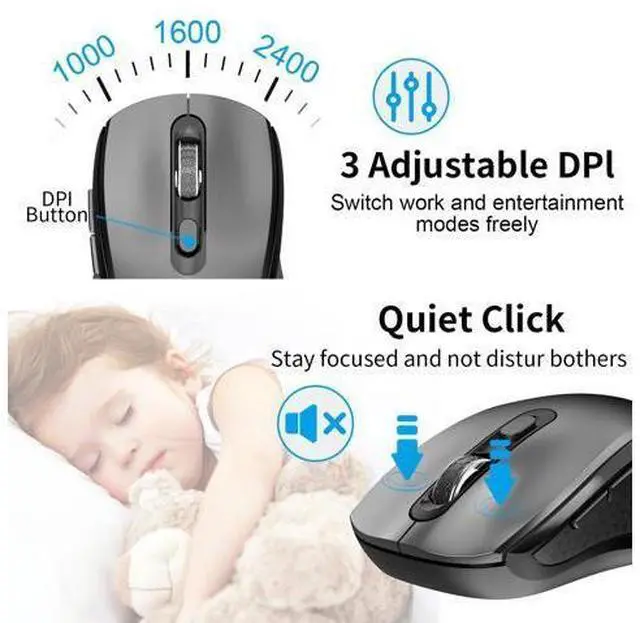
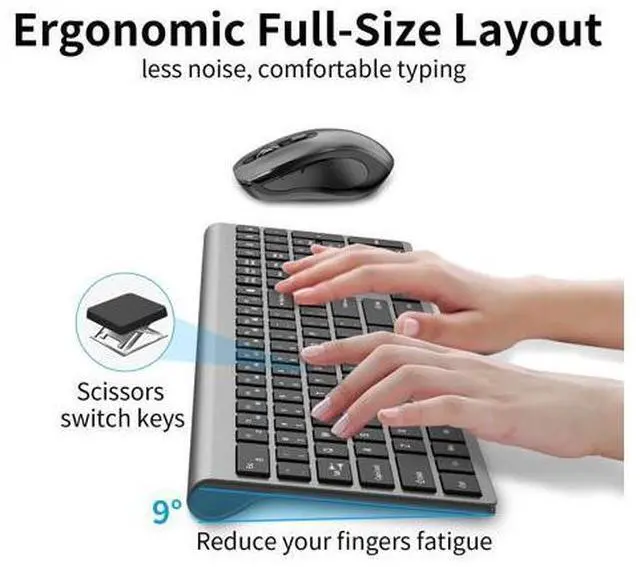
Previous page Wireless Keyboard and Mouse 2.4G Wireless Mouse Dual Mode Arc Wireless Mouse Next page Previous page Next page 1 SILENT DESIGN 2 ERGONMIC DESIGN 3 2-IN-1 USB DONGLE Previous page Next page Previous page Next page Is there only one USB connector? YES, keyboard and mouse share ONE USB receiver.? lf the mouse does not respond and the keyboard is working properly, how can l re pair the mouse? 1. Unplug the receiver of computer. 2. Simultaneously press and hold the wheel button, the left button, and the right button for 5 seconds.
(no lights wilight up) 3. nsert the USB receiver into the computer within 15 seconds. If the keyboard is unresponsive and the mouse is working properly, how can l re pair the keyboard? 1. Unplug the receiver of computer. 2. Press and hold the "ESC" and "=+" buttons for about 3 seconds, the keyboard enters pairing mode, and the power indicator light turns red. 3. Insert the USB receiver into the computer within 15 seconds. How do l use the multimedia or F1-F12 functions? To access the F1-F12 function keys, simply press the Fn key +F1-F12 key, Fn key locked, press Fn+Esc to unlock; Mac os system is not compatible withF1-F12 functions.
2 SILENT DESIGN 3 ERGONMIC DESIGN 4 2-IN-1 USB DONGLE Is there only one USB connector? YES, keyboard and mouse share ONE USB receiver.? lf the mouse does not respond and the keyboard is working properly, how can l re pair the mouse? 1. Unplug the receiver of computer. 2. Simultaneously press and hold the wheel button, the left button, and the right button for 5 seconds. (no lights wilight up) 3. nsert the USB receiver into the computer within 15 seconds. If the keyboard is unresponsive and the mouse is working properly, how can l re pair the keyboard? 1.
Unplug the receiver of computer. 2. Press and hold the "ESC" and "=+" buttons for about 3 seconds, the keyboard enters pairing mode, and the power indicator light turns red. 3. Insert the USB receiver into the computer within 15 seconds. How do l use the multimedia or F1-F12 functions? To access the F1-F12 function keys, simply press the Fn key +F1-F12 key, Fn key locked, press Fn+Esc to unlock; Mac os system is not compatible withF1-F12 functions. Wireless Keyboard and Mouse 2.4G Wireless Mouse Dual Mode Arc Wireless Mouse What's in the box: 1 * Wireless Keyboard, 1 * Wireless Mouse, 1 * USB
Receiver,
(NOTE: The USB receiver is stored at the bottom of the mouse). 1 * User Manual.
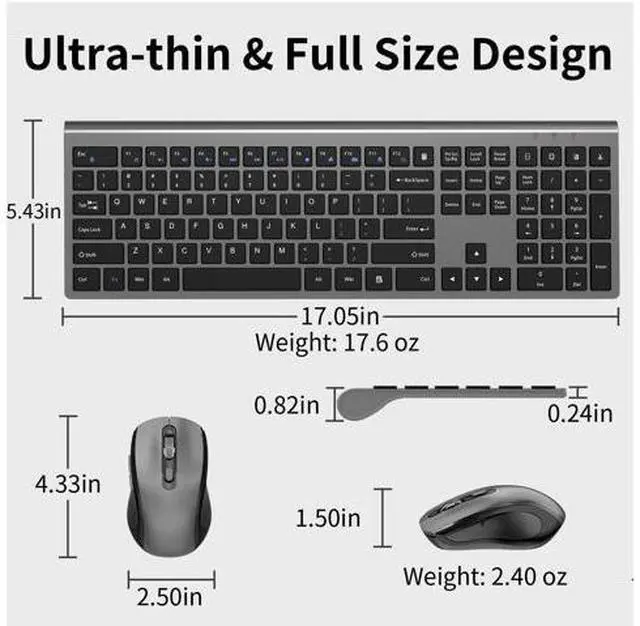
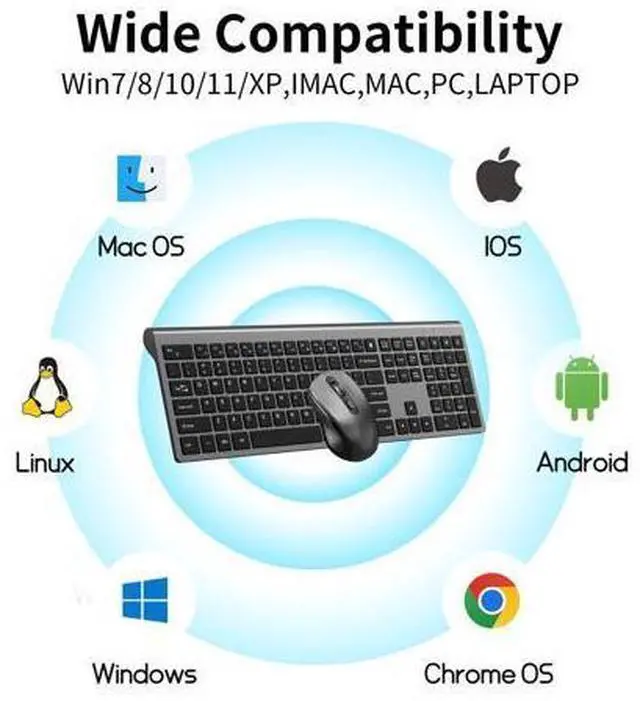
Trouble Shooting: 1. Trying moving the keyboard and mouse more closer to USB nano receiver 2. Pull out the USB receiver and plug it firmly to USB port 3. Please Replace the battery if mouse and keyboard become lag or inconsistant connection. The RED power LED will blink every 5s if low battery 4. Plug your nano receiver to some other USB port of your PC or laptop 5. Try to pair the keyboard and mouse with nano receiver again if power led indicatesin RED but no response. Press and hold "Esc" & "+/=" for 3 seconds, the keyboard enters pairing mode. Press and hold the "left button, middle button and right button" of the mouse for 5 seconds, the mouse enters pairing mode. Product information Brand ACOZYKITTEN Color KM468-Grey Connectivity Technology USB Wireless Special Feature Ergonomic, Soundless, Wireless Compatible Devices Laptop, Personal Computer, Tablet Package Dimensions 17.72 x 6.46 x 2.32 inches Item Weight 1.54 pounds Date First Available December 19, 2024 Manufacturer ACOZYKITTEN Additional Features The noiseless mouse adopts an invisible light design, which avoidsdiscomfort caused by strong light at the bottom of the mouse tothe eyes and is more energy-efficient This wireless mouse keyboard enjoys 60 days money-back and a18-monthworry-free warranty.
Package includes: 1 wireless keyboard and mouse, 1 USB receiver, and 1user manual. Please contact us, if youencounter any problems during use